
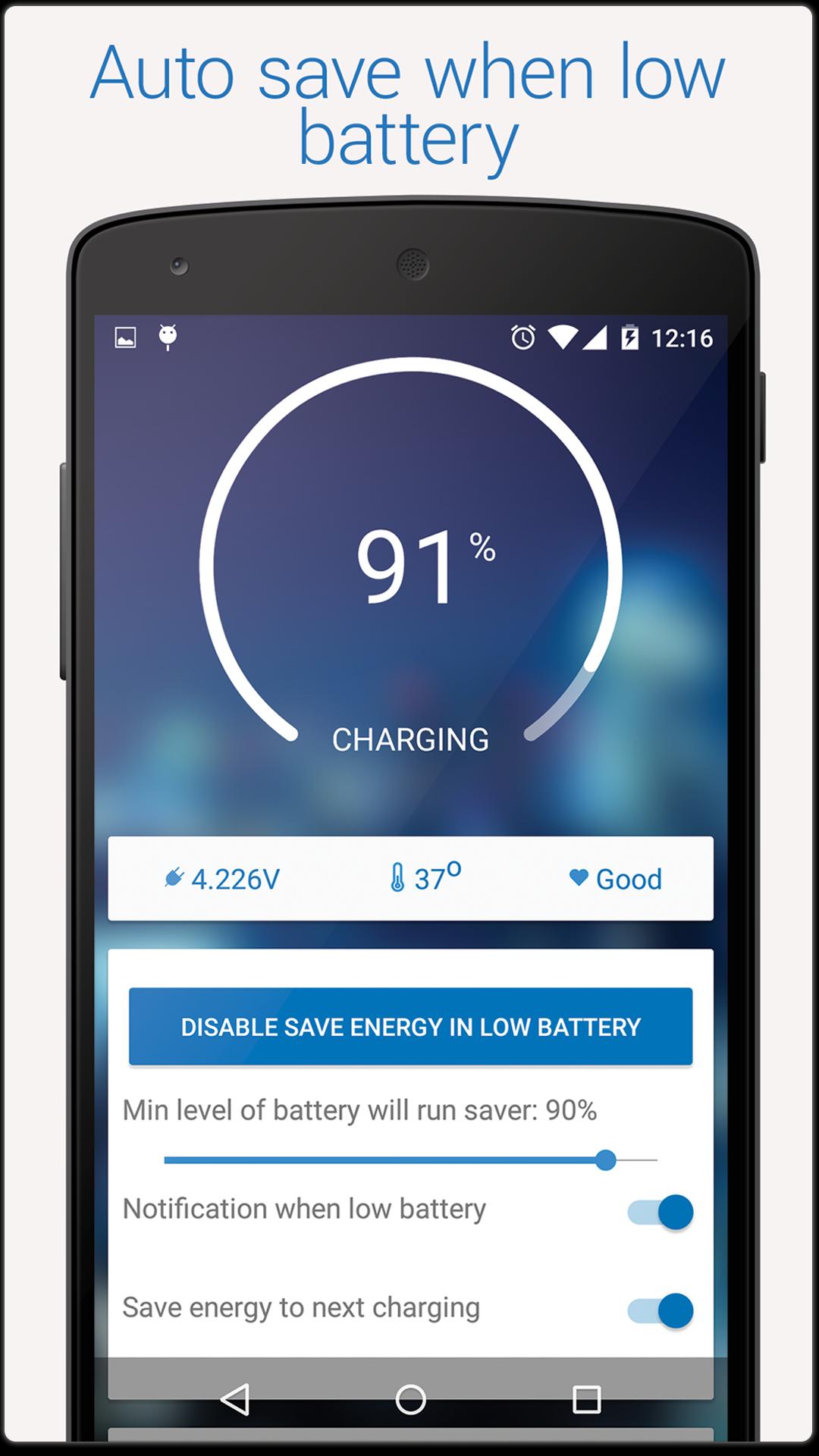
Low Power Mode will help you automatically optimize battery saving when the battery is low. Application will automatically activate when you reach a battery level that you want to save. And after you connect the charger, app will recover on before you open saving mode.
How is the Low Power Mode activate?
You customize percent of battery that you want to turn on battery saving automatically, when your phone reach battery level which it will automatically activate battery saving.
- App will be turn off Wi-Fi, 3G, Bluetooth if you want
- Reduce screen brightness according battery level that you assigned in setting
- Stop applications which run implicit
- It will notify you that you are in battery saving mode
- When does it stop saving battery? It is very simple, that time you plus the charger
Thanks for using Low Power Mode
Latest Version
1.0.3Uploaded by
Oliver Wever
Requires Android
Android 3.2+
Category
Free Tools AppContent Rating
Everyone
Report
Flag as inappropriateLast updated on Dec 20, 2015
- Fix bug when low mode
- Low power mode
- Auto detect when low battery




APKPure - A multi-platform app store primarily focused on Android, providing extensive app-related content. Discover the app you want easier, faster, and safer, with quick and efficient downloads and installations.











