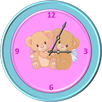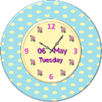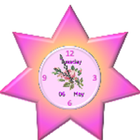
A lovely Analog clock widget with date and week day shaped as a pink star. This clock will enhance your smartphone's home screen looks.
How to use ?
1.Install application.
2. Install UCCW app from store if not done so yet.
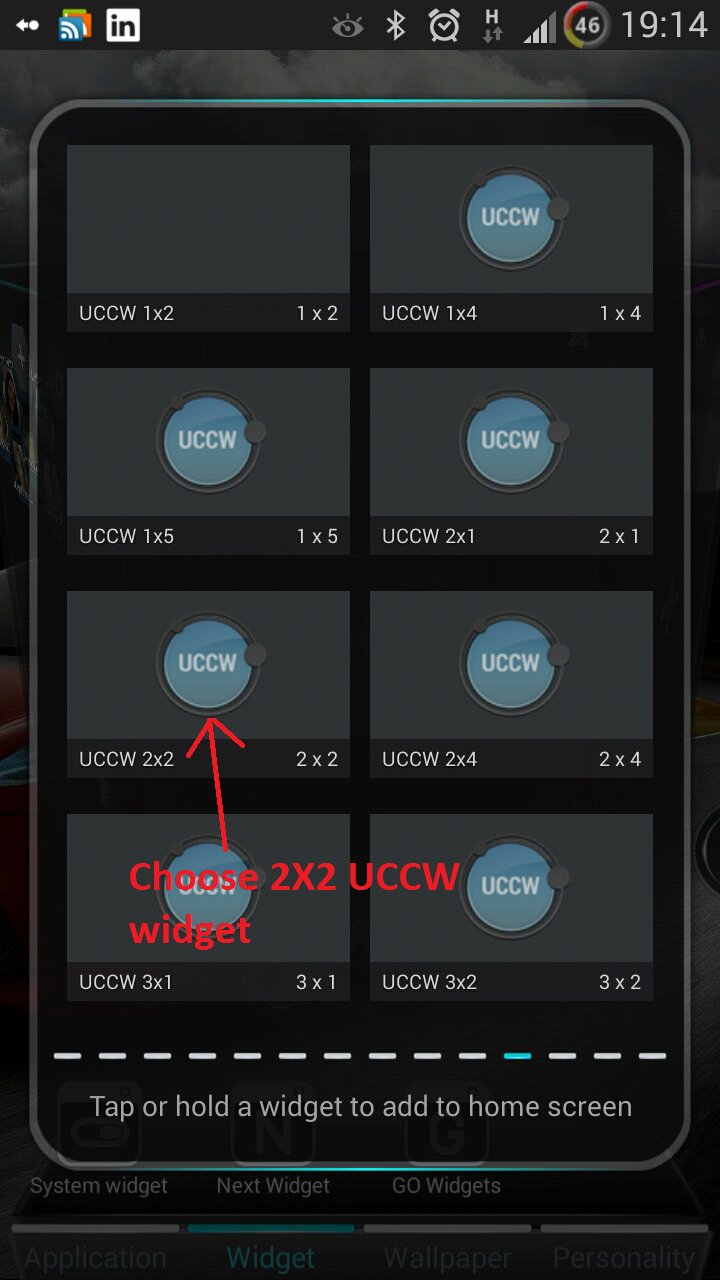
3. Create a new UCCW widget (choose 2X2 ).
4. Search for "Analog clock light UCCW Skin" on your list.
5. Place the clock on your home screen.
Have fun!
A custom launcher will enable you zooming the clock.
If you have a problem with the skin email me at: zingware@gmail.com
Latest Version
1.1Uploaded by
Aura Gard
Requires Android
Android 2.2+
Category
Free Personalization AppContent Rating
Unrated · Warning – content has not yet been rated. Unrated apps may potentially contain content appropriate for mature audiences only.
Report
Flag as inappropriateLast updated on Oct 19, 2015
Minor Bug Fixes



APKPure - A multi-platform app store primarily focused on Android, providing extensive app-related content. Discover the app you want easier, faster, and safer, with quick and efficient downloads and installations.