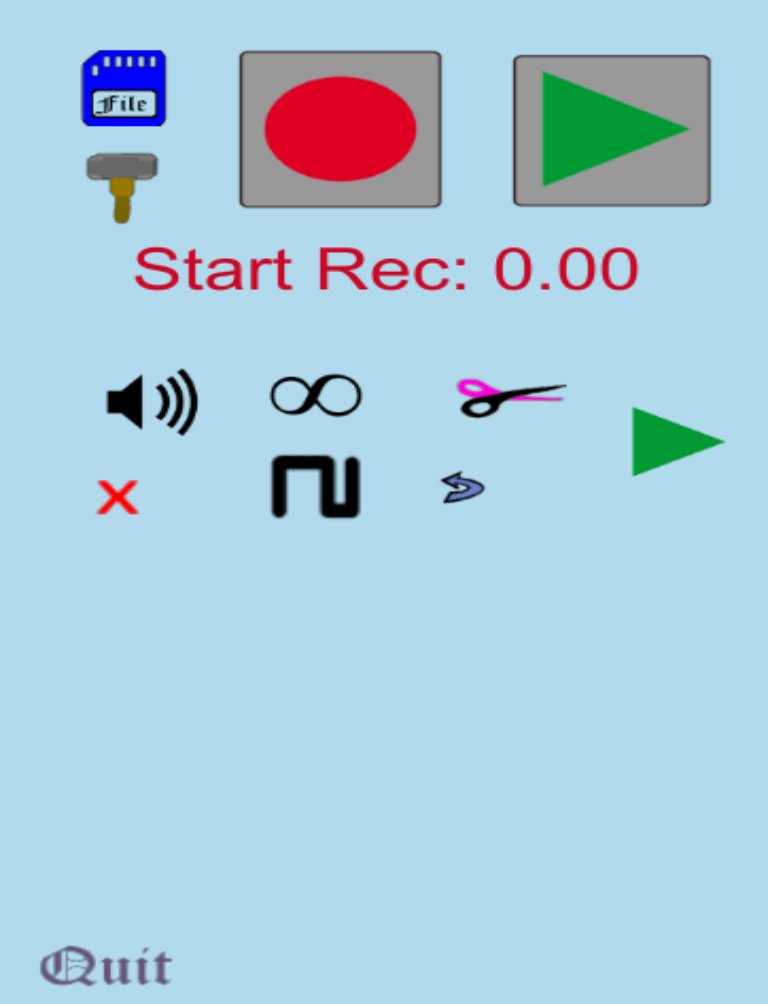
- Graphical Sound Editor: cut, copy, paste, crop, merge, insert, space, delete, reverb, amplify, reverse, and loop.
- Undo/Redo capability.
- Save WAV files (16 bit) to Google Drive or your device.
- Open audio files from Google Drive or your device.
- There are no ads and no in-app purchases. Please support further development of the app by purchasing the paid version.
- Synchronize and merge other sounds together with up to 8 channels of surround sound capability.
Privacy:
I know it may seem daunting, but this app needs quite a few permissions to function properly. I hope you will understand that these permissions allow the app to locate audio files to load.
- This app needs to access the microphone for recording tracks.
- This app needs to read the contents of your SD card to upload MP3 and WAV files as tracks.
- This app needs to be able to add contents to your SD card when saving tracks as WAV files.
- This app needs to get accounts for the Google Drive upload/download feature.
- This app needs to manage accounts for the Google Drive upload/download feature.
- This app needs to use credentials for the Google Drive upload/download feature.
Device Access:
- This app needs full network access for the upload/save features to work properly.
- This app needs to read the phone state for the Google Drive upload/download feature.
Refund Policy:
You have the right to obtain a full refund within 48 hours after purchase.
Software License Agreement:
By downloading this application from Nick Schaafsma or Google™ (“The Company” when referring to both Nick Schaafsma and Google™), installing or using this application or any portion thereof (“Application”), you agree to the following terms and conditions (the “Terms and Conditions”) specified at https://sites.google.com/site/loopmultitrackmusicrecorder/software-license-agreement
References:
1) The speaker icon, "Speaker voice song", by Yannick is licensed under CC by 3.0. Here is the icon link: http://www.flaticon.com/free-icon/speaker-voice-song_12351 Here is the icon license link: http://creativecommons.org/licenses/by/3.0/ A derivative mute icon was created from this icon, as well as an orange speaker icon.
2) There is a derivative save card icon created from the icon "Save card". The original work was created by Freepik and is licensed under CC by 3.0. Here is the original icon link: http://www.flaticon.com/free-icon/save-card_1272 Here is the original icon license link: http://creativecommons.org/licenses/by/3.0/
3) For the Google Drive feature, I found this amazing resource/plugin from MidWorld at https://github.com/midworld/unity-googledrive. MidWorld's plugin is licensed under Apache 2.0.
Latest Version
2.8.10Uploaded by
冯瑶
Requires Android
Android 3.2+
Category
Free Music & Audio AppContent Rating
Everyone
Report
Flag as inappropriateLast updated on Jan 27, 2017
1) Better Volume



APKPure - A multi-platform app store primarily focused on Android, providing extensive app-related content. Discover the app you want easier, faster, and safer, with quick and efficient downloads and installations.












