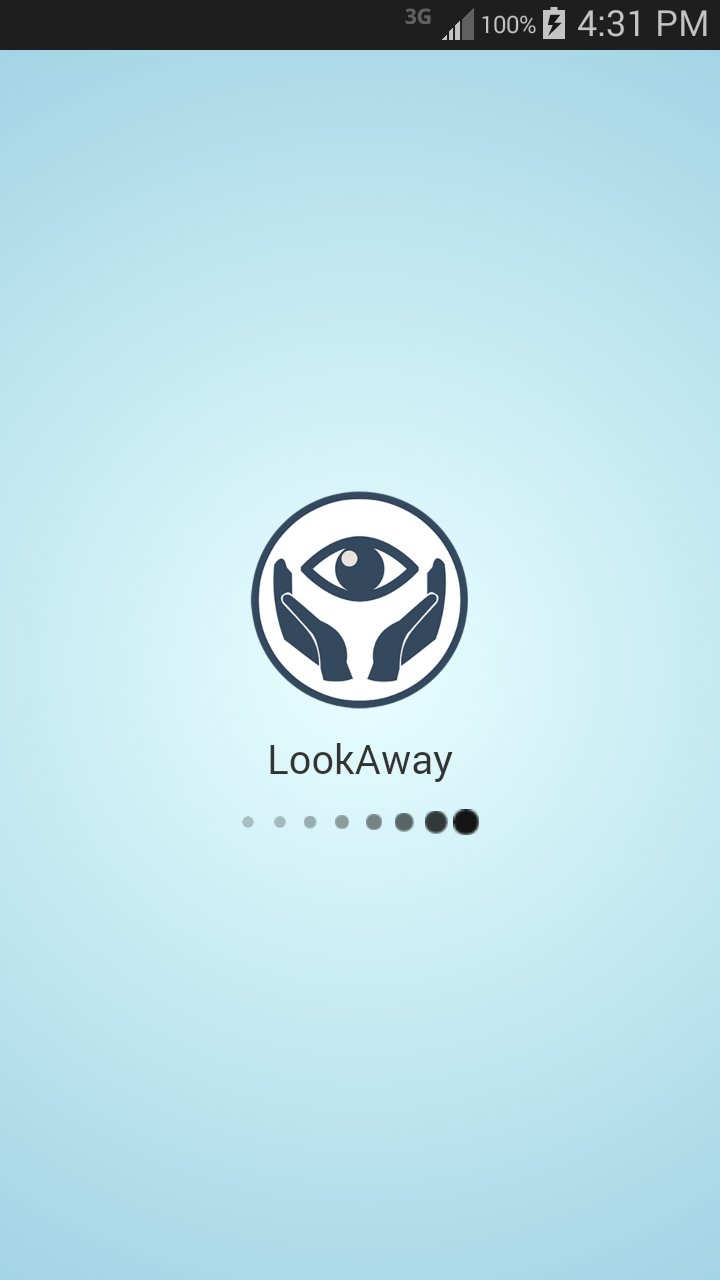
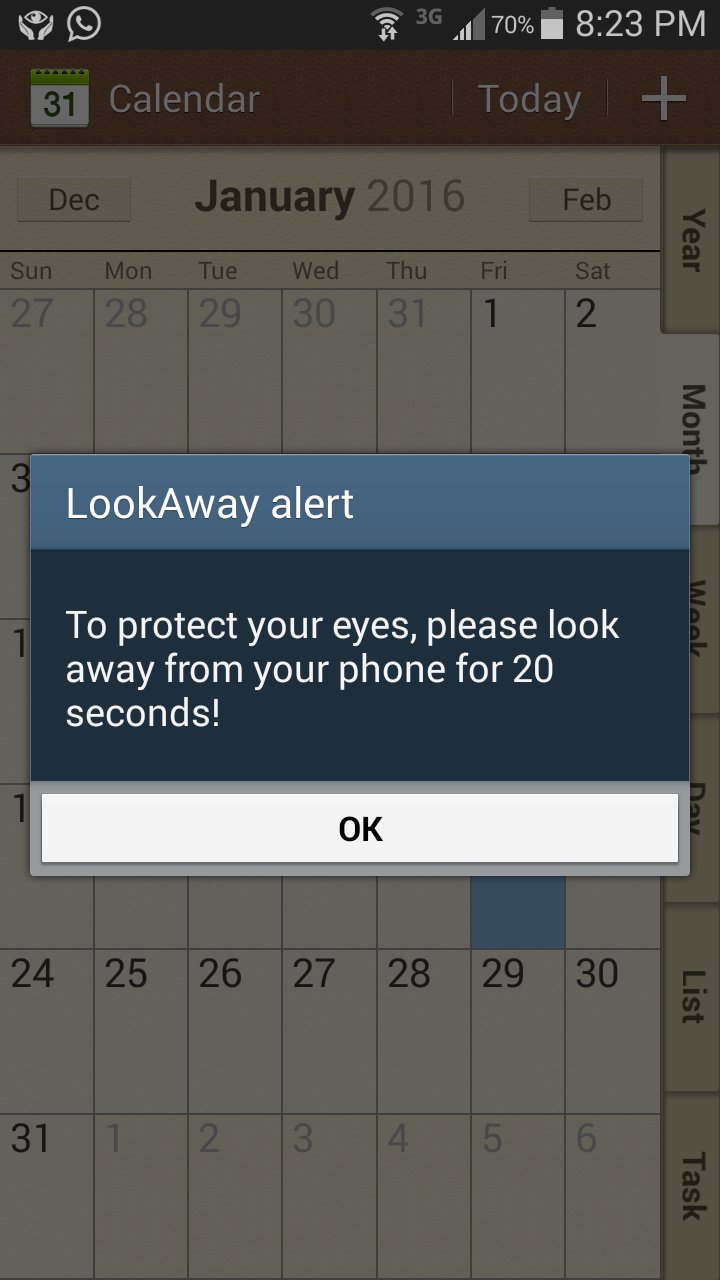
LookAway is a tool helps you to protect your eyes while you are using your phone, LookAway alerts you to look away form your phone screen periodically according to the time period you specify to the app.
How to use?
It's simple as 1-2-3!
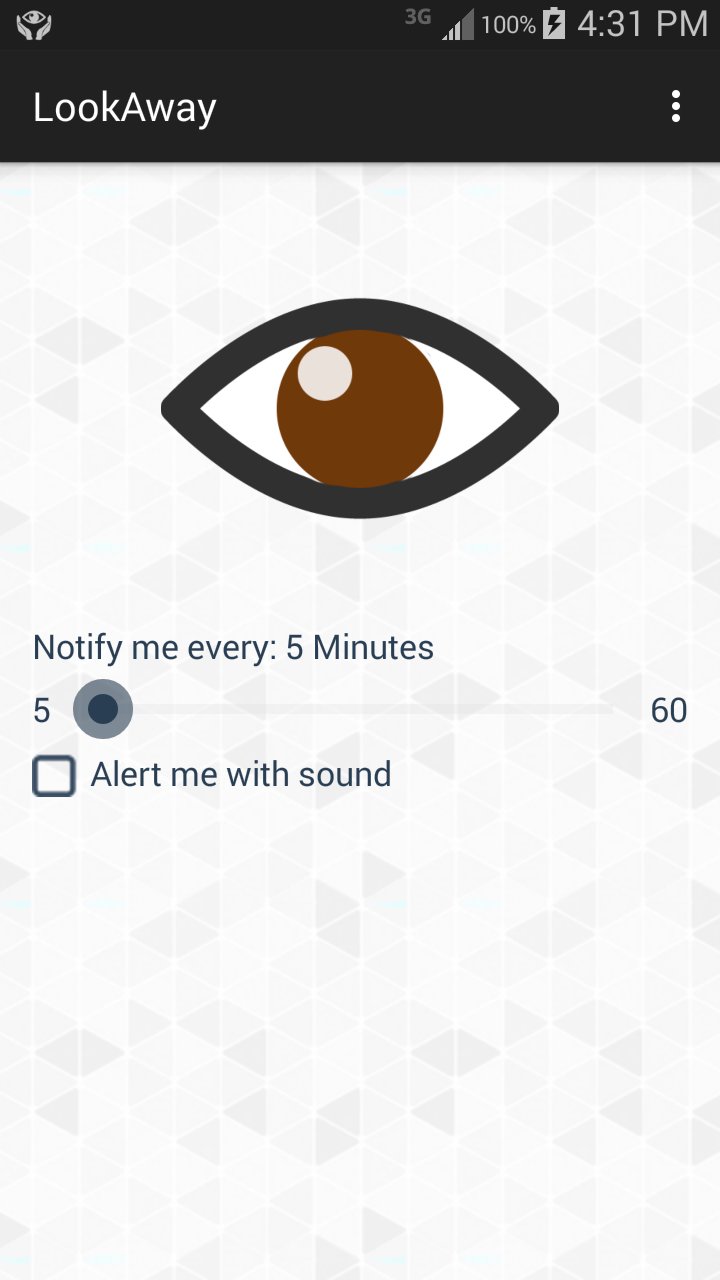
1- Set the time period using the Seekbar (20 minutes is very recommended).
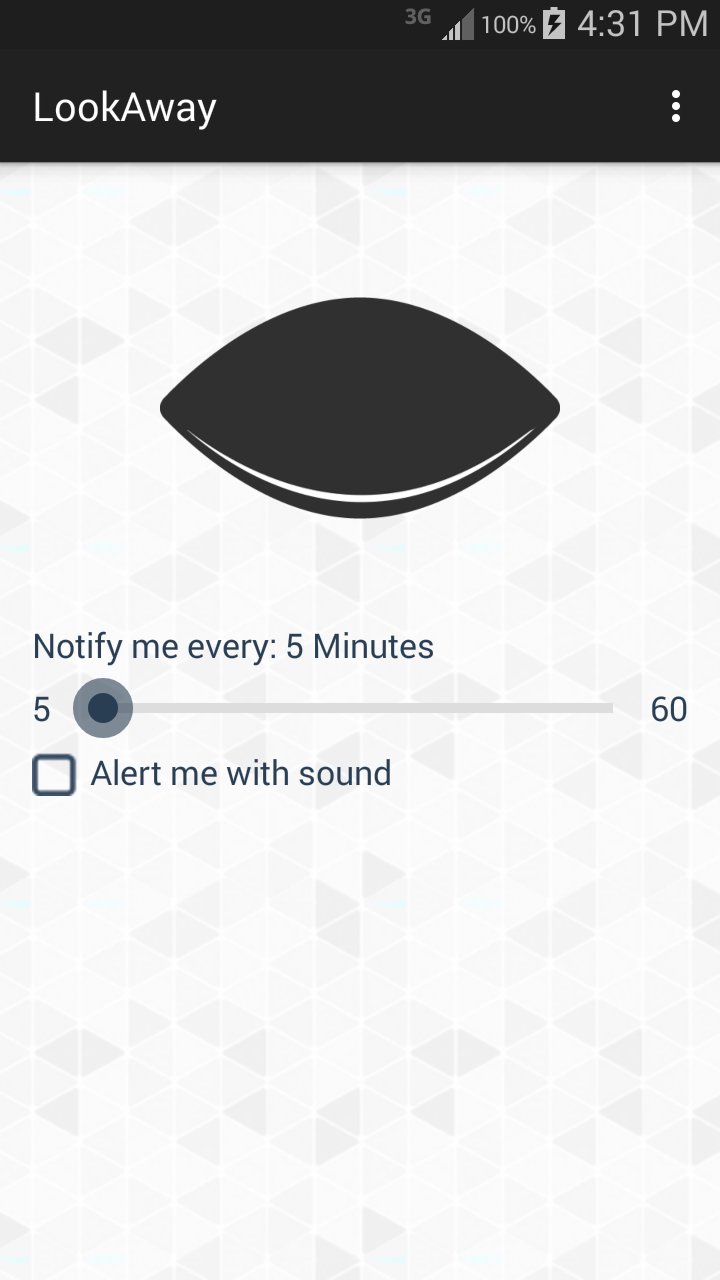
2- Click the closed eye icon to start the alerting (closed eye means that alerting is stopped, open eye means that alerting is started).
3- Press the home button in your phone to navigate to the home screen of your phone or go back to the work you were doing before launching LookAway (don't use the back button or it will close the app).
Enjoy!
Please feel free to tell us everything in the reviews, we are always listening.
Latest Version
1.7Uploaded by
Ahmed Mohammed Ahmed
Requires Android
Android 4.1+
Category
Free Tools AppContent Rating
All ages
Report
Flag as inappropriateLast updated on Feb 26, 2016
Bug fixes.


APKPure - A multi-platform app store primarily focused on Android, providing extensive app-related content. Discover the app you want easier, faster, and safer, with quick and efficient downloads and installations.