This simple and small software will allow you to log in to Windows account without entering any password.
All you need is a WiFi connection between your phone and PC.
1) Install the latest version of LogonTouchUI on the PC from here:
https://github.com/peanutwolf/LogonTouchUI/releases
2) Launch LogonTouchUI on your PC.
Enter user credentials and wait for QR code to be generated.
3) Launch LogonTouch on your phone.
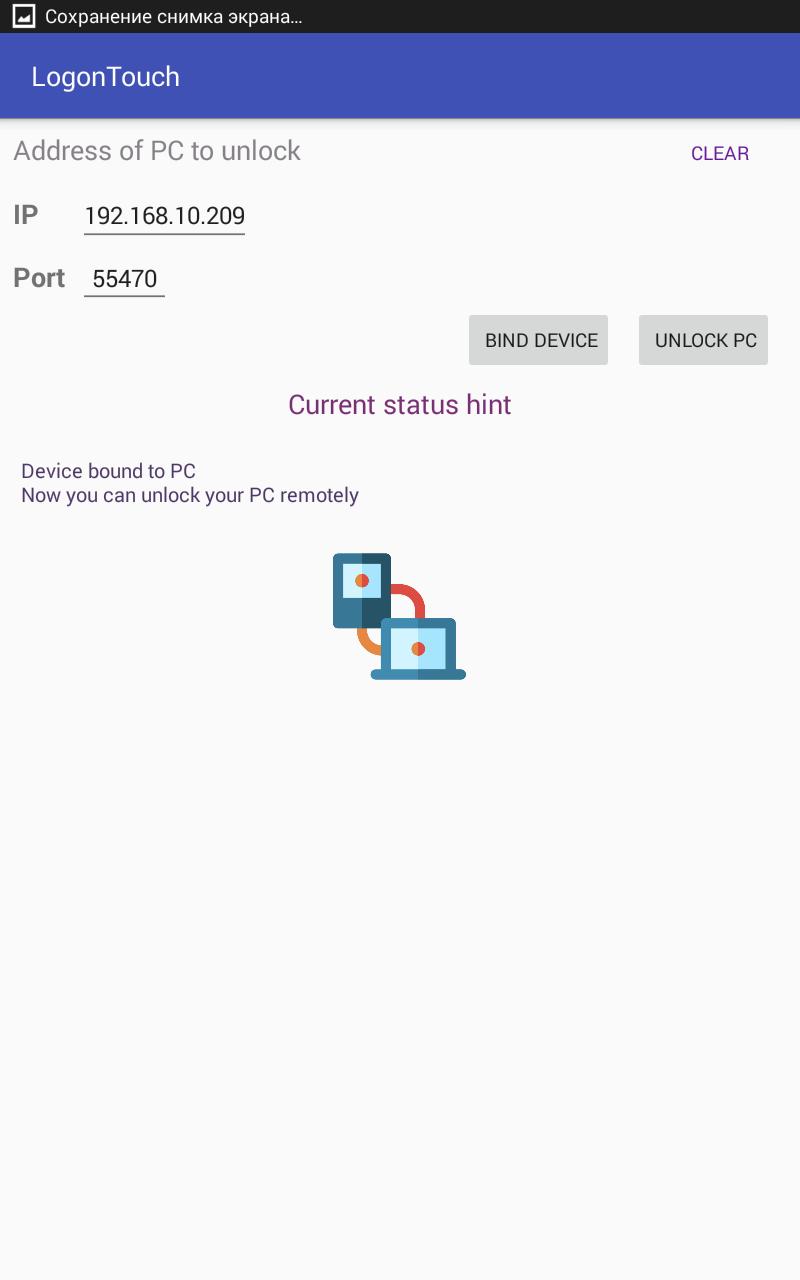
Enter IP address of your PC.
Press "Bind Device" button and scan the QR code.
4) Done.
Now you can unlock your PC with "Unlock PC" button hit.
Latest Version
1.4Uploaded by
Douglas Martins
Requires Android
Android 4.4+
Category
Free Tools AppContent Rating
Everyone
Report
Flag as inappropriateLast updated on May 16, 2018
Fix certificate delivery on device bind.





APKPure - A multi-platform app store primarily focused on Android, providing extensive app-related content. Discover the app you want easier, faster, and safer, with quick and efficient downloads and installations.