Package Name:com.lockr.mobile
SHA-256:dc07a2ccc69410addb144f326806eb1d6a0ebcccf4a89ec75d5cd265af5d4fb9
Show More
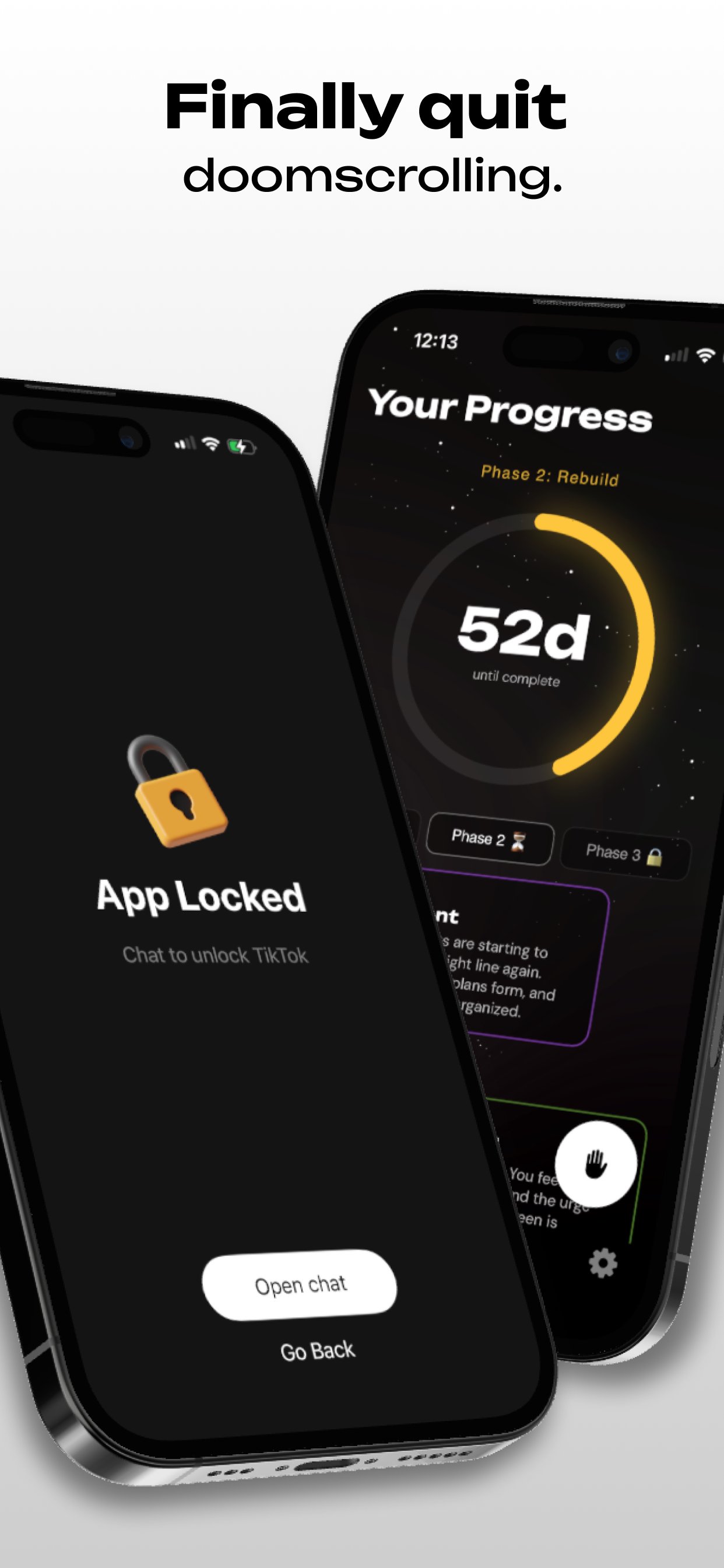
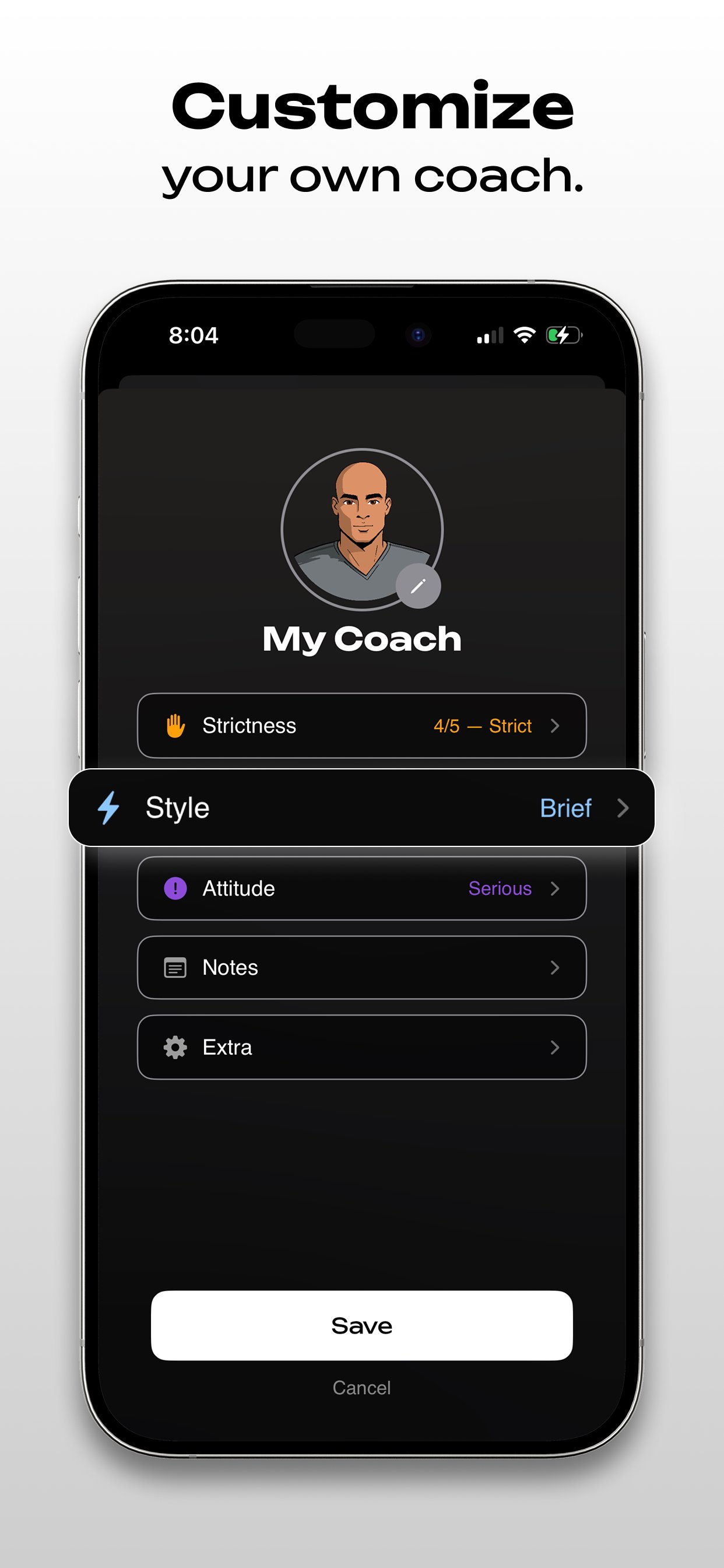
Stop doomscrolling today and reclaim your time! LOCKR is a screen time control app blocker that uses a personalized AI focus coach. You select the apps you want to block and whenever you open one of those apps, LOCKR intercepts it. To get access to an app, you have to provide a reason for the access. The coach will evaluate your reason and, based on the strictness that you set, it will decide on an appropriate amount of time for your access. When the timer ends, it will lock you out of the app again. It works with your screen time data to adapt your coach's strictness, track your progress, and show you exactly how much time you've reclaimed relative to your goal. Here are all of the features you get:
- Instant app and website blocking
- A personalized focus coach you can configure
- Insights into your screen time usage through analytics
- Daily check-ins that tell your coach how you're doing
- A way to set and track your screen time goals
- A focus and pause mode for adaptive blocking
PRIVATE & SAFE
* All features above require a subscription
LOCKR uses Android’s AccessibilityService API to detect when you open restricted apps like social media or games, and block or redirect them as part of its screen-time control features. This is the app’s core functionality.
LOCKR does not record, transmit, or share your screen contents. The service only runs for apps you specifically choose to restrict.
LOCKR also lets users set personal lifestyle goals, such as daily steps, distance walked or run, and active calories burned, to encourage healthier real-world habits instead of phone use.
With user permission, LOCKR connects to Health Connect to automatically display progress toward these goals, removing the need to manually track fitness data.
Terms of Service: https://trylockr.com/terms.html
Privacy Policy: https://trylockr.com/privacy.html
Latest Version
2.0Uploaded by
Mohammed Atya
Requires Android
Android 8.0+
Category
Free Productivity AppContent Rating
Everyone
Security Report
Check Now
Report
Flag as inappropriateLast updated on Jul 14, 2026
Thanks for using LOCKR, the #1 app to lower screen time and quit doomscrolling. Reclaim your time and focus today.
- Added gamified orb system
- Added recovery tracker
- Added coach screen to pause
- Limited to one pause per day
- Added introduction/tutorial to app
- Added kilometers for European users
- Added a clipping program within settings
- Minor bug fixes and experience improvements





APKPure - A multi-platform app store primarily focused on Android, providing extensive app-related content. Discover the app you want easier, faster, and safer, with quick and efficient downloads and installations.