Is your device's power button not working or is it broken?
Don't want to wait for the 15 seconds timeout to lock the screen?
Then here's your life and money savior!
Lock Screen
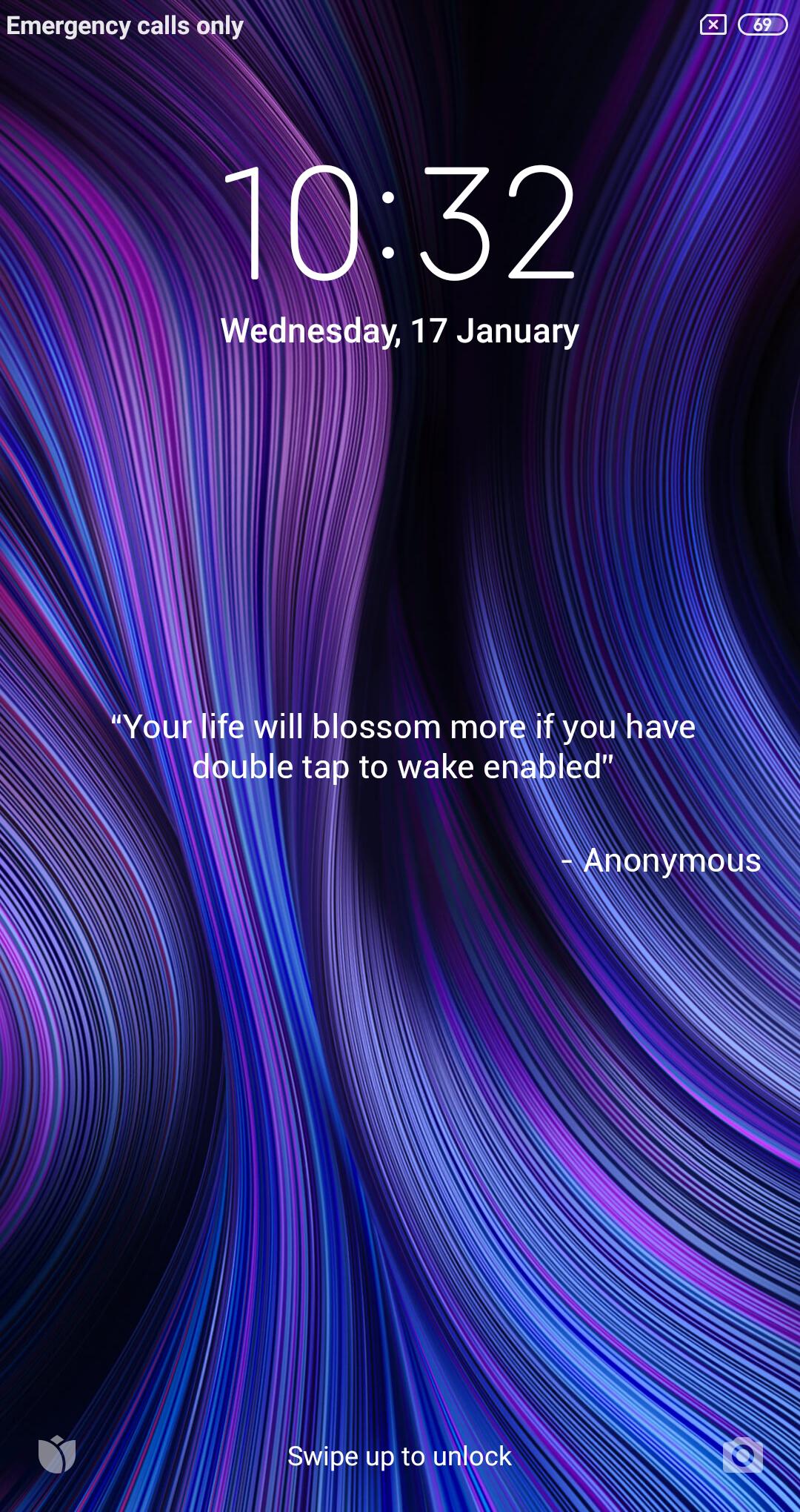
Lock Screen locks the device's screen by putting the device into sleep/standby mode. In other words, it does the same thing what the power button does after it is pressed and released once.
Features
- Supports all android versions through Android 4.3 (Jelly Bean)
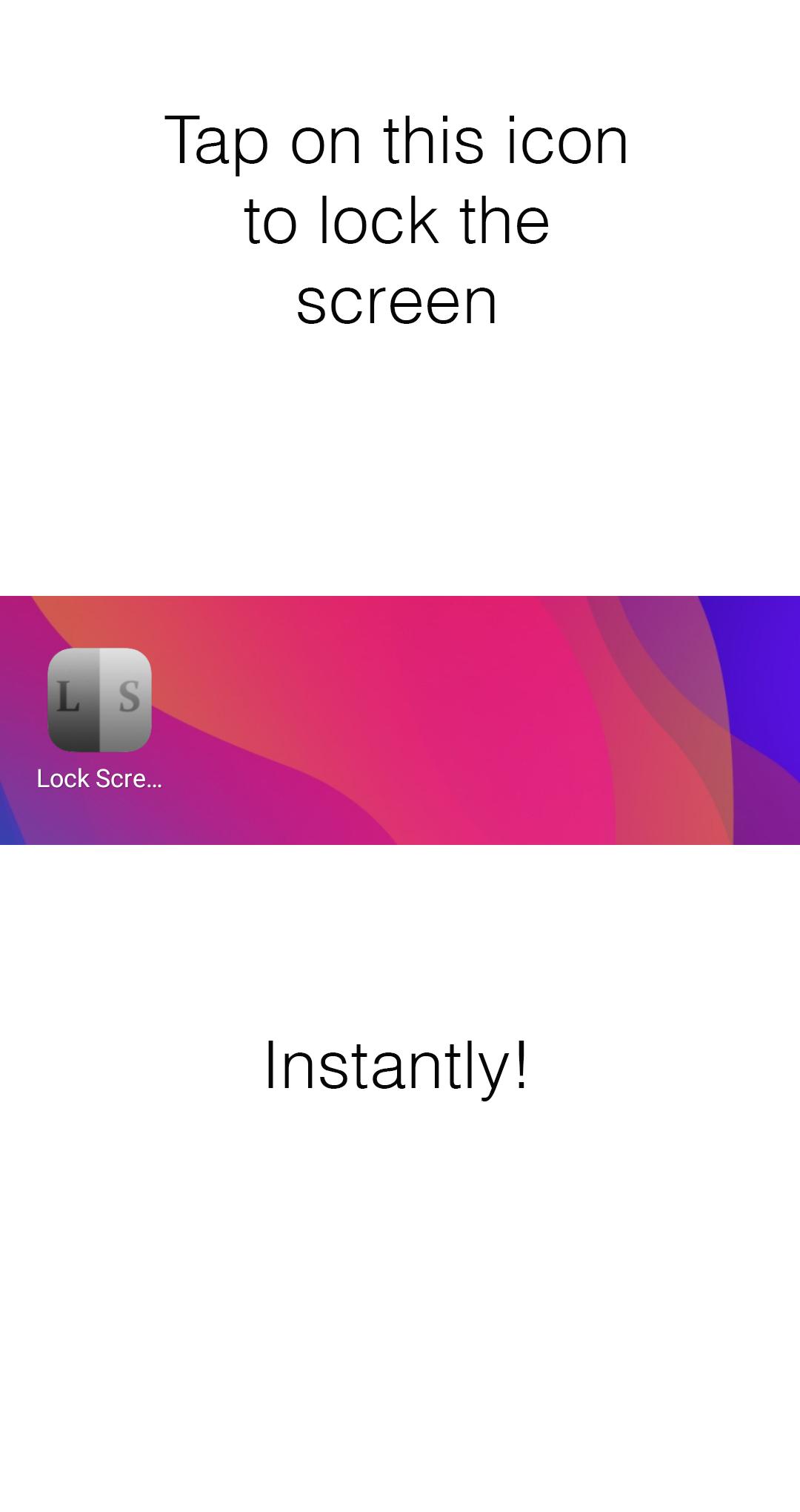
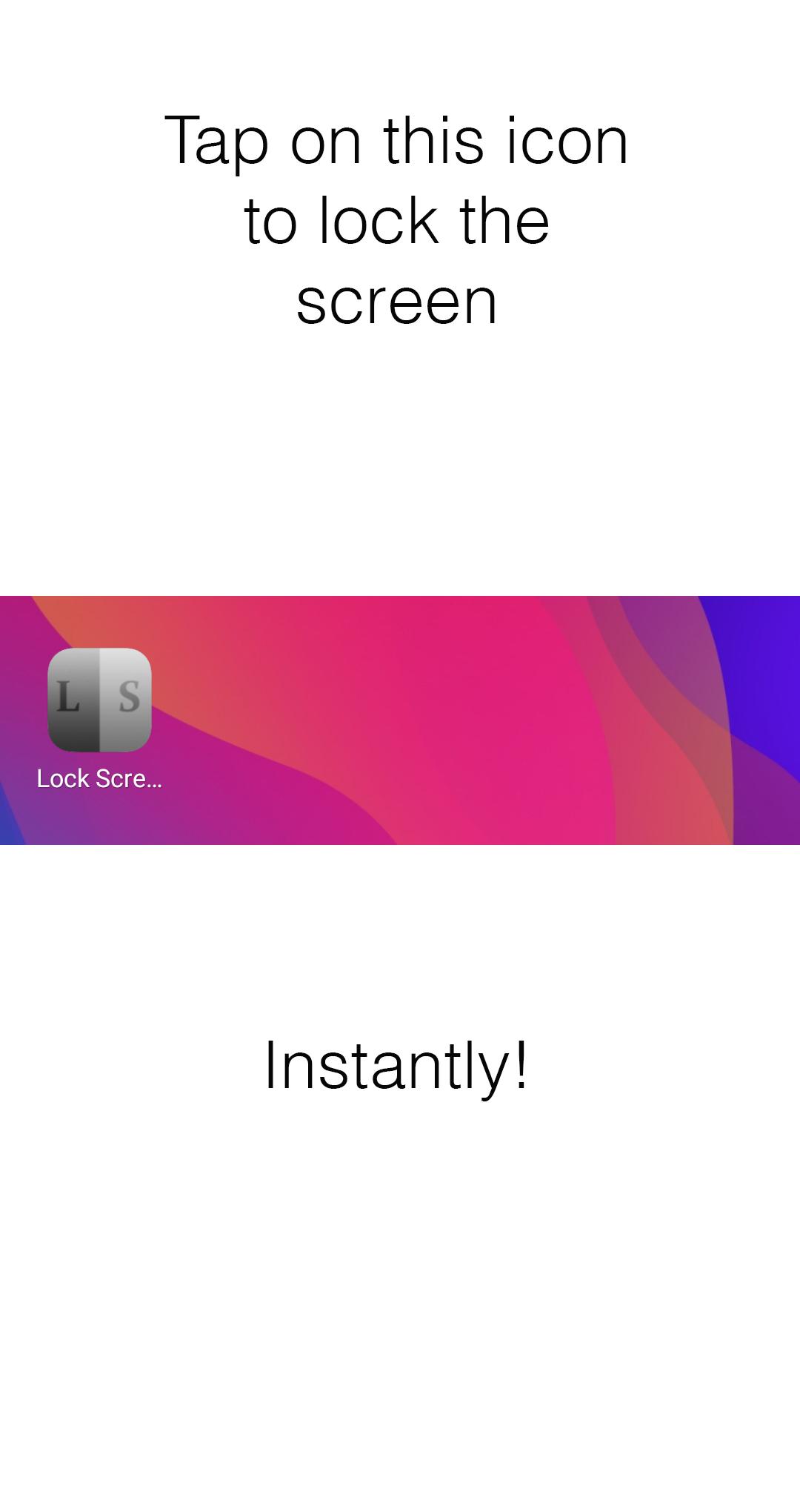
- Locks the screen instantly on application launch
(All android versions)
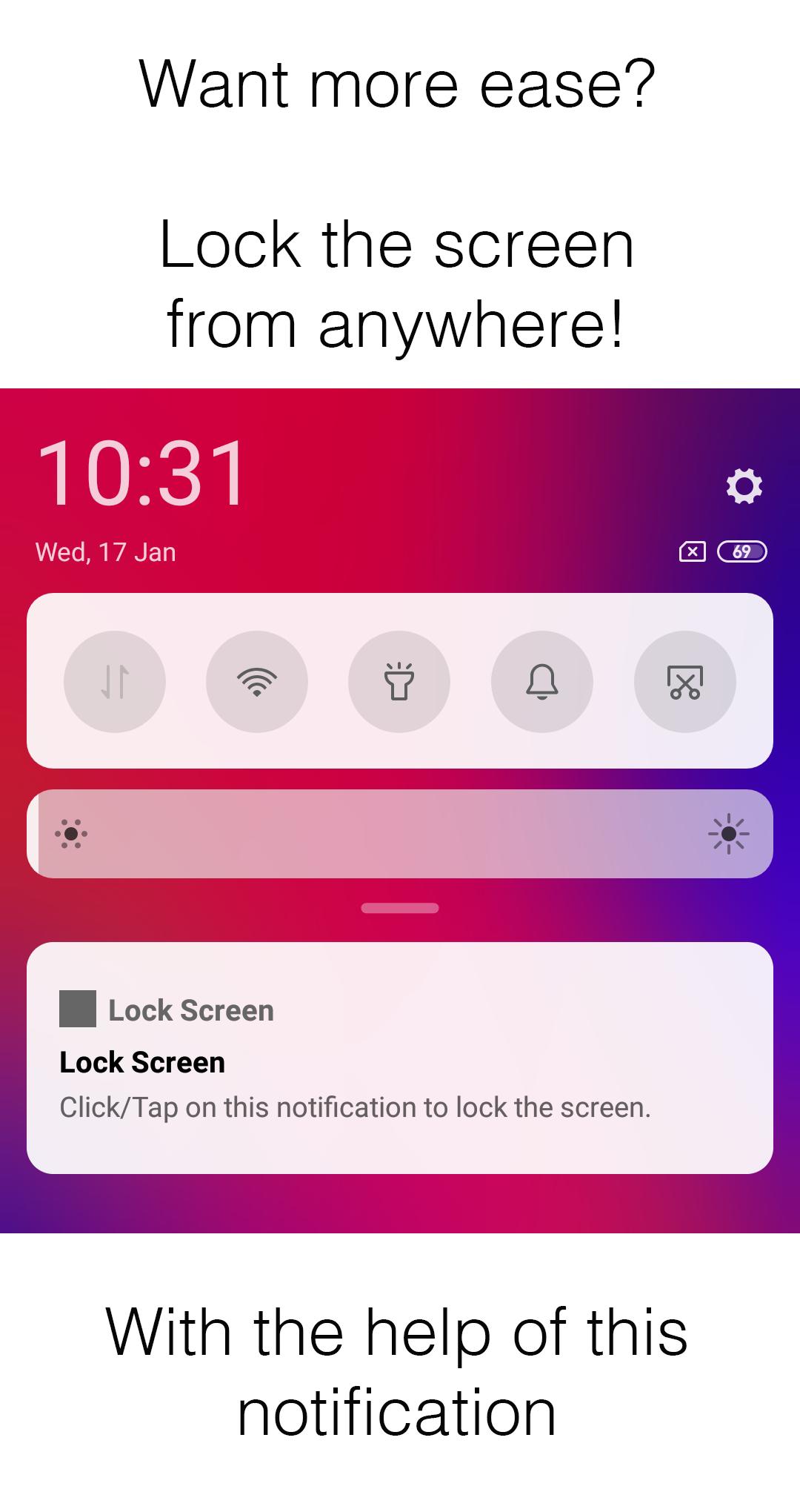
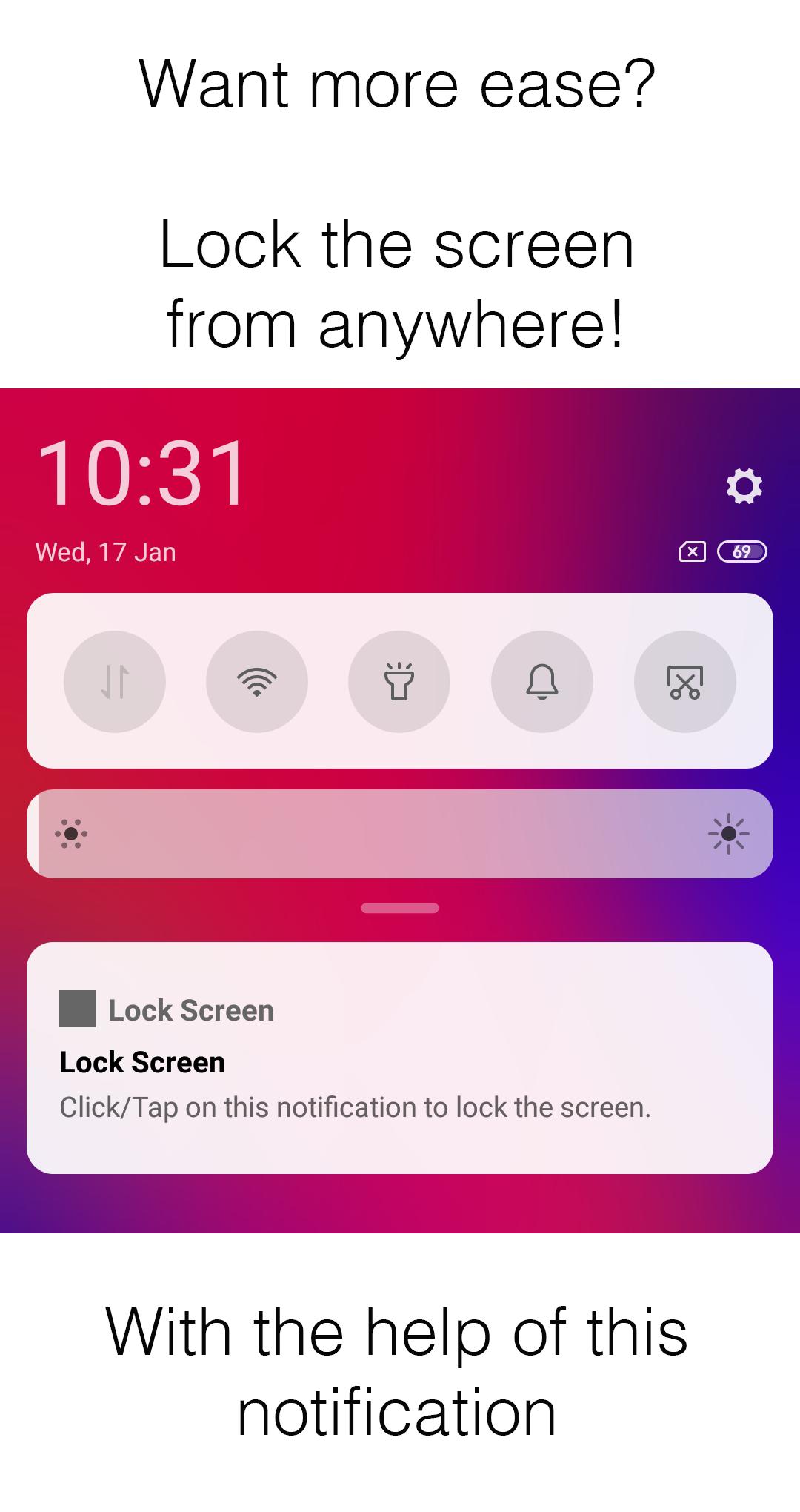
- Added notification feature for performing the same
(Android 12 and below versions only)
Usage of APIs
Lock Screen requires accessibility service to lock the screen using the default functions and features that are mentioned in 'Accessibility Service' and it also uses 'Device Administration API' to access the power related functions in some cases.
Therefore, it's mandatory for Lock Screen to use the Accessibility Service and Device Administration APIs for accessing their functions or methods as without these APIs the app won't work.
Instructions
Steps to follow on fresh install -
1. Enable 'Lock Screen' accessibility service.
2. Enable device administration for 'Lock Screen' app.
3. Do one of the following things -
a) Clear the recent apps or clean the memory cache.
b) Restart the device.
Steps to follow during uninstallation of the app -
1. Disable device administration for 'Lock Screen' app manually from settings.
2. Uninstall the app as usual.
Full Change log
v1.0
- Promo Release
Latest Version
1.2Uploaded by
Fadel Fdl
Requires Android
Android 4.1+
Category
Free Tools AppContent Rating
Everyone
Report
Flag as inappropriateLast updated on Jul 23, 2024
- Fully supports Android 13 and below
- Added partial support up to Android 15





APKPure - A multi-platform app store primarily focused on Android, providing extensive app-related content. Discover the app you want easier, faster, and safer, with quick and efficient downloads and installations.