Scan Date:Sep 11, 2025
Show More


LINE helps in everyday moments when you need to message someone, jump on a quick call, or share updates with a group. It fits casual conversations as well as busy coordination with family, friends, and communities. The interface stays consistent across devices, and privacy features are built in for peace of mind. As a result, you can move between personal chats, group spaces, and creator content without switching apps. When you are ready, you can download LINE and get started in minutes.
Chats and calls without carrier fees
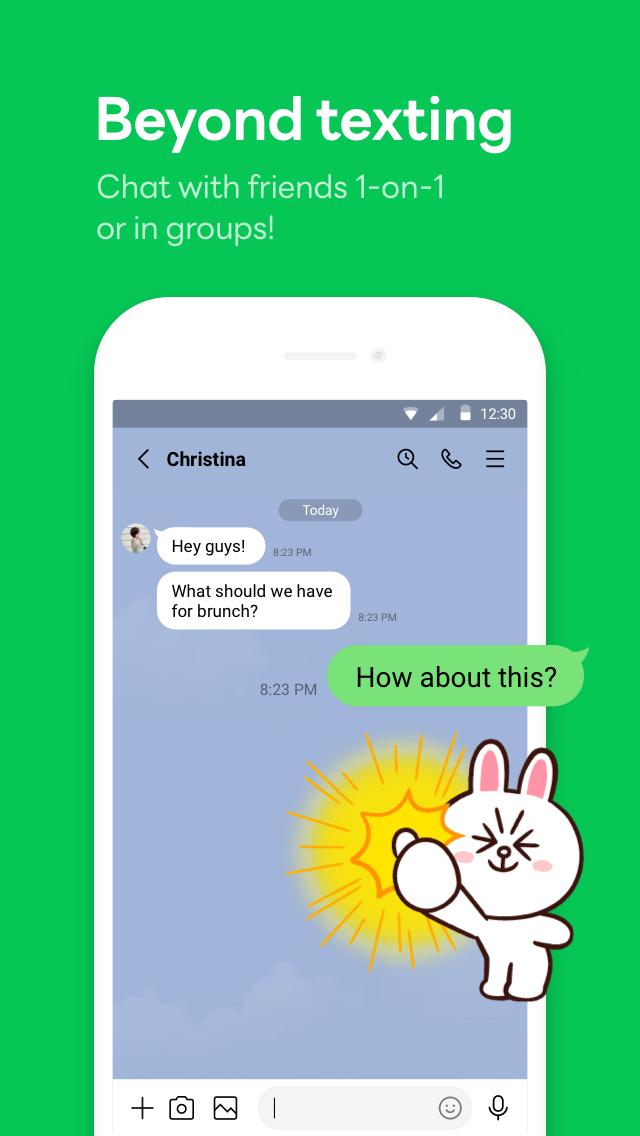
LINE supports text chats and voice or video calls for one to one and groups. Communication uses mobile data or WiFi, so there are no extra carrier call charges for international conversations. You can quickly switch between messages and calls within the same chat. This keeps your conversations in one place.
Stickers, emojis, and themes
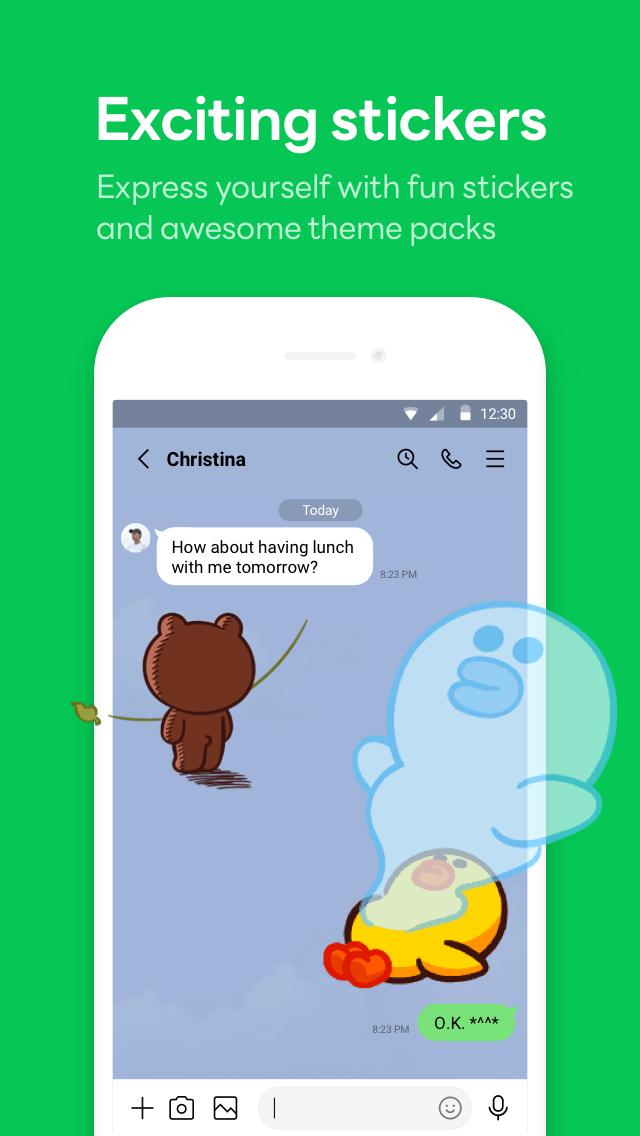
LINE apk adds expression to your chats with a large selection of stickers and emojis. You can also personalize the app with themes that match your style. These options make it simple to react, reply, and keep chats lively without typing long messages.
OpenChat and VOOM for discovery
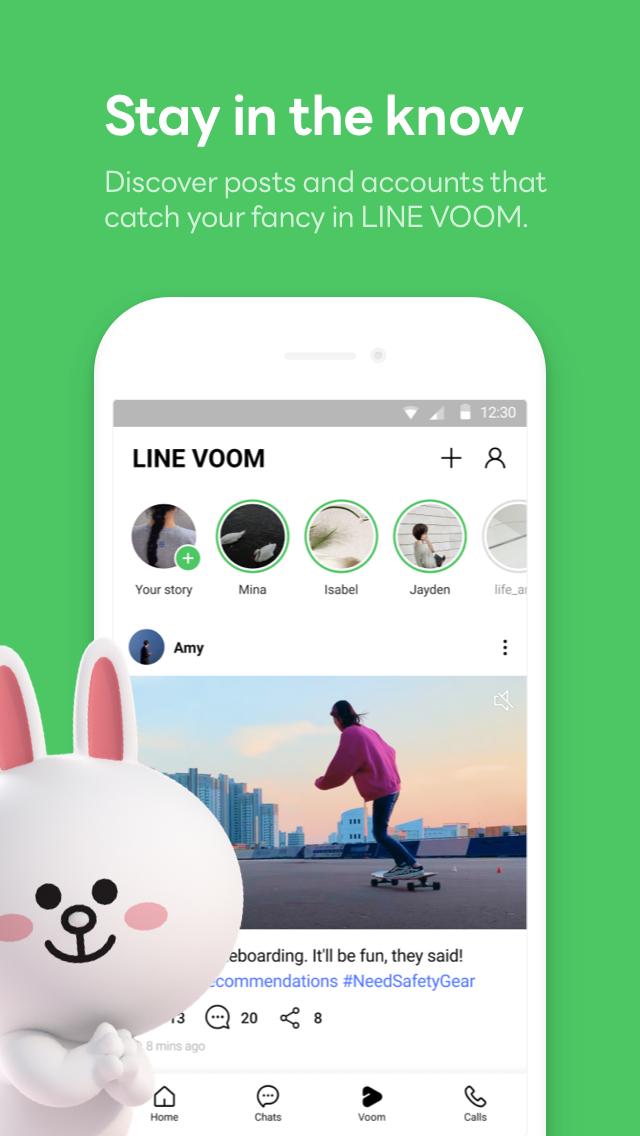
LINE helps you meet people who share your interests through OpenChat communities. You can browse topics, join public groups, and talk with others using nicknames if you prefer. LINE VOOM highlights creator posts and short videos, so you can follow updates and find new content without leaving the app.
Cross-device use and helpful tools
LINE app works across Android, desktop, and Wear OS, so you can start on your phone and continue on your computer or watch. The Home tab organizes friends, birthdays, and the sticker shop, while Keep Memo lets you save notes and media in a private chat for quick access. In some regions, the MINI Apps tab and services such as LINE NEWS or LINE MUSIC are available, giving you shortcuts to everyday tools without installing separate apps.
Letter Sealing encryption
LINE apk protects your data with Letter Sealing, an end-to-end encryption feature. Messages, call history, and location information are encrypted so only the intended participants can read or view them. This security is built in to help keep personal conversations private.
Feature availability can vary by country. Some services such as OpenChat, VOOM, MINI Apps, LINE NEWS, or LINE MUSIC may not be offered in every region. Messaging and calls use the internet, so data charges from your provider may apply. Desktop and Wear OS apps are available if you plan to use the same account across devices.
LINE is widely used in places like Japan and Thailand, which can be helpful if you travel or connect with friends there. If you are new to the service, note that regional terms and local services may differ, so your experience could vary based on where you sign in.
Getting started is straightforward, and most actions are easy to find in the main tabs. If you prefer manual installs, you can set up the app using the LINE apk on your Android phone.
Open LINE after installation, then choose to create a new account or log in with an existing one.
Verify your phone number and set your display name. Next, decide whether to sync contacts so you can find friends who use LINE.
Tap the Chats tab to start a new conversation, then send text, photos, or files. When needed, tap the call icons to place voice or video calls.
Go to the Home tab to manage friends, check birthdays, and open the sticker shop. Use Keep Memo to save notes and media for yourself.
Explore OpenChat to join interest-based groups, and visit VOOM to follow creators. When ready, link desktop or Wear OS from Settings to use the same account on other devices.
LINE combines chats, calls, communities, and helpful tools in one place. It supports everyday communication on Android, desktop, and wearables, with encryption for private conversations. To stay up to date, get the LINE latest version when you install or update.
For official information and service details, visit the developer’s site below.
Official website: https://www.line.me/
Latest Version
15.15.1Uploaded by
Leonardo Bruno
Requires Android
Android 10.0+
Category
Free Communication AppContent Rating
Everyone
Security Report
Report
Flag as inappropriateLast updated on Sep 11, 2025
• We're always working hard to make LINE even better. Update today for the latest experience!





APKPure - A multi-platform app store primarily focused on Android, providing extensive app-related content. Discover the app you want easier, faster, and safer, with quick and efficient downloads and installations.