Connect your piano via MIDI with the smartphone and start the app. Now you can choose the screen:
Legato Training
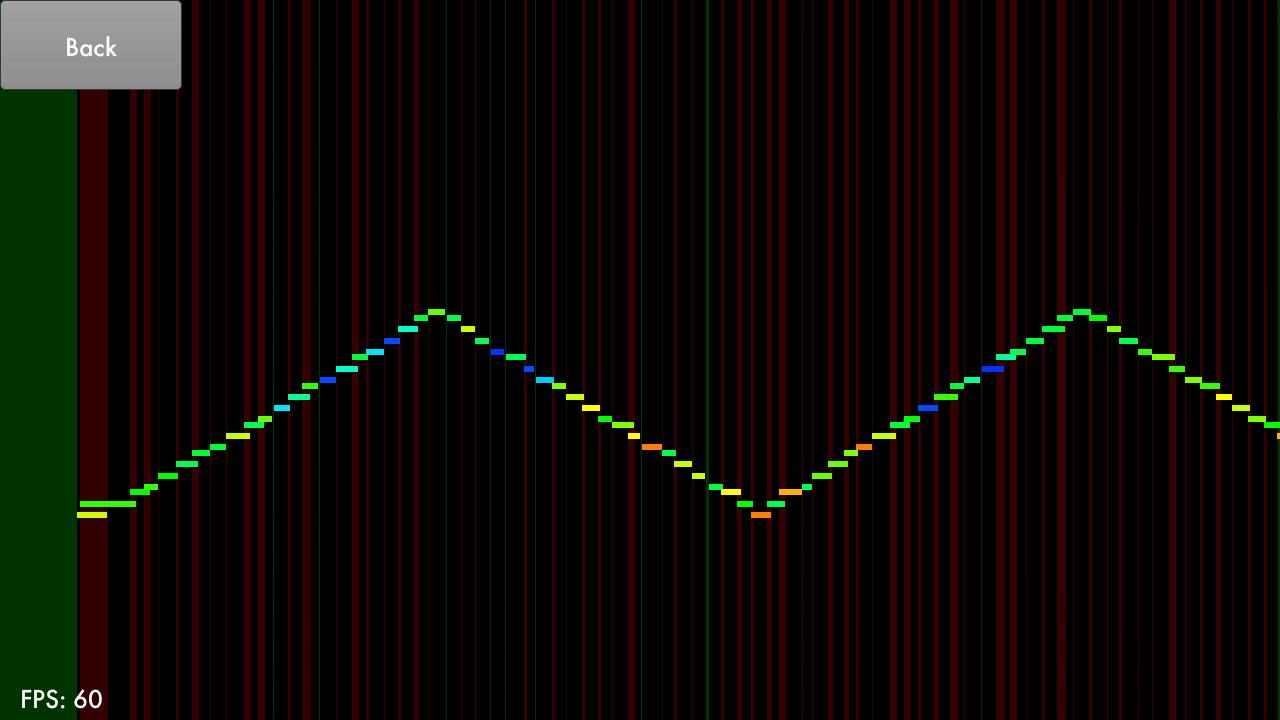
See how you play the piano. The vertical bars are red when the tones overlap (legato). They are green when between the tones is a gap (staccato). The white bar at the bottom and at the top indicate how "simultaneously" you hit multiple tones (below) and release (above).
Try to play so that no bars appear.
Chords
Press a chord and see the chord name.
This application is made using libgdx and makes use of the USB-MIDI-Driver library by kshoji. The source code is here: https://github.com/Meisterschueler/meisterschueler-gdx
Latest Version
1.4.0Uploaded by
Mohamed Bahir
Requires Android
Android 3.1+
Category
Free Music & Audio AppContent Rating
Everyone
Report
Flag as inappropriateLast updated on Sep 15, 2015
Minor bug fixes and improvements. Install or update to the newest version to check it out!






APKPure - A multi-platform app store primarily focused on Android, providing extensive app-related content. Discover the app you want easier, faster, and safer, with quick and efficient downloads and installations.