

Launcher helps when your home screen feels crowded or slow during daily tasks. It brings simple tools to shape the look of your device and to keep apps within easy reach, so you spend less time searching. You get an organized layout, quick access to what you use most, and basic system housekeeping in one place. If you need a clean setup without extra fuss, you can download Launcher and try a layout that adapts to phones and tablets.
Appearance control
Home screen management
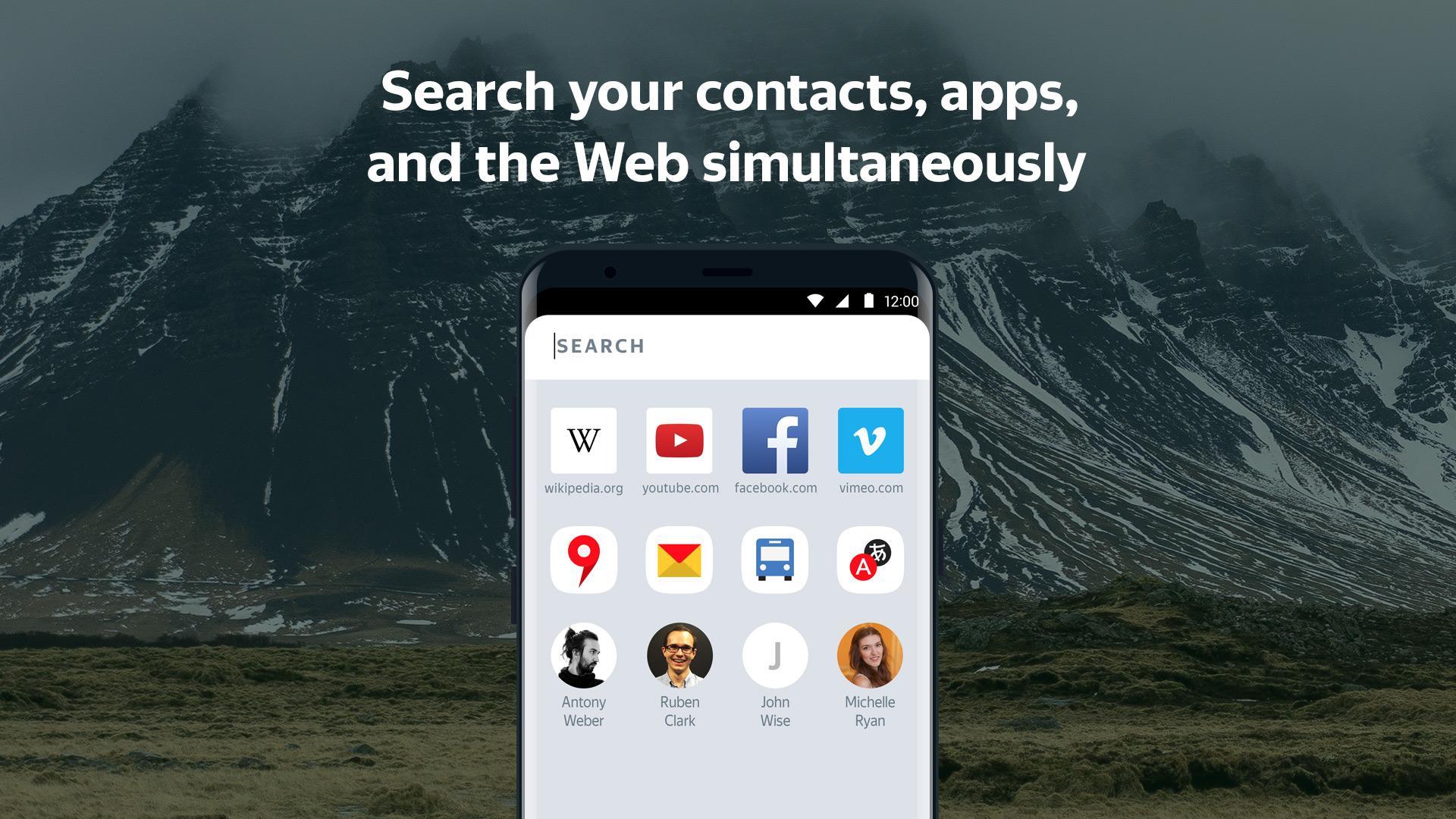
Faster search and app organization
Performance and handy widgets
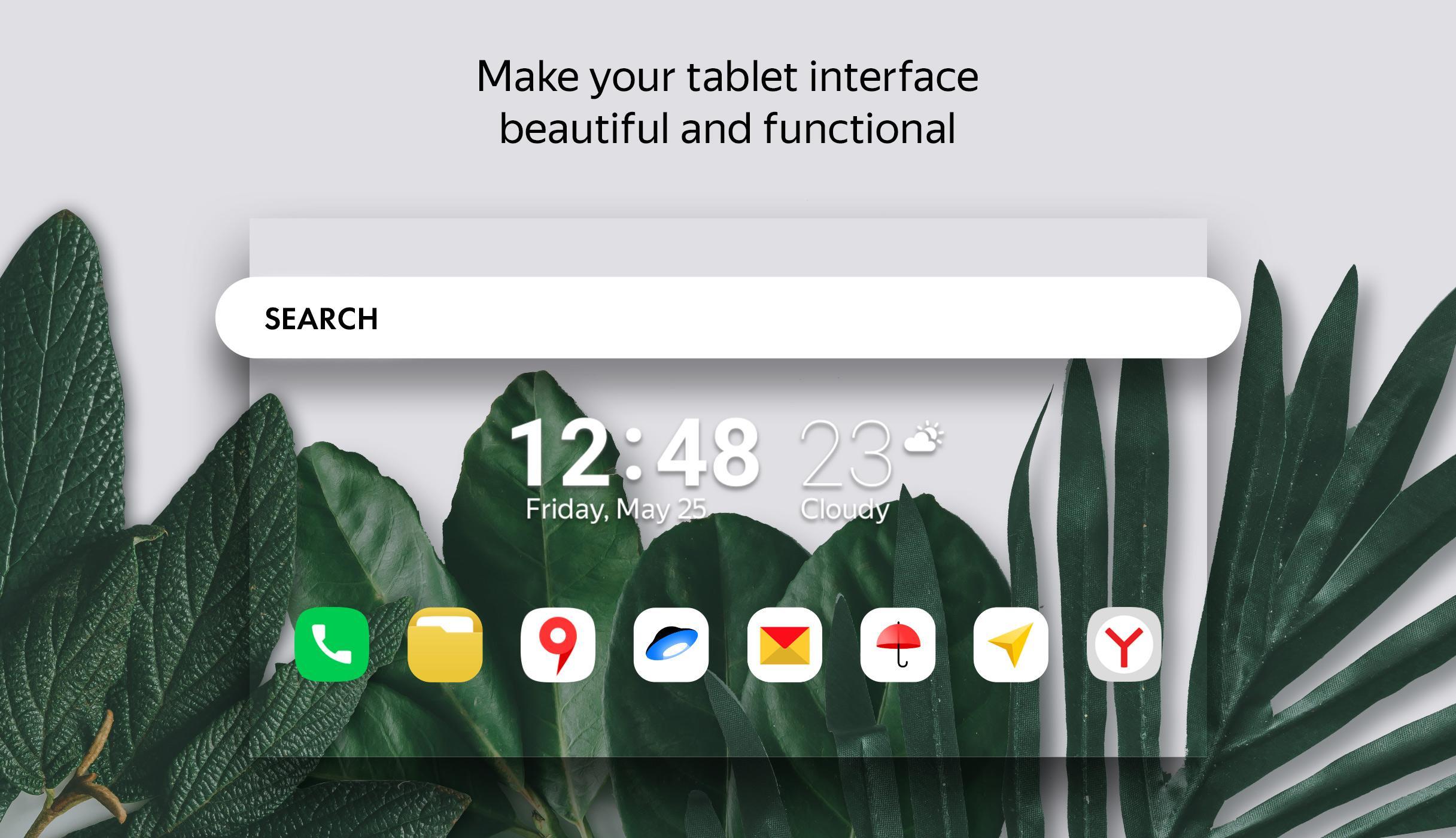
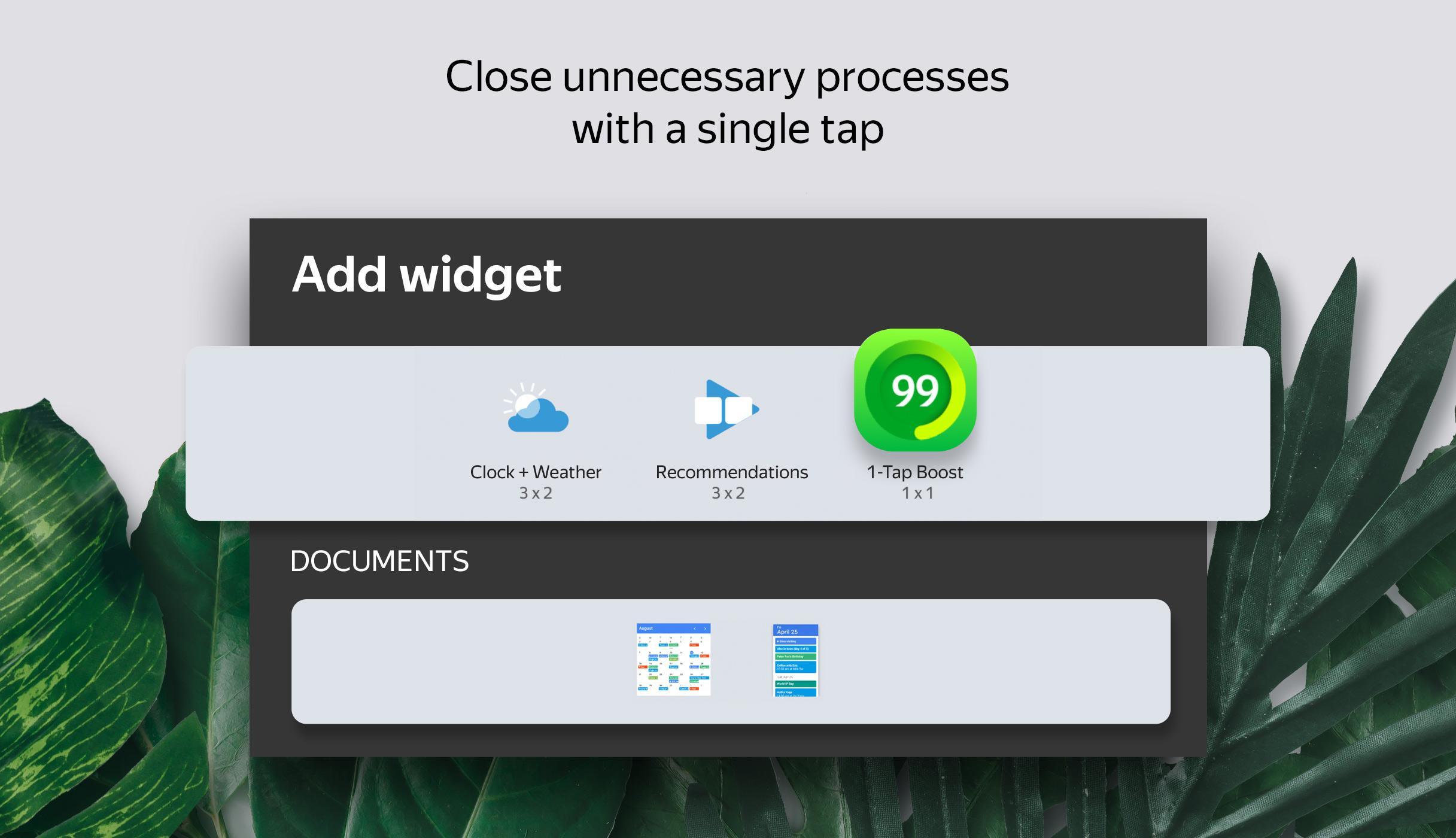
Launcher includes a 1 Tap Boost widget that closes nonessential processes to free memory. Animations stay smooth even on older devices. You can add a clock and weather widget for today and the week ahead. Smart folders give each folder its own screen with widgets and a background, and icon notification badges can be turned off in settings.
This app focuses on clear organization, quick search, and small tweaks that make daily use easier. Check the Launcher latest version details, then install and set up the layout that fits your routine.
Latest Version
2.4.0Uploaded by
Dian Permatasari
Requires Android
Android 5.0+
Category
Free Personalization AppContent Rating
Everyone
Report
Flag as inappropriateLast updated on Aug 4, 2022
• Turn off the Yandex Zen feed
• Fixed bug with the dark theme
Send your feedback and suggestions to launcher@support.yandex.com.





APKPure - A multi-platform app store primarily focused on Android, providing extensive app-related content. Discover the app you want easier, faster, and safer, with quick and efficient downloads and installations.