What you need:
- KLWP Pro Key
For more Help please visit the Kustom Map Maker Community on Google+: https://plus.google.com/u/0/communities/110502580385584797456 Kustom Map Maker Community on Google+
Kustom Map Maker is a Komponent for KLWP.
With the Kustom Map Maker Komponent you can style your own and individual Maps and use it in your KLWP Wallpaper.
Kustom Map Maker comes with 6 predefined Maps:
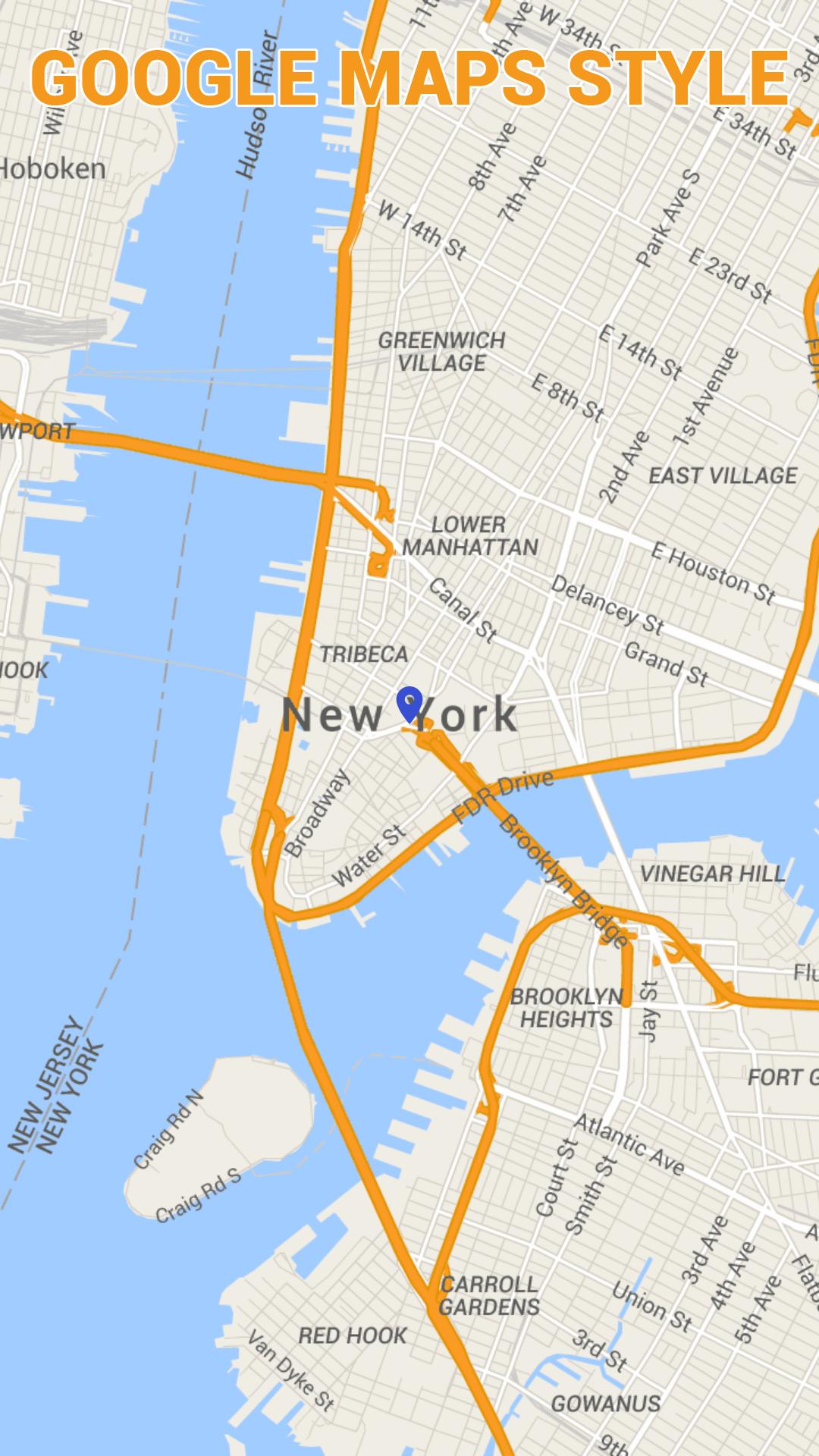
- Google Maps Style
- Dark Style
- Light Style
- Dark Orange Style
- Blue Style
- Red Style
Use one of the 6 styles as template and customize it according to your ideas.
You can set the following things:
- Shape: The Shape in which the map will appear (Square, Circle, Rectangle, Oval, Triangle, Hexagon)
- Corners: If you use Square or Rectangle in Shape, you can set the amount of corner of the Shape.
- Width & Height: The width and height of the Map (Shape).
- Marker: Select different types of Map Markers (None, Google, Circle, Window)
- Marker Color: The color if the Map Marker
- Maptype: Select the type of the map (Rodmap, Satellite, Hybrid, Terrain)
- Zoomlevel: Select the Zoomlevel of the Map.
- Definition: Resolution of the Map, HD or SD
Also you can Fade out all or different Labels and change many colors of the map.
If you need help or you have requests, visit the Kustom Map Maker Community on Google+: https://plus.google.com/u/0/communities/110502580385584797456 Kustom Map Maker Community on Google+
Latest Version
1.0.1Uploaded by
Rafael Honorio
Requires Android
Android 4.4+
Category
Free Personalization AppContent Rating
Everyone
Report
Flag as inappropriateLast updated on Jun 1, 2016
- Fixed: Alternate Location 2 was used by default as Location. Now Primary Location is used by default.



APKPure - A multi-platform app store primarily focused on Android, providing extensive app-related content. Discover the app you want easier, faster, and safer, with quick and efficient downloads and installations.