

Scan Date:Jan 8, 2026
Show More
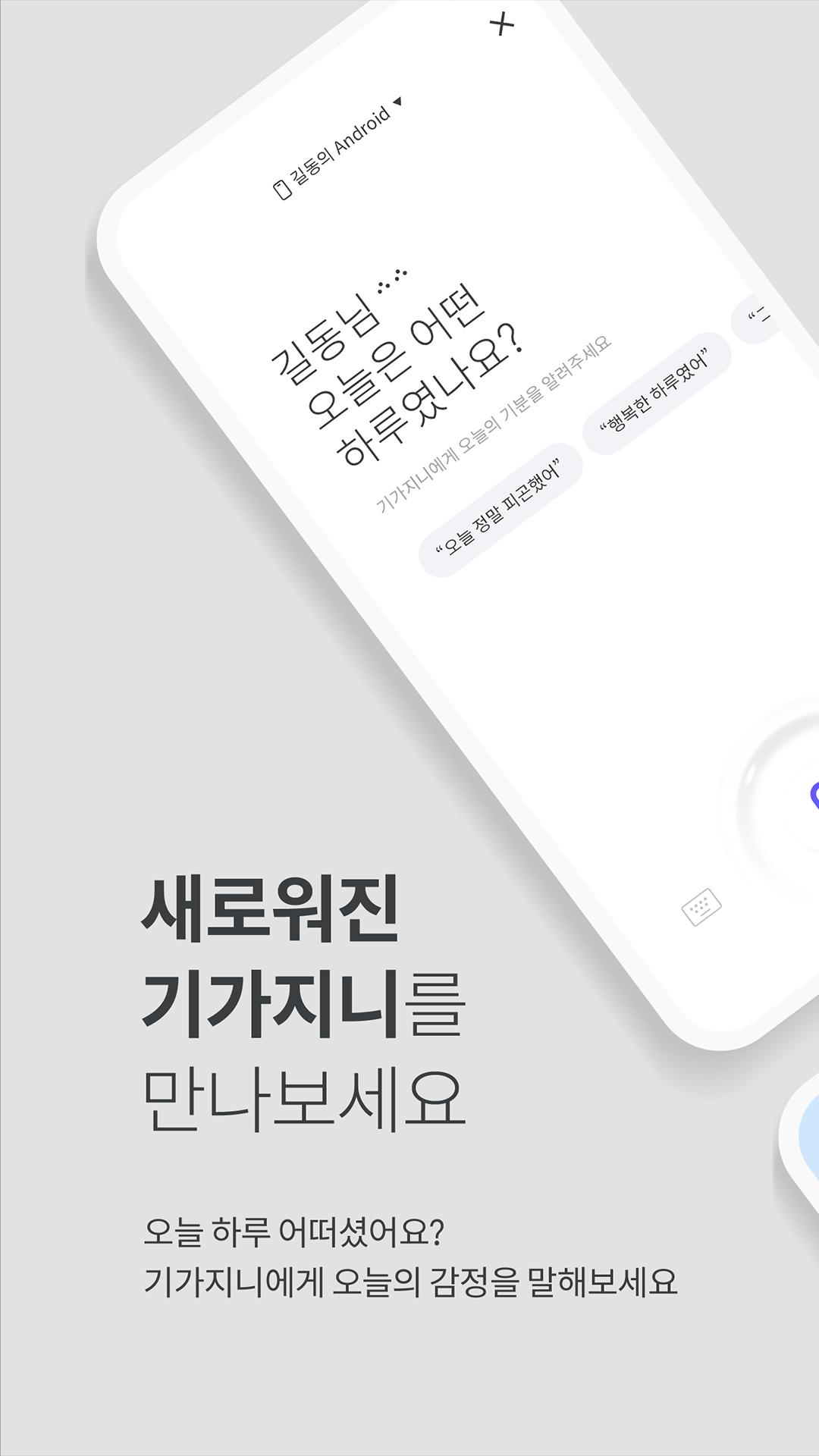
■ What is the GiGA Genie App Service?
It is a dedicated application for GiGA Genie used to configure the "AI GiGA Genie Service."
You can connect and manage various devices from the GiGA Genie terminal lineup.
Install the GiGA Genie App and experience the newly evolving GiGA Genie service.
■ Key Features of the GiGA Genie App
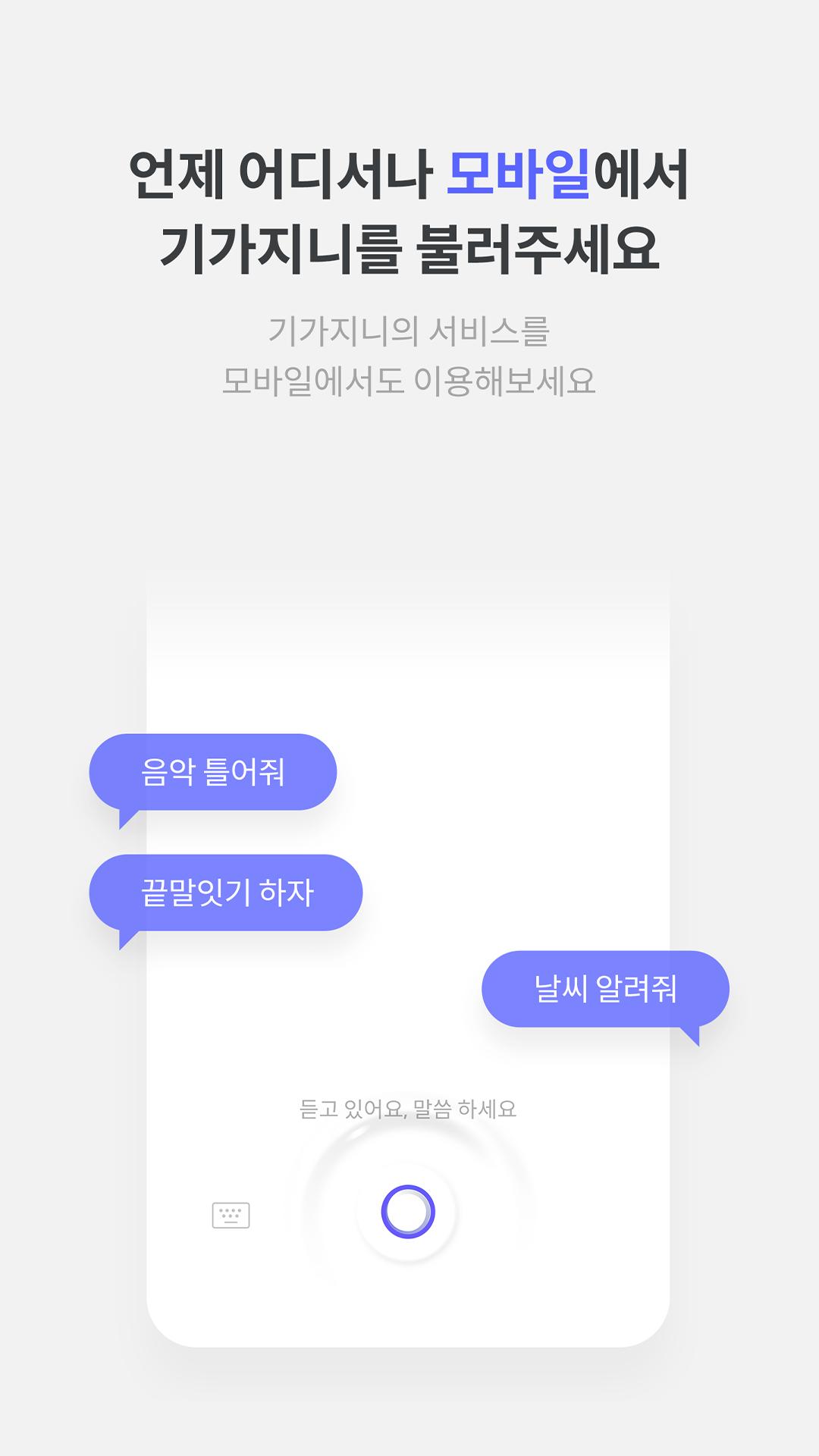
1. Genie TV: After subscribing to the Genie TV service, you can conveniently use all Genie TV services via voice commands.
2. Genie Music: You can conveniently use Genie Music's music services on GiGA Genie via voice commands.
3. Stocks: You can conveniently view and check your watchlist or stock market status via voice commands.
4. Banking: You can conveniently use services such as account transfers, utility bill payments, and product recommendations via voice commands.
5. Contacts/Calls: After subscribing to the Internet Phone service, you can use the Internet Phone service via voice commands.
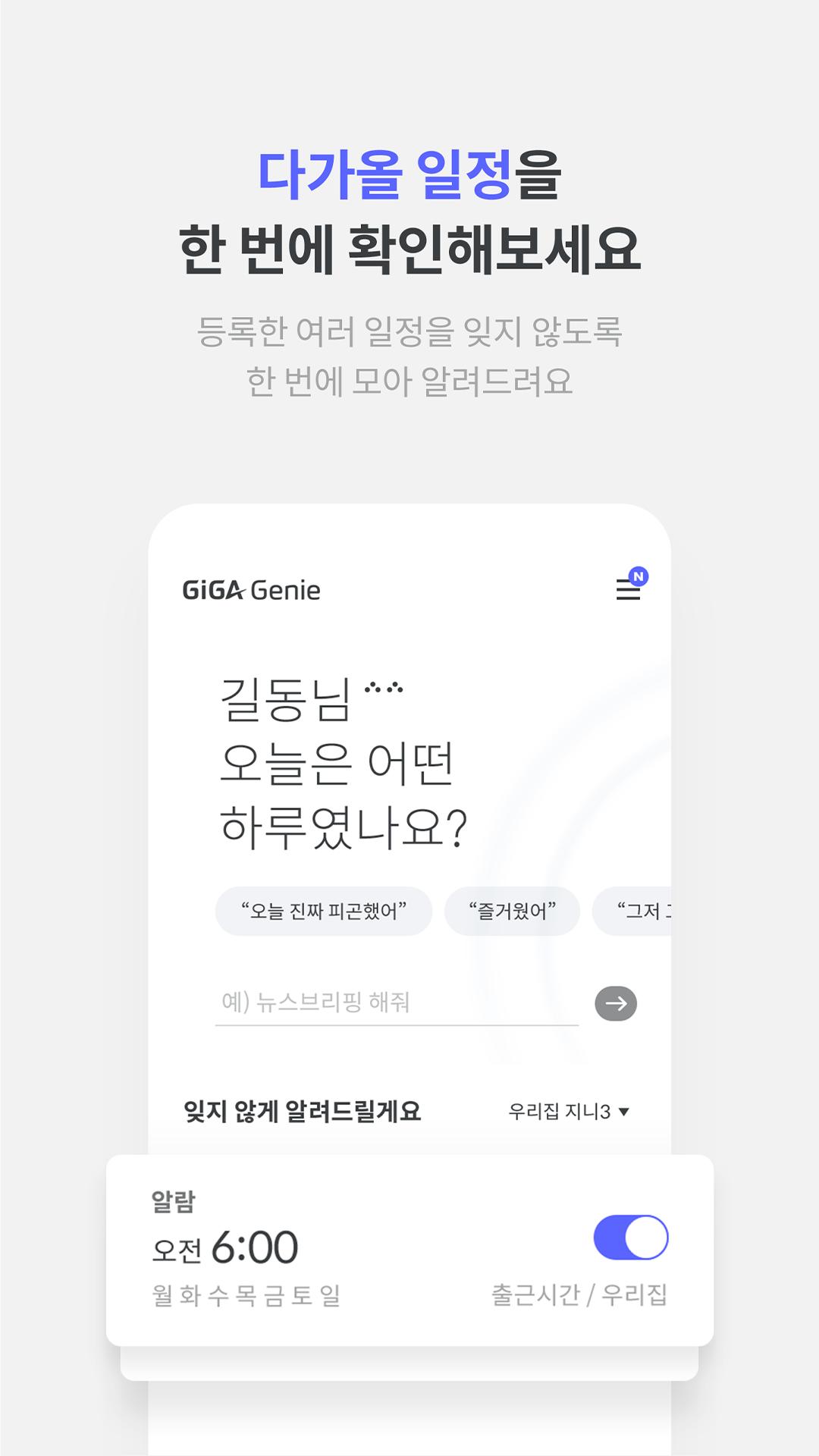
6. Alarm/Timer: You can set alarms or use the timer function via voice commands. 7. Schedule Management: Register family and personal schedules on the calendar for convenient access via voice commands.
8. Traffic: Check public transportation information as well as traffic conditions through GiGA Genie using voice commands.
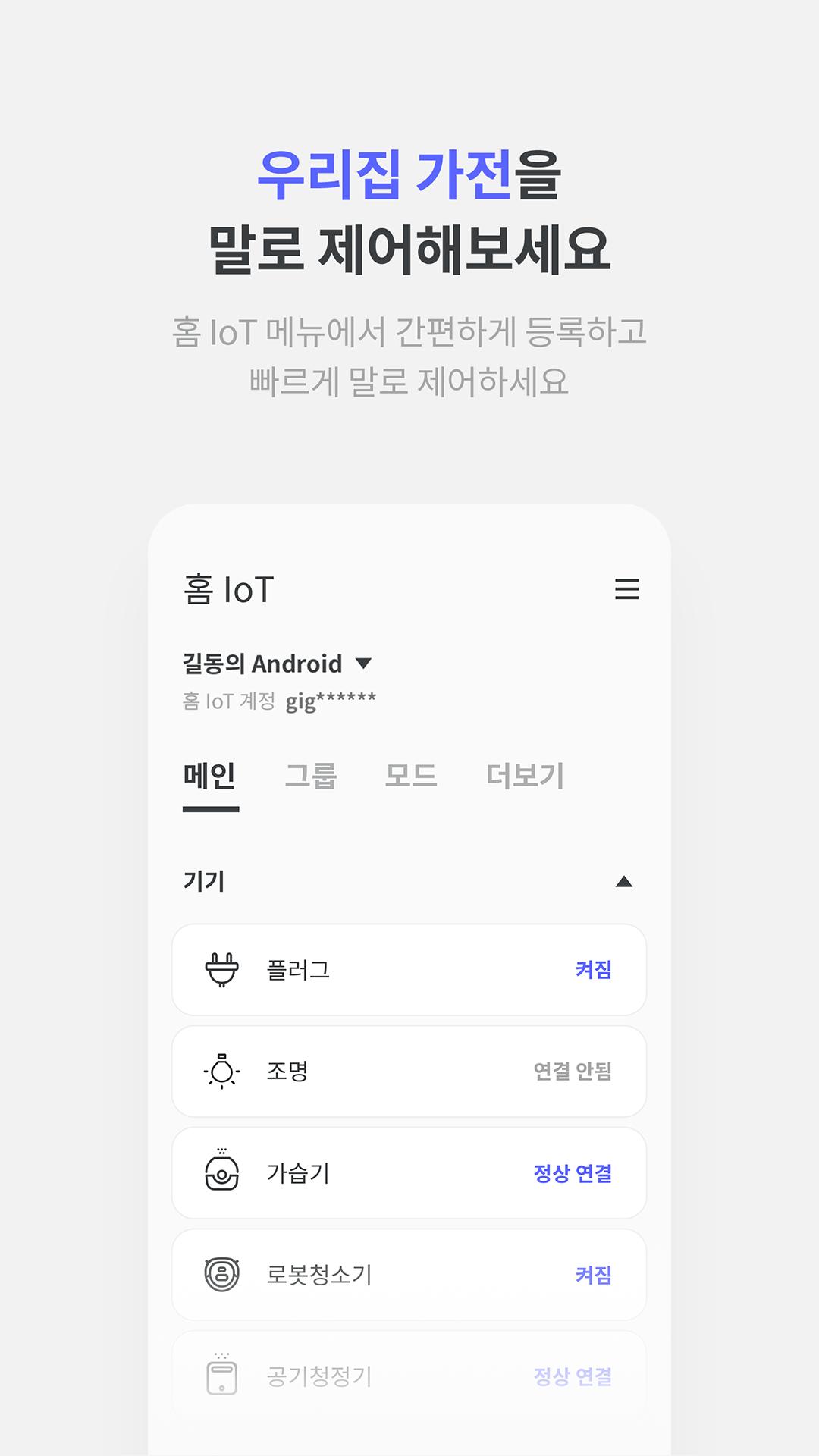
9. Home IoT: Connect, use, and manage home IoT devices via voice commands.
10. Home Cam Service: After purchasing a GiGA Genie camera separately, you can use it as a home cam capable of real-time monitoring.
11. Radio: Conveniently tune in to radio channels using voice commands.
12. Daily Life Information: Check GiGA Genie for anything you are curious about in your daily life, such as weather, time, exchange rates, and YouTube searches.
13. Easy Payment/Biometric Authentication: Register your voice to conveniently use easy payment services and financial products.
14. News Briefing: Listen to your preferred news and the latest news articles via the News Briefing on GiGA Genie. 15. Food Ordering: You can conveniently check and order everything from various delivery foods to Baskin Robbins ice cream.
16. Voice Messages: You can send voice messages from one GiGA Genie account to another whenever you want.
17. Bluetooth Speaker: It can be used as a high-quality Bluetooth speaker via a Bluetooth connection.
18. Device Authentication: To conveniently use all GiGA Genie services, authenticate your device through the smartphone app.
■ GiGA Genie Purchase and Usage Inquiries
- Detailed information regarding the purchase of GiGA Genie devices can be found at www.kt.com.
* [KT GiGA Genie] App Access Permissions and Reasons for Necessity
[Mandatory Consent Permissions]
# Phone: Used to provide the call function.
# Nearby Devices: Used for the purpose of connecting with GiGA Genie devices.
[Optional Consent Permissions]
# Notifications: Used to provide push notifications for announcements regarding new service launches and customer benefits.
# Microphone: Used to provide voice command and voice message functions. # Contacts: Used to register contacts when subscribing to internet phone service on Genie TV STB1.
# Location: Used for location-based navigation in weather information lookup and simple authentication.
Latest Version
4.3.7Uploaded by
Ngelic Love
Requires Android
Android 7.0+
Category
Free Lifestyle AppContent Rating
Everyone
Security Report
Report
Flag as inappropriateLast updated on Dec 22, 2025
기가지니 앱 v.4.3.7 업데이트 안내
소소한 버그들을 수정하여 안전성을 개선했습니다.
더 나은 서비스 제공을 위해 지속 노력하겠습니다.




APKPure - A multi-platform app store primarily focused on Android, providing extensive app-related content. Discover the app you want easier, faster, and safer, with quick and efficient downloads and installations.