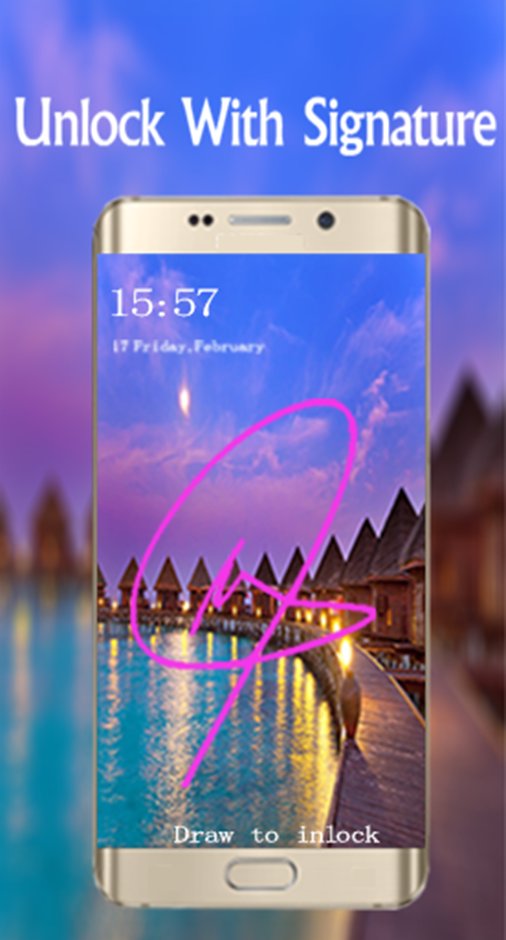
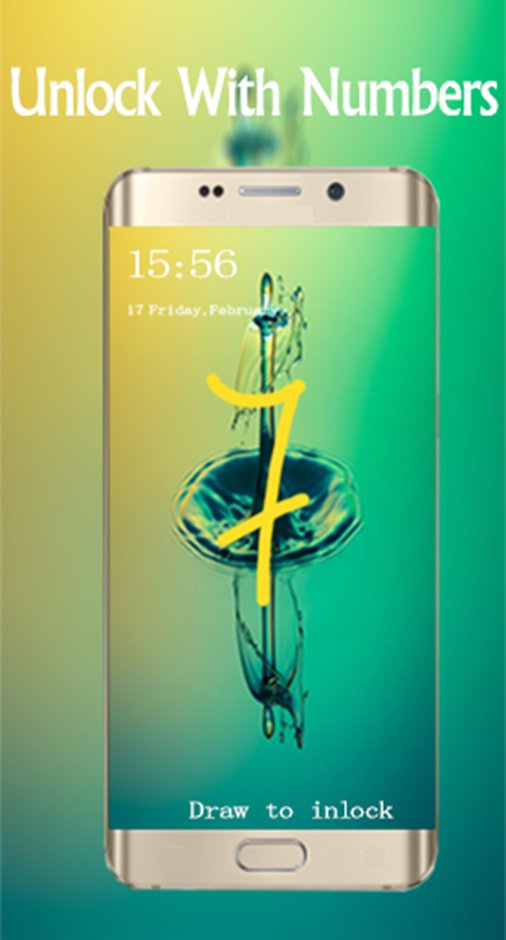
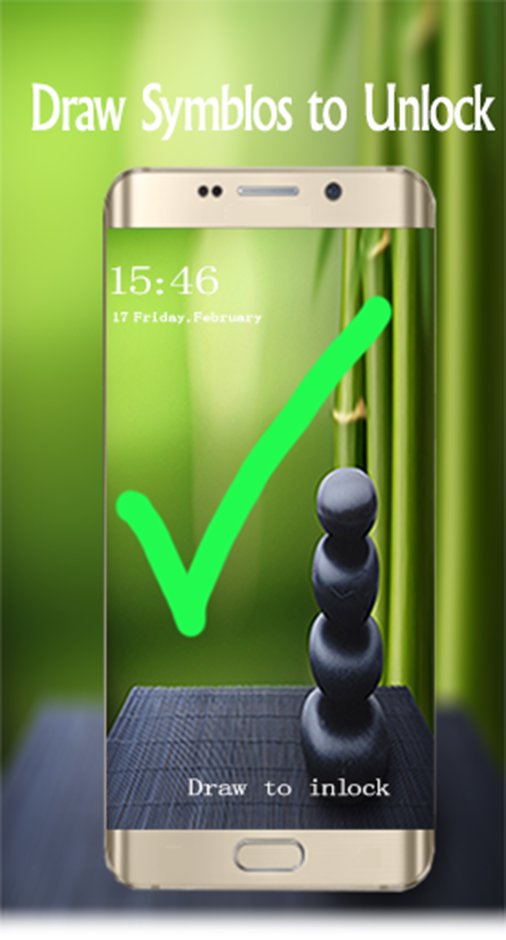
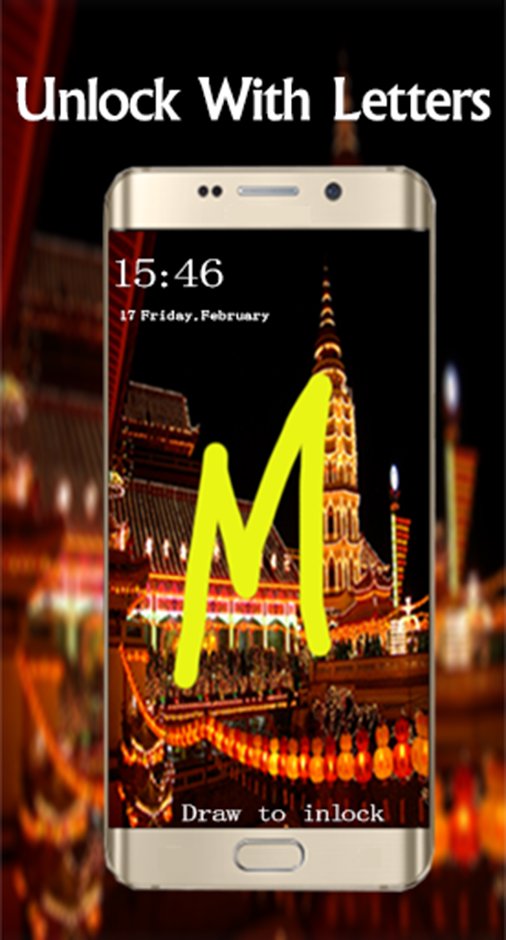
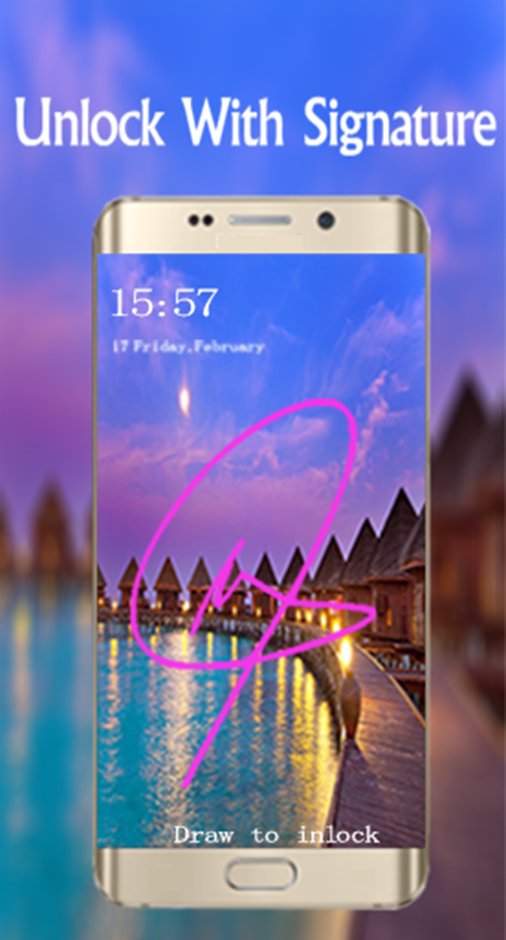
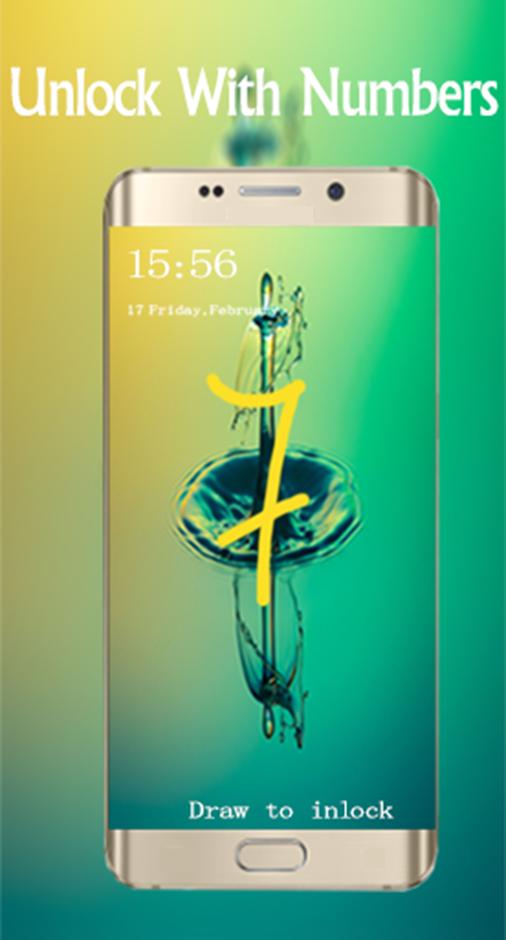
🌟 Gesture Lock Screen is a wonderful and an amazing app for android phones, you can secure your phone using a variety of gestures : Symbols, Numbers, Letters and Signatures, and all that by downloading free Gesture Lock Screen.
🌟 Gesture Lock Screen has a variety of beautiful wallpapers to draw your personal gesture to unlock your phone.
🌟 Gesture Lock Screen is the best solution ever if you’re looking for something different to lock /unlock your phone and tired using old pattern locks.
🌟 Gesture Lock Screen is designed especially for those who want to block some personal application to launch with a simple finger gesture, it’s a dynamic and a strong application to lock anything you want.
🌟 Gesture Lock Screen allows you to draw and save your gestures as the numbers, letters, signatures and contextual gestures to unlock your phone easily and safely.
🌟 🌟🌟 How to use Gesture Lock Screen 🌟🌟🌟
★ Step1: First of all, Install Gesture Lock screen.
★ Step2: Then create your own first gesture (signatures, letters, numbers or anything…) to unlock your phone.
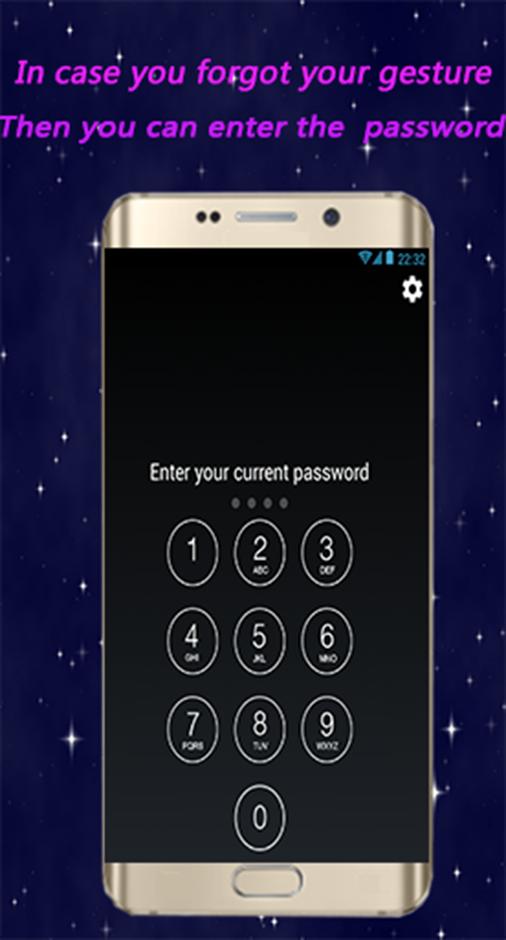
★ Step3: Then enter the recovery password (4 digit) for security.
★ Step4: In case you forget your personal gesture, use the recovery password to unlock your phone.
🌟 🌟🌟 Top Features for Gesture Lock Screen 🌟 🌟🌟
★ Create any shape, letters, numbers, signature... provided that. In single stroke without picking up your finger or stylus
★ Hide gesture stops when drawing
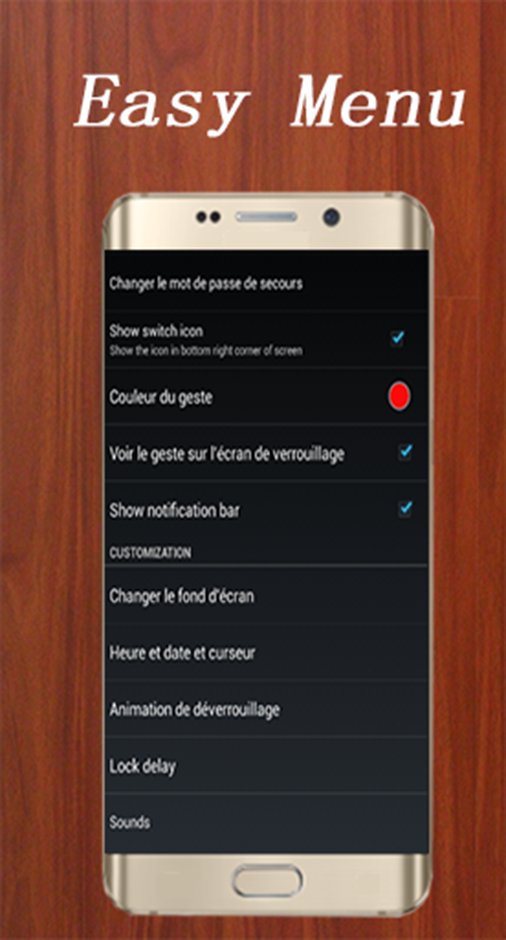
★ Lock Set Default or background from mobile gallery on your screen.
★ Show app notifications on lock screen: unread messages, missed calls, music player, alarm
★ Double tap app notification to draw signature to unlock and open app.
★ Stealth mode: hide gesture strokes when drawing.
★ Supports both single stroke (one touch drawing) and multiple strokes.
★ Supports both single stroke (One Touch) and a plurality of stops
★ Unlock Draw gesture
★ Set lock your own text (name) with font and color adjustment on screen ★ Gesture lock screen support 2 mode: one stroke and multi stroke.
★ Use as your screen lock a simple password or signatures, shapes, letters….
★ Show the date/time on the lock screen.
★ Specify the recovery password (4 to 8 digit passwords)
★ Edit / Draw gesture on password.
★ If you forget the gesture, enter the backup password to unlock the phone.
★ Battery percentage % indicator.
★ Set a customer ringtone as unlock, lock, error sounds.
★ Different time and date formats.
🌟 Download and enjoy this gesture screen lock and app lock & also share this lock screen gesture with your friends. Send us Feedback
Thanks!
🌟 Gesture Lock Screen is a wondrous and an amazing application, Install it right now ! It’s free forever! And you going to like it a lot. Start Download signature lock screen and draw to unlock your phone.
🌟 You’ll never regret downloading Gesture Lock Screen.
🌟 If you Like our application Gesture Lock Screen for android, please rate it with 5 🌟🌟🌟 🌟🌟 Stars, Enjoy it and Thank You.
Last updated on Jun 1, 2017
이 버전에는 사소한 버그 수정과 전반적인 개선 사항이 포함되어 있습니다. 최상의 환경을 위해 최신 버전으로 업데이트하세요.

APKPure - 안드로이드를 중심으로 한 멀티플랫폼 앱스토어로, 다양한 앱 관련 콘텐츠를 제공합니다. 더 쉽고, 빠르고, 안전하게 원하는 앱을 찾아보세요. 빠르고 효율적인 다운로드와 설치가 가능합니다.