
Notice: Some new advance function such as capture screenshot, power popup...only support high software version 5.0 and up. If your phone dose not supported please do not give bad review. Thank for your support
Assistive Touch Round for Android
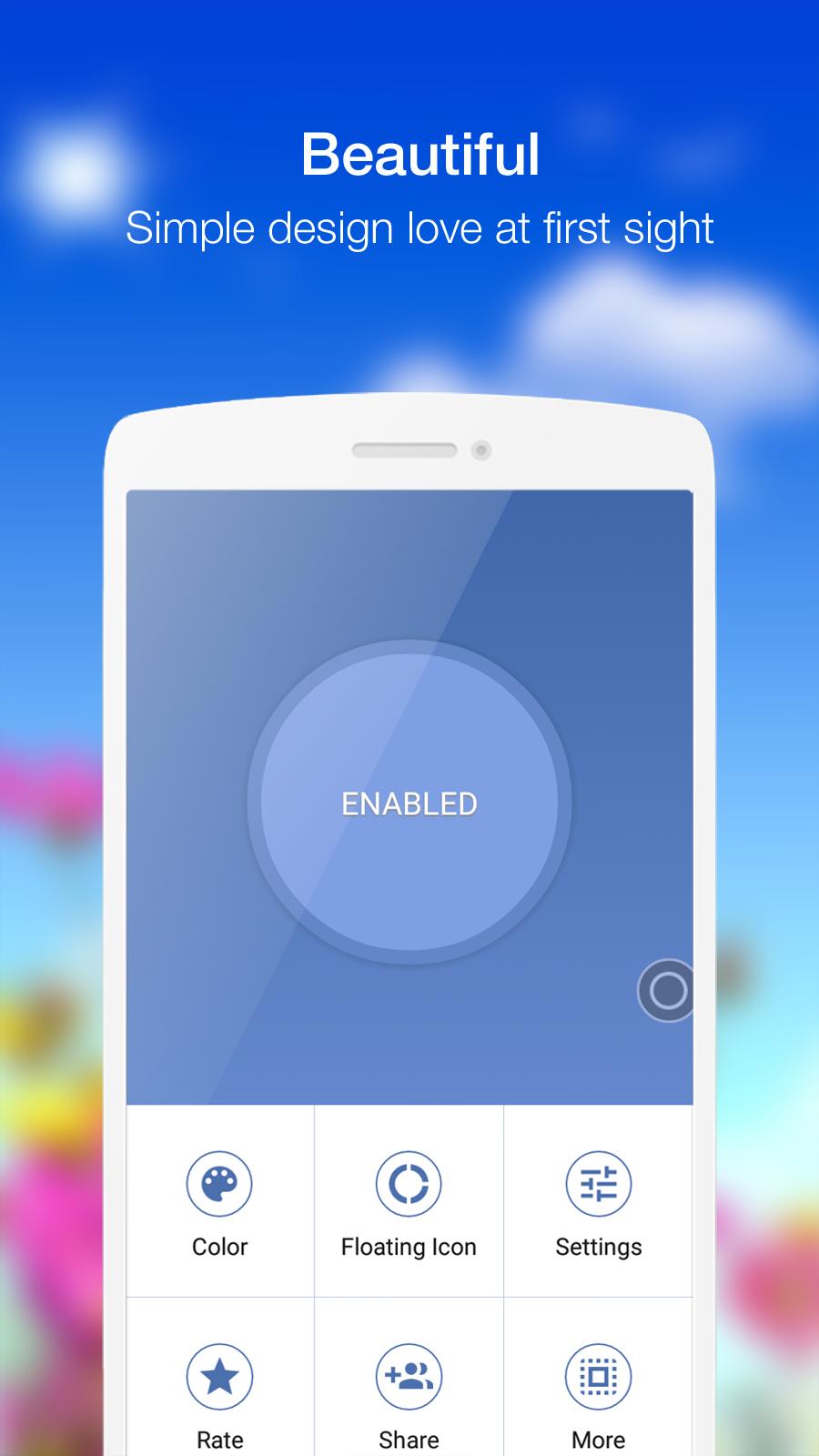
- Virtual Home key, easy touch to lock screen and open recent task
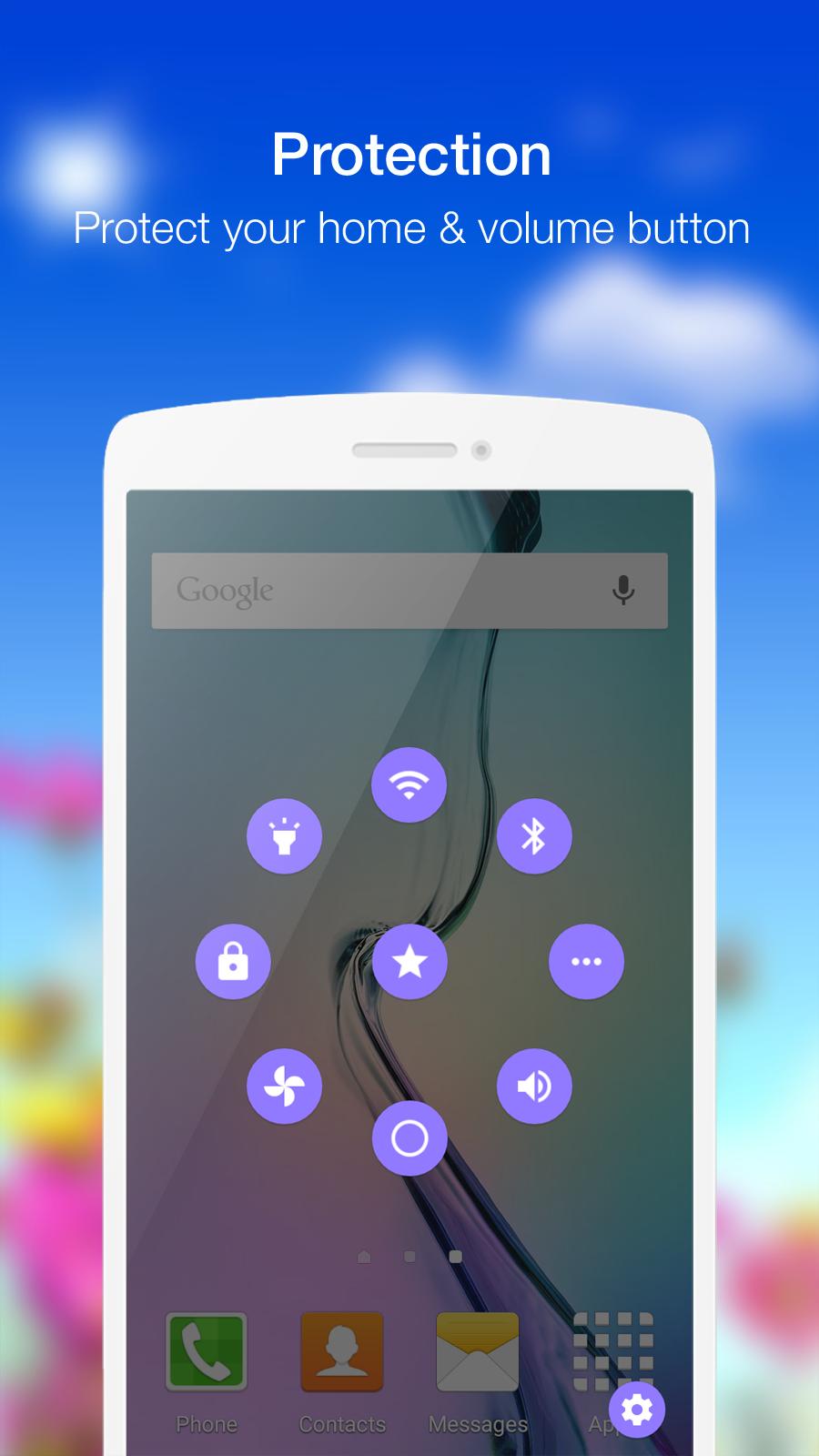
- Virtual Volume key, quick touch to change volume and change sound mode
- Clean ram, boost speed, one touch boost
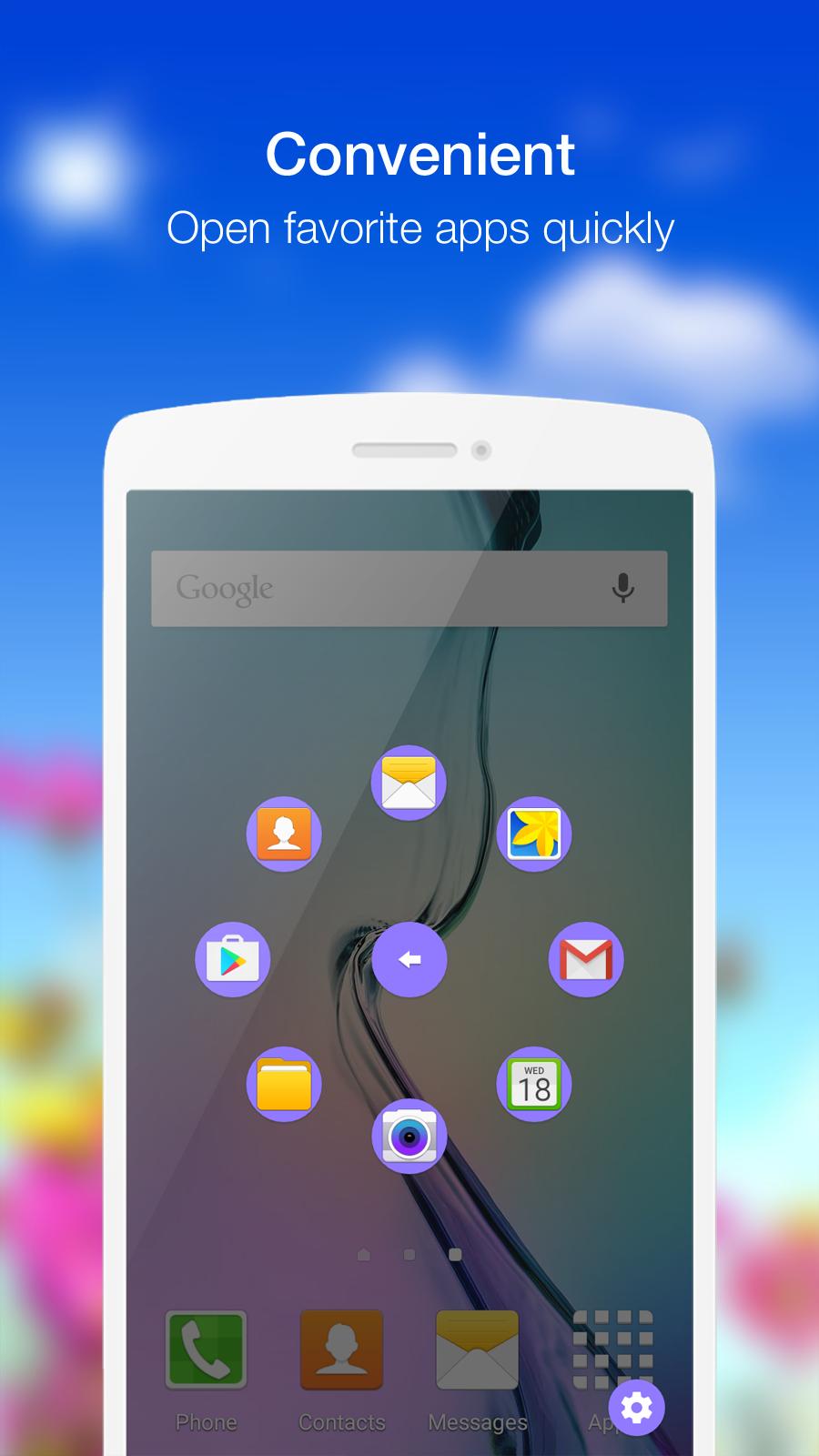
- Easy touch to open your favorite application
- Go to all setting very quick with a touch
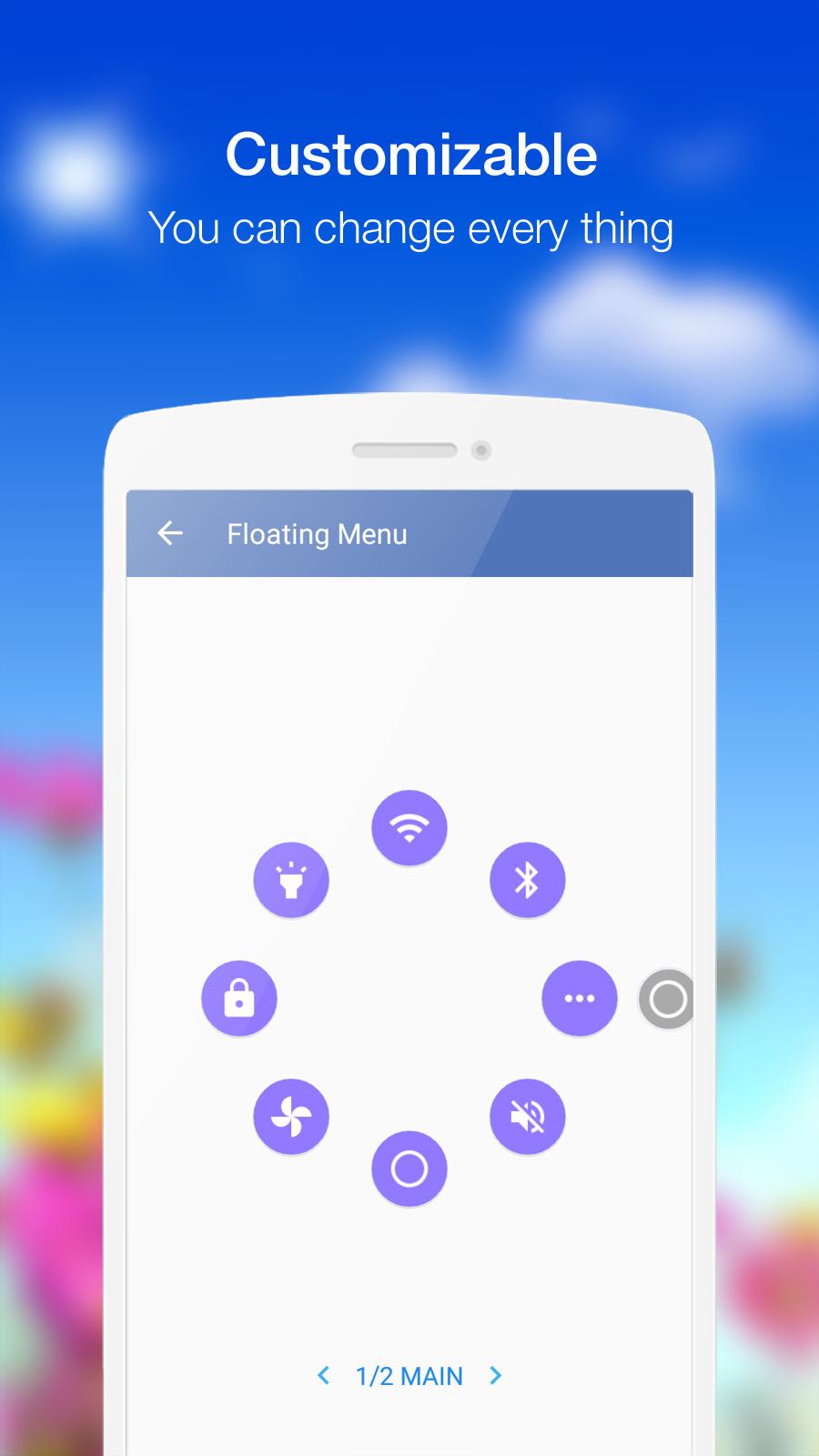
Quick touch setting include:
- Capture Screenshot (only 5.0 and up)
- Power Popup (only 5.0 and up)
- Back Button
- Notification Expand
- WiFi
- Bluetooth
- Location (GPS)
- Ring mode (Normal, Vibrate, Silent)
- Screen rotation
- Volume up & down
- Airplane mode
- Flashlight Bright
- Brightness Control
- All application on your device
Customize:
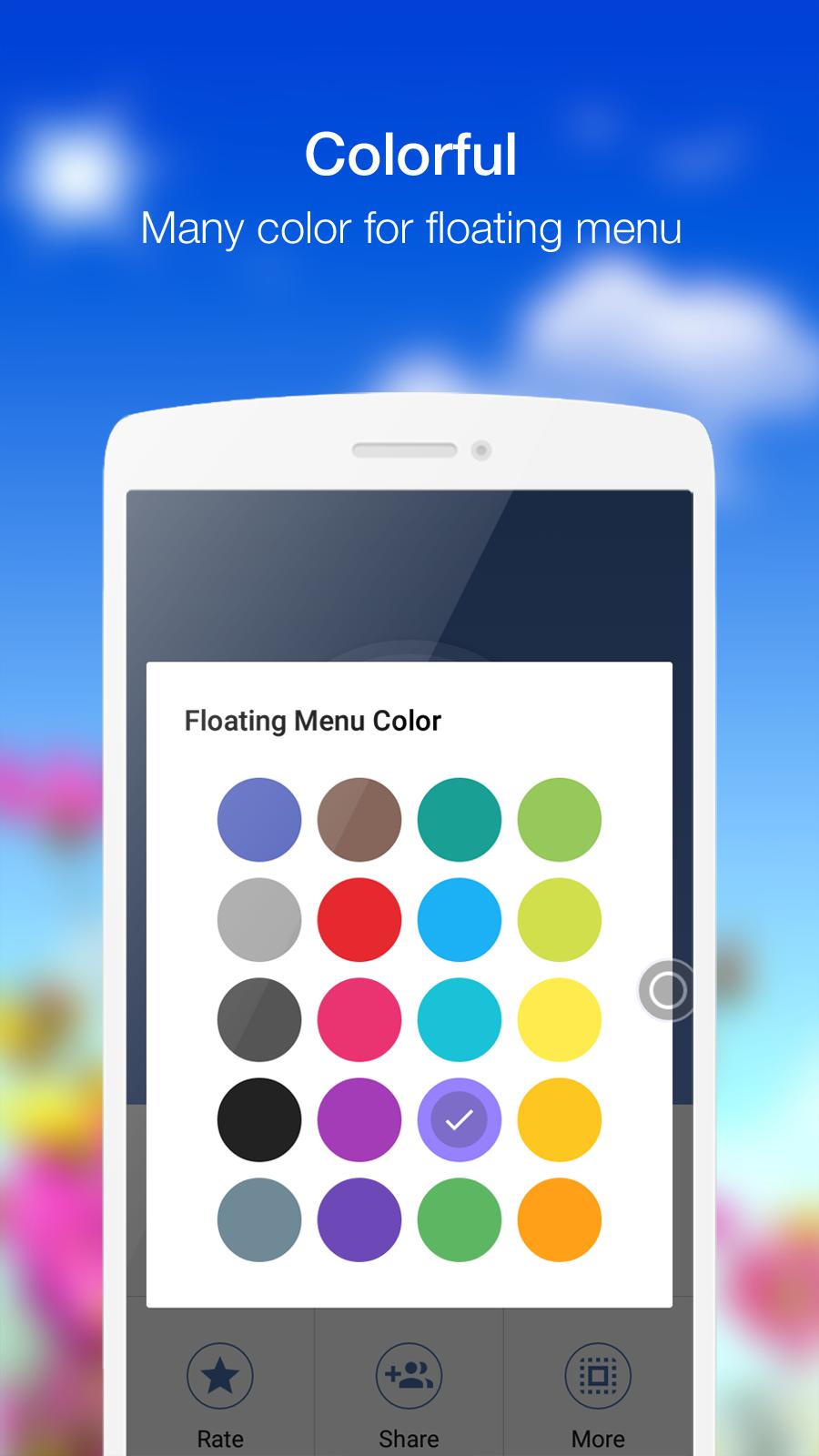
- You can touch to change color of background with your favorite color
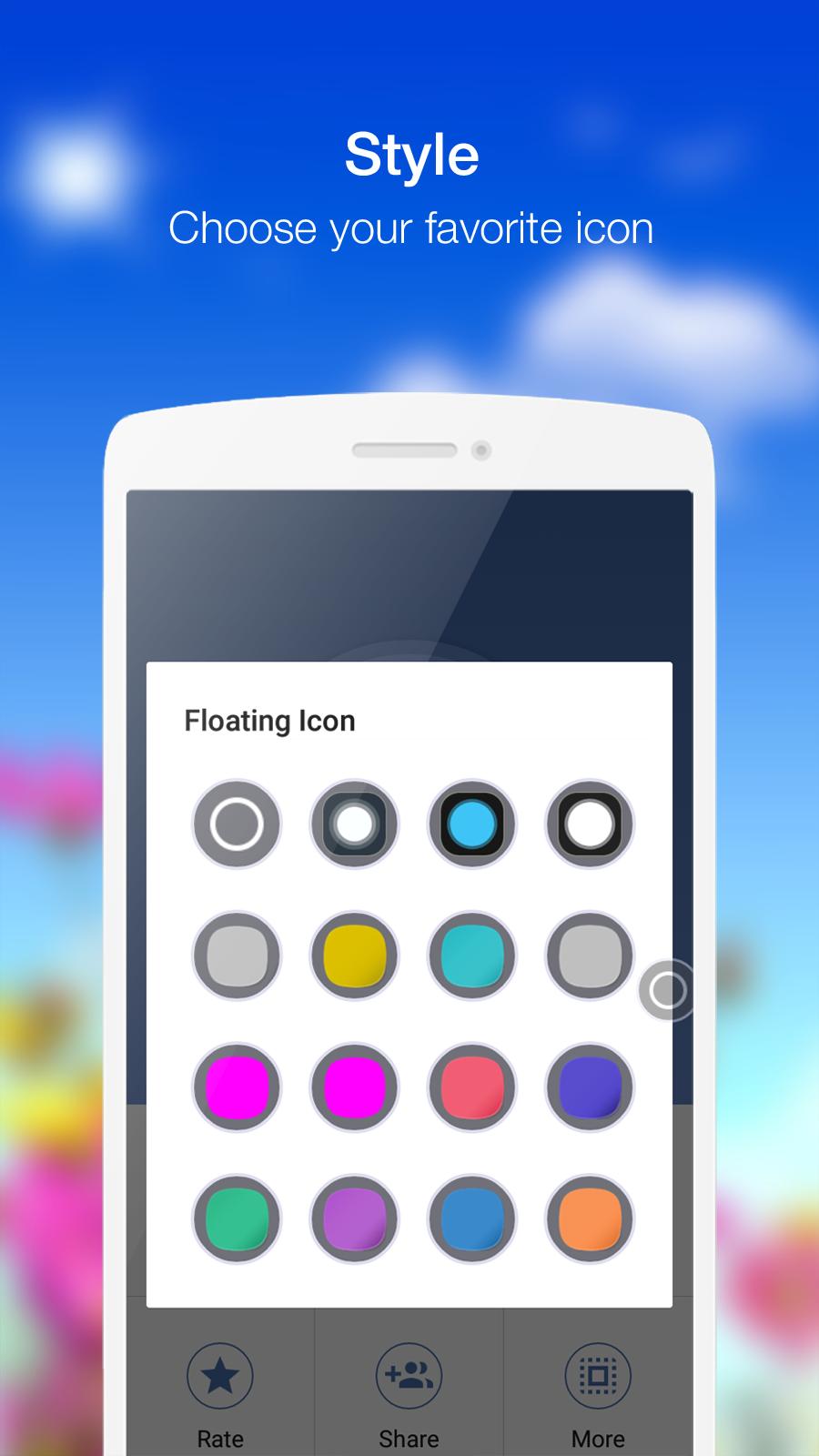
- You can touch to change icon of Assistive Touch with many pretty icon, totally free
Feed back
- If you like Assistive Touch please review and give us 5 start
- If you have any problem with this app please give use 4 start and your problem, we will fix it quickly
- Please email for us if you want send request new icon, color or function
Thank for your support
Last updated on May 12, 2016
- Add switch mobile data action
- In app purchase to remove ads
- Add Capture Screenshot & Power Button for 5.0 and up
- Add Back Button, Notification Expand.
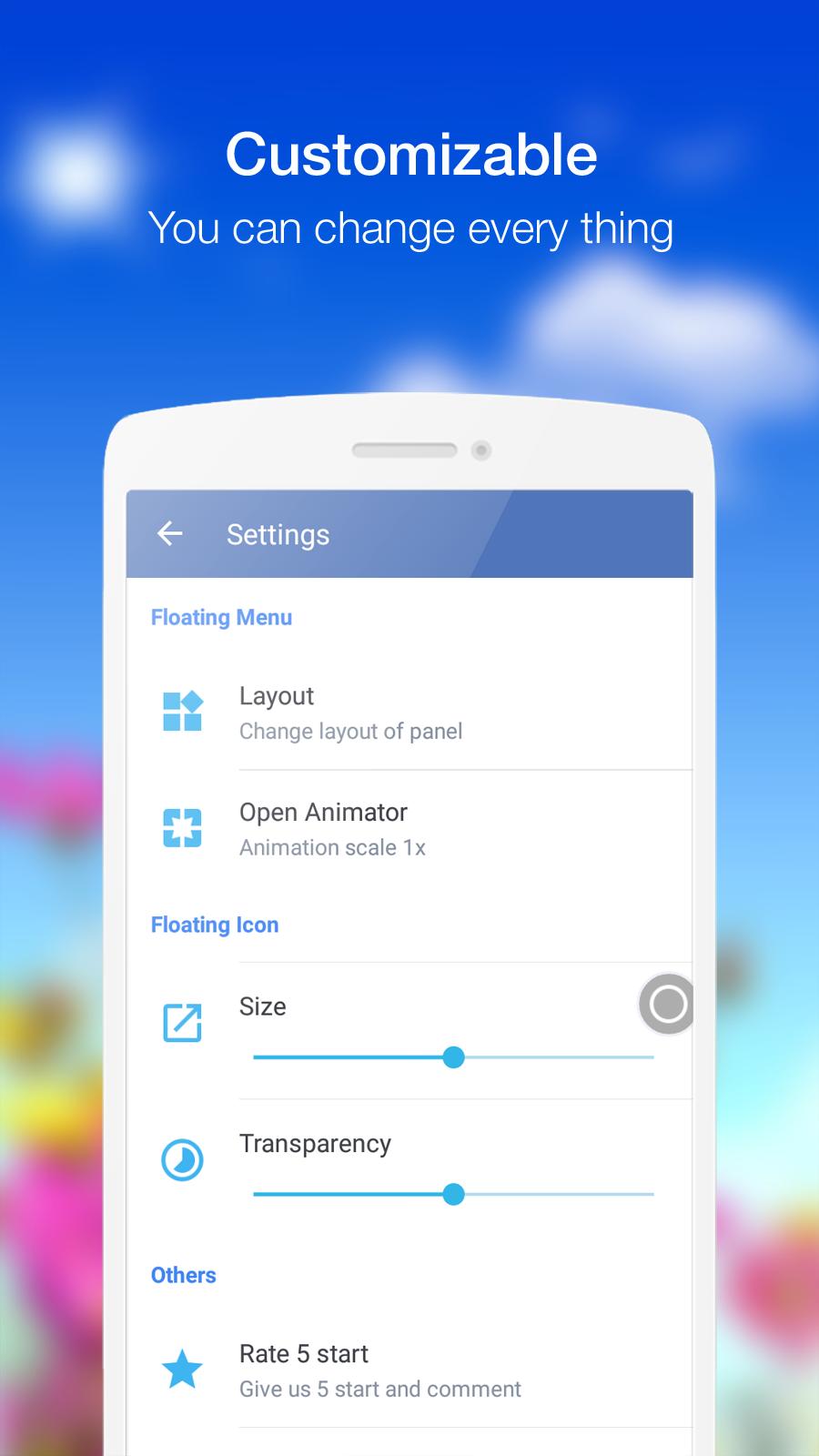
- To use new function please go to Setting -> Layout -> Select function in list.


APKPure - 안드로이드를 중심으로 한 멀티플랫폼 앱스토어로, 다양한 앱 관련 콘텐츠를 제공합니다. 더 쉽고, 빠르고, 안전하게 원하는 앱을 찾아보세요. 빠르고 효율적인 다운로드와 설치가 가능합니다.