
Notice: Some new advance function such as capture screenshot, power popup...only support high software version 5.0 and up. If your phone dose not supported please do not give bad review. Thank for your support
Floating Touch for Android
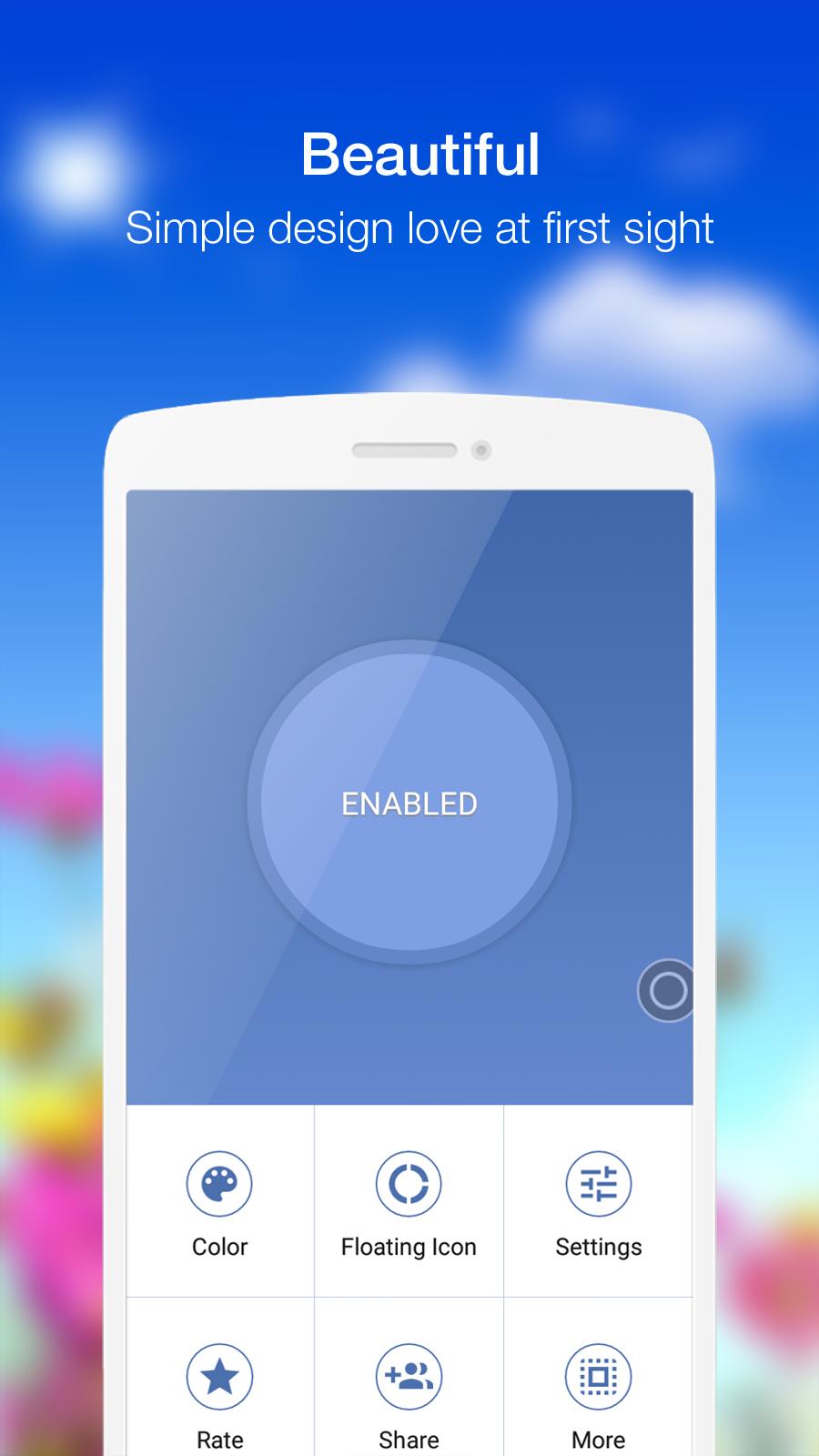
- Virtual Home key, easy touch to lock screen and open recent task
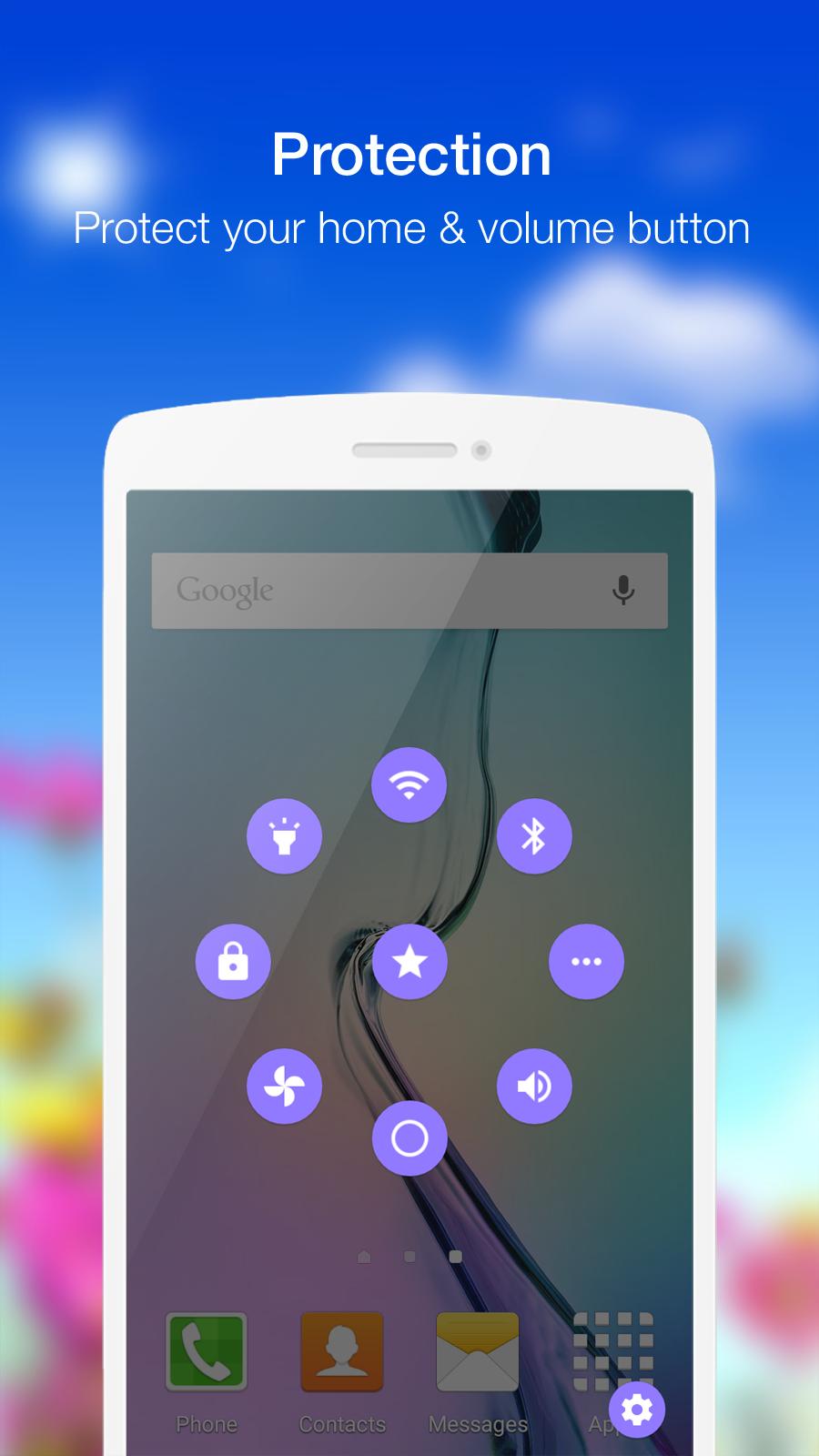
- Virtual Volume key, quick touch to change volume and change sound mode
- Clean ram, boost speed, one touch boost
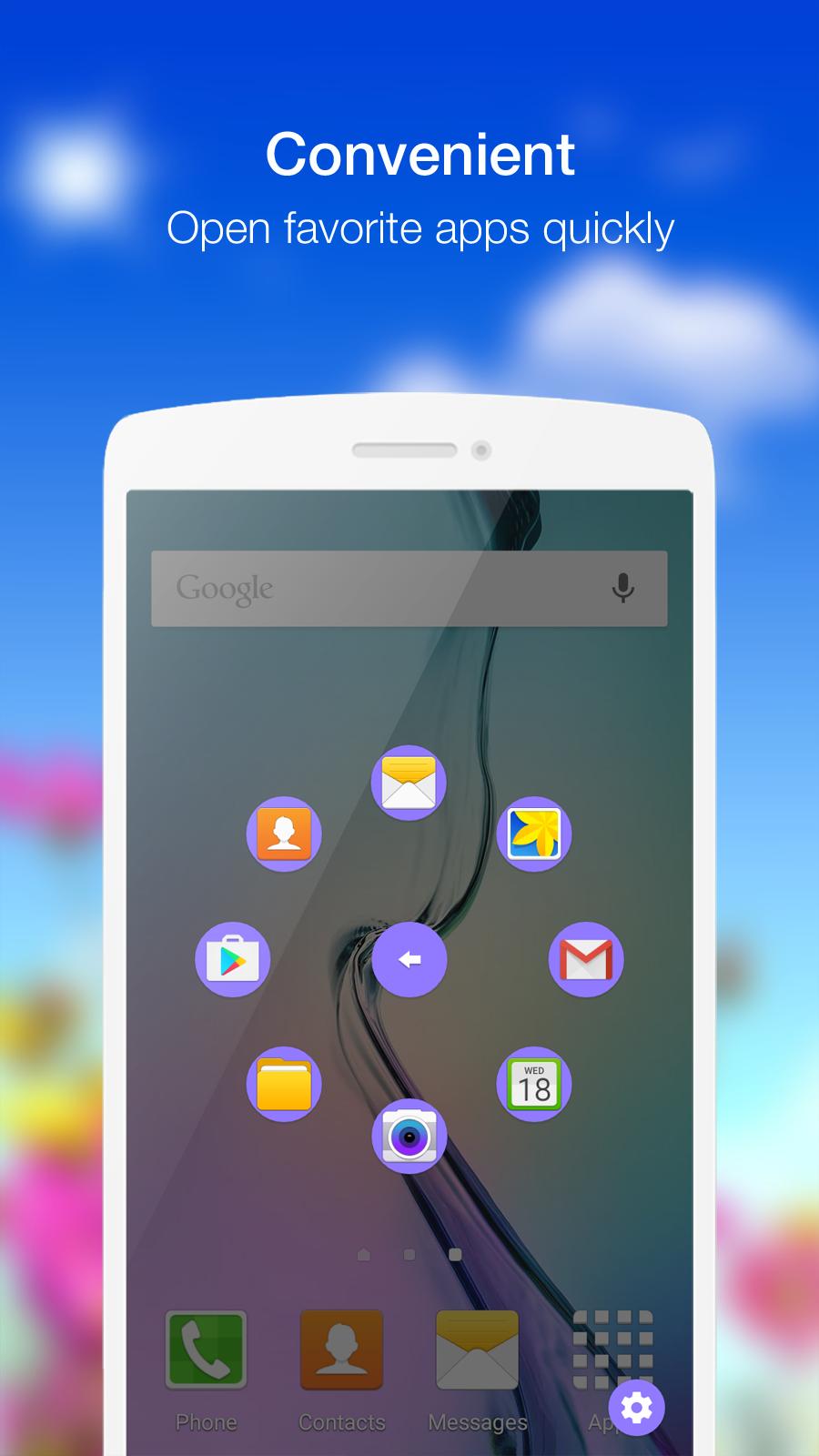
- Easy touch to open your favorite application
- Go to all setting very quick with a touch
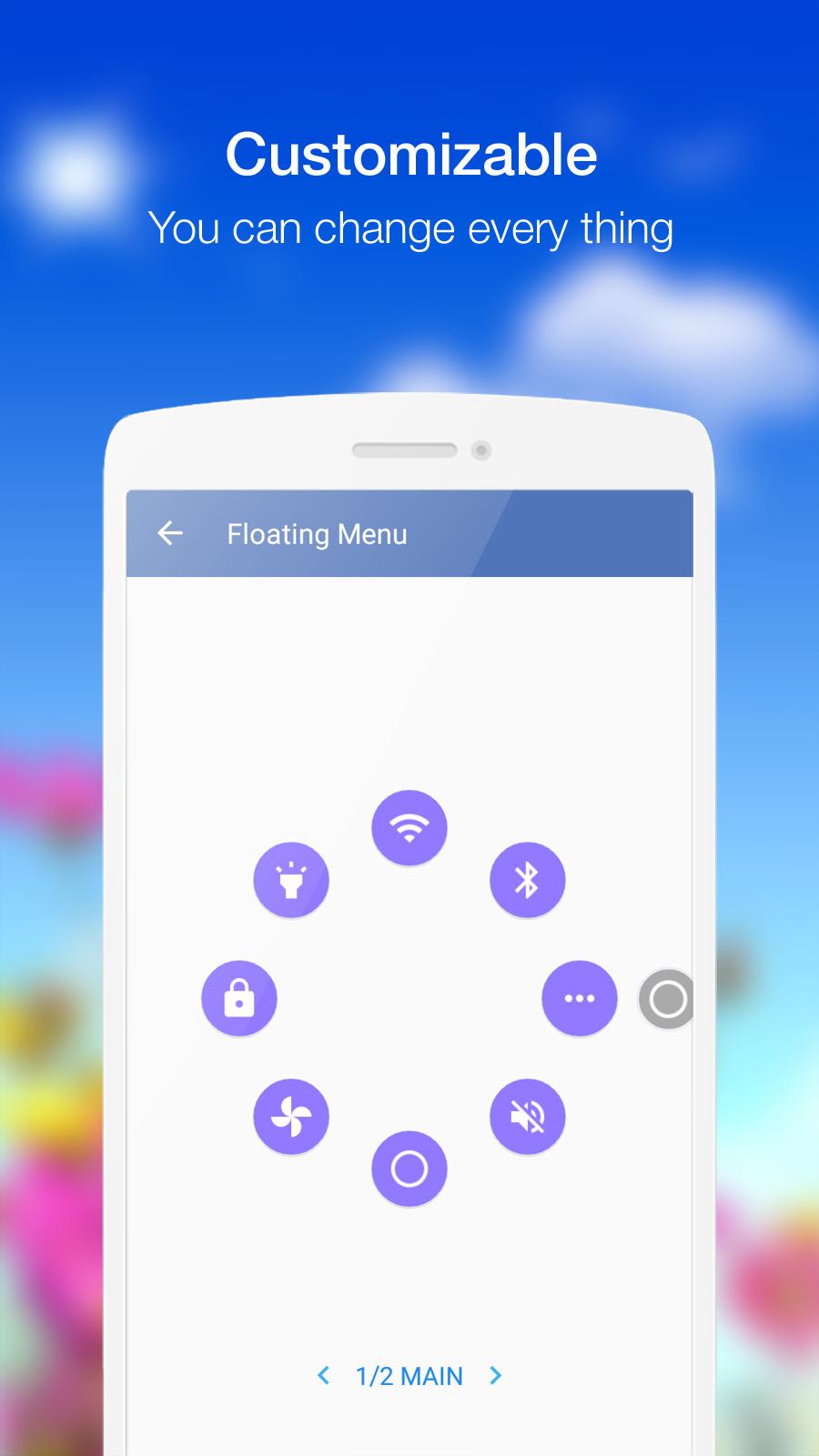
Quick touch setting include:
- Capture Screenshot (only 5.0 and up)
- Power Popup (only 5.0 and up)
- Back Button
- Notification Expand
- WiFi
- Bluetooth
- Location (GPS)
- Ring mode (Normal, Vibrate, Silent)
- Screen rotation
- Volume up & down
- Airplane mode
- Flashlight Bright
- Brightness Control
- All application on your device
Customize:
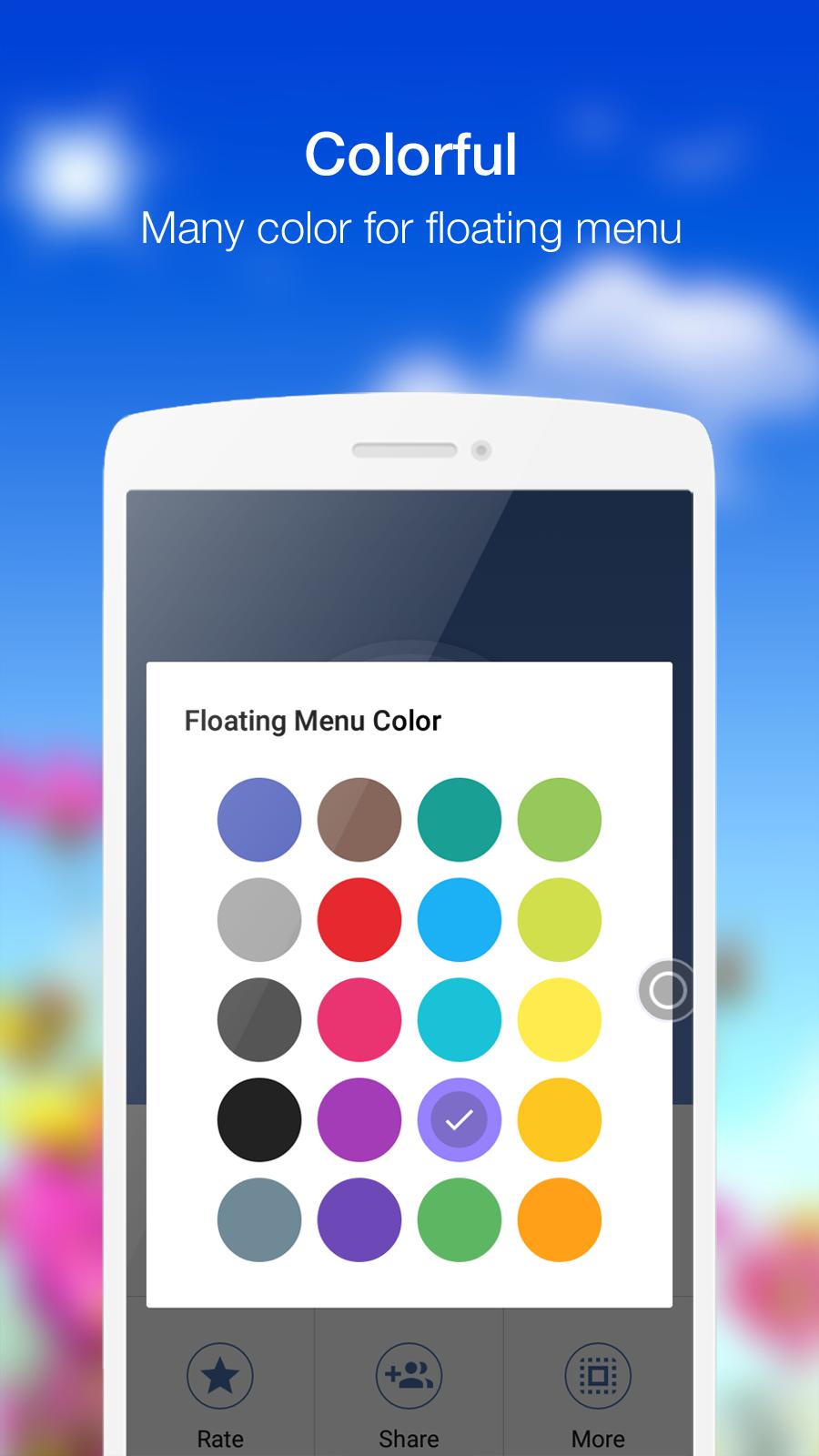
- You can touch to change color of background with your favorite color
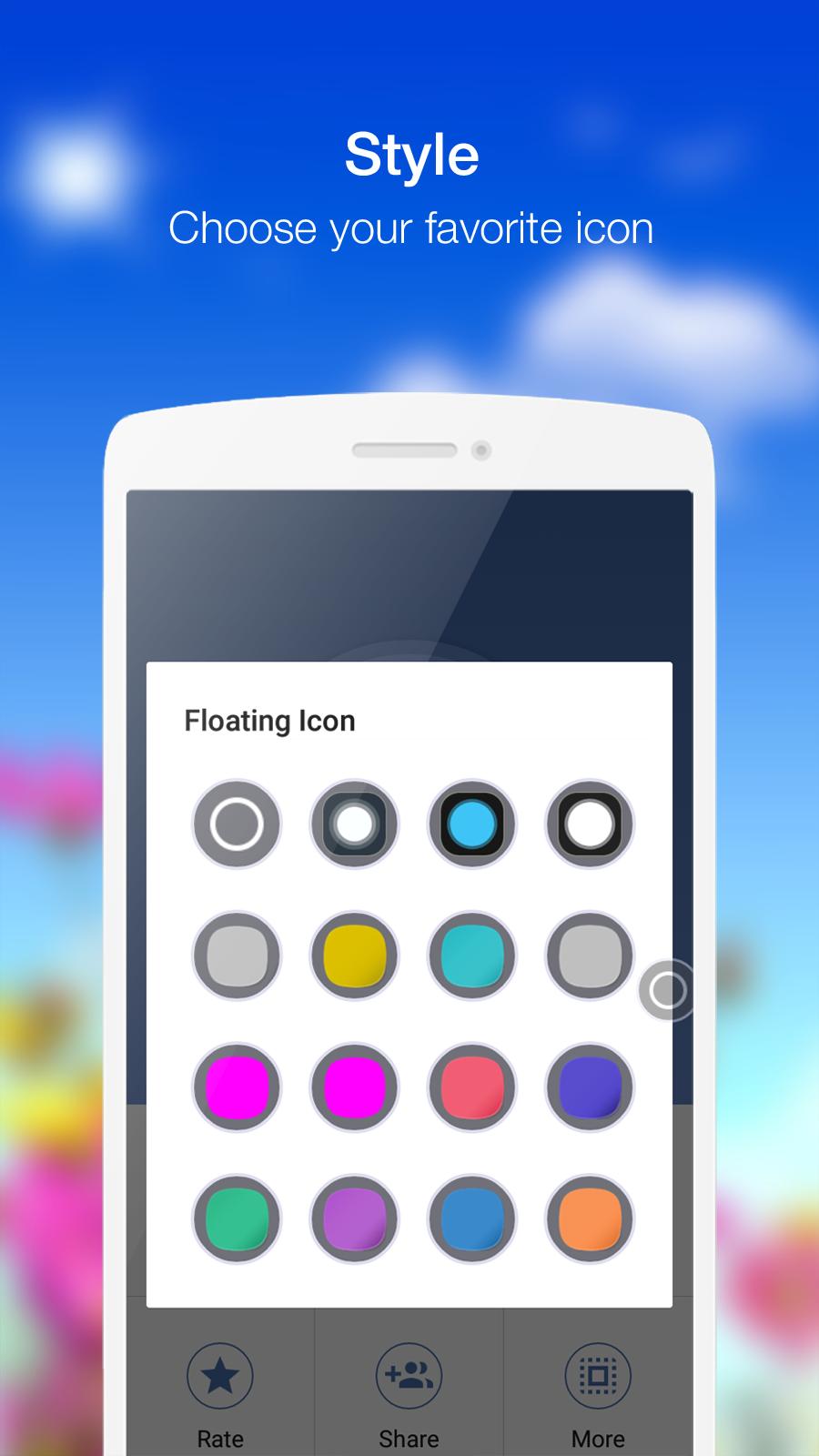
- You can touch to change icon of Floating Touch with many pretty icon, totally free
Feed back
- If you like Floating Touch please review and give us 5 start
- If you have any problem with this app please give use 4 start and your problem, we will fix it quickly
- Please email for us if you want send request new icon, color or function
Thank for your support
Latest Version
2.7Uploaded by
ياسين حمان
Requires Android
Android 4.1+
Category
Free Tools AppContent Rating
Rated for 3+
Report
Flag as inappropriateLast updated on May 12, 2016
- Add switch mobile data action
- In app purchase to remove ads
- Add Capture Screenshot & Power Button for 5.0 and up
- Add Back Button, Notification Expand.
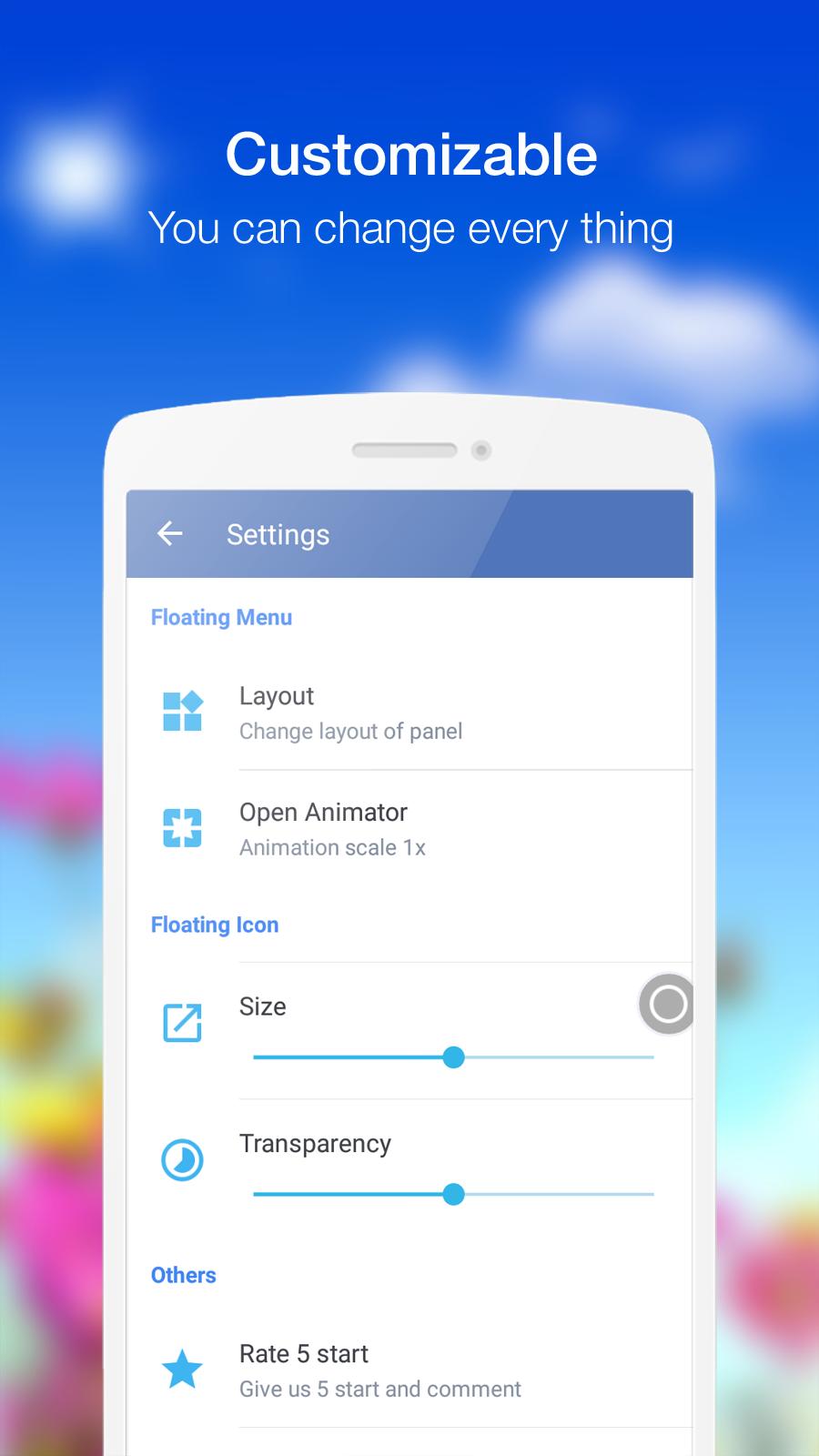
- To use new function please go to Setting -> Layout -> Select function in list.


APKPure - A multi-platform app store primarily focused on Android, providing extensive app-related content. Discover the app you want easier, faster, and safer, with quick and efficient downloads and installations.