
**The latest version of Evernote is required in order to use the Evernote Widget app**
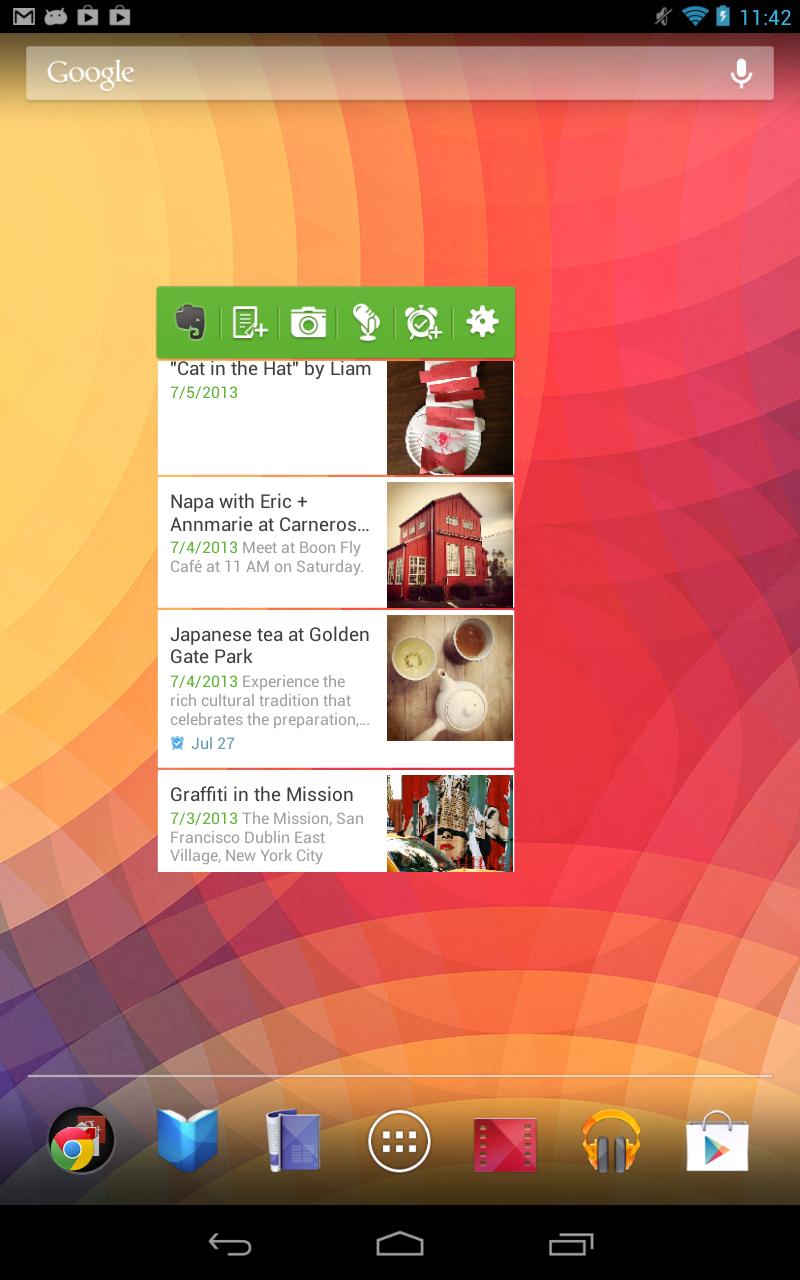
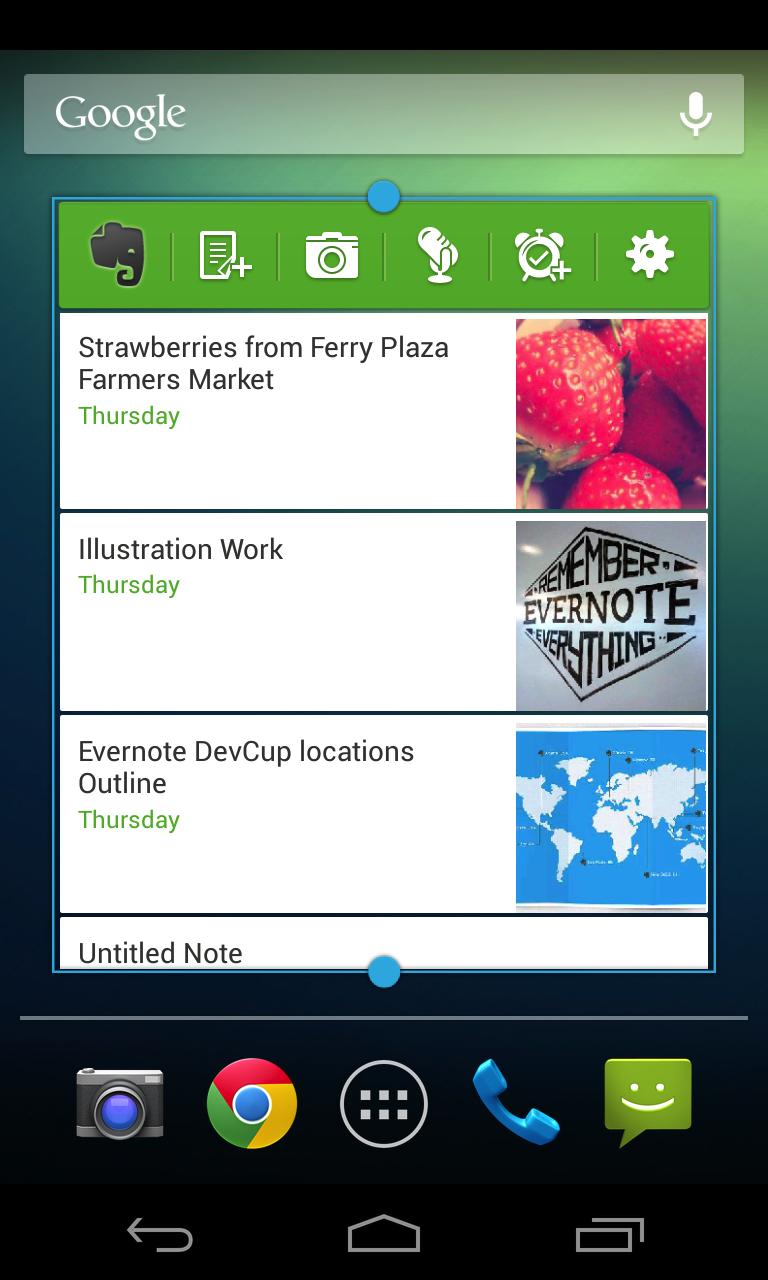
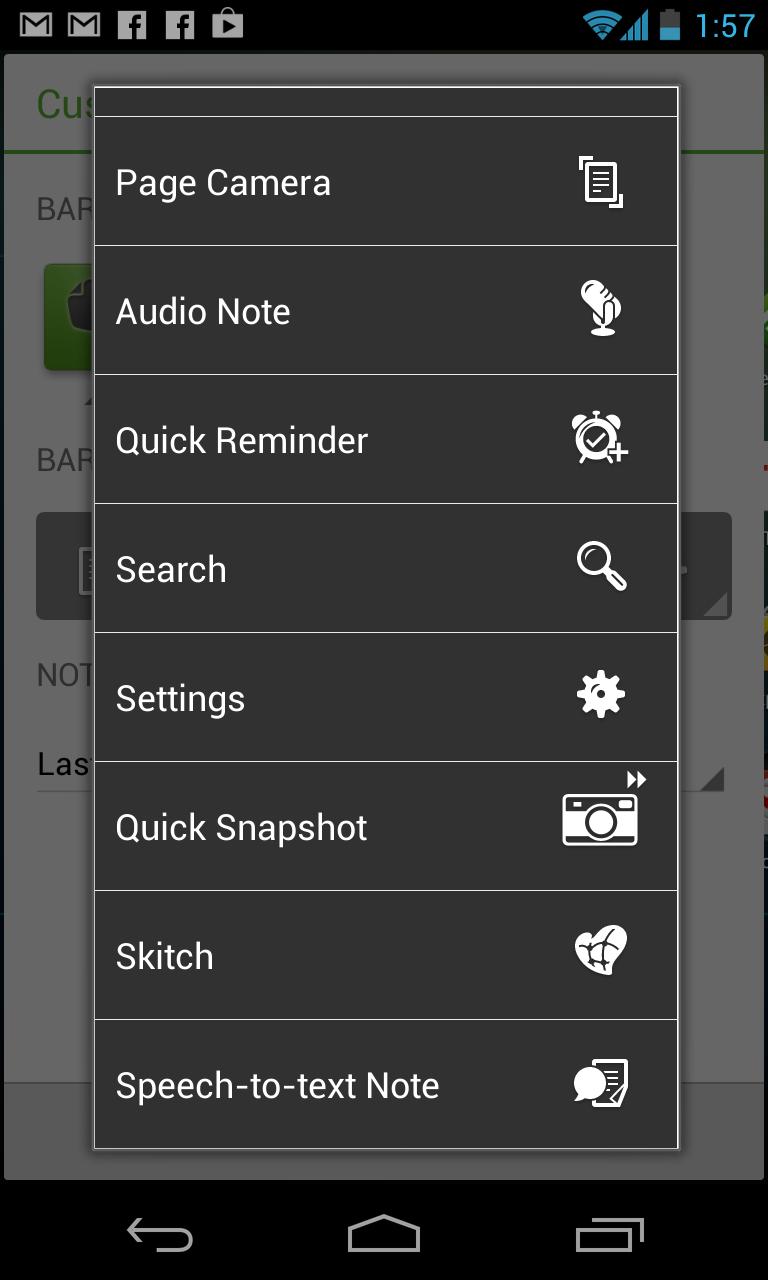
The Evernote Widget lets you go directly to core Evernote features right from your home screen.
3 widget options:
- List widget (Android 3.0+): Provides a scrollable list and display reminders.
- Large widget: Same as the small widget, plus snippets of recently viewed notes.
- Small widget: Create new text, snapshot and audio notes, and jump to the search screen.
How to install:
Once you install this app, tap and hold on the home screen, then select your preferred widget from the popup.
The story behind this widget:
We want every users to have the best Evernote experience possible. Unfortunately, if Evernote is installed on the SD card, then the widgets that comes with the app are unavailable. Thanks to this Evernote Widget application, anyone can take advantage of this time saving feature regardless of where Evernote is installed.
Learn more about the widget:
https://evernote.com/evernote/guide/android/#10
Last updated on Nov 9, 2023
이 버전에는 사소한 버그 수정과 전반적인 개선 사항이 포함되어 있습니다. 최상의 환경을 위해 최신 버전으로 업데이트하세요.




APKPure - 안드로이드를 중심으로 한 멀티플랫폼 앱스토어로, 다양한 앱 관련 콘텐츠를 제공합니다. 더 쉽고, 빠르고, 안전하게 원하는 앱을 찾아보세요. 빠르고 효율적인 다운로드와 설치가 가능합니다.