**The latest version of Evernote is required in order to use the Evernote Widget app**
The Evernote Widget lets you go directly to core Evernote features right from your home screen.
3 widget options:
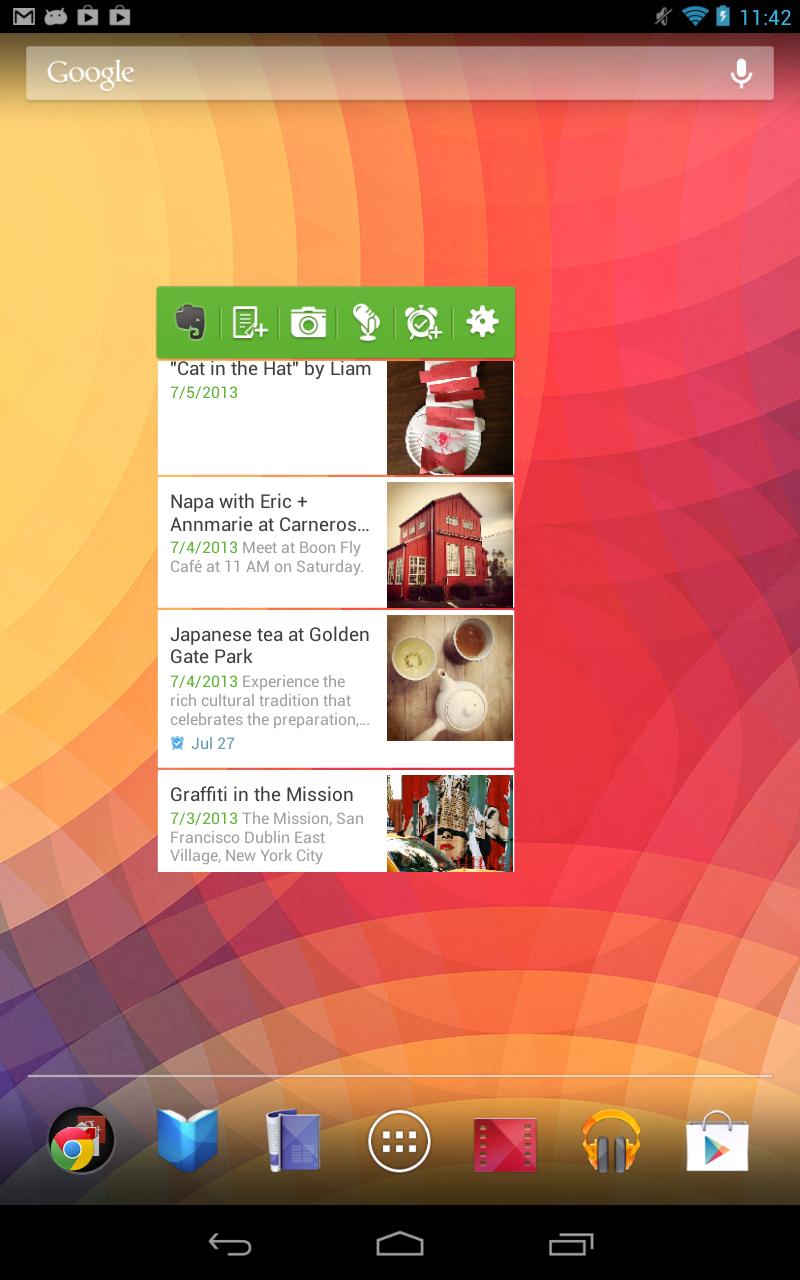
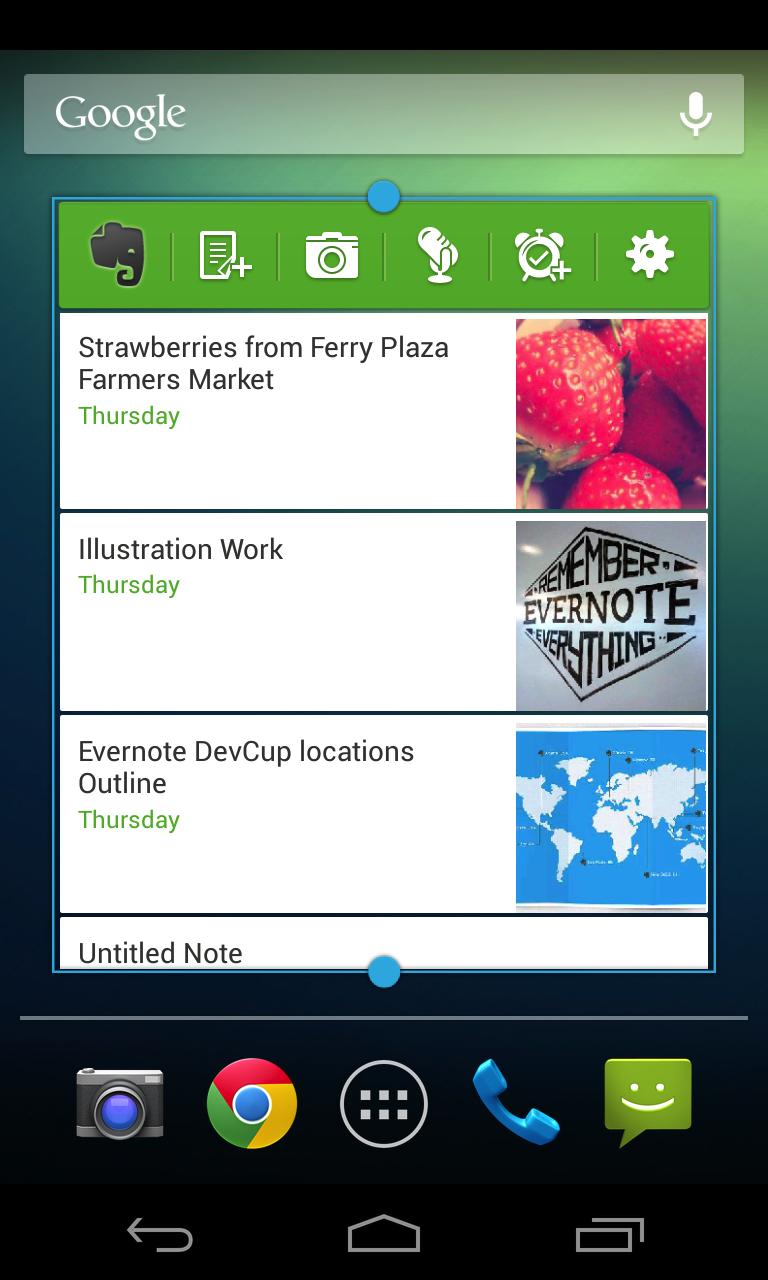
- List widget (Android 3.0+): Provides a scrollable list and display reminders.
- Large widget: Same as the small widget, plus snippets of recently viewed notes.
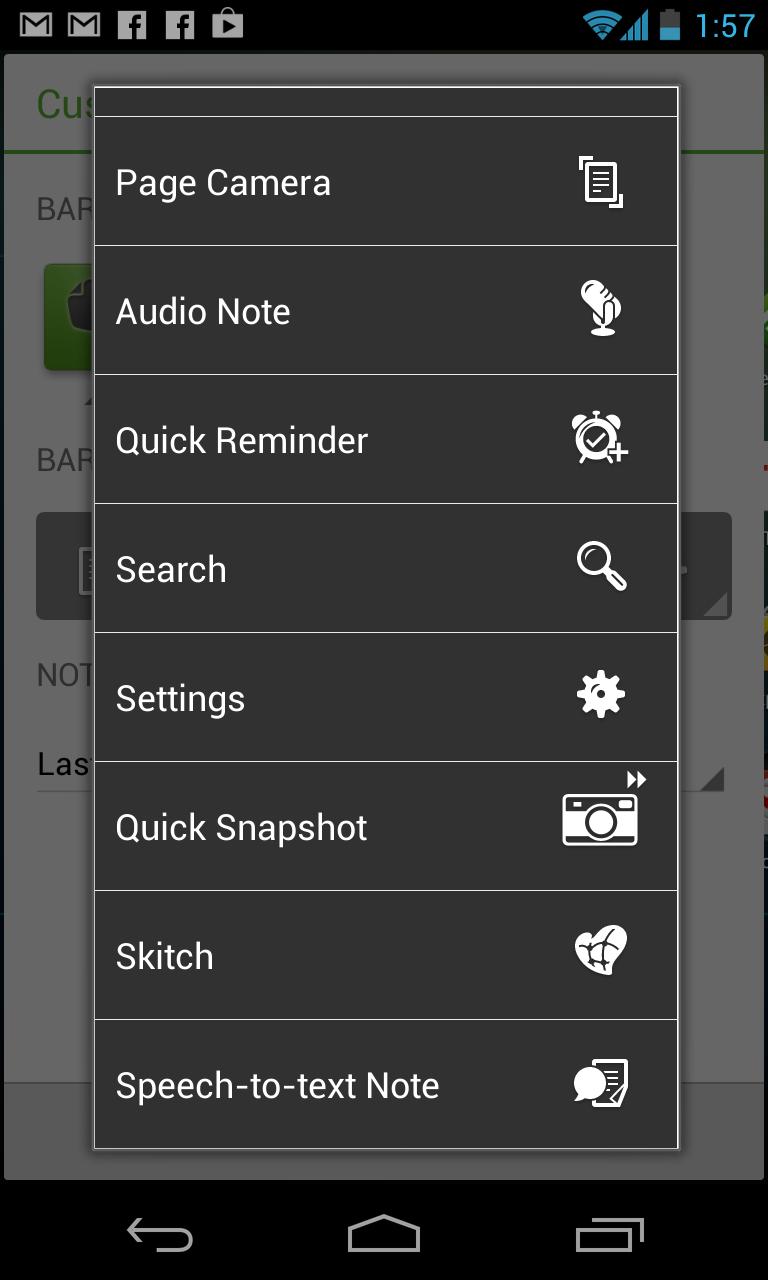
- Small widget: Create new text, snapshot and audio notes, and jump to the search screen.
How to install:
Once you install this app, tap and hold on the home screen, then select your preferred widget from the popup.
The story behind this widget:
We want every users to have the best Evernote experience possible. Unfortunately, if Evernote is installed on the SD card, then the widgets that comes with the app are unavailable. Thanks to this Evernote Widget application, anyone can take advantage of this time saving feature regardless of where Evernote is installed.
Learn more about the widget:
https://evernote.com/evernote/guide/android/#10
Last updated on 2023年11月10日
此版本包含小幅错误修复和常规改进。请更新至最新版本,以获得更佳体验。