
Camera Object is an application to taken a collage photo with more pleasant effect, edit image, auto detect and remove background, add filter and more...
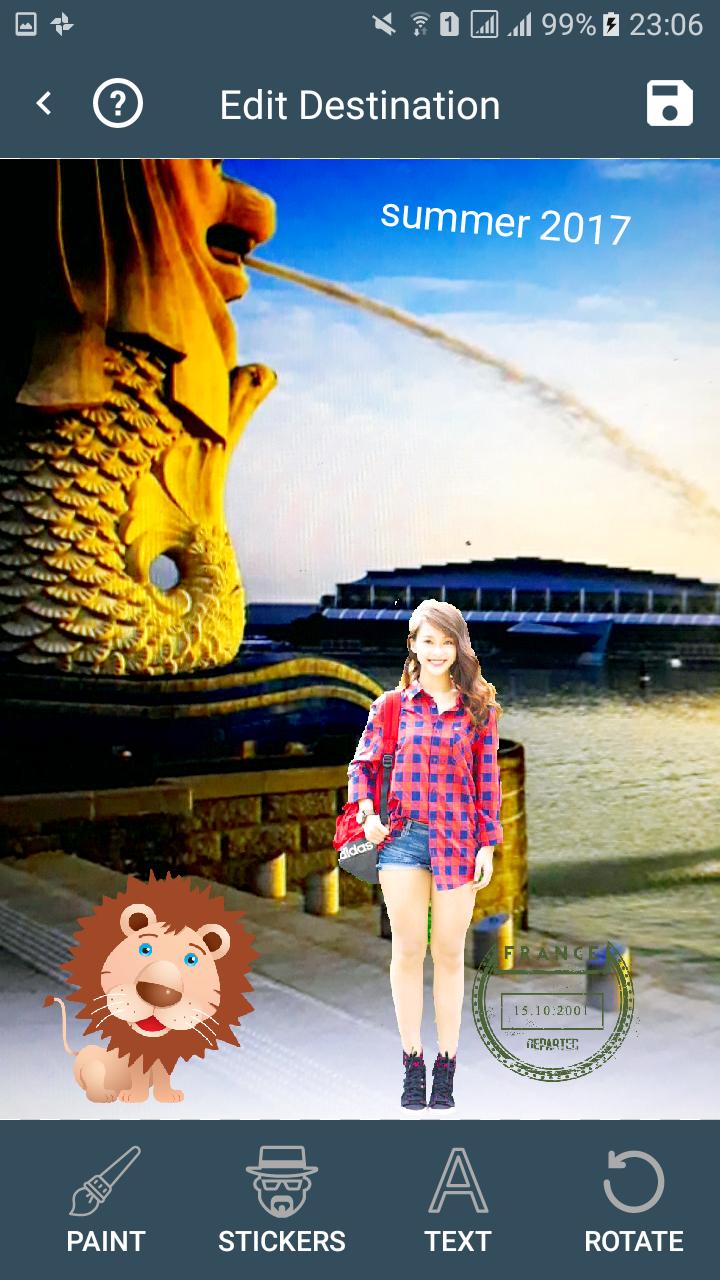
You can do easy tasks to enhance your photos like making smooth skin, whiten skin, add effects, rotate, crop, resize, add text, add stickers, and draw on your photos.
These 5 easy steps can help you manipulate Camera Object
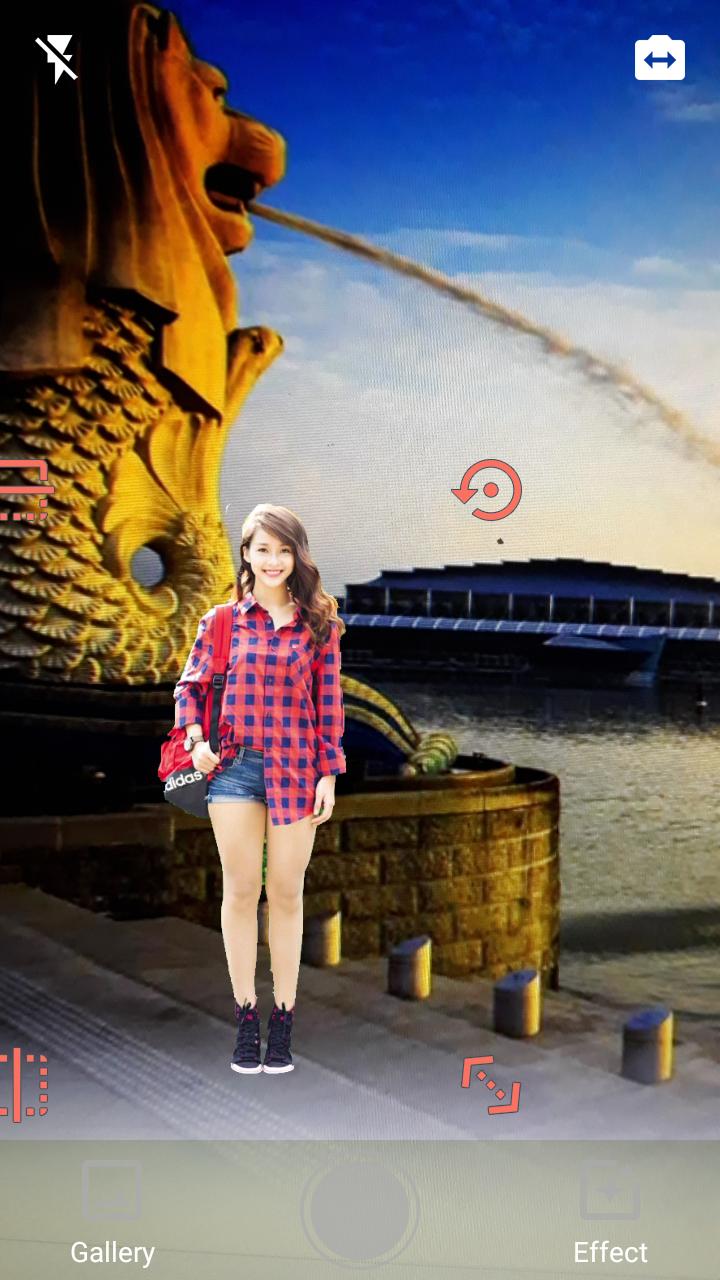
Step 1: Capturing foreground - You can get foreground from the camera or the gallery to use.
Step 2: Fast edit foreground - You can crop, rotation, auto or manual remove background and beauty.
Step 3: Capturing backstage - You can get backstage from the camera or gallery to use then Camera Object will automatically mix the picture you took in step 1 to create one new picture.
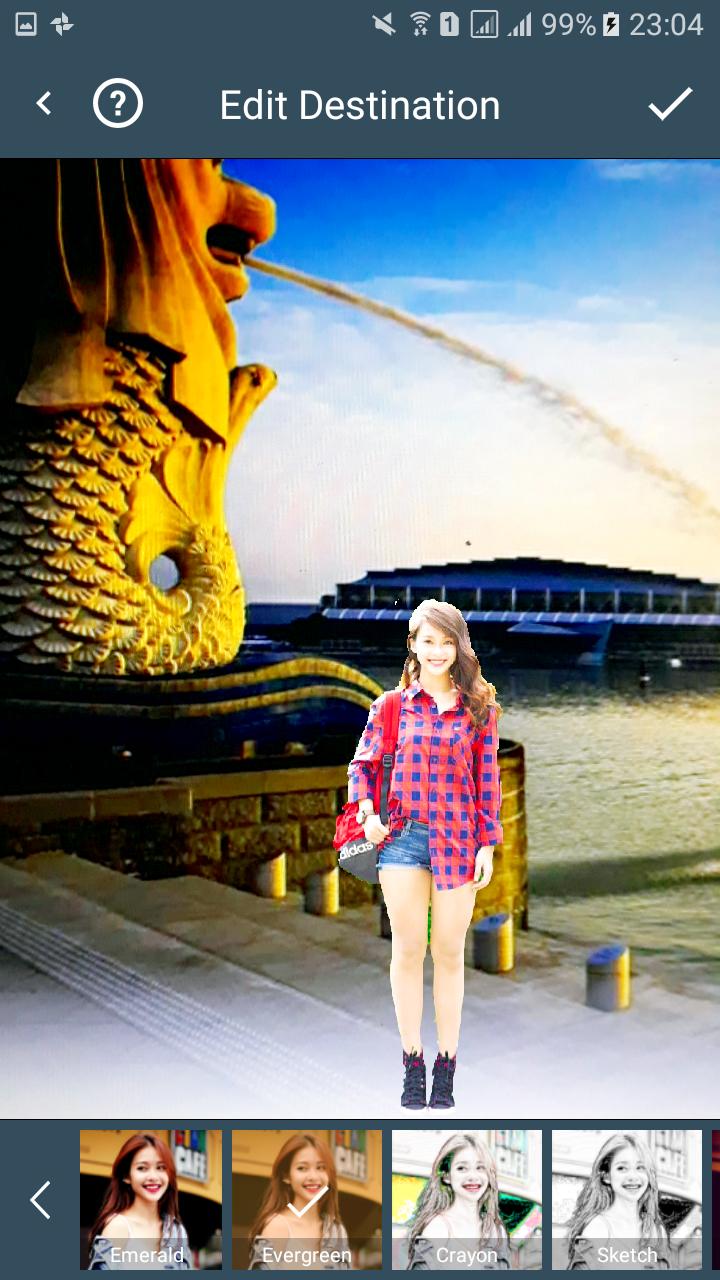
Step 4: Edit final photo in step 3 - You can crop, rotation, add emoticons, text, filters, beauty and draw on the picture ...
Step 5: Save photo to Gallery.
Last updated on Jun 7, 2017
이 버전에는 사소한 버그 수정과 전반적인 개선 사항이 포함되어 있습니다. 최상의 환경을 위해 최신 버전으로 업데이트하세요.






APKPure - 안드로이드를 중심으로 한 멀티플랫폼 앱스토어로, 다양한 앱 관련 콘텐츠를 제공합니다. 더 쉽고, 빠르고, 안전하게 원하는 앱을 찾아보세요. 빠르고 효율적인 다운로드와 설치가 가능합니다.