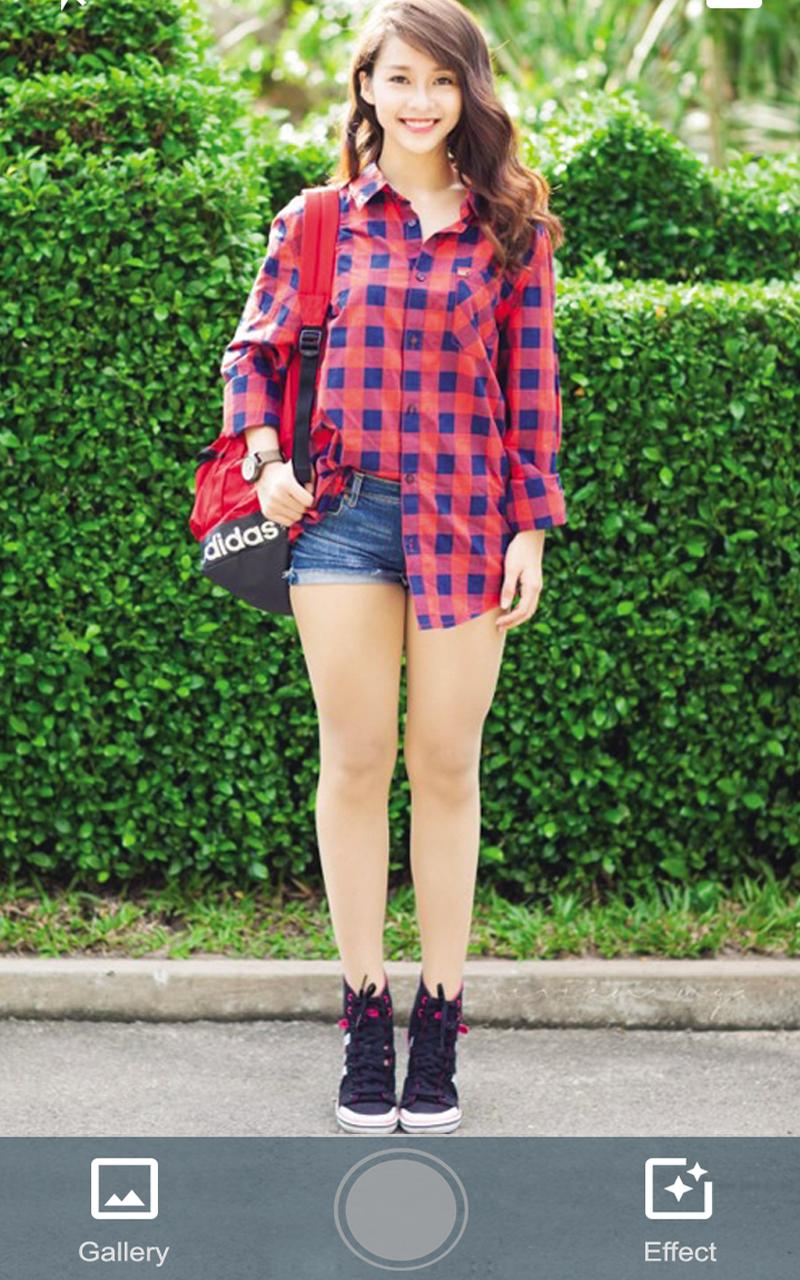
Camera Object is an application to taken a collage photo with more pleasant effect, edit image, auto detect and remove background, add filter and more...
You can do easy tasks to enhance your photos like making smooth skin, whiten skin, add effects, rotate, crop, resize, add text, add stickers, and draw on your photos.
These 5 easy steps can help you manipulate Camera Object
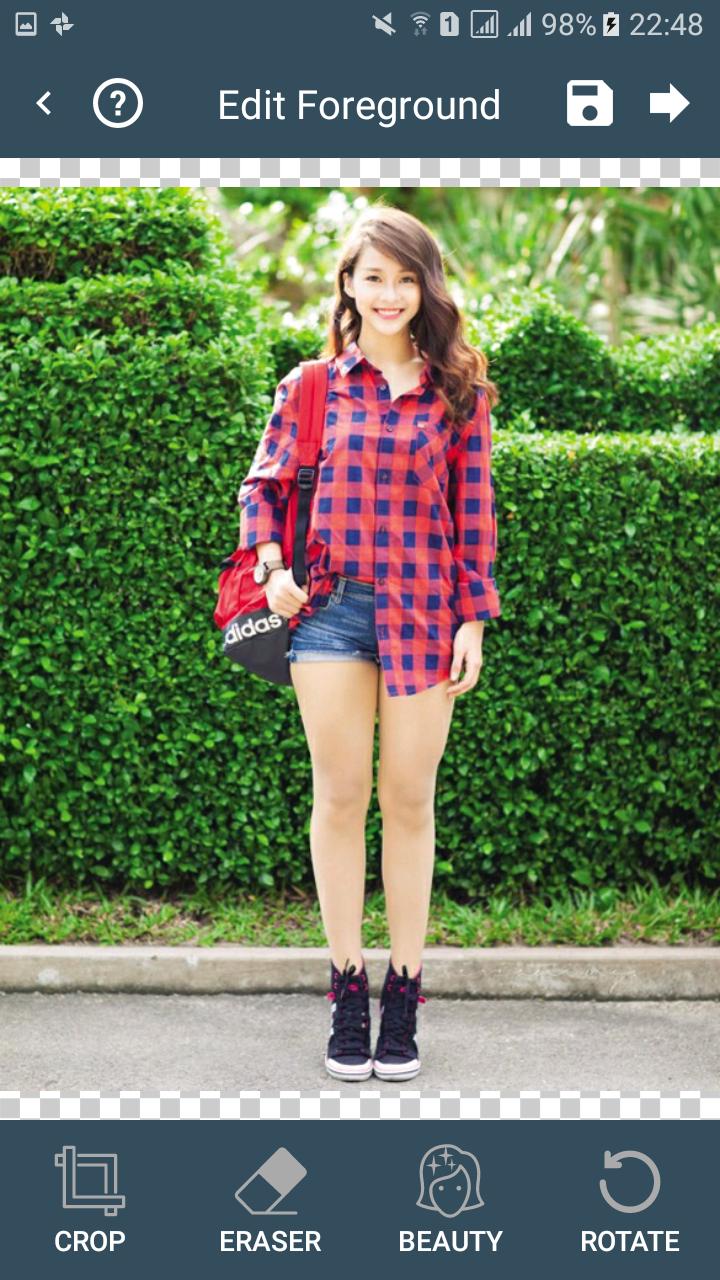
Step 1: Capturing foreground - You can get foreground from the camera or the gallery to use.
Step 2: Fast edit foreground - You can crop, rotation, auto or manual remove background and beauty.
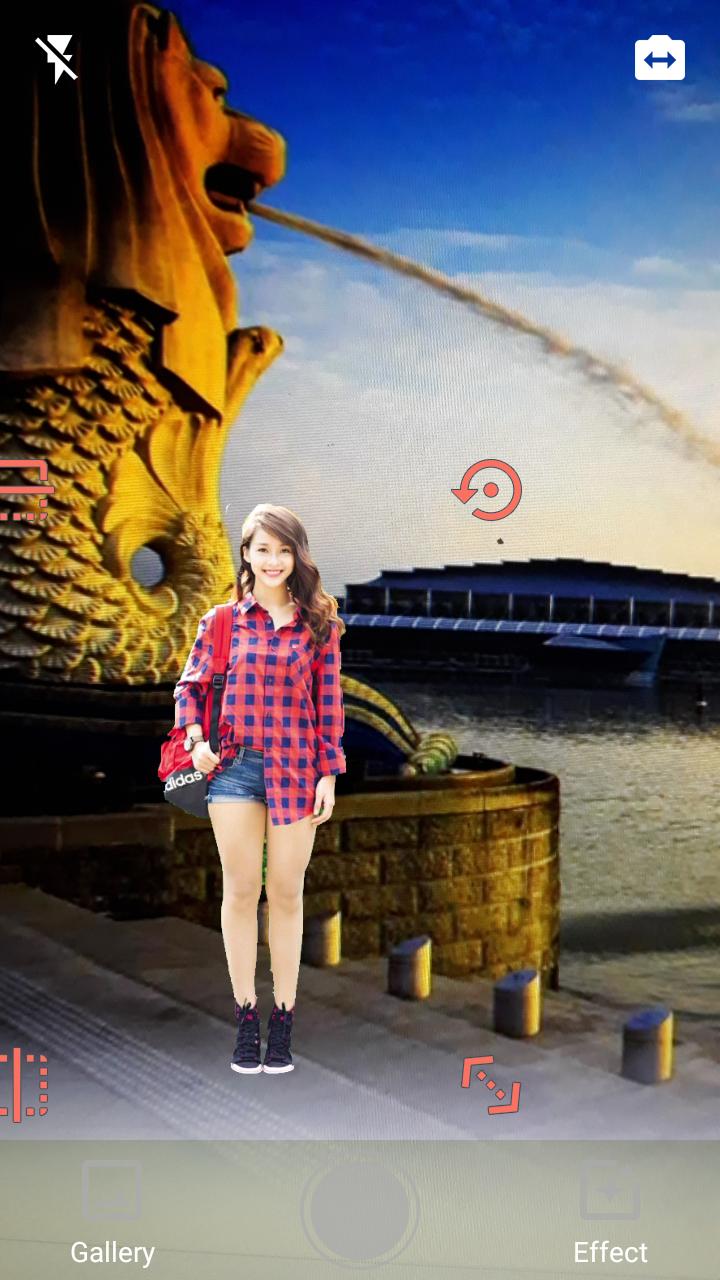
Step 3: Capturing backstage - You can get backstage from the camera or gallery to use then Camera Object will automatically mix the picture you took in step 1 to create one new picture.
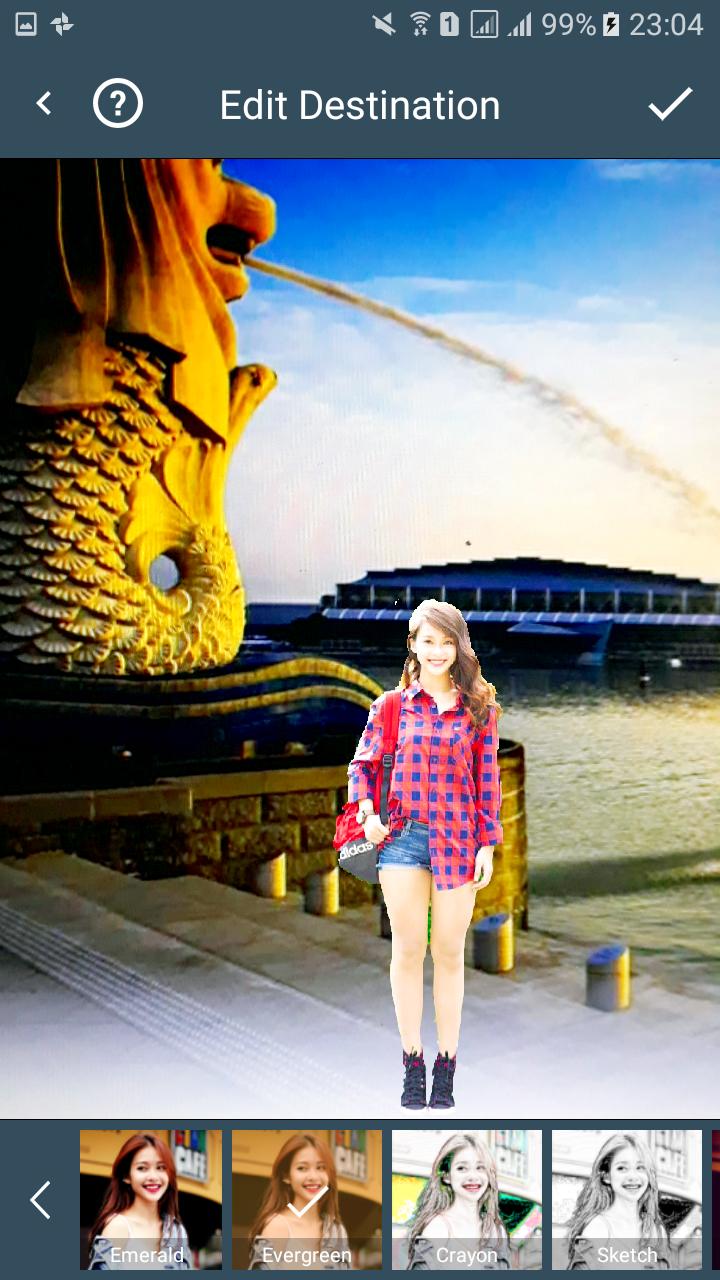
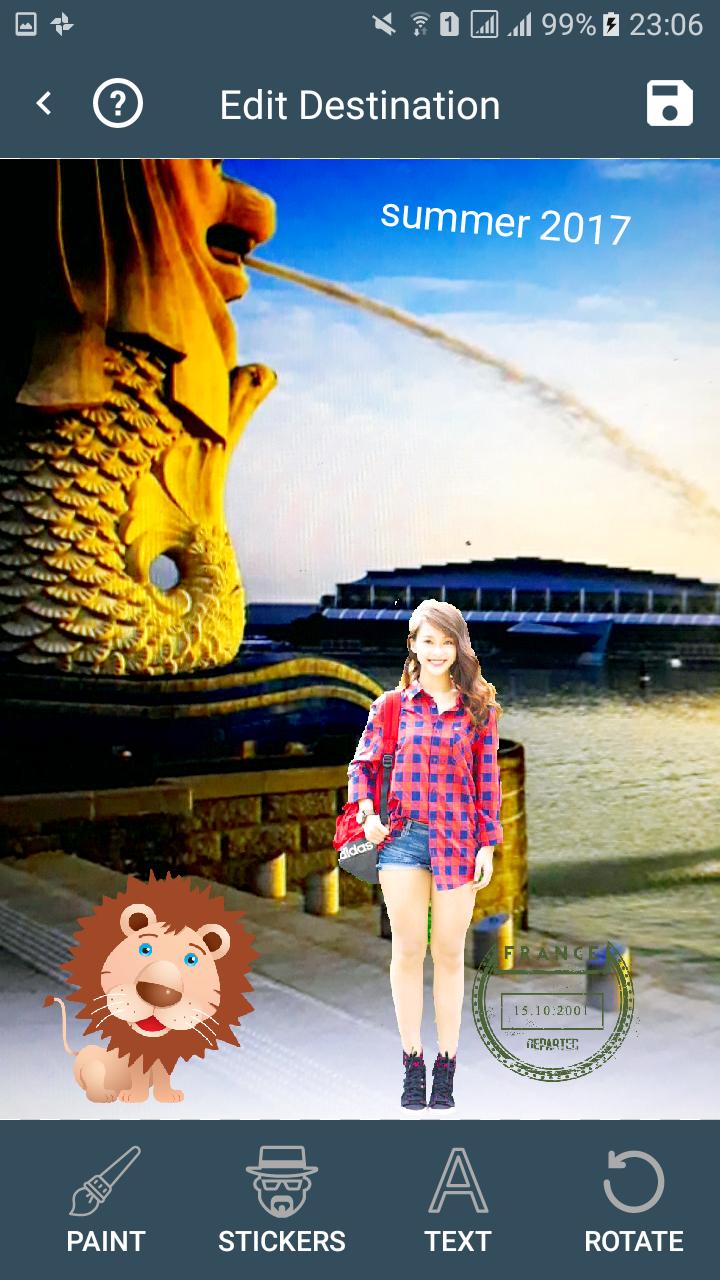
Step 4: Edit final photo in step 3 - You can crop, rotation, add emoticons, text, filters, beauty and draw on the picture ...
Step 5: Save photo to Gallery.
Last updated on 2017年06月07日
此版本包含小幅错误修复和常规改进。请更新至最新版本,以获得更佳体验。