Scan Date:Apr 22, 2026
Show More
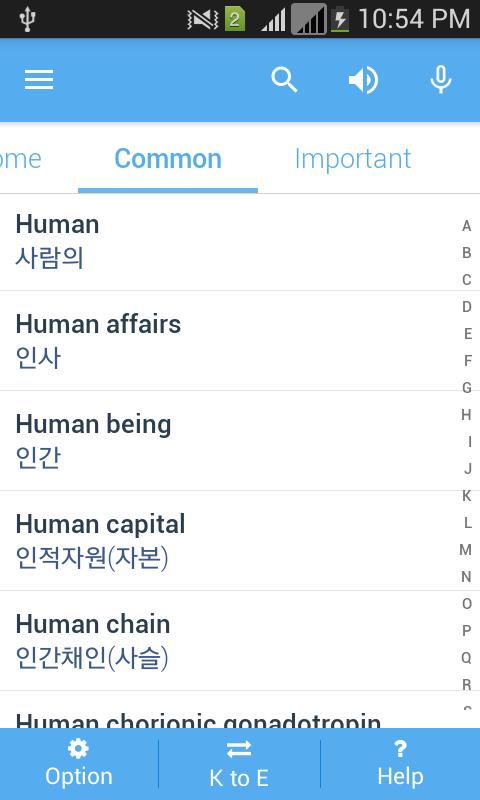
English to Korean Dictionary. Can be used for Korean to English and English to Korean meaning
Common and important words List for exam like IELTS, TOEFLT, GRE etc with meaning that helps to read it like a word book of English and Bengali.
Completely offline.
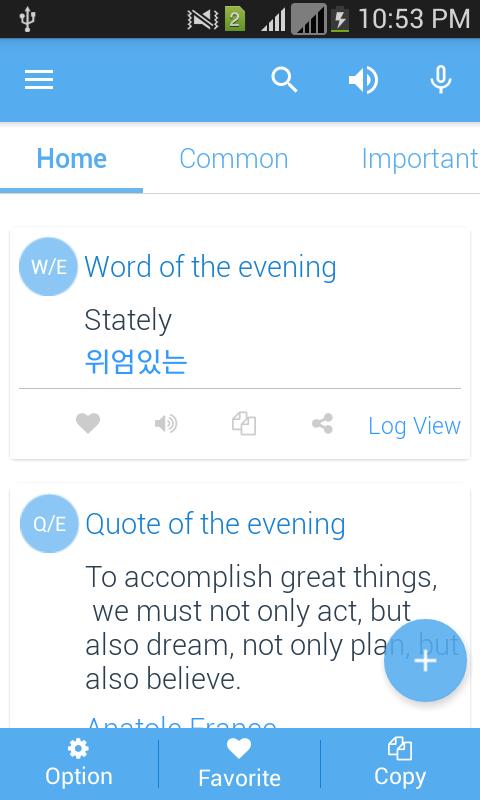
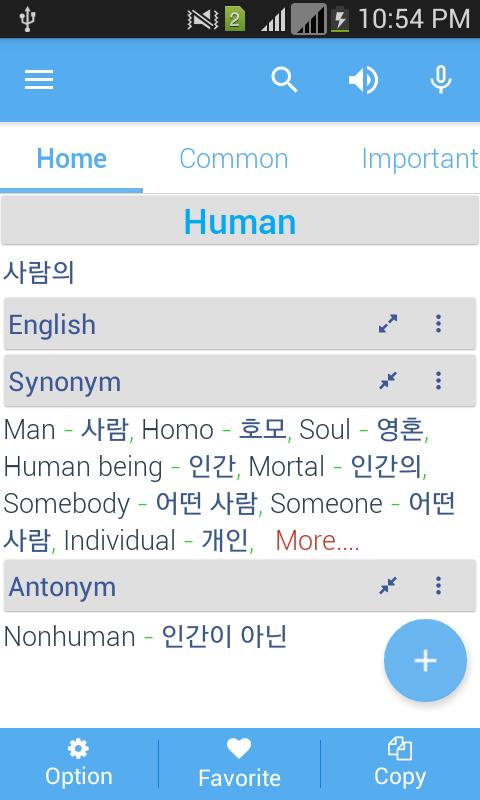
App contains Synonyms, Antonyms, English Details description, Example Sentences.
Those are categorized according to parts of speech.
How to use some main features
Copy to meaning (upto Android Pie): First enable Copy text from the app, then while using browser or any other app just select the word or a full paragraph and copy. You will see instant translation while reading. No need to open the dictionary. This feature is available upto android Pie.
Display Options. Search keyboard on startup, Search button on home screen bottom button, Iconic tab and fixed search layout, Customize home screen, App screen orientation and lots more customization is possible from app display settings.
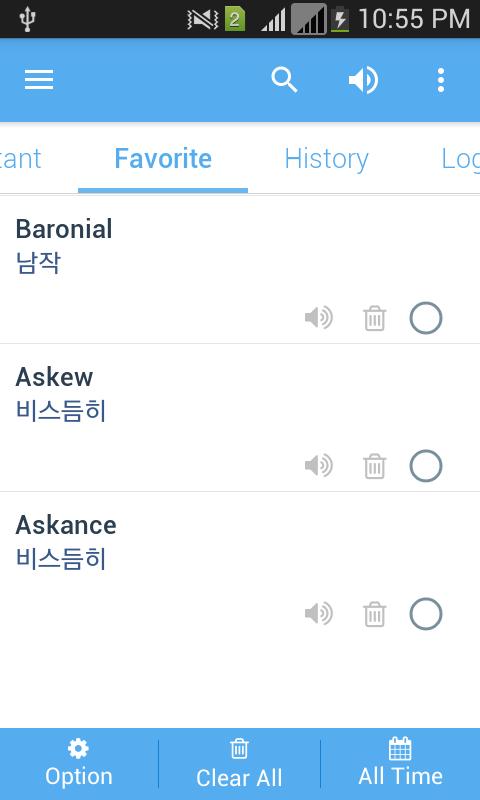
Backup & Restore: You can take backup of your history, favorite and word of the day words on SD card, on your google drive and/or dropbox account. And later you can restore any time from any place on any device as you like.
Grammar: In this section you will learn English grammar and this is the simplest and easiest way for user to learn
English Grammar.
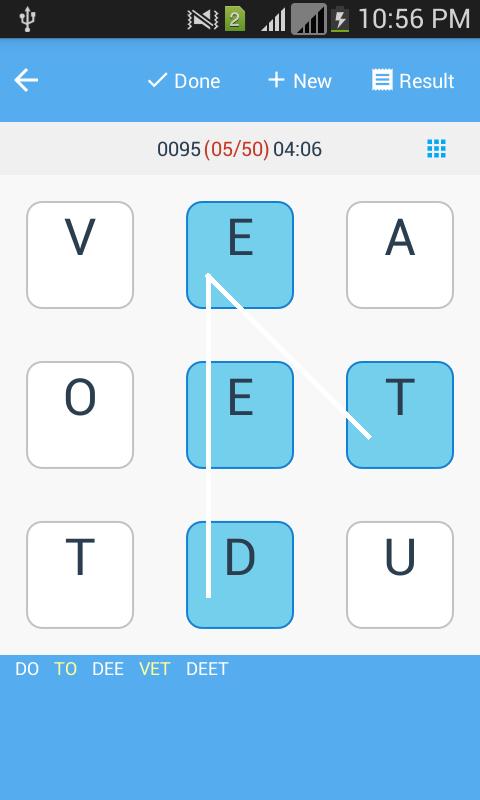
Quiz: This Quiz has 24 levels. Each level you will be asked to ans 50 questions with 50 words one after another. If you provide any wrong answer than this question will be asked again on the end of the level. So you will definitely learn this word by completing the level. If you answer correctly all the questions in a level then you will proceed to the next level. Otherwise you will continue looping to the level you are now on until you learn all of them.
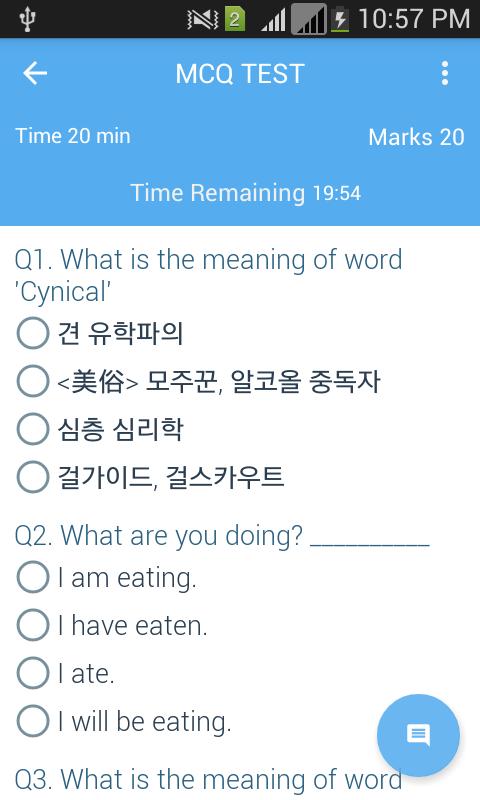
Multiple choice questions: This is like you are sitting on a real time exam. Each question has equal marks. Its your choice to select how many questions and what will be the question type. You can select question from wide range of variety (Meaning, Synonym, Antonym, Grammar and All Mixed up. Timing and score all feel like real and you can really judge yourself with this MCQ section.
Flash Word: To memorize the word efficiently we are letting the user to put words on a side and meaning on another side of a card. So take a card, see the word there and try to memorize. You can't? No problem. Just flip the card and see the meaning on opposite side. Yes, Better luck next time and definitely it will be. Because this is the smartest technique to memorize a word.
Home Screen Wallpaper: You want to learn words even if you are outside app. Yes, you are right. This is now possible with our live wallpaper feature. From drawer please select live wallpaper and you will see words with meaning on your home screen. You have lots of options to customize this wallpaper screen. Like words can be selected from favorites, history and Word of the Day section. Time frame can also be selected by you. Today, Yesterday, This week, Last week, All times and more. From wallpaper settings you can fully customize the screen. Please enable and enjoy this feature.
Quotes: Plenty of life changing quotes are available on the dictionary. Read them and get courage and the way to go on your day to day life.
Latest Version
IndependenceUploaded by
Efe Uğurlu
Requires Android
Android 9.0+
Category
Free Books & Reference AppContent Rating
Everyone
Security Report
Report
Flag as inappropriateLast updated on Apr 22, 2026
Ads are reduced
App text size issue fixed
Notification issue fixed
New display settings option inside the app to sync dark mode of the devices



APKPure - A multi-platform app store primarily focused on Android, providing extensive app-related content. Discover the app you want easier, faster, and safer, with quick and efficient downloads and installations.