Scan Date:Apr 9, 2026
Show More

The new features including the AR and beauty functions will blow you away! Thanks.
Supported Models :
Kodak 2 inch Printer (P210, M200)
Kodak 2 in 1, 2 inch Camera (C210, MS200)
Kodak 3 inch Square Printer (P300, M300)
Kodak 3 inch Square 2 in 1 Camera (C300, MS300)
Kodak 4inch Square Camera (MS400)
Kodak 6 inch Dock Printer (PD460, D600)
[How to Use]
1. Connect the printer to a power source.
(For battery models, make sure the battery is sufficiently charged.
For adapter models, use the provided adapter.)
2. Turn on the printer.
3. Make sure there is enough cartridge and paper in the printer.
4. Open the app and tap the Bluetooth icon at the top.
In the list of paired or discovered devices, find your printer’s name and tap to connect.
5. If you cannot find the printer name in the app,
go to your phone’s Bluetooth settings and search for the MAC address.
The MAC address is located inside the printer’s door.
For Dock Printers, dock your smartphone at the pin on top,
or find the MAC address on the underside of the printer to connect via Bluetooth.
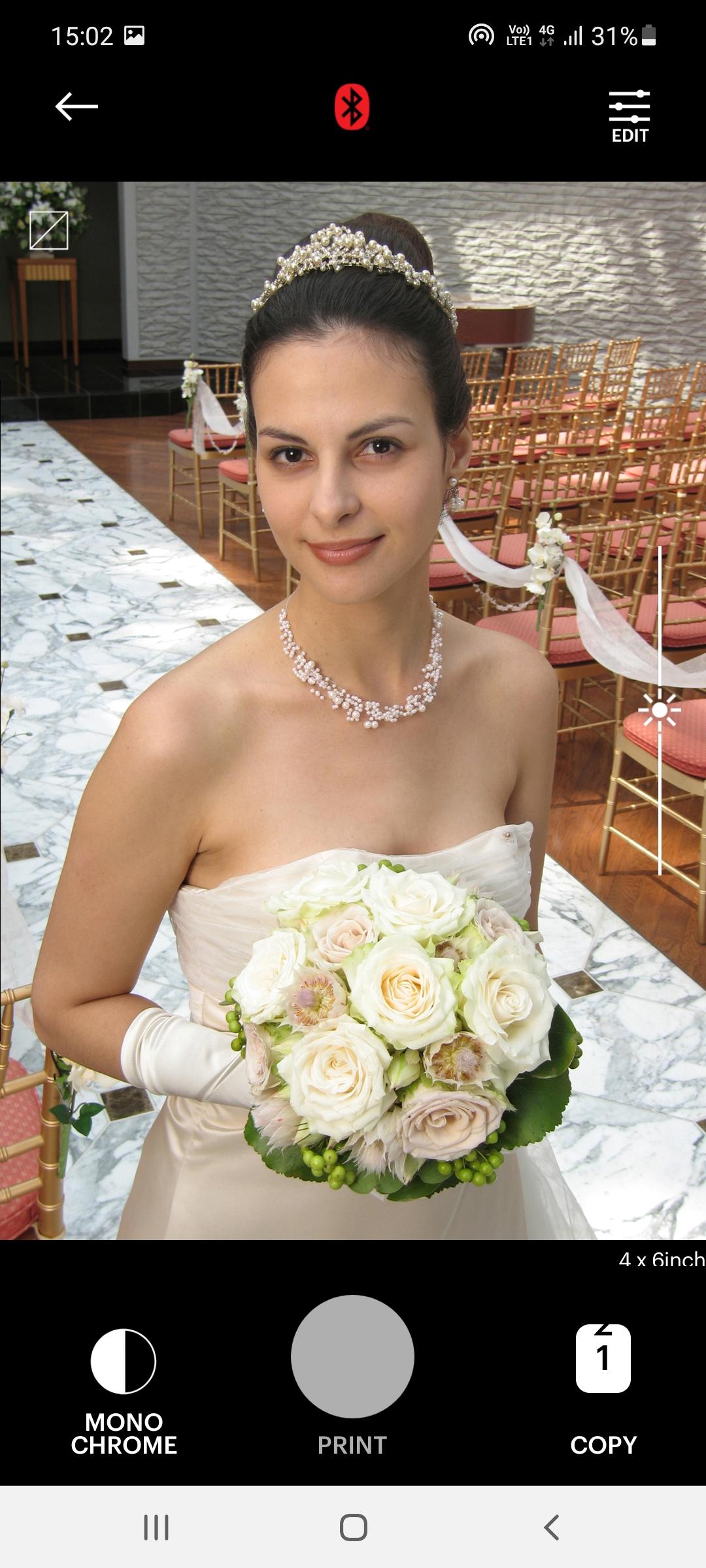
6. Select an image from your Gallery or take a photo with your smartphone.
7. After selecting an image, edit it as you like.
8. When editing is complete, press the print button located on top of the printer.
9. For the first print, a firmware update may be required.
Please follow any on-screen instructions on your smartphone.
10. Printing takes about one minute.
Please do not pull out the photo until it is completely ejected.
Latest Version
5.0.9Uploaded by
Ariyan BlackGades
Requires Android
Android 6.0+
Category
Free Photography AppContent Rating
Everyone
Security Report
Report
Flag as inappropriateLast updated on Apr 9, 2026
Minor bug fixes



APKPure - A multi-platform app store primarily focused on Android, providing extensive app-related content. Discover the app you want easier, faster, and safer, with quick and efficient downloads and installations.