Scan Date:Jan 22, 2026
Show More


KLWP Live Wallpaper Maker helps when you want a home screen that matches your style and shows useful info at a glance. Instead of relying on static images, you can build animated scenes that react to time, touch, and movement. This approach suits users who like control over layout and behavior, from simple clocks to rich dashboards. With KLWP Live Wallpaper Maker APK, setup stays visual and direct, so you can test changes instantly and refine details without extra steps.
Visual editor and layers
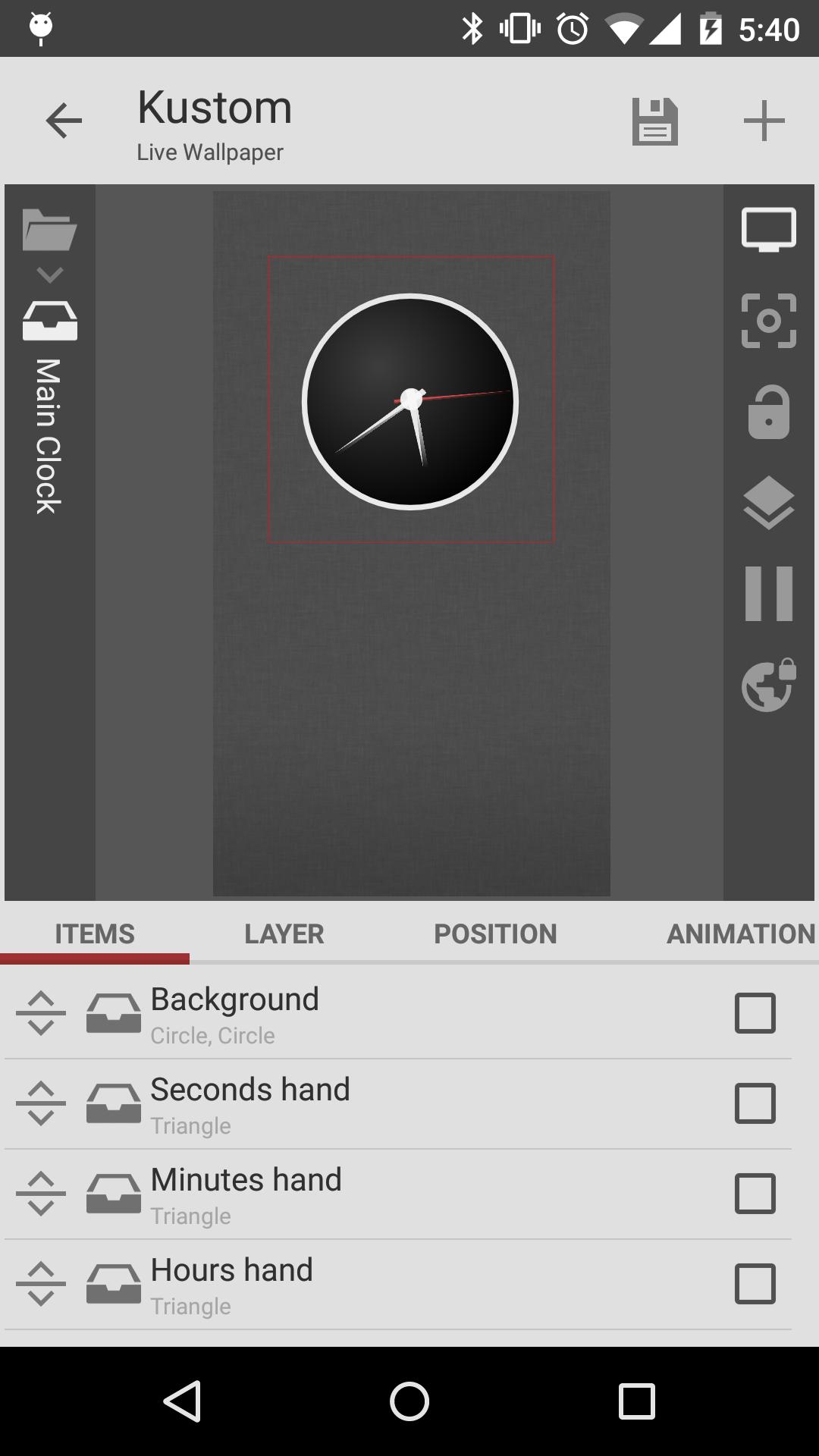
KLWP Live Wallpaper Maker offers a true WYSIWYG editor to build your layout on screen. You can add text, shapes, and images, then arrange them in layers with gradients, blur, and color filters. Text controls include custom fonts, curved text, shadows, and 3D text options. This makes it straightforward to place elements precisely and adjust styling as you go.
Reactive animations and depth
You can create scenes that respond to touch, scrolling, and gyroscope movement for a sense of depth. Elements can fade, scale, or move as you swipe between pages or tap specific areas. The 3D parallax option adds subtle motion that follows device tilt, which gives the background a natural layered effect.
Data driven dashboards
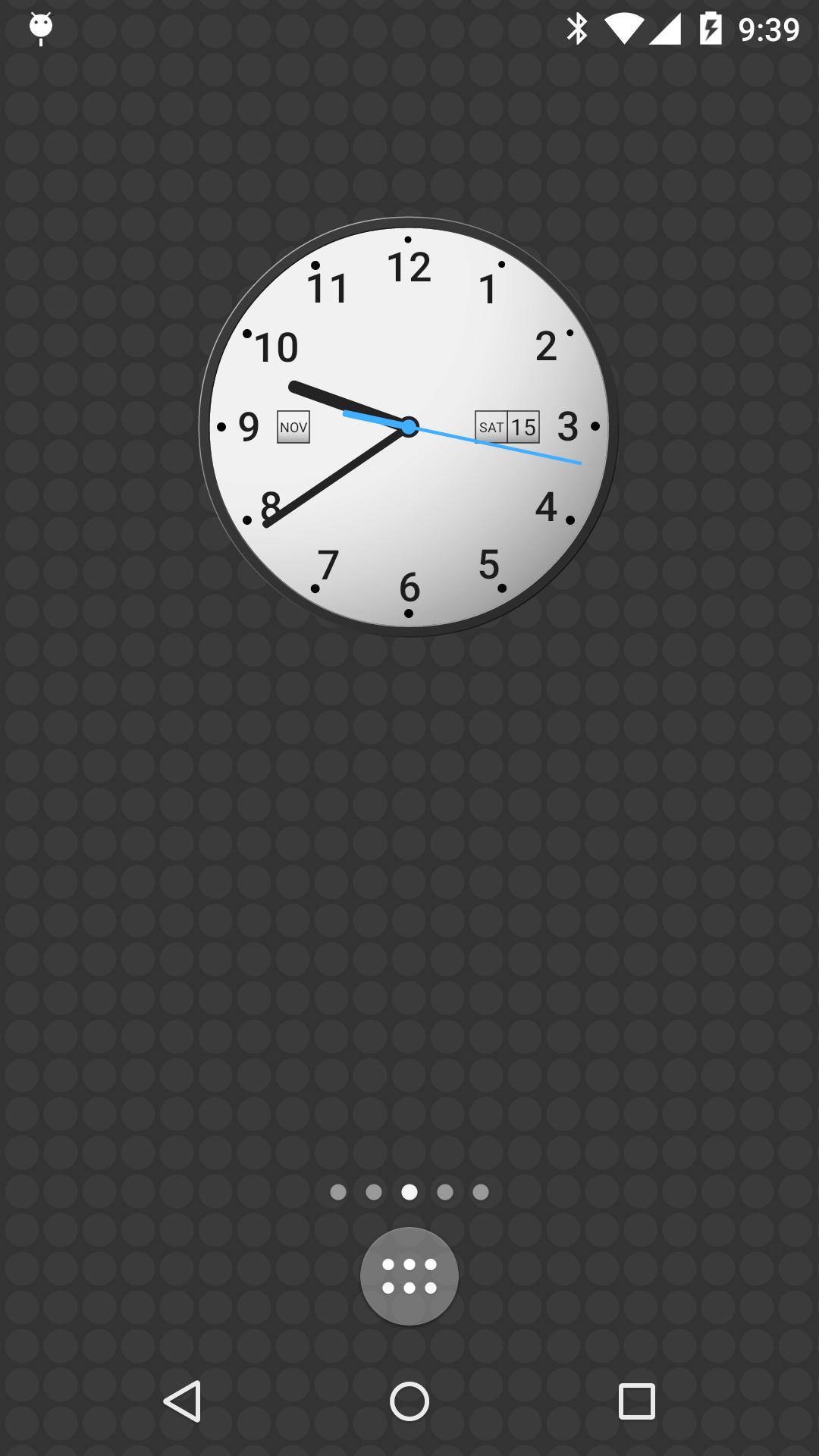
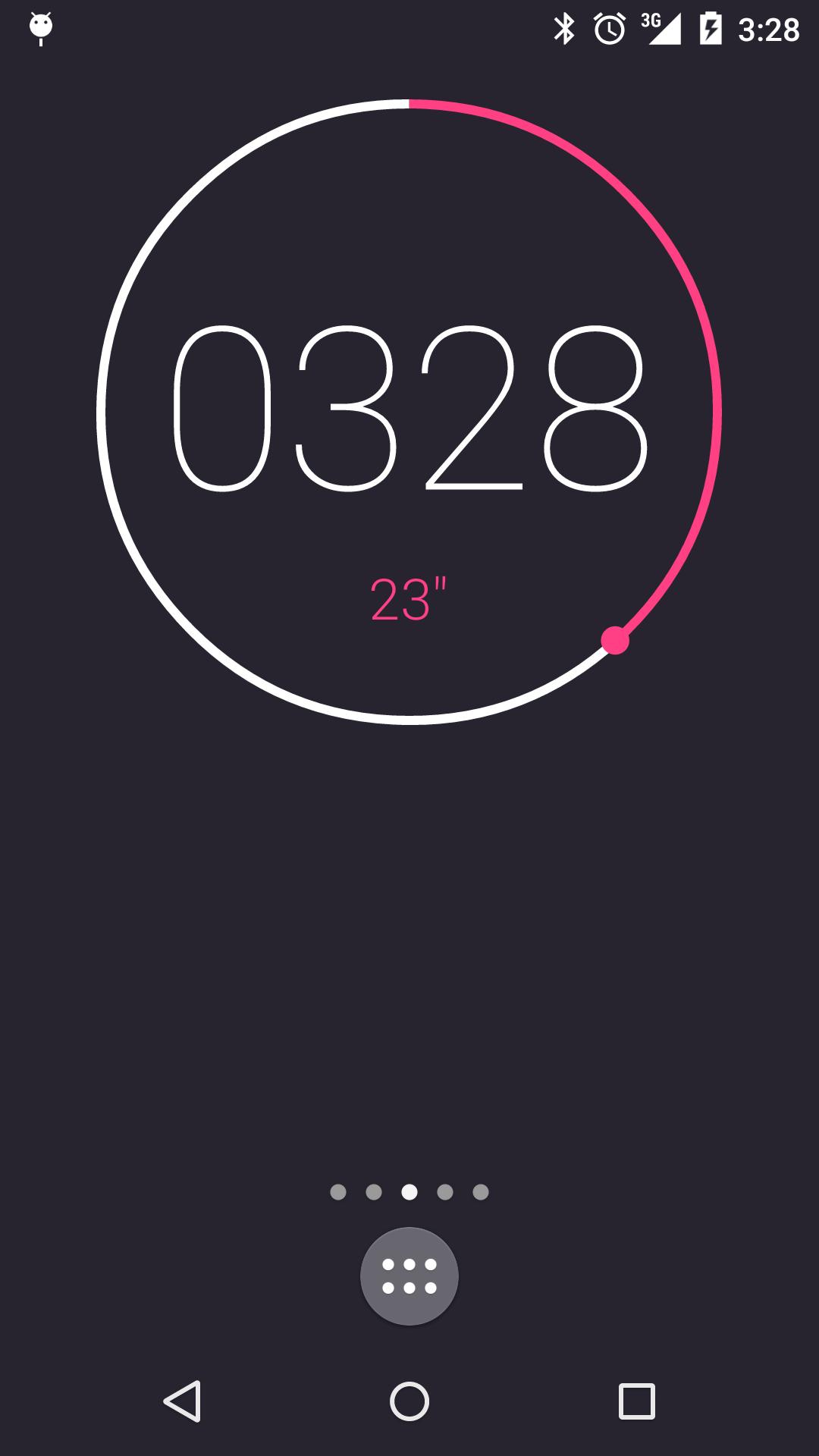
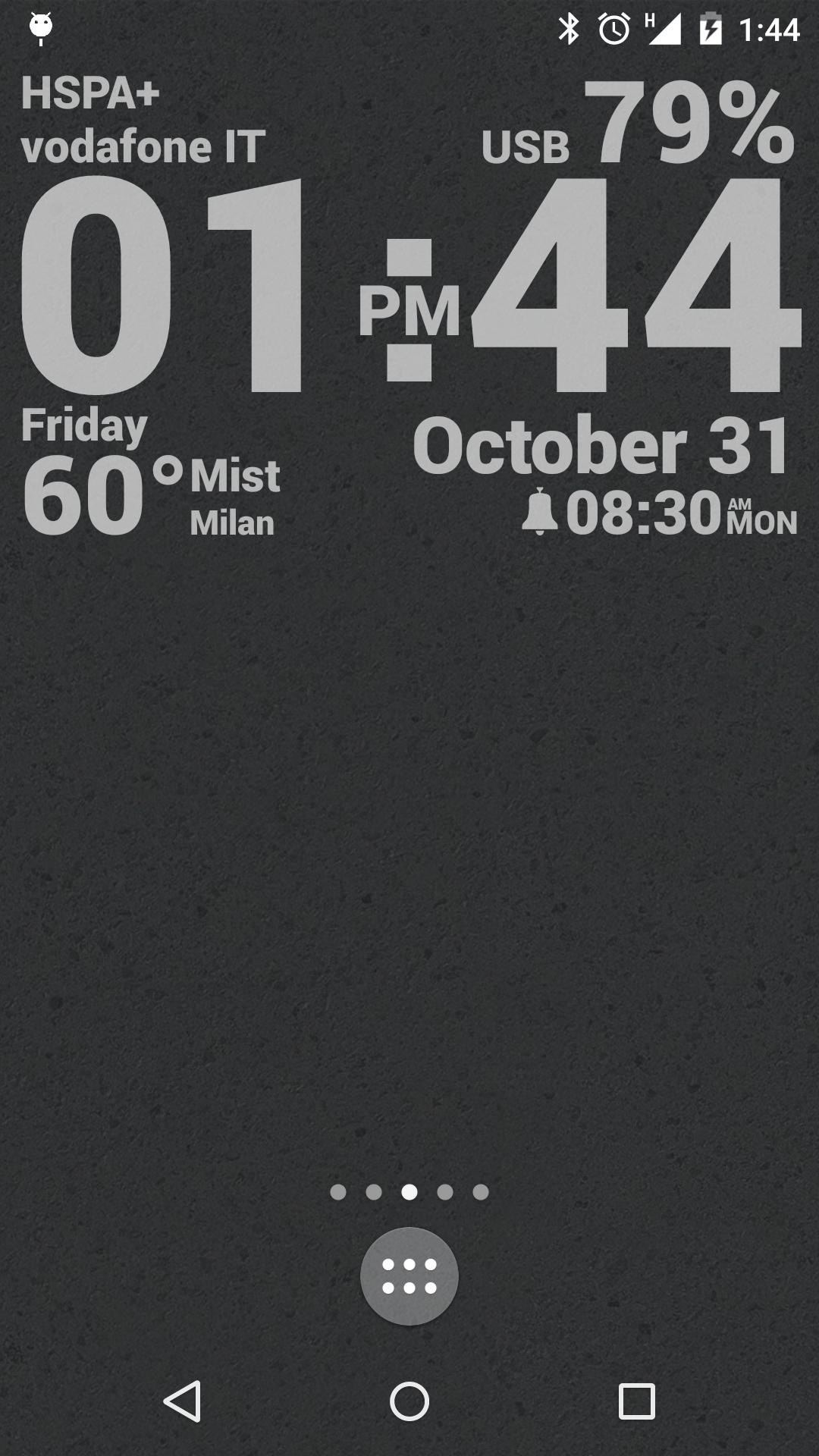
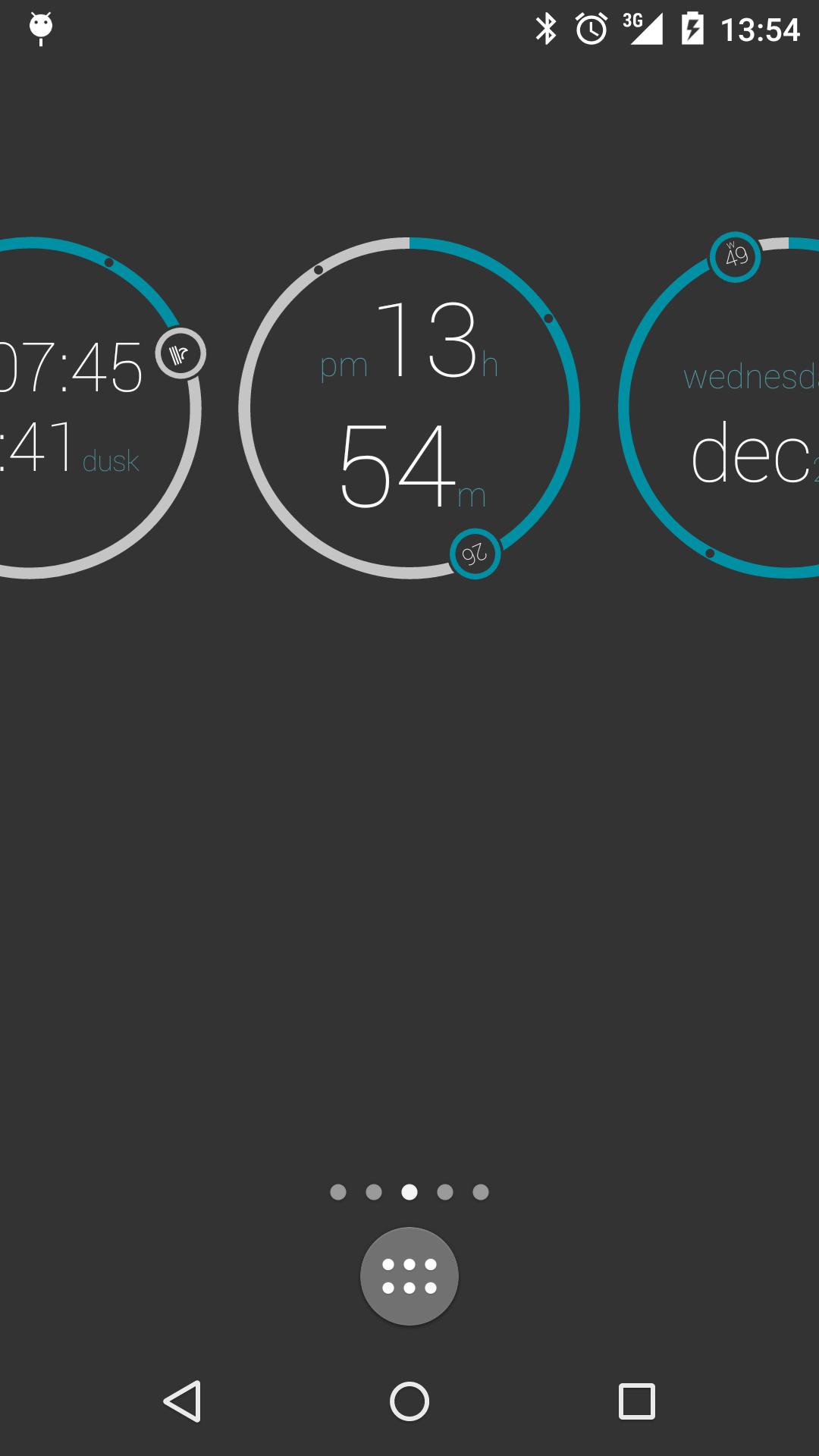
KLWP Live Wallpaper Maker can display time and date, detailed weather, battery and system stats, calendars, and astronomy info. It also includes music visualizers with track details and cover art. You can mix these sources to build clean widgets inside the wallpaper, so information stays visible without opening apps.
Interactive hotspots and actions
Use hotspots to add tap actions on any element. You can launch apps, toggle settings, or trigger custom animations, which makes the home screen feel responsive. With careful placement, you can replace common shortcuts and reduce clutter while keeping key actions one touch away.
Logic, live data, and integrations
For advanced setups, you can use functions, conditionals, and globals to control behavior. KLWP Live Wallpaper Maker can fetch live content over HTTP, RSS, or XML with XPath and basic text parsing. This supports dynamic layouts like live maps or headlines. Integrations include Tasker automation and Health Connect for activity and sleep data. A Pro upgrade removes ads and unlocks importing presets and external skins.
Live wallpapers depend on the launcher you use. Some launchers support scrolling effects, gestures, and touch pass through, while others limit these signals. If animations do not react as expected, check the launcher settings for wallpaper scrolling and gesture options. KLWP can also complement your widget setup, so you can pair it with separate widget tools to round out your layout.
KLWP is free to use for creating and applying custom live wallpapers. The Pro upgrade removes ads and enables importing presets and external skins shared by creators. If you plan to use KLWP presets or switch between KLWP themes from the community, the Pro features help you import and manage those files quickly.
Features like weather, calendars, and online feeds may request network access or permissions to read local data. Motion effects can use sensors such as the gyroscope, and location may be needed for accurate weather. You can choose which modules to enable based on your design and privacy preferences.
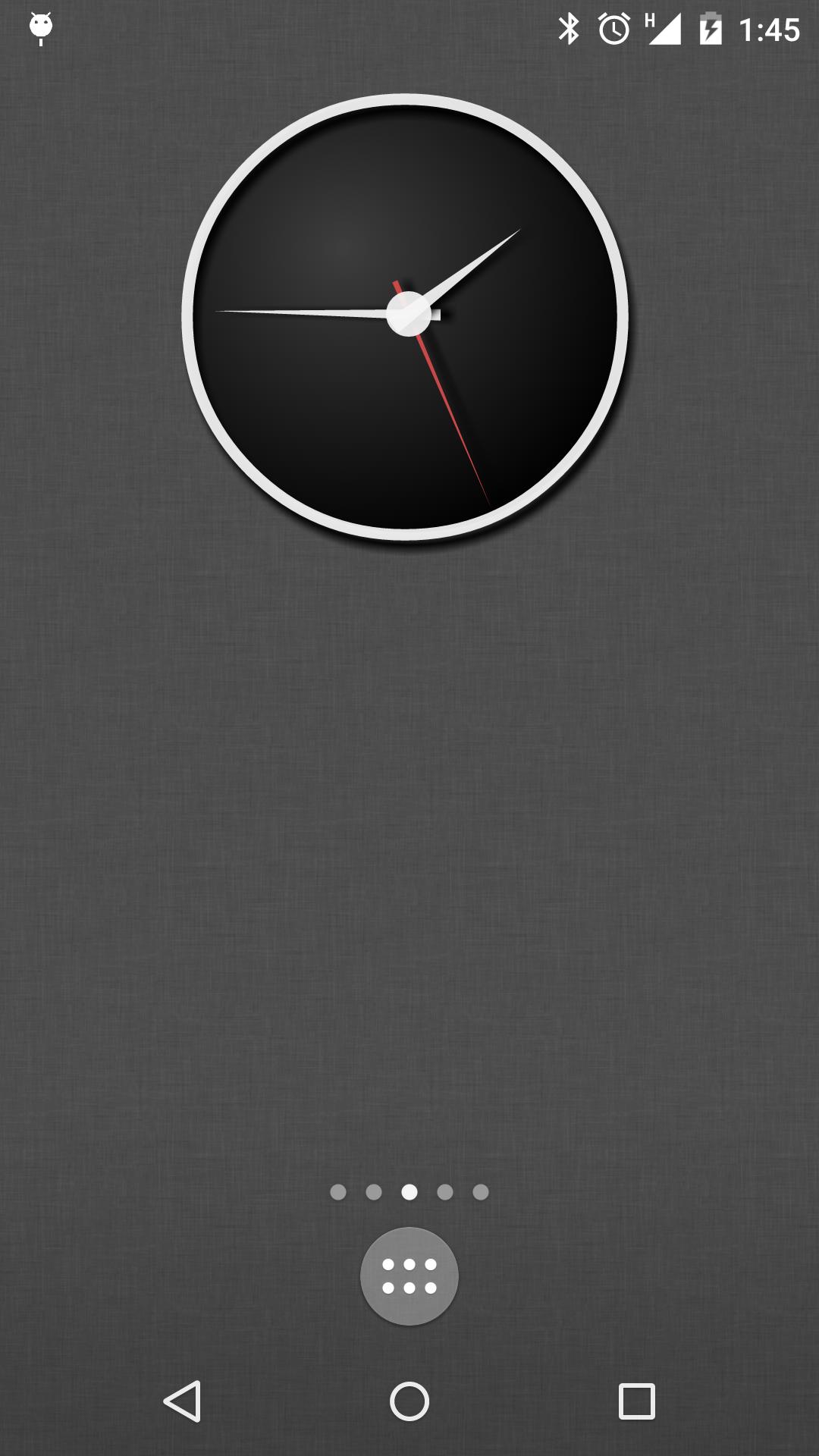
After you download KLWP Live Wallpaper Maker, you can set up a simple scene and apply it as your live wallpaper. The editor shows changes in real time, so you can test and adjust without switching screens.
KLWP Live Wallpaper Maker provides a visual way to build animated, data aware home screens that fit your routine. To try the latest tools and improvements, get the KLWP Live Wallpaper Maker latest version and explore layouts that match your needs.
For official resources and support, visit the links below.
Latest Version
3.81b531008Uploaded by
Kustom Industries
Requires Android
Android 8.0+
Category
Free Personalization AppContent Rating
Everyone
Security Report
Report
Flag as inappropriateLast updated on Nov 8, 2025
### v3.81 ###
- New granular permission validation system
- KLWP Added octopus launcher 5secs delay support
- Fix featured free packs not recognized as free
- Fix featured packs not being shown at all
- Fix notification info issues with apps with same pkg name at the beginning
- Android API fixes



APKPure - A multi-platform app store primarily focused on Android, providing extensive app-related content. Discover the app you want easier, faster, and safer, with quick and efficient downloads and installations.