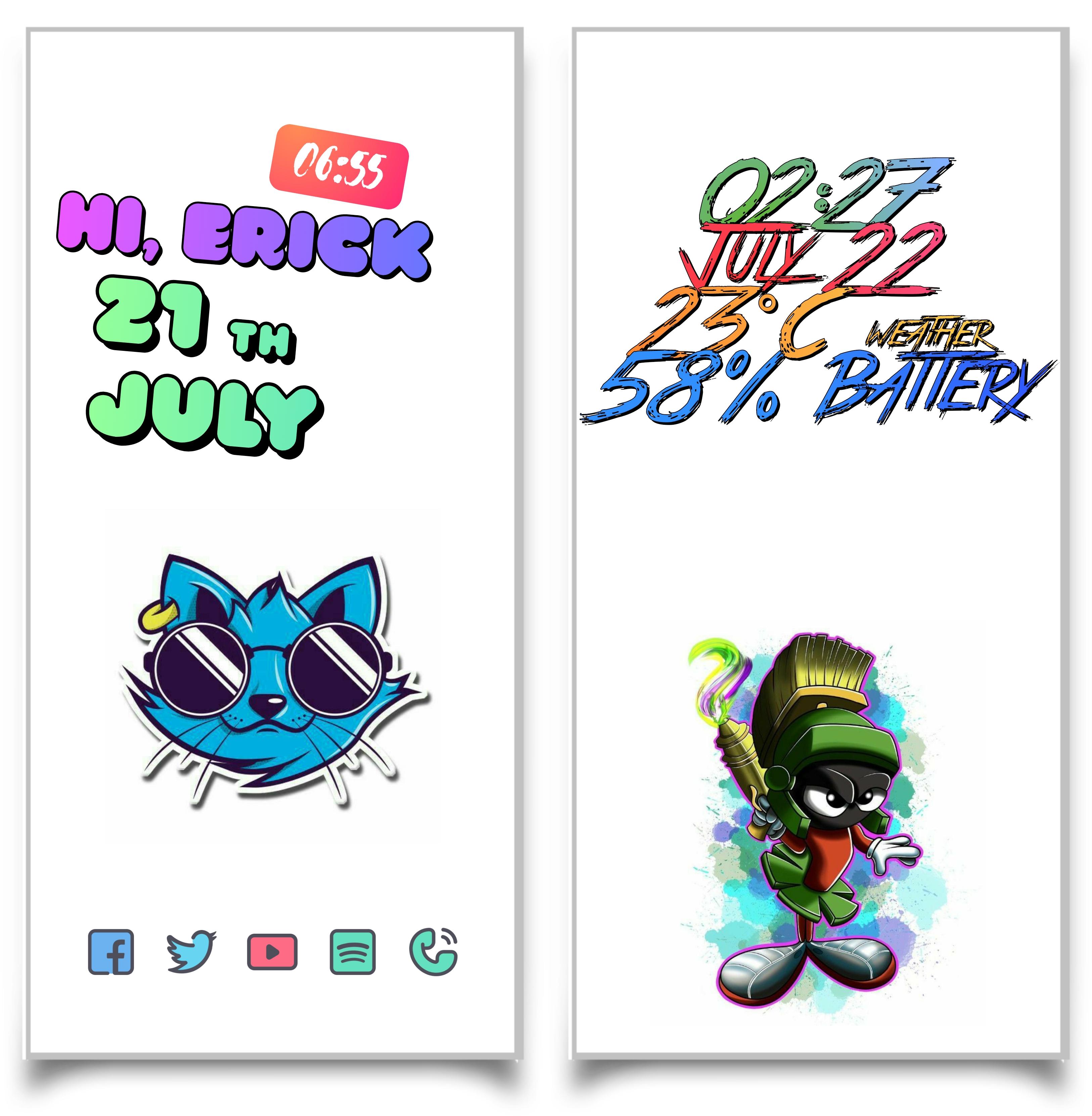
Color configured widget pack
This is not a standalone application. ConeColor widgets require KWGT PRO, the free version does not allow you to configure it.
What do you need:
-KWGT PRO
KWGT https://play.google.com/store/apps/details?id=org.kustom.widget
Pro key https://play.google.com/store/apps/details?id=org.kustom.widget.pro
- A launcher of your liking, example Nova.
How to apply it:
- Download the ConeColor app and KWGT PRO
- Touch the home screen, about 3 seconds
- Select widgets
- Tap Kwgt widgets and choose the ConeColor package installed on your device.
If the widget is not the correct size, use the option in KWGT to apply the size correctly.
Any questions you have you can find me on: Twitter
(@ ErickMe60981264): https://twitter.com/ErickMe60981264?s=09
Where I will resolve any questions you have AND get your review.
Latest Version
v2020.Aug.21.15Uploaded by
Abdullah Agung
Requires Android
5.0
Category
Free Personalization AppContent Rating
Everyone
Report
Flag as inappropriateLast updated on Feb 3, 2023
Colors kwgt






APKPure - A multi-platform app store primarily focused on Android, providing extensive app-related content. Discover the app you want easier, faster, and safer, with quick and efficient downloads and installations.