
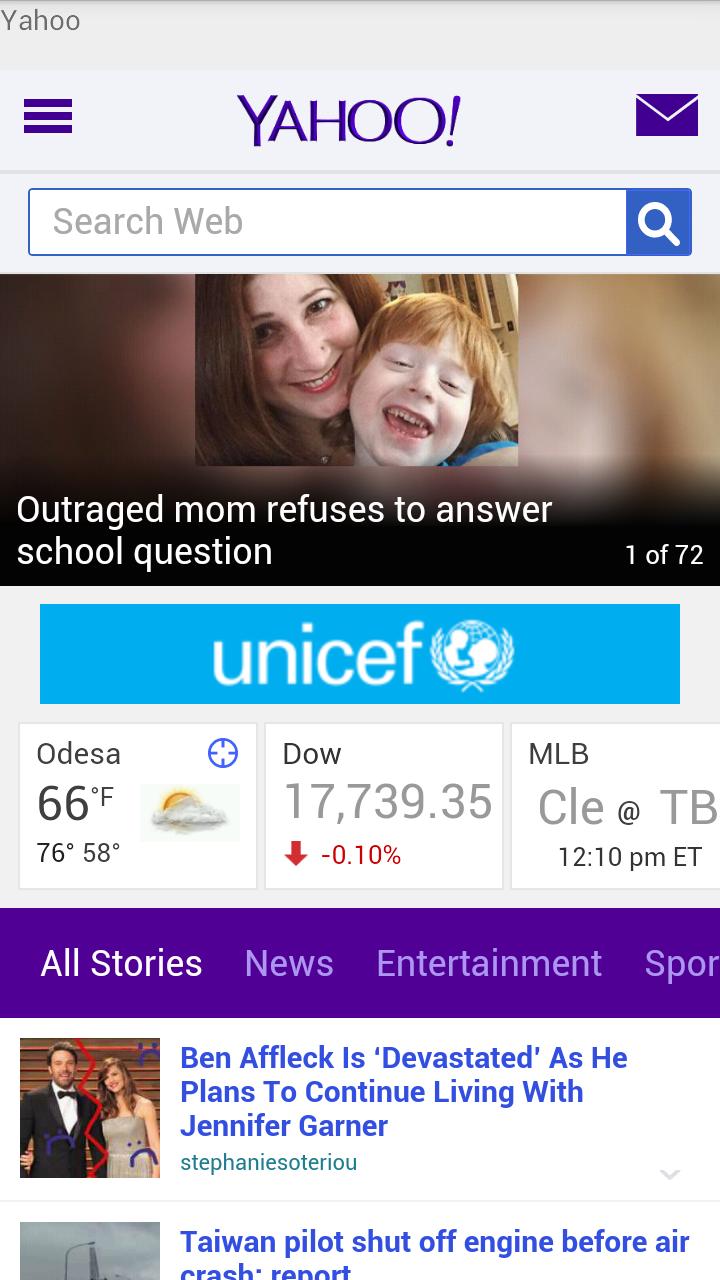
The browser is designed to work in Kiosk mode. This mode is necessary when you provide your phone in the hands of the user, but do not want to, so he could climb on other screens in your application. It may be presented at the exhibition, in a shop, etc. The user can view from the phone only certain sites and nothing else.
This app allows you to view Internet resources in the "kiosk" mode. Optionally, you can limit the user's ability to view pages that belong only to Your domain. Prolonged inactivity application starts automatically display a sites of approved list. The idle time and the time display the site you can configure. A list of sites can be set individually. If the device is not connected to the power supply can work self-locking screen.
If the device is connected to the power supply, the automatic blocking of the screen does not occur.
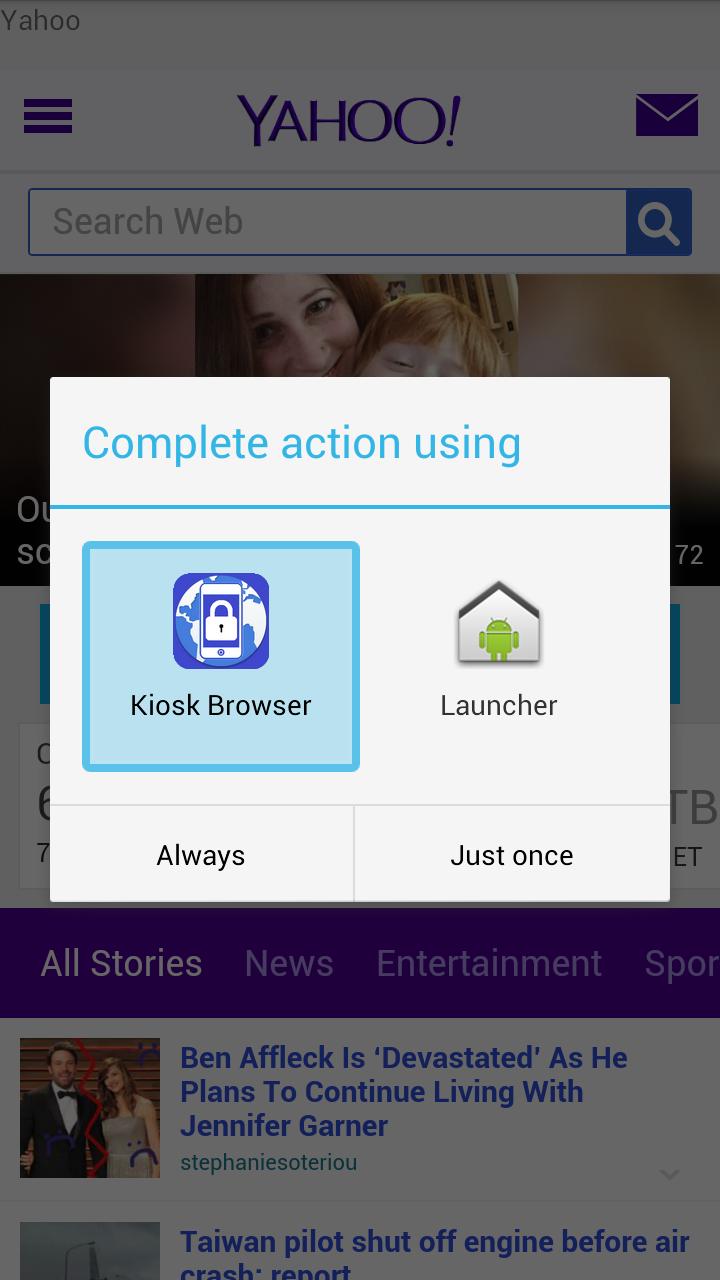
When first using the application, you must assign it to the default launcher. To do this, press the "HOME" button, in the popup window select the application and confirm your selection by pressing the "Always".
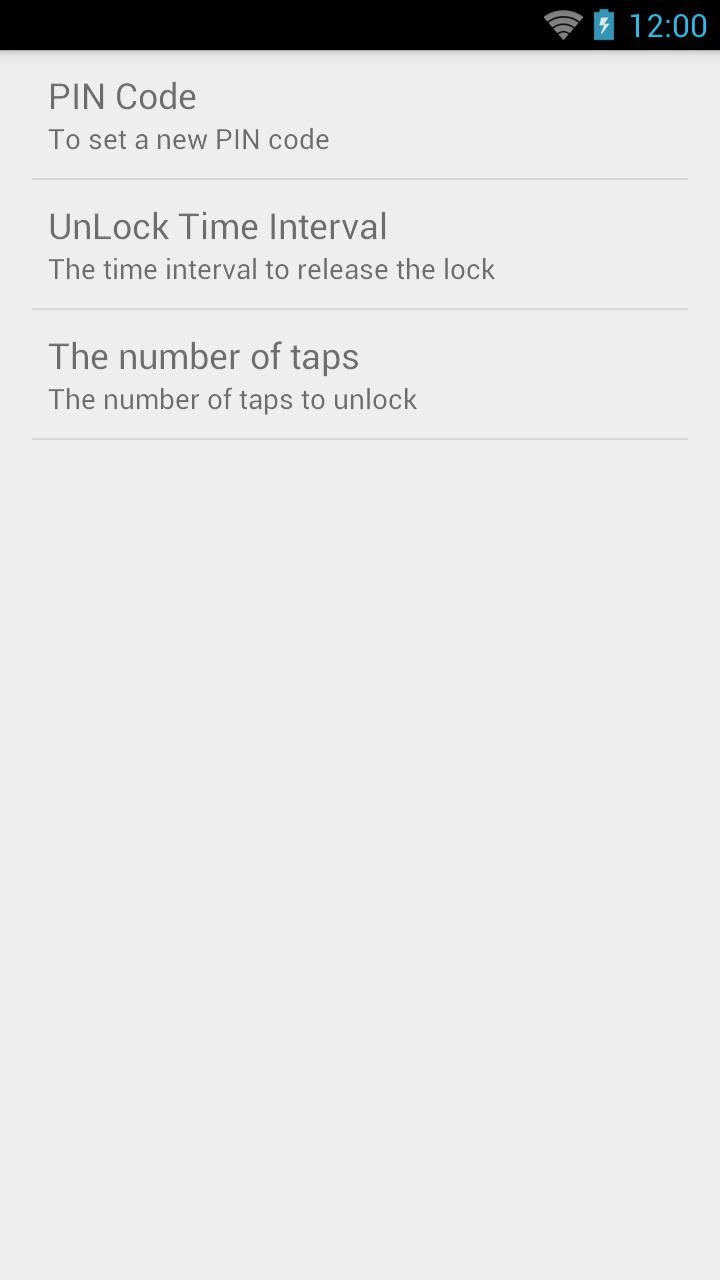
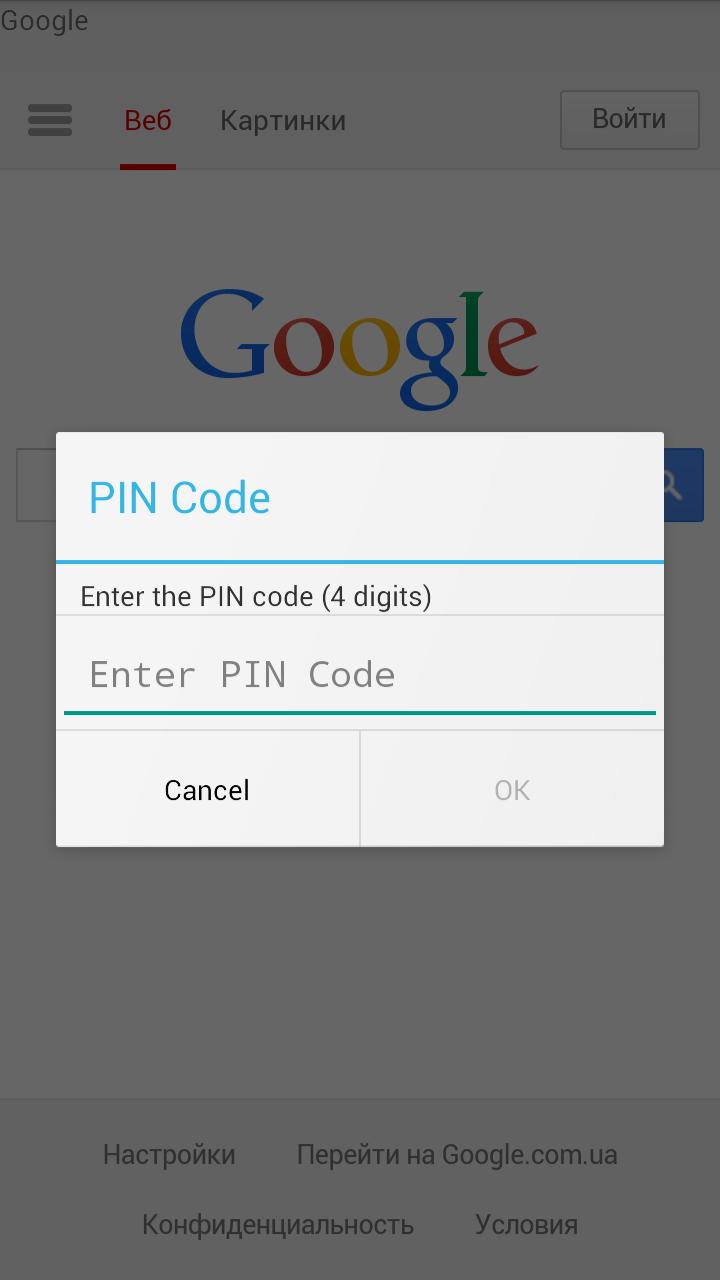
For the user it blocked access to the device settings and other programs. Only an administrator can close the program or change its settings. Access to the Settings window is protected by a PIN code. The default PIN code is "0000". That would cause the dialog to input the PIN code you have to press several times on the screen within a certain time interval (default 5 times in 5 seconds).
The following settings are available:
- Change PIN code to access the settings;
- Set the number of taps on the screen and the time interval to enter the PIN-code window;
- Enable or disable the automatic display of sites with prolonged inactivity;
- Set idle time to start the automatic display sites
- Set the display duration of each site at the auto mode
- Setting up a home page of your browser
- The ability to restrict user to view web pages only for the specified domain
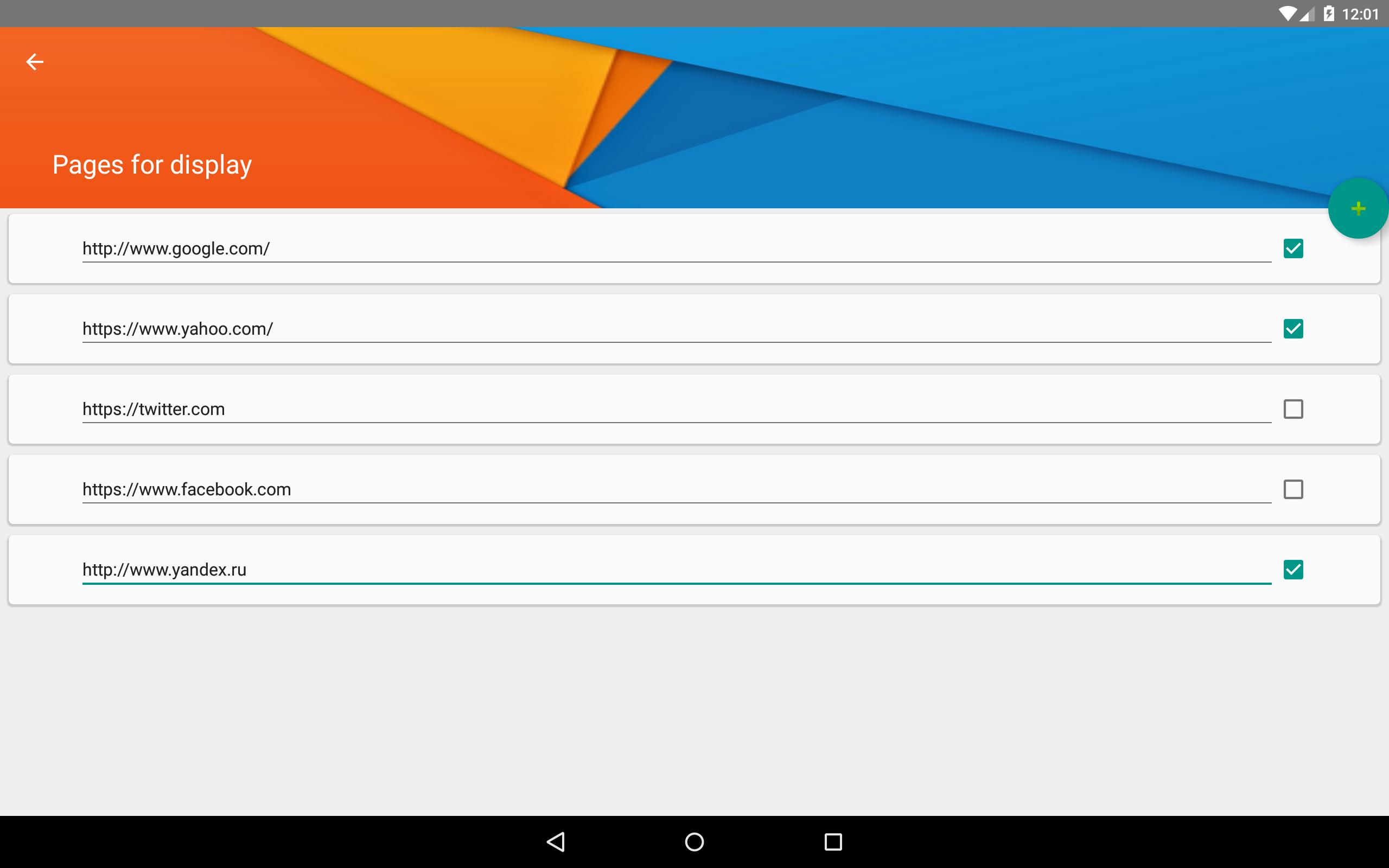
- Customize the list of web sites for automatic display
Latest Version
1.0.1Uploaded by
耶比
Requires Android
Android 4.0+
Category
Free Communication AppContent Rating
Everyone
Report
Flag as inappropriateLast updated on Feb 16, 2016
Fixed bugs





APKPure - A multi-platform app store primarily focused on Android, providing extensive app-related content. Discover the app you want easier, faster, and safer, with quick and efficient downloads and installations.