
As always, I encourage you to use the official android application of the Jehovah's Witnesses (search for JW LIbrary).
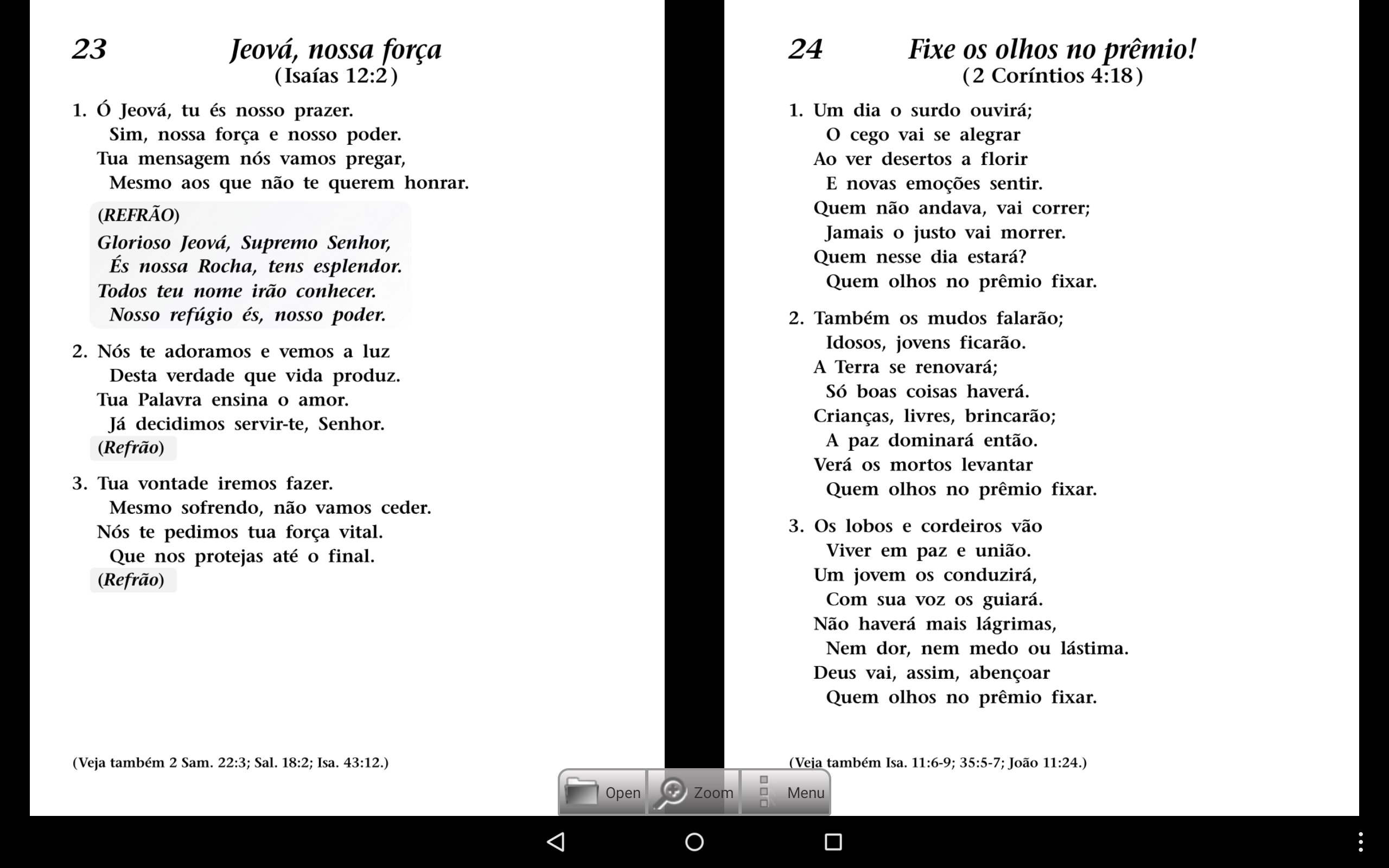
This application offers a quick way to open a song book page and play the respective music track. A great tool to learn these wonderful songs.
There is a game - "Name that Melody", where you try to identify the correct title for a given song. Lots of fun and helps you recognize these songs by ear.
This application was optimized to run on Tablets (portrait), but it should also run on phones.
Under the options menu item you can select a different song book type or language to install.
All content is based/streamed from jw.org but this is NOT an official application of the Jehovah's Witnesses. A network connection is needed when downloading a Song Book file for the first time (not required thereafter) but always needed to play the game and songs.
Please be patient when the app is downloading and installing the song book file(s) initially as it could take several minutes (depending on your device and Internet data speed). Recommend you download songbook file(s) over WiFi connection.
Latest Version
3.3.3Uploaded by
يوسف الأمير
Requires Android
Android 2.1+
Category
Free Education AppContent Rating
Everyone
Report
Flag as inappropriateLast updated on May 22, 2017
* Fix for Chinese new song bug
* Addition of "Sing out Joyfully" in available Languages both Lyrics only and with musical notation.
* To install this new song book, go to the "Menu" -> "Song book" and install the "Sing Out Joyfully" book for your language
* You can switch between any already installed song books with "Menu" -> "Song Book" and selecting the desired book





APKPure - A multi-platform app store primarily focused on Android, providing extensive app-related content. Discover the app you want easier, faster, and safer, with quick and efficient downloads and installations.