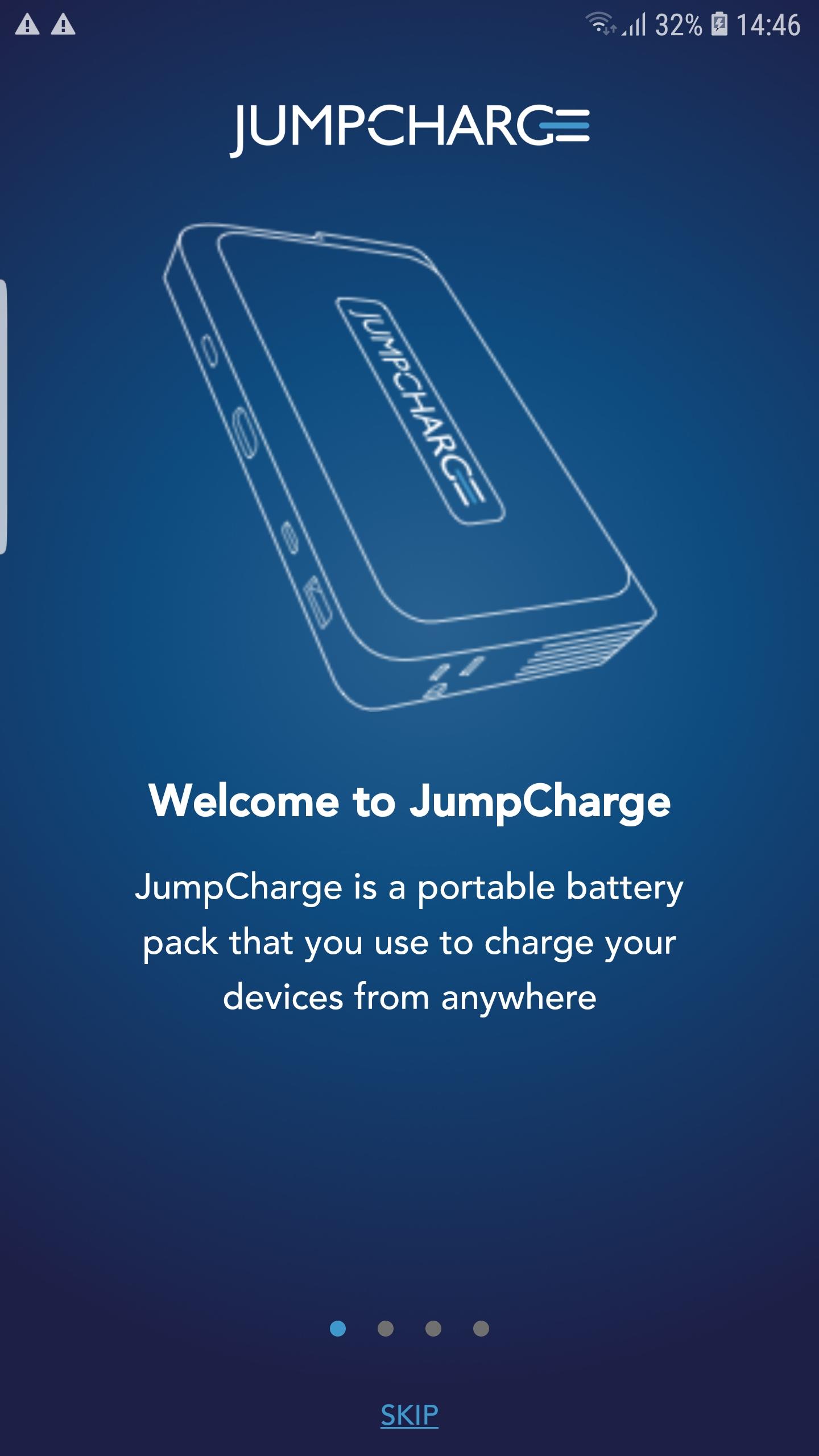
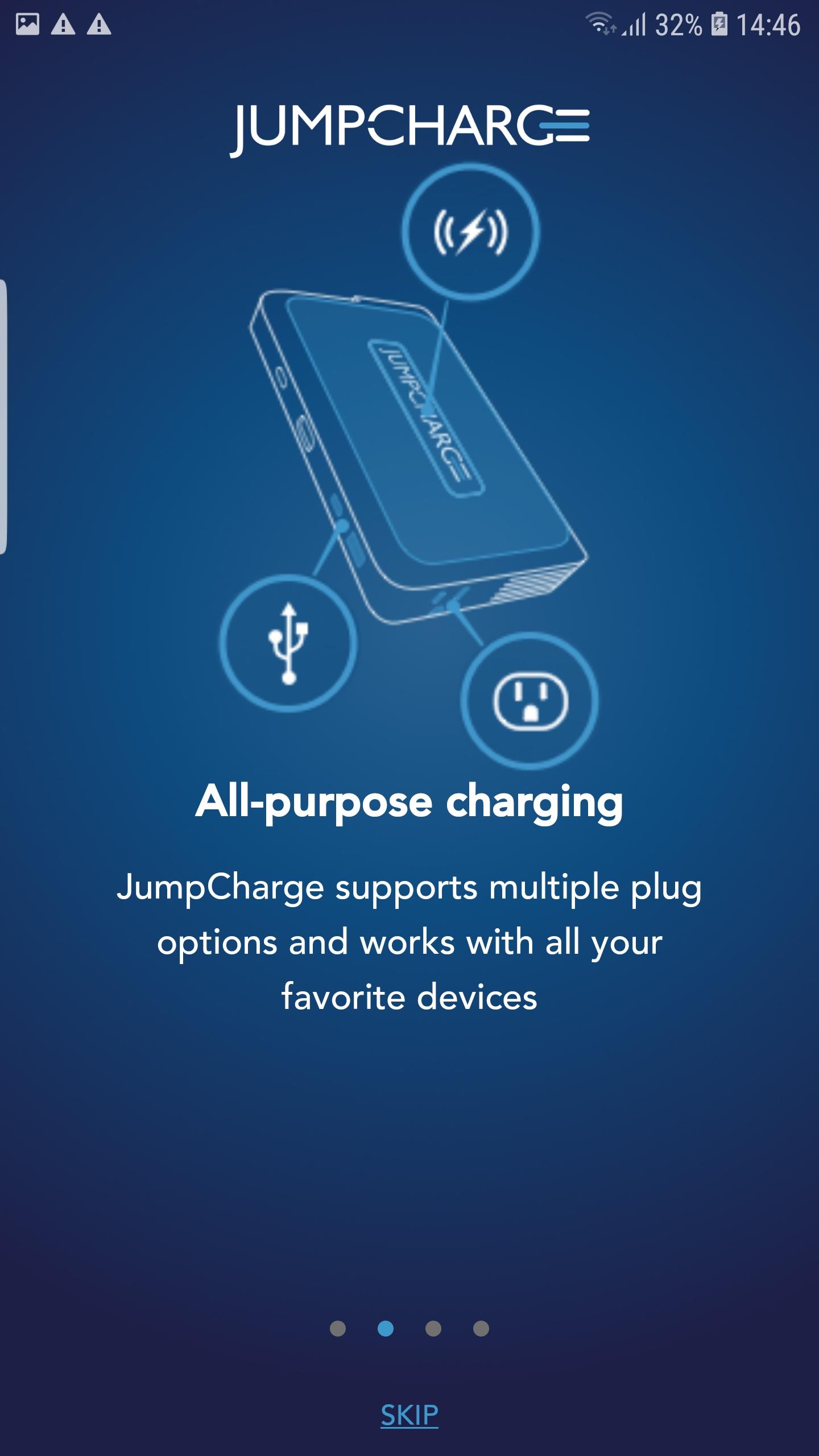
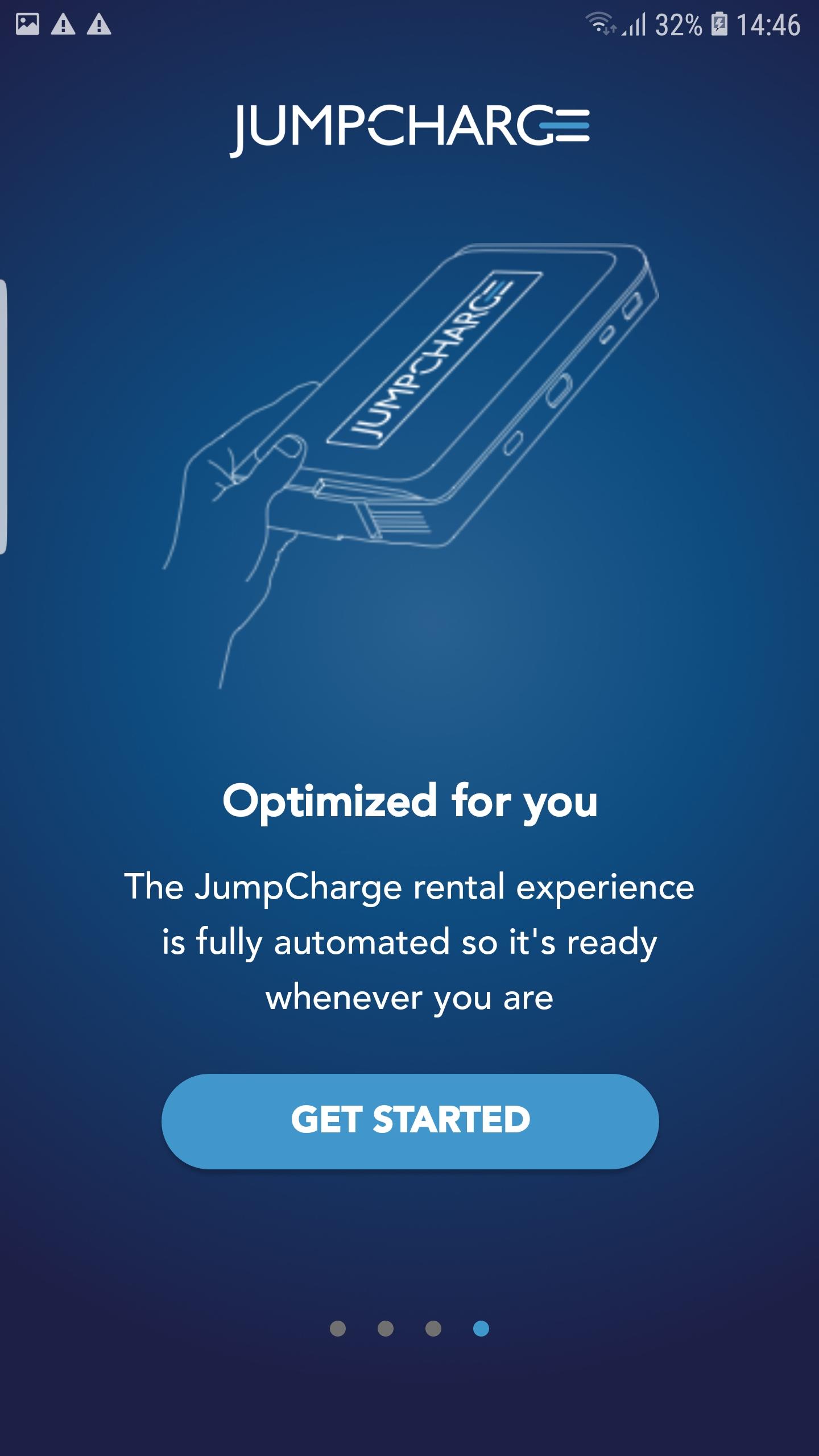
JUMPCHARGE brings wireless charging everywhere, supporting the most popular mobile devices. Whether it's your laptop, smartphone, or tablet, JUMPCHARGE is a power play. Get your power pack from a JUMPCHARGE Kiosk or Docking Station.
How to power up:
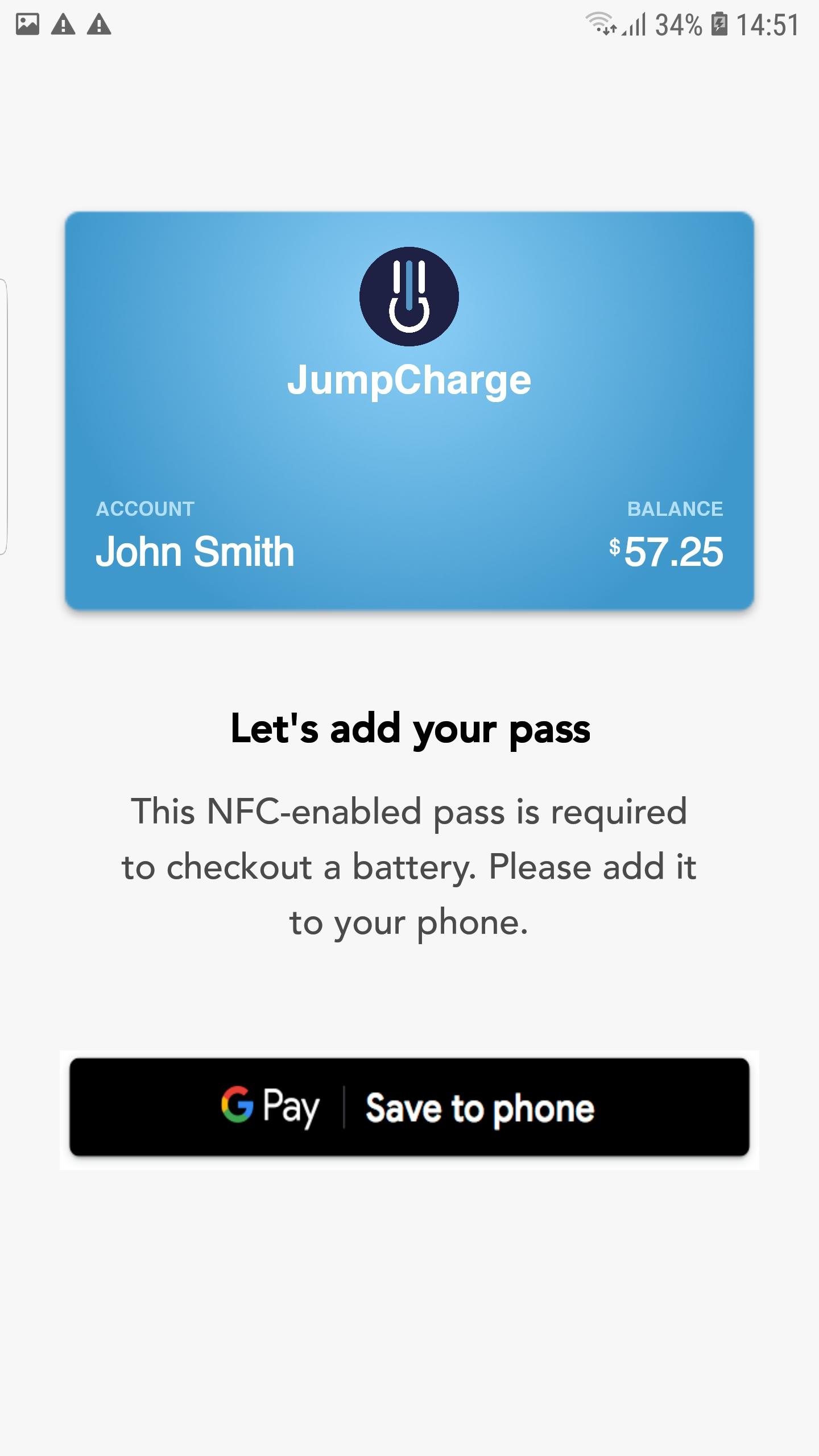
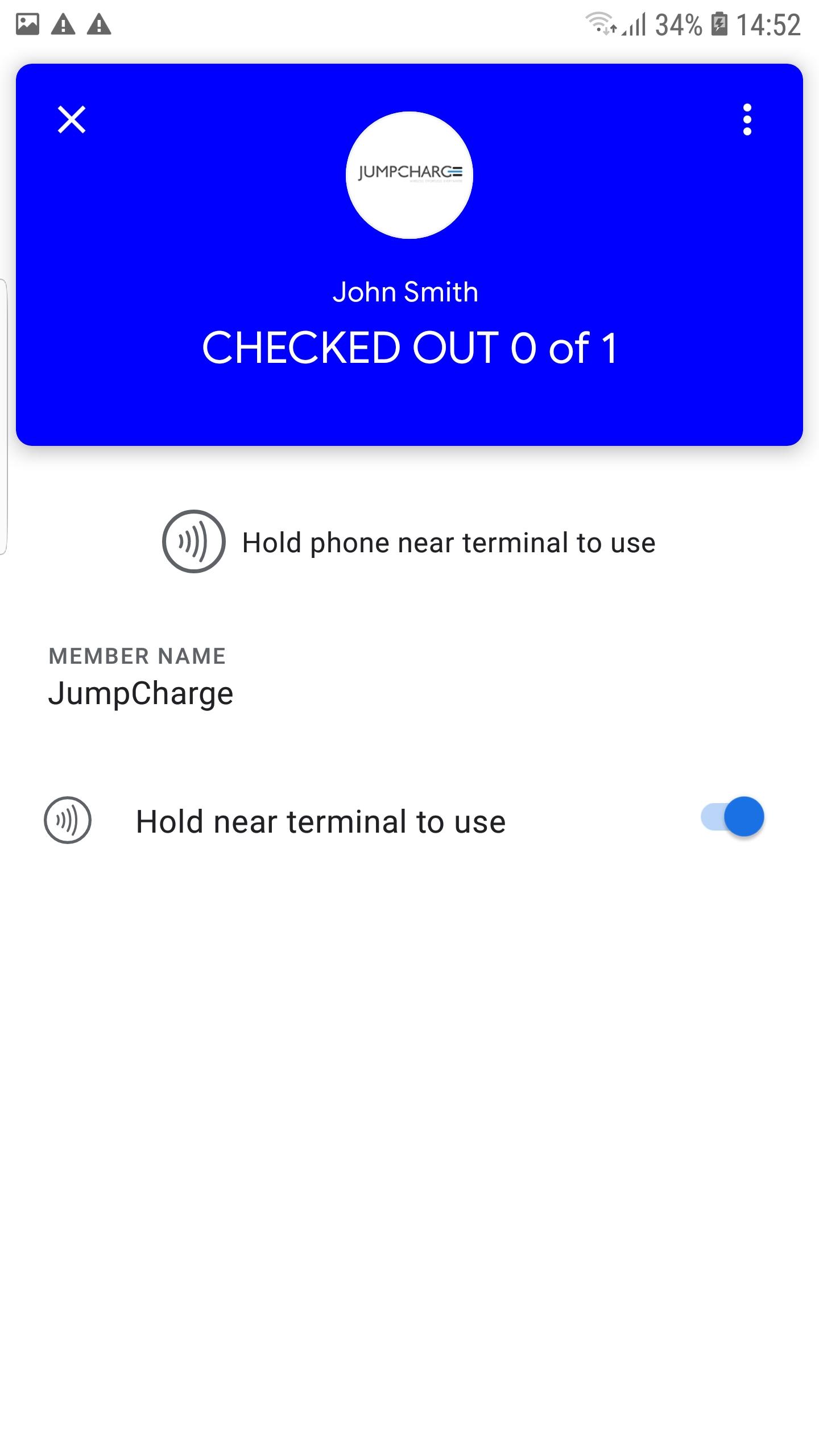
- Get the free JUMPCHARGE app on your mobile device. A pass will be added to your digital wallet app (Google Pay). When you tap your device on the reader for a kiosk or docking station, your pass will automatically open.
- Tap your pass near the reader icon until the LED on the kiosk or docking station flashes green.
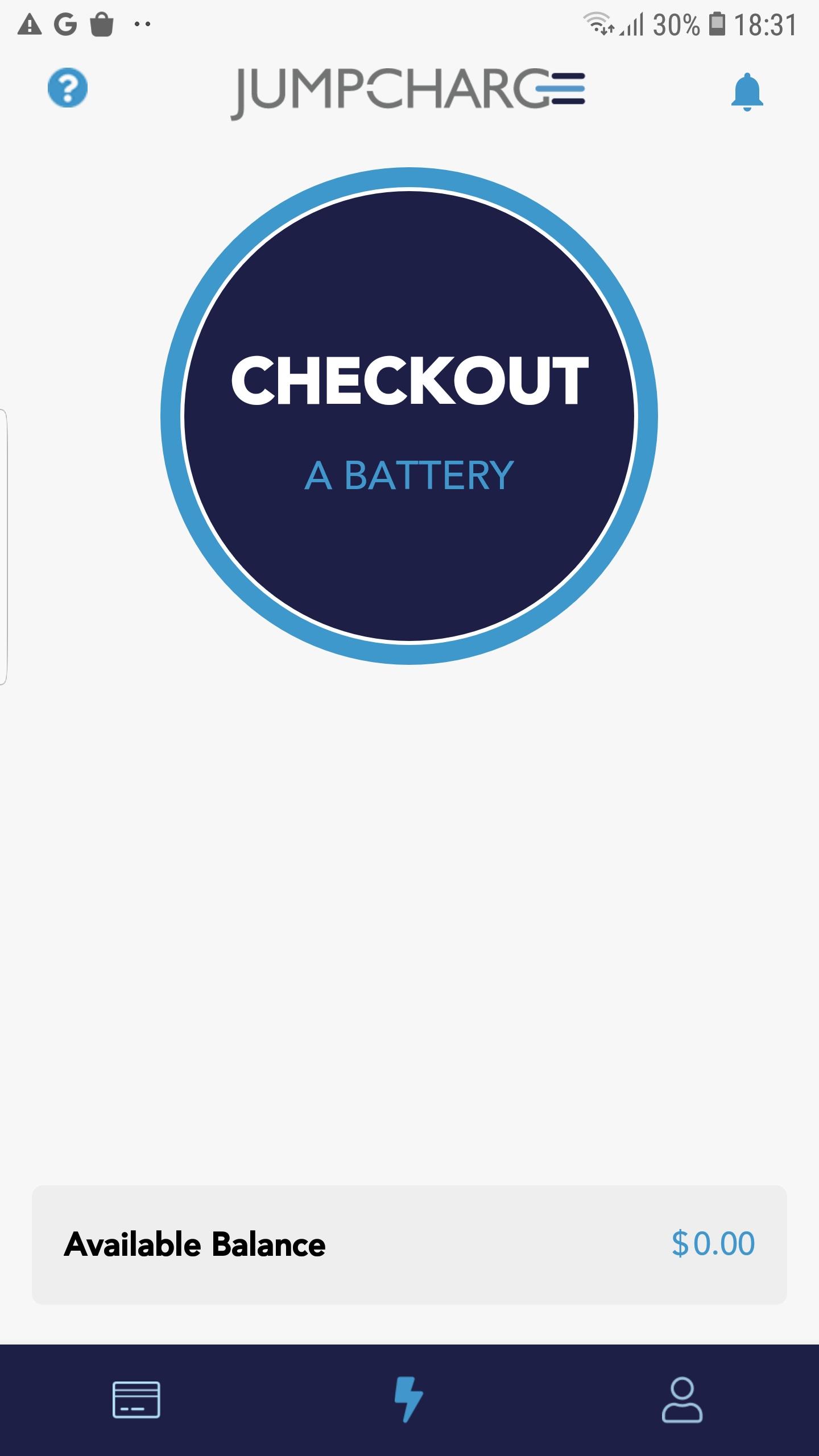
- Look for the battery pack with a solid green LED, remove it, and follow the in-app directions to start charging your device.
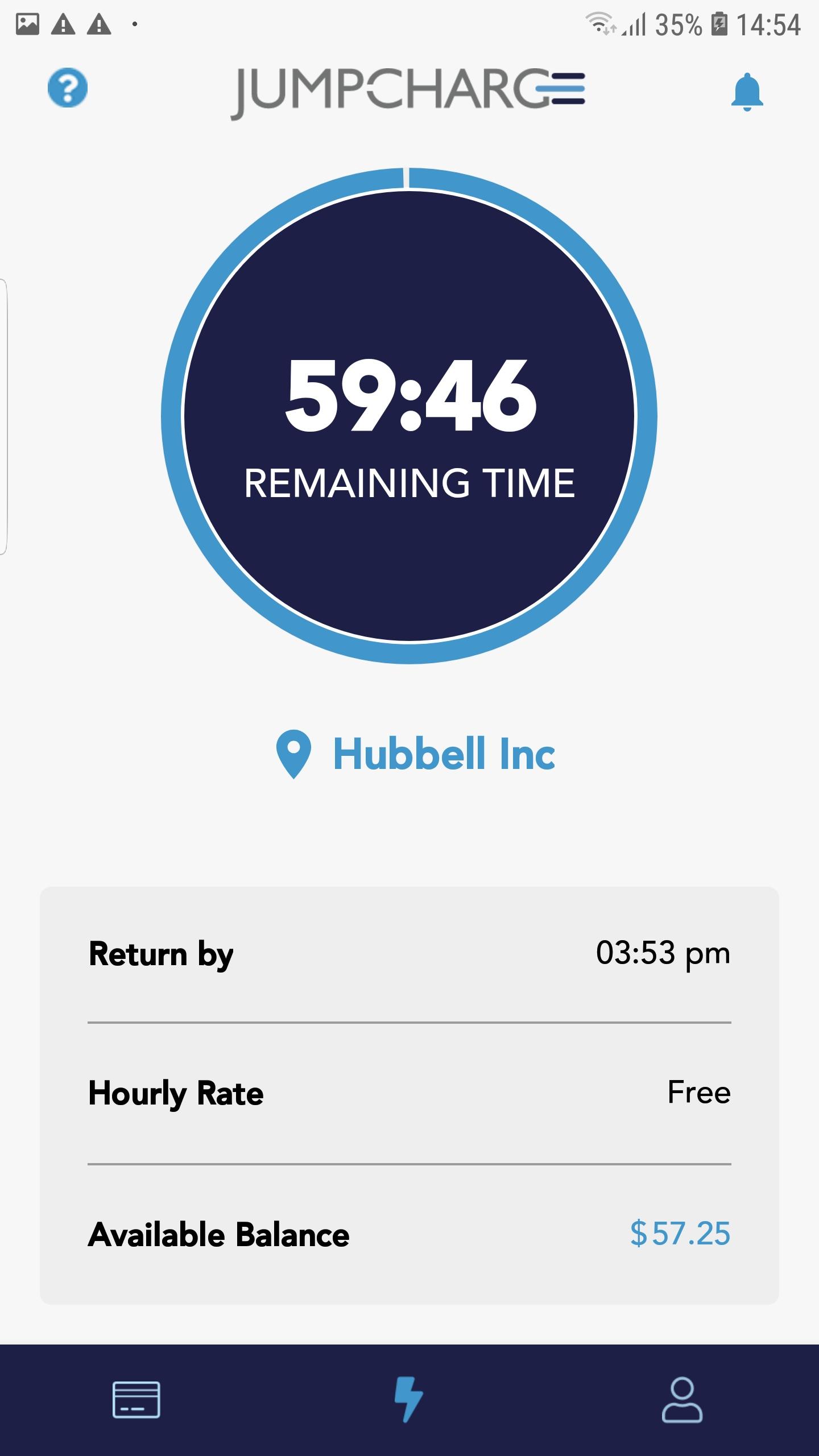
- Return the pack to kiosk or docking station once charging is complete. If you forget to return your pack, don't sweat it — we'll send you a gentle reminder through the app.
Questions or comments? Email info@jumpcharge.com or call +1 (866) 454-9737
Latest Version
2.3.0Uploaded by
Lucy Rodriigues
Requires Android
Android 7.0+
Category
Free Productivity AppContent Rating
Everyone
Report
Flag as inappropriateLast updated on Mar 15, 2023
- The JumpCharge app now supports our new kiosk for wireless mobile batteries. Please see our website www.jumpcharge.com for more information
- Users can create an account using their phone number or email



APKPure - A multi-platform app store primarily focused on Android, providing extensive app-related content. Discover the app you want easier, faster, and safer, with quick and efficient downloads and installations.