

パッケージ名:com.pickyoupic
SHA-256:f6b06c322c8c43708bbcd0fe391ee61990e2f8acc2663979e023811b91117f0f
もっと見る
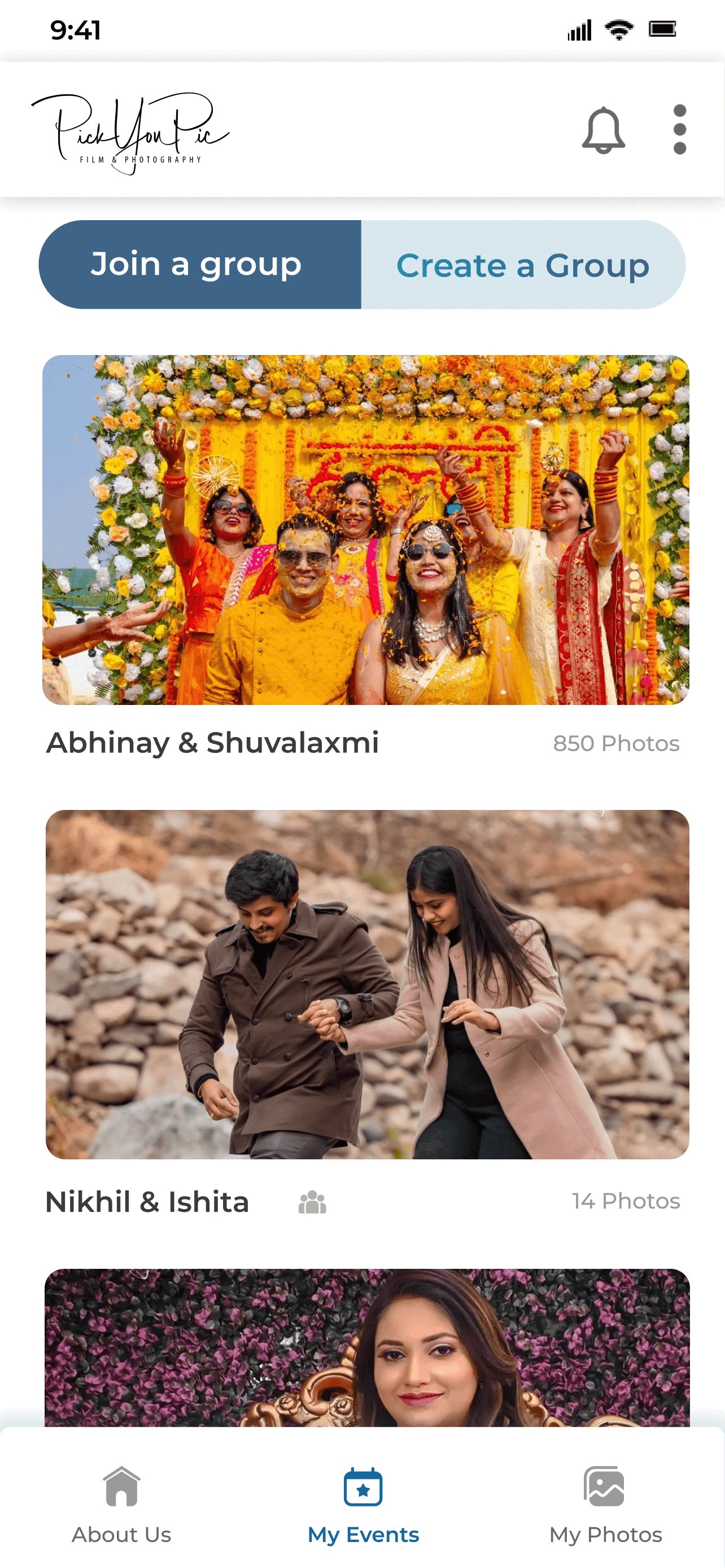
共有されたリンクをクリックするか、QR コードをスキャンして、イベントの写真にアクセスしてください。
イベントが追加されると、リンクや QR コードを再度見つける必要がないように、イベント セクションに永久に表示されます。
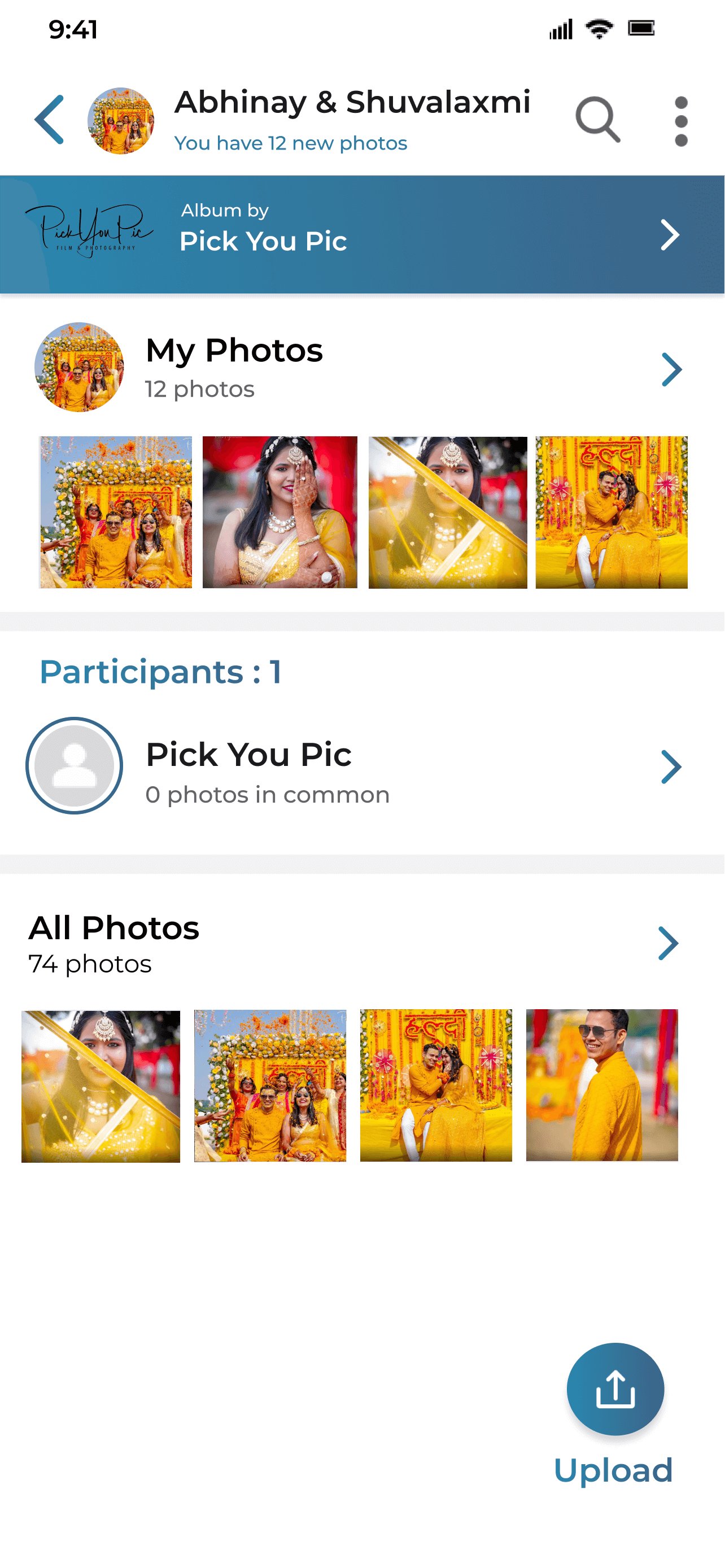
クラス最高の顔認識機能により、写真がすぐに検索され、[マイ フォト] タブに表示されます。
「すべての写真」タブをクリックして、イベントの他のフォルダや写真にアクセスできます。
Kwikpic によって供給されます。
Last updated on 2025年12月11日
Get your event photos instantly using Face Recognition!
Just click on the link shared with you or scan the QR code to access the event photos.
After an event is added, it will be in visible in my events section forever so that you don't have to find the link or QR code again.
Our best-in-class Facial Recognition will find and display your photos instantly in the "my photos" tab.
You can click on "all photos" tab to access other folders and photos from the event.
Powered by Kwikpic.




APKPure - Androidを中心としたマルチプラットフォームのアプリストアで、豊富なアプリ関連コンテンツを提供しています。より簡単に、より速く、より安全にアプリを見つけることができ、ダウンロードとインストールも迅速かつ効率的です。