Nom du paquet:com.pickyoupic
SHA-256:f6b06c322c8c43708bbcd0fe391ee61990e2f8acc2663979e023811b91117f0f
Voir plus

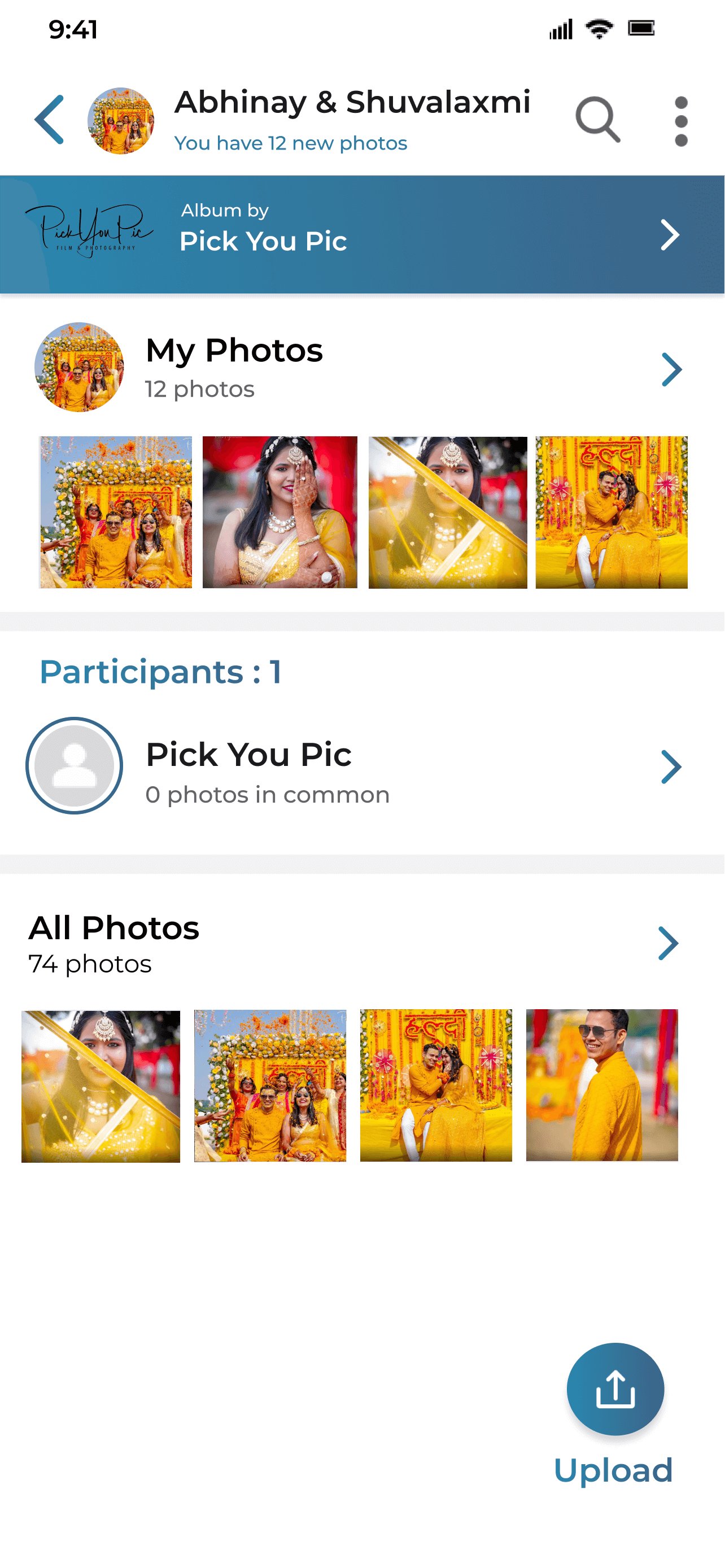
Cliquez simplement sur le lien partagé avec vous ou scannez le code QR pour accéder aux photos de l'événement.
Une fois qu'un événement est ajouté, il sera visible dans ma section d'événements pour toujours afin que vous n'ayez pas à retrouver le lien ou le code QR.
Notre meilleure reconnaissance faciale trouvera et affichera vos photos instantanément dans l'onglet "mes photos".
Vous pouvez cliquer sur l'onglet "toutes les photos" pour accéder à d'autres dossiers et photos de l'événement.
Propulsé par Kwikpic.
Dernière version
6.5Telechargé par
Efe Görür
Nécessite Android
Android 5.0+
Classification du contenu
Teen
Rapport de sécurité
Vérifier maintenant
Signaler
Signaler comme inappropriéLast updated on Dec 11, 2025
Get your event photos instantly using Face Recognition!
Just click on the link shared with you or scan the QR code to access the event photos.
After an event is added, it will be in visible in my events section forever so that you don't have to find the link or QR code again.
Our best-in-class Facial Recognition will find and display your photos instantly in the "my photos" tab.
You can click on "all photos" tab to access other folders and photos from the event.
Powered by Kwikpic.






APKPure - Une boutique d'applications multi-plateforme principalement axée sur Android, offrant un vaste contenu lié aux applications. Découvrez l'application que vous souhaitez plus facilement, plus rapidement et en toute sécurité, avec des téléchargements et des installations rapides et efficaces.