Fully Featured File Management Tool!
- Attractive material Design UI/UX
Light & smooth
Simple & clean
Multi themes support
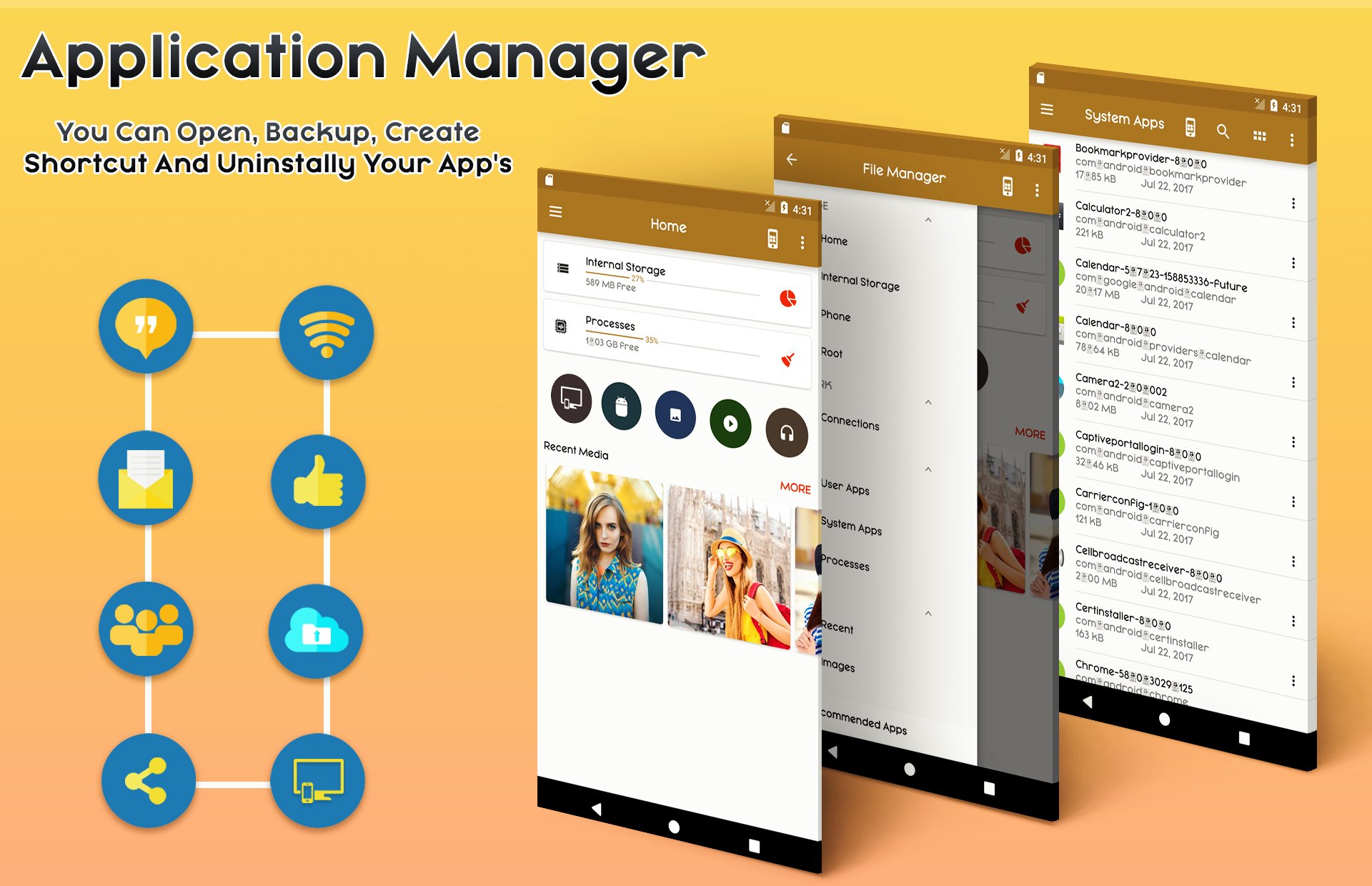
- App Manager
Backup apps
Unistall apps
Share apps
Play store app link
Key features
Experience and enjoy these features that ASUS Manager has to offer:
- Your light and savvy file explorer: Search, access, save, move, delete, or share files that are stored in your smart device's internal storage to or from a microSD card, LAN, or Cloud storage accounts and vice-versa.
- Access files in LAN and SMB: Manage files within your LAN (local area network) and SMB (Samba) network.
- More storage options via Cloud storages: Supports cloud storage accounts such as ASUS WebStorage, Dropbox, Google Drive and Microsoft OneDrive
- Suave and smooth multimedia streamlining: Stream multimedia files such as music or videos or open documents, pictures, or photos stored in any of your Cloud storage accounts
- Save disk space by packaging files: Compress files to save space of your storage and extract compressed files in Zip and RAR formats
- Easy file browsing: Browse files easily by category right from File Manager’s home screen: images, videos, music, applications, downloaded, and favorites.
- Disk tools: Storage analyzer, recycle bin and hidden cabinet let you manage your disk easily.
• Apps : You can see and manage all applications installed on your local device.
• Cloud / Remote : You can access your cloud storage and also remote/shared storage like NAS and FTP server. (Cloud storage: Google Drive™, OneDrive, Dropbox, Box, and Yandex)
• Access from PC : You can access your android device storage from PC to manage files on your local android device using FTP(File Transfer Protocol).
• Storage analysis : You can analyze local storages to clean up useless files. You can find out which files take up the most space.
• Internal image viewer / Internal music player/ Internal text editor : You can choose to use built-in utilities for faster and better performance.
Highlights of CM FILE MANAGER
☆ Fully featured:Cut, copy, paste, delete, compress, decompress, search and more.
☆ Cloud support:Switch between local and cloud files - supports Dropbox, Box, Google Drive, SkyDrive and more.
☆ Wi-Fi File transfer:Use your PC to wirelessly edit your mobile files using FTP.
☆ Super convenient:View files by type (image, audio, video, recent, download etc.), use a widget to access folders in one tap from the homescreen.
☆ Multiple protocols: Supports file transfers using FTP, FTPS, SFTP, WebDAV and LAN/SMB, stream media from LAN/SMB/FTP/WebDAV/Cloud without downloading.
Last updated on 2018年10月07日
このバージョンには軽微な不具合の修正と全般的な改善が含まれています。快適に利用するため、最新版にアップデートしてください。



APKPure - Androidを中心としたマルチプラットフォームのアプリストアで、豊富なアプリ関連コンテンツを提供しています。より簡単に、より速く、より安全にアプリを見つけることができ、ダウンロードとインストールも迅速かつ効率的です。