

ITsMagic Engine 2.0 - 2026 suits creators who want to design, code, and package full 3D games directly on a phone. It streamlines work from the first prototype to a build ready for install, and it avoids shuttling files between devices. You can set up projects, organize scenes, script gameplay, and export builds without leaving Android. With clear documentation and a Java API, larger projects stay manageable on the go, making the ITsMagic Engine 2.0 - 2026 APK a focused choice for mobile development.
Full mobile workflow from project to APK
ITsMagic Engine 2.0 - 2026 is built for complete on-device development. You can create scenes, attach components like physics or AI, and test gameplay as you iterate. When a build is ready, export an APK on your phone and install it for direct testing. This approach keeps your workflow in one place and reduces setup time.
Vulkan renderer with real-time shadows and high performance
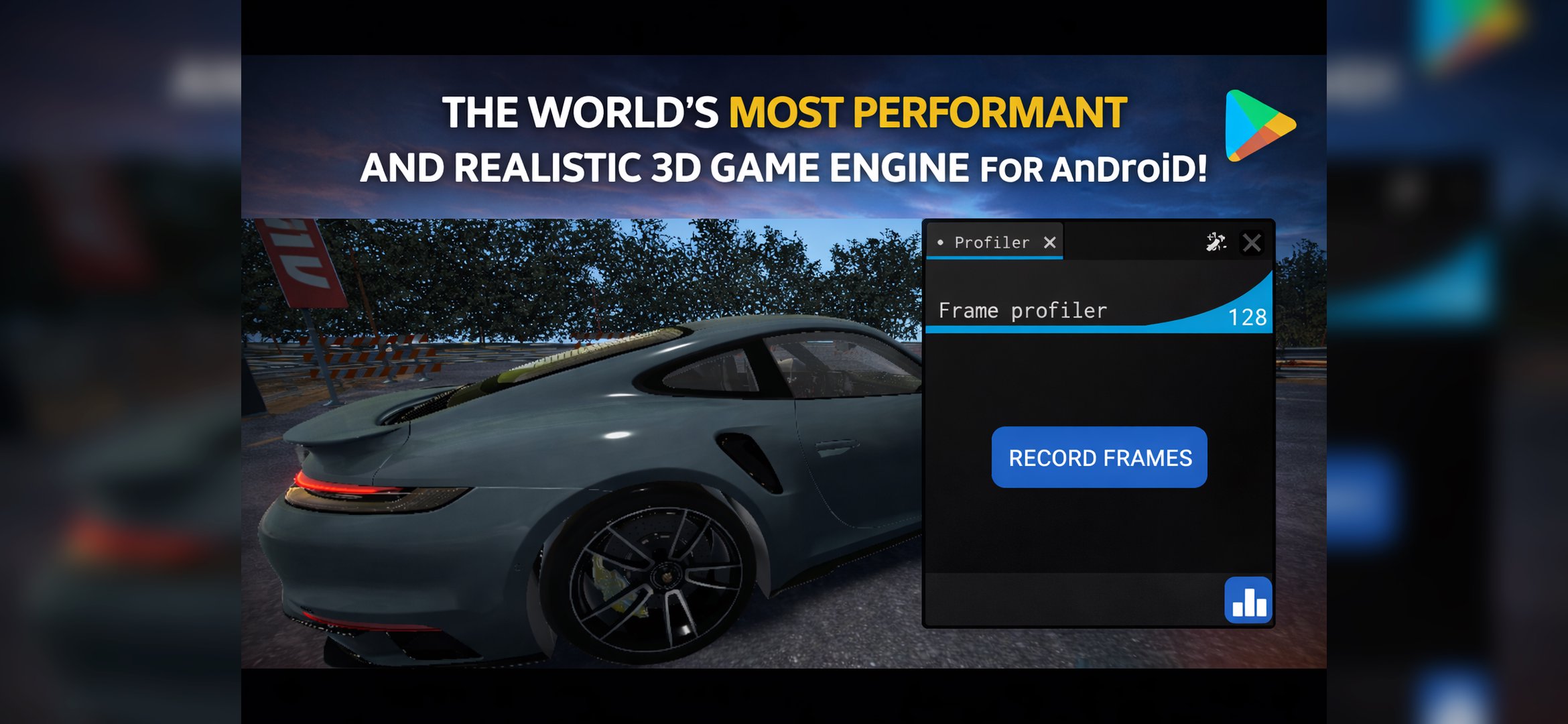
The engine uses a modern Vulkan-based renderer for improved frame pacing and efficiency on supported devices. Real-time cascaded shadows provide stable lighting across large environments. The interface groups rendering controls in a practical layout, so you can adjust quality and performance as projects grow. As a result, scenes scale better during mobile development.
Java and Lua scripting with a documented API
You can script game logic with Java or Lua, depending on your preference and project needs. The documented API covers events, input, and automation, which helps keep behavior consistent across scenes. Scripts attach to objects to define movement, interaction, and state changes. This setup keeps gameplay code organized and easy to maintain.
Advanced visual effects and custom shaders
The post-processing suite includes SSAO, Bloom, Depth of Field, volumetrics, motion blur, and color grading for visual tuning. You can combine effects to match different art directions or performance goals. Custom Vulkan shaders are supported for projects that need tailored materials or lighting models. These tools help you refine the final look before export.
World building tools and broad asset import
A built-in terrain editor lets you sculpt and texture landscapes directly on Android. The Object Pool renderer handles large numbers of repeated objects with efficiency, while 3D spatial audio adds directional sound to scenes. Asset import supports models and animations in OBJ, FBX, GLTF or GLB, BLEND, DAE, 3DS, STL, PLY, and 3MF. Textures can use PNG, JPG, WEBP, TGA, TIF, BMP, and HEIF, and audio supports MP3, WAV, OGG, FLAC, AAC, and M4A, with a community marketplace available for sharing assets and games.
ITsMagic Engine focuses on Android development and exports APK builds for Android devices. If a project relies on heavy scenes or multiple post-processing effects, users may need to lower quality settings on less capable phones. The official website offers documentation and learning materials that can clarify setup and scripting details for new users.
Availability and any pricing models can differ by region. If you are looking for an Android download or information about editions, refer to the in-app details and the developer website for the most current status. Community marketplace access can also vary by region and may require an account to share or collect assets.
This quick workflow outlines the typical path from a blank project to a test build. It helps you set up scenes, connect scripts, and prepare an APK for install using the ITsMagic Engine 2.0 - 2026 latest version.
ITsMagic Engine 2.0 - 2026 provides a complete on-device toolset for creating, scripting, and exporting 3D games. If you plan to download ITsMagic Engine 2.0 - 2026, review the feature set and formats supported to match your workflow.
For official resources and support, visit the developer website below.
Latest Version
P2.2026.10f8Requires Android
8.0
Category
Simulation GameContent Rating
Everyone
Report
Flag as inappropriateLast updated on Oct 21, 2026
This release includes minor bug fixes and general improvements. Update to the latest version for the best experience.



APKPure - A multi-platform app store primarily focused on Android, providing extensive app-related content. Discover the app you want easier, faster, and safer, with quick and efficient downloads and installations.