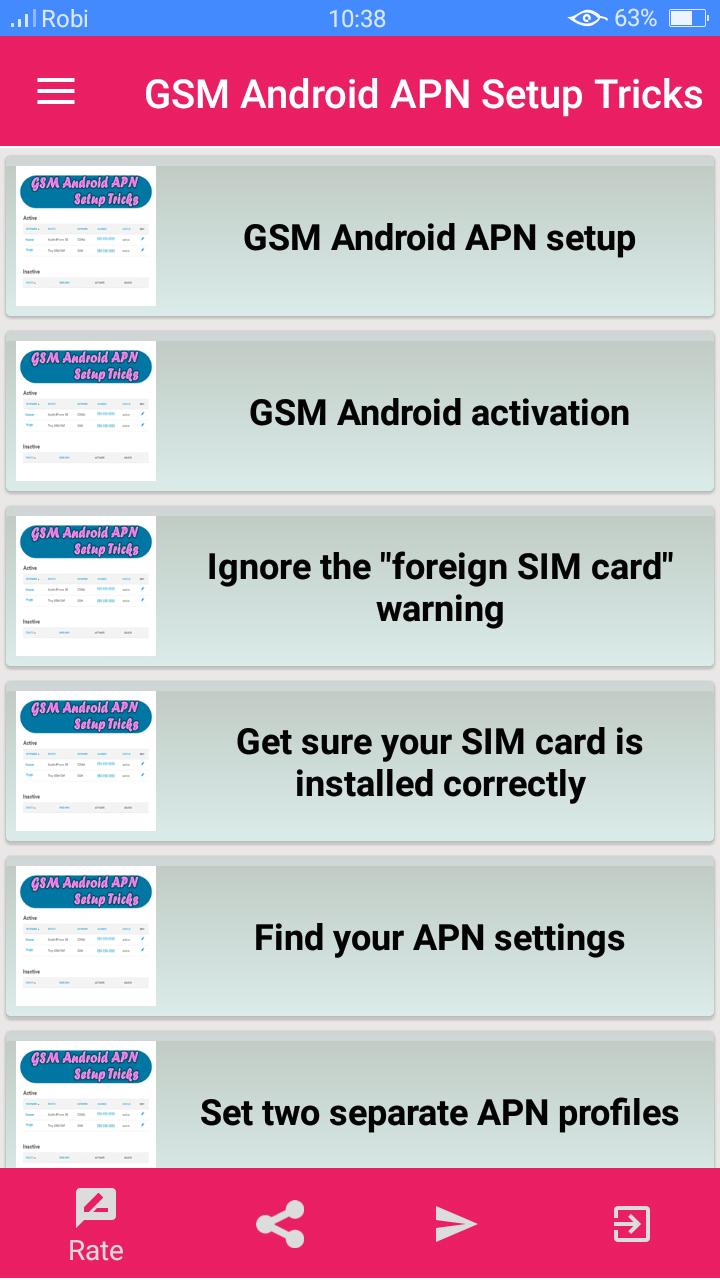
With so many different Android devices on the market, activating on Ting's GSM network can sometimes be tricky. Not to worry, here are some handy tips that should make it easier.
Ting MMS APN (IPv4) Add a new APN (look for 'Add' or a + icon, usually in the top right corner) Keep Ting Data selected as your APN (your phone will use the MMS APN settings automatically as it needs to) Restart your device.
Reset APN settings to default; One APN profile; Two APN profiles; Troubleshooting ... Troubleshooting MMS on GSM · GSM Android activation tips and tricks.
Ultima versione
9.0Caricata da
Arpit J
È necessario Android
Android 4.4+
Categoria
Gratuita Libri e consultazione APPClassificazione dei contenuti
Everyone
Segnala
Segna come inappropriataLast updated on Jun 26, 2020
Questa versione include correzioni di bug minori e miglioramenti generali. Aggiorna alla versione più recente per un'esperienza ottimale.




APKPure - Un app store multi-piattaforma principalmente incentrato su Android, che fornisce un'ampia gamma di contenuti relativi alle app. Scopri l'app che desideri in modo più facile, veloce e sicuro, con download e installazioni rapidi ed efficienti.