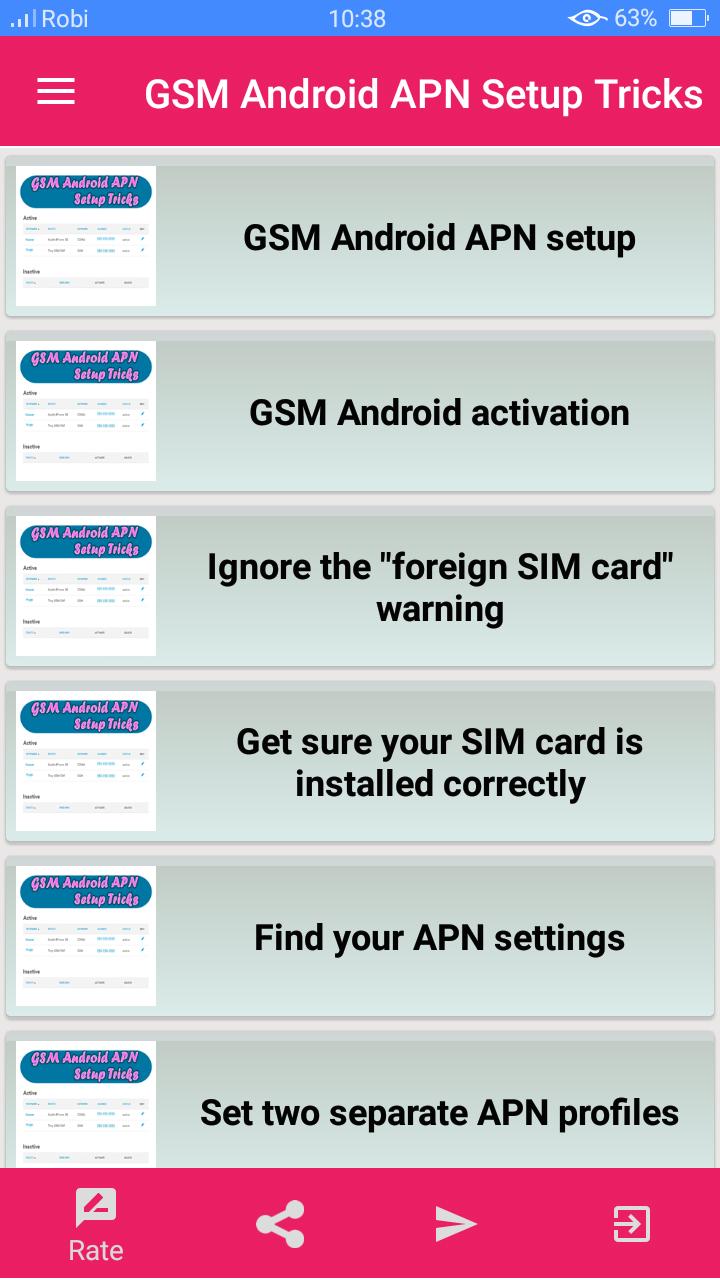
With so many different Android devices on the market, activating on Ting's GSM network can sometimes be tricky. Not to worry, here are some handy tips that should make it easier.
Ting MMS APN (IPv4) Add a new APN (look for 'Add' or a + icon, usually in the top right corner) Keep Ting Data selected as your APN (your phone will use the MMS APN settings automatically as it needs to) Restart your device.
Reset APN settings to default; One APN profile; Two APN profiles; Troubleshooting ... Troubleshooting MMS on GSM · GSM Android activation tips and tricks.
Latest Version
9.0Uploaded by
Arpit J
Requires Android
Android 4.4+
Category
Free Books & Reference AppContent Rating
Everyone
Report
Flag as inappropriateLast updated on Jun 26, 2020
This release includes minor bug fixes and general improvements. Update to the latest version for the best experience.




APKPure - A multi-platform app store primarily focused on Android, providing extensive app-related content. Discover the app you want easier, faster, and safer, with quick and efficient downloads and installations.