Package Name:com.Integer.IntegerAR
SHA-256:dc8555ea2e9dcb524f36092151c81daceacf27b9da05eb5dfd6c2d22f21695ea
Show More

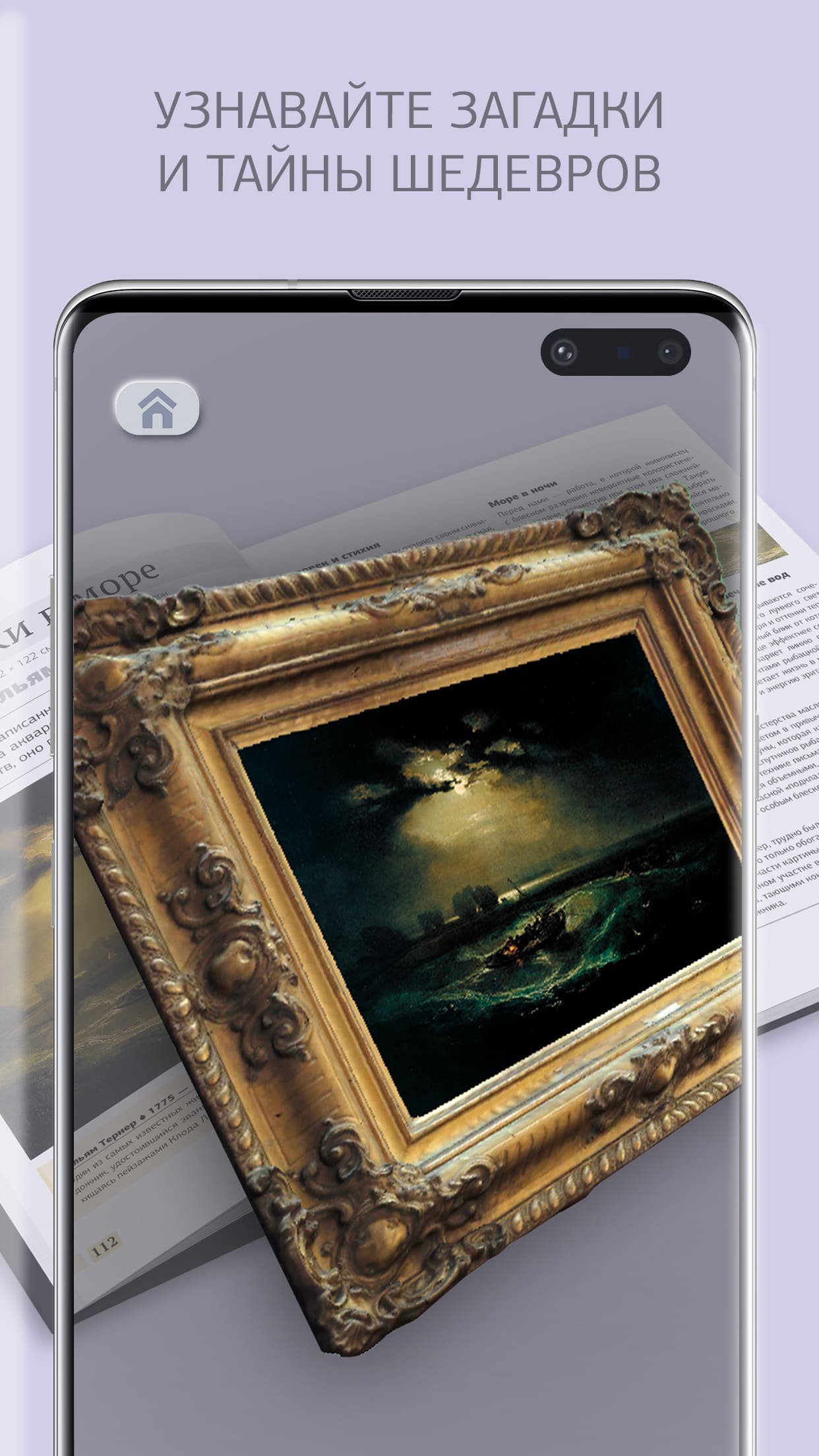
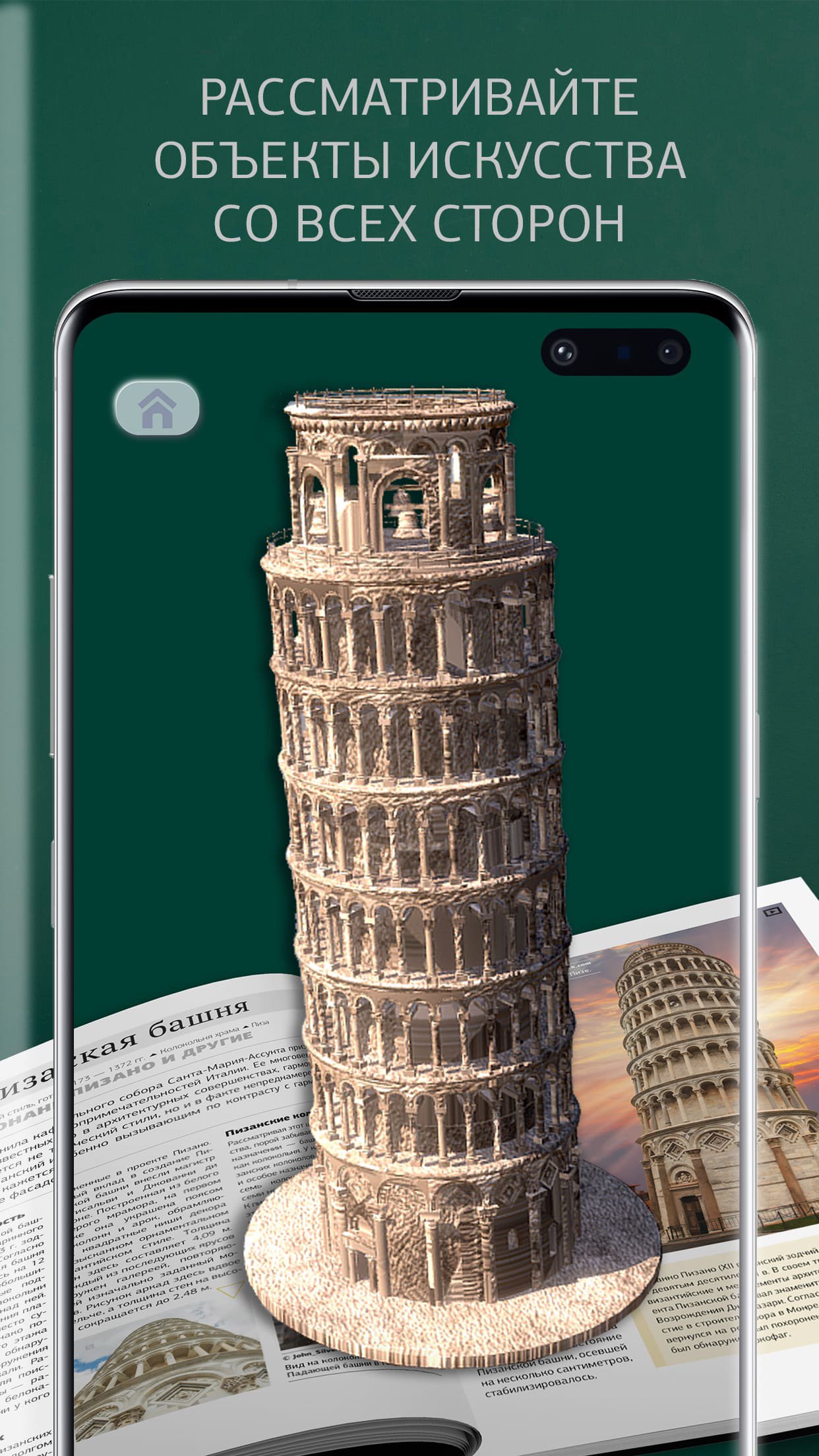
integer AR app is an immersive experience in the world of art through augmented reality. Using the application, you will be able to view the masterpieces of painting and architecture very close, from different angles and in all details. You will learn many new and interesting facts, as well as get acquainted in augmented reality with 3D models that are not even in books. The “Fix to Space” feature will help you evaluate what an art object looks like in real size.
The app only works with books that have the "integer AR" icon on them.
Instruction.
1. Download the application and install it on your device.
2. Open the application. The first download may take up to 5 minutes, depending on the speed of your internet connection.
3. Make sure your device has sound enabled.
4. In the main menu, click on the "Book" button. Select the book you need and click Open. Find the spread with the augmented reality icon and focus the device's camera on it. Try to capture the entire page.
5. Consider objects in volume and get acquainted with additional information.
6. In the main menu, click on the “Arrange in space” button. A catalog of models will appear on the screen of the device.
7. Choose any 3D model and follow the prompts on the screen.
8. After the installation indicator appears, install the 3D model in any free place in the space around you and view it from different angles.
Latest Version
4.1.5Uploaded by
Medhat Omar
Requires Android
Android 10.0+
Category
Free Books & Reference AppContent Rating
Everyone
Security Report
Check Now
Report
Flag as inappropriateLast updated on Apr 22, 2026
Улучшена система работы камеры




APKPure - A multi-platform app store primarily focused on Android, providing extensive app-related content. Discover the app you want easier, faster, and safer, with quick and efficient downloads and installations.