inReports - Followers reports helps users who want a clear view of follower changes and engagement across posts and stories. It brings key activity into one place so you can see growth, spot drop-offs, and notice which content draws attention. With straightforward reports and practical utilities, you can keep an eye on trends and adjust your posting strategy when needed. If you plan to download inReports - Followers reports, this overview explains what the app focuses on and how it supports everyday profile monitoring.
inReports - Followers reports features
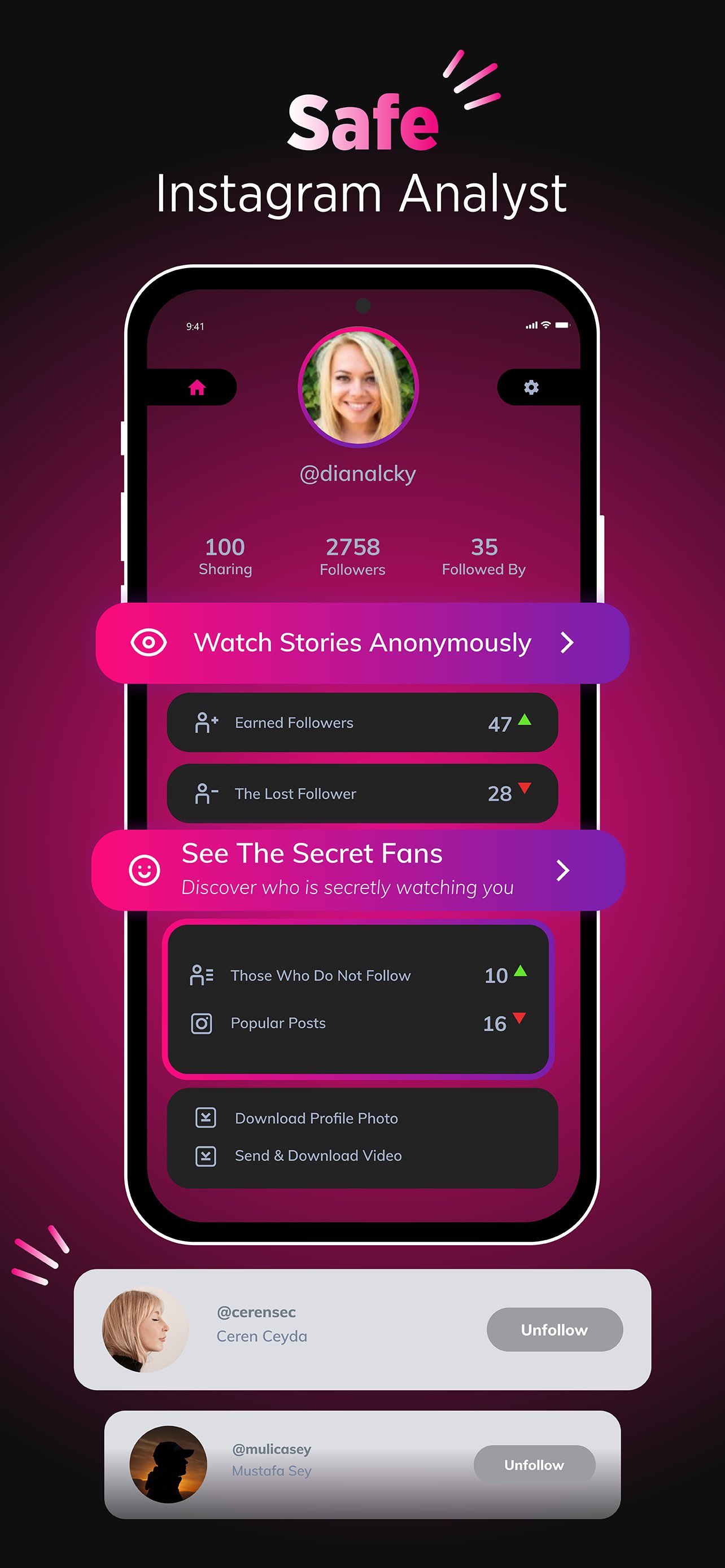
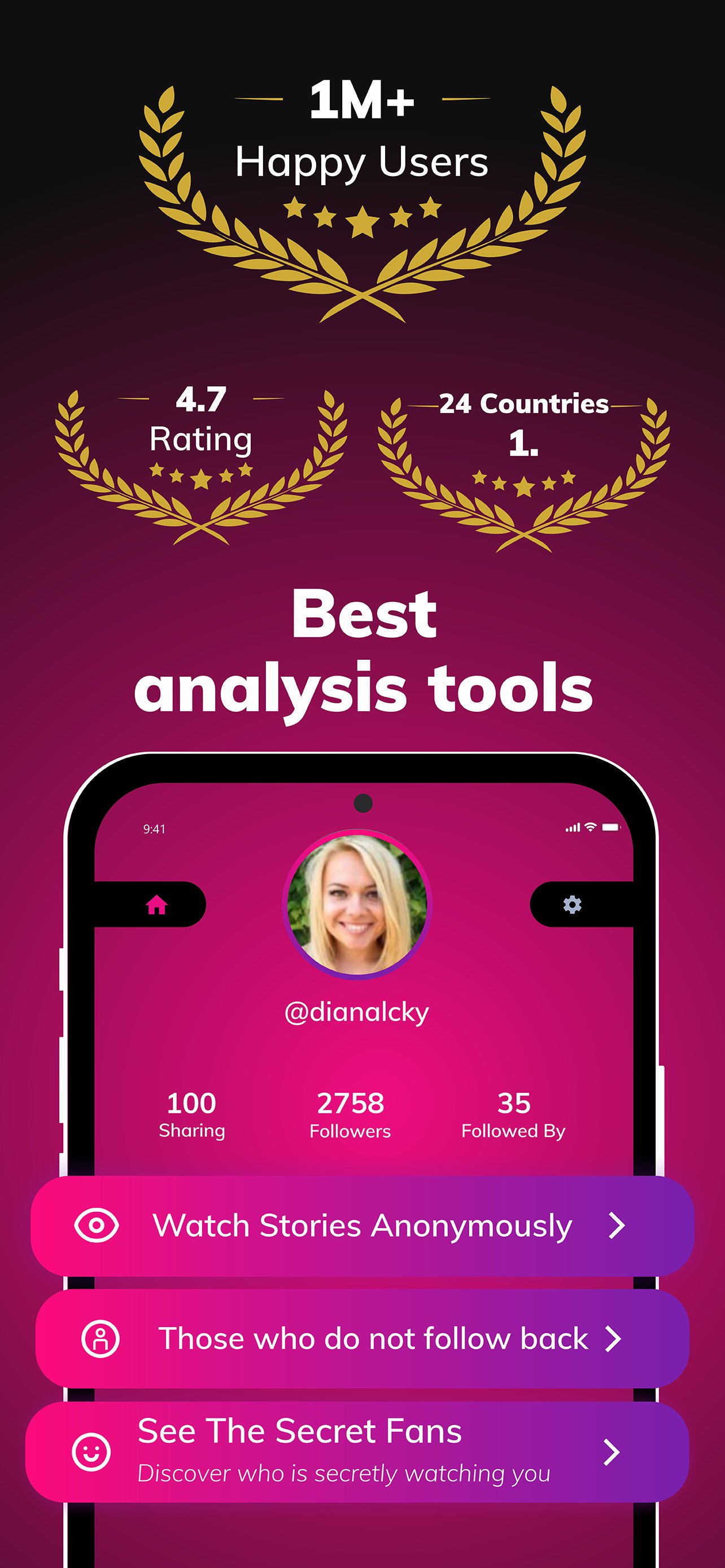
Follower tracking and non-follow-back overview inReports - Followers reports tracks followers gained and lost, identifies unfollowers, and shows accounts that do not follow you back. You can view changes over time to understand where growth is coming from and where it slows down. Lists and counts are organized for quick scanning so you can decide if any action is needed on your profile.
Top fans and story viewer insights See who liked your posts most and least, and learn which users view your stories the most. These insights help you recognize engaged audiences and spot passive followers. With this context, you can plan content that aligns with the interests of active viewers and fans.
Real-time reports on popular posts and stories inReports - Followers reports surfaces your most popular posts and stories with updated metrics. Real-time reporting helps you check performance shortly after publishing, then compare results later. As you post more, the app highlights content that consistently draws likes and views.
Profile monitor for consolidated analytics and trends The profile monitor brings follower analytics, engagement signals, and trend lines into a single view. You can track daily or weekly changes and see how different content types perform over time. This consolidated perspective reduces guesswork when evaluating growth and activity patterns.
Anonymous profile viewing and story downloader Use anonymous viewing for discretion when checking profiles. The built-in story downloader lets you save stories for later review. These utilities support monitoring and reference without needing extra tools.
Tips before using inReports - Followers reports
Most analytics, including unfollowers and non-follow-backs, are tracked from the time you install and set up the app. Historical changes before installation may not appear in reports. For clearer results, allow the app some time to collect fresh data as you post and interact.
Access and in-app purchases
Core tracking and summary reports are available without payment. Some advanced features may require in-app purchases inside the app. Check access prompts carefully so you know which tools are included and which are optional upgrades.
Data handling and login notes
According to the developer, data is encrypted in transit and not shared with third parties. If you encounter a logout prompt, reauthenticate when requested to restore reporting. Keeping the app updated also helps maintain stable access to analytics and utilities.
How to use inReports - Followers reports on Android
Set up is quick and designed for everyday profile monitoring. If you installed the inReports - Followers reports APK, follow these steps to start tracking and reviewing engagement.
- Open the app and sign in to your profile as prompted, then allow any required permissions for analytics and utilities.
- Go to the dashboard to see follower gains and losses, unfollowers, and accounts that do not follow you back.
- Check the reports section to view top fans, story viewers, and highlights of your most popular posts and stories.
- Use anonymous viewing when you want to browse profiles discreetly, and save stories with the downloader for later reference.
- Return to the profile monitor regularly to track trends, compare recent activity, and adjust your posting plan as needed.
Get started with accurate analytics
inReports - Followers reports brings follower tracking, engagement insights, and real-time highlights into one place. To stay current with updates and fixes, consider using the inReports - Followers reports latest version.
For support and official information, use the contacts below.