Scan Date:May 8, 2026
Show More
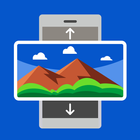
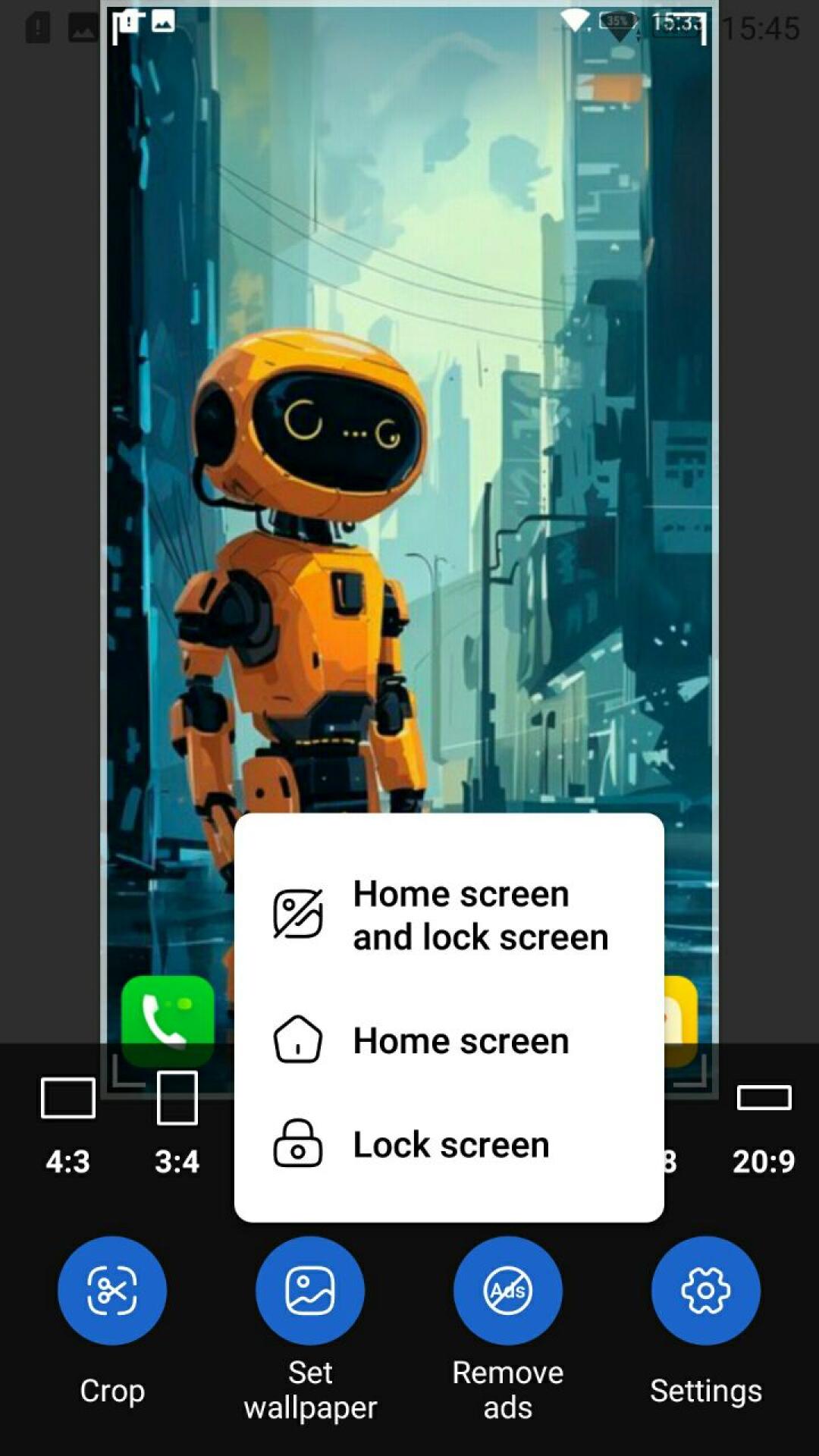
Image to Wallpaper 🖼️ is the easiest way to turn any photo from your gallery into a beautiful wallpaper for your Android home screen or lock screen. Open, edit and apply in just a couple of taps!
🖼️ Set as wallpaper
• Apply to home screen, lock screen, or both at once
• Open images from the gallery or via Share from any other app
• Supported formats: JPG, PNG, WEBP, HEIC, HEIF, GIF
✂️ Crop and rotate
• Free crop with handles and aspect-ratio presets
• Rotate by ±90°, invert, flip horizontally or vertically
• Alternating flip — perfect for tiled wallpapers
📐 Resize and fit
• Match the display width or the full wallpaper width
• Custom wallpaper size from 200 to 8192 pixels
• Exclude status bar and navigation bar height
• Keep original size option
🎨 Effects and filters
• Grayscale, sepia, auto levels
• Brightness, contrast, saturation
• Gamma correction and Gaussian blur
🖼️ Frame (border)
• Solid colors: black, white, gray
• Auto color: light, dark, average from image
• Custom color via color picker
• Another image used as a tiled background
🎯 Alignment
• Move the image left, right, up or down
• Center on the screen
• Tile horizontally or vertically
📚 History
• Quickly return to recently used images
• Delete individual items or clear the entire history
✅ Convenience
• Tabbed editor: Size, Frame, Alignment, Crop, Effects, Image
• Smooth preview with drag and pinch-to-zoom gestures
• Portrait and landscape orientation supported
• Unsaved changes confirmation — never lose your work
• Correct state restore on screen rotation
Image to Wallpaper — turn your favorite photos into beautiful wallpapers in seconds! 📸
Latest Version
1.0.28Uploaded by
ဦးဇင္း ဓါတ္ခဲ
Requires Android
Android 6.0+
Category
Free Personalization AppContent Rating
Everyone
Security Report
Report
Flag as inappropriateLast updated on May 8, 2026
Minor bug fixes and improvements. Install or update to the newest version to check it out!





APKPure - A multi-platform app store primarily focused on Android, providing extensive app-related content. Discover the app you want easier, faster, and safer, with quick and efficient downloads and installations.