Scan Date:Nov 10, 2025
Show More

Do you always forget passwords from wi-fi network?
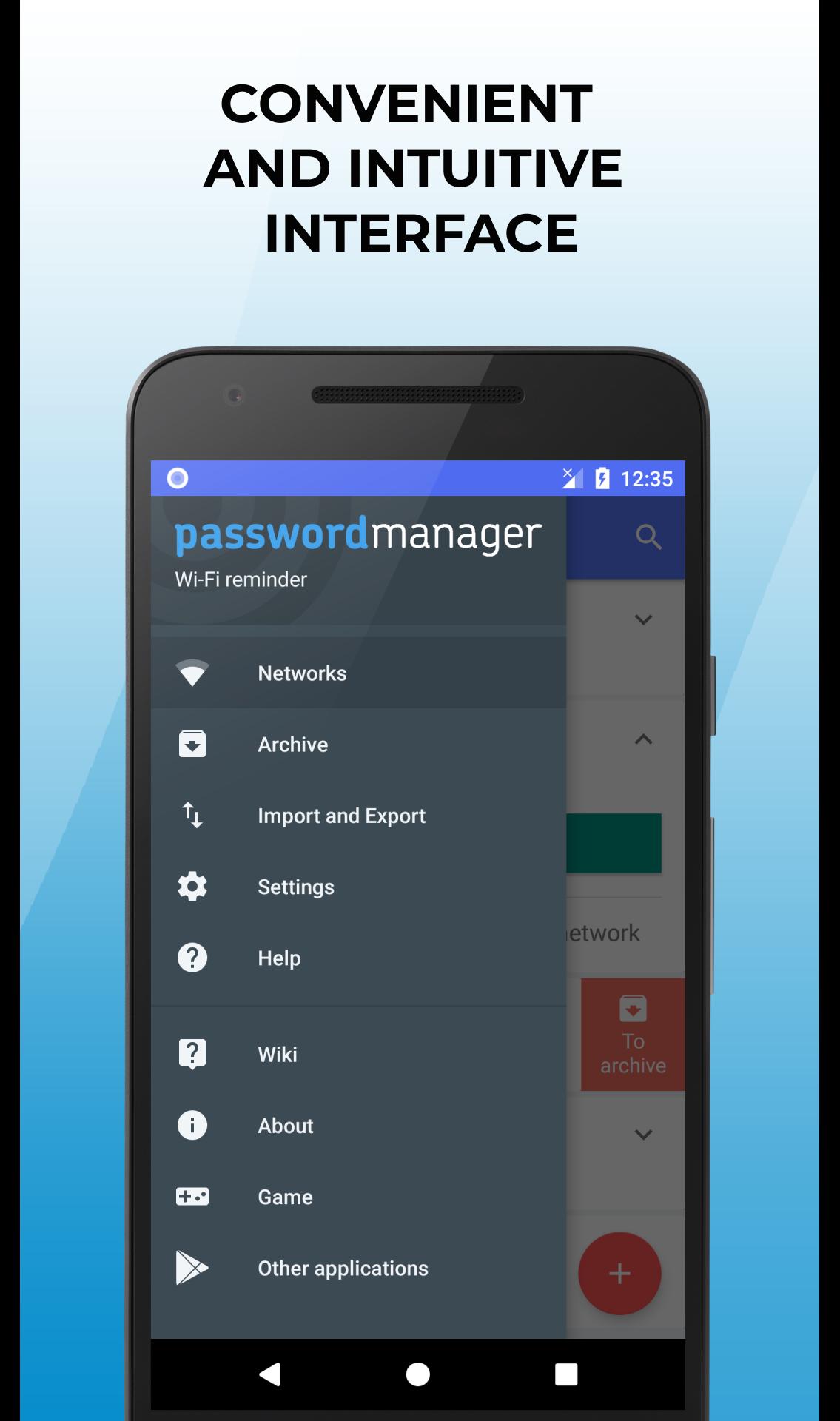
The app "Wi-Fi passwords manager" will help you. Add, save and share all networks which You use.
Network sync between devices using your account. Supports 2 types of authorization: using a Google account or register on email-password.
The application allows:
◉ add, delete, or send your access point
◉ copy password of the selected network to the clipboard
◉ send to other applications text data: network name (SSID) and password
◉ to create a picture with QR-code of wifi network connection settings
◉ quickly find a known network in the list
◉ quickly connect to a known network
◉ create a backup copy of the file to wp_export.csv
◉ import the history from the file wifi_pass_export.csv
The app works as a password manager for wireless networks, also include with additional functions, this app is free, works without a Root. An early version was called "Reminder passwords from Wi-Fi networks"
Is compatable with the file of history import wifi_pass_export.ksv saved.
In addition to recording network data, you can also scan the QR code of any Wi-Fi hotspot. It is enough to point the camera at the appropriate code, after which the scanned data will be shown on your screen. Save the network and use all information in one secure data manager.
This app is not a password cracker of Wi-Fi networks and doesn’t allowed pick a passwords on the router.
The application is absolutely legal and allows you to work with the already known to you wifi passwords.
Attention! If you accidentally delete network from device, you can easily restore and connect to the network, right through the app.
Comfortable and functional application "Password Manager from Wi-Fi networks" allows you to quickly and easily view and share the password.
Synchronise through your account will save your time, and transports the previously listed network to other devices.
Additional functions in the presence of ROOT rights on the device:
◈ the application automatically adds the used earlier Wi-Fi networks to the application
◈ each time a new networks is connected, the app will update the list of saved passwords on the device
◈ in the case of the removal of one or more networks from application and administrator will request a permit for add the reversing, because the data on these networks are stored on your device.
Now all your passwords are in one place!
Latest Version
1.0.82Uploaded by
Henrique Silva
Requires Android
Android 6.0+
Category
Free Tools AppContent Rating
Everyone
Security Report
Report
Flag as inappropriateLast updated on Sep 11, 2025
Minor bugs fixed
Updated third-party libraries
Added the ability to edit network
Added comment field for network






APKPure - A multi-platform app store primarily focused on Android, providing extensive app-related content. Discover the app you want easier, faster, and safer, with quick and efficient downloads and installations.