Scan Date:Mar 26, 2026
Show More


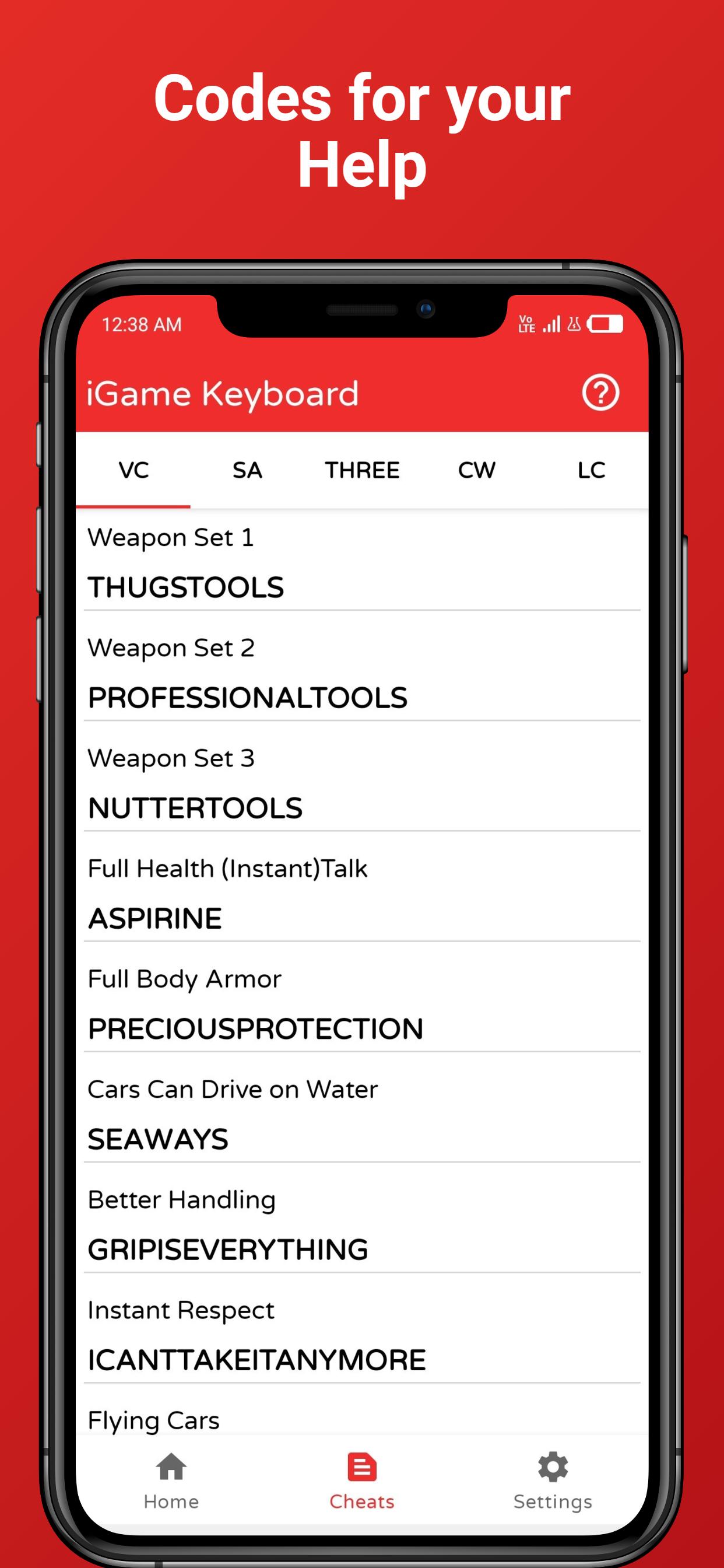
iGame:Game Keyboard for cheats helps players who use games that accept cheat code input. Pausing a match or switching apps slows you down, so a focused way to enter codes is helpful. This keyboard appears over the game only when needed and keeps the screen clear when you are done. It is built for simple, everyday use and aims to reduce interruptions. If you plan to get iGame:Game Keyboard for cheats APK, the information below sets clear expectations.
iGame:Game Keyboard for cheats places a small access icon on your screen once you enable it. Tap it to open the keyboard instantly while a game is running. This reduces app switching and keeps your attention on the current match.
Overlay keyboard inside your gameWhen you need to type a code, the keyboard appears on top of the game. After entry, you can hide it with a tap and continue playing. The overlay does not force you to leave the game view, so your session stays uninterrupted.
Clean, straightforward controlsThe layout is simple with clear buttons and familiar typing behavior. First time users can find the main actions quickly. This helps you focus on the code you want to enter and return to gameplay with minimal steps.
Change between system keyboardsIf you prefer a different keyboard, switch to another installed system keyboard without closing the game. The swap happens from the overlay, so you keep the current session active. This is useful when a specific layout makes code entry easier.
Help Corner and ongoing improvementsA dedicated Help Corner offers quick tips and a direct way to contact support when something is unclear. Updates aim to refine performance and improve compatibility for recent Android devices. This keeps iGame:Game Keyboard for cheats responsive as games and devices evolve.
iGame:Game Keyboard for cheats works only with games that allow cheat code input. It does not hack, modify, or bypass a game's rules. Codes must be valid for the game you are playing and follow its accepted format. If a title does not support codes, the keyboard will not produce results.
To show the floating toggle during gameplay, the app needs permission to draw over other apps. Grant this permission when prompted so the icon appears on screen reliably. A Pro version by the same developer exists, and this page describes the free app. Feature sets may differ, so choose the version that fits your needs.
The steps below show how to set up the overlay and enter codes inside your game. If you plan to download iGame:Game Keyboard for cheats, review permissions first to avoid interruptions.
This tool provides an on screen keyboard that stays in your game view for valid code entry. To get the iGame:Game Keyboard for cheats latest version, install the app and enable the overlay toggle before you play.
For support or more details, use the following official resources.
Latest Version
6.7Uploaded by
Ajay Patel
Requires Android
Android 5.0+
Category
Free Tools AppContent Rating
Everyone
Security Report
Report
Flag as inappropriateLast updated on Mar 26, 2026
1. Added 36 Language Support : Ukrainian, Japanese, French, Korean, Portuguese, Spanish, Indonesian, German, Turkish, Malay, Polish, Filipino, Kazakh, Bengali, Arabic, Thai, Persian, Vietnamese, Nepali, Uzbek, Belarusian , English(Default) & More
2. Code updates for San and Vice Games
3. Bug Fixes
4. Added support for Android 11, 12 and 13
5. Layout Improvements
Now you can use the iGame Keyboard on android 11 and 12 and Android 13.
Enjoy iGame Keyboard: Game Keyboard to apply Cheats in games.





APKPure - A multi-platform app store primarily focused on Android, providing extensive app-related content. Discover the app you want easier, faster, and safer, with quick and efficient downloads and installations.



![[PRO] One-Click Root - FASTER APK](https://image.winudf.com/v2/image/aW8uaGxvbC5kZGRvbmUucHJvX2ljb25fdHYwOWlkaHI/icon.png?w=102&fakeurl=1)