OS notch for Android phone, this is original notch.
Personalize your phone to stand out from the crowd, customize your notch with iPhone notch style. Make your notch like phone 15 simple and very easy!
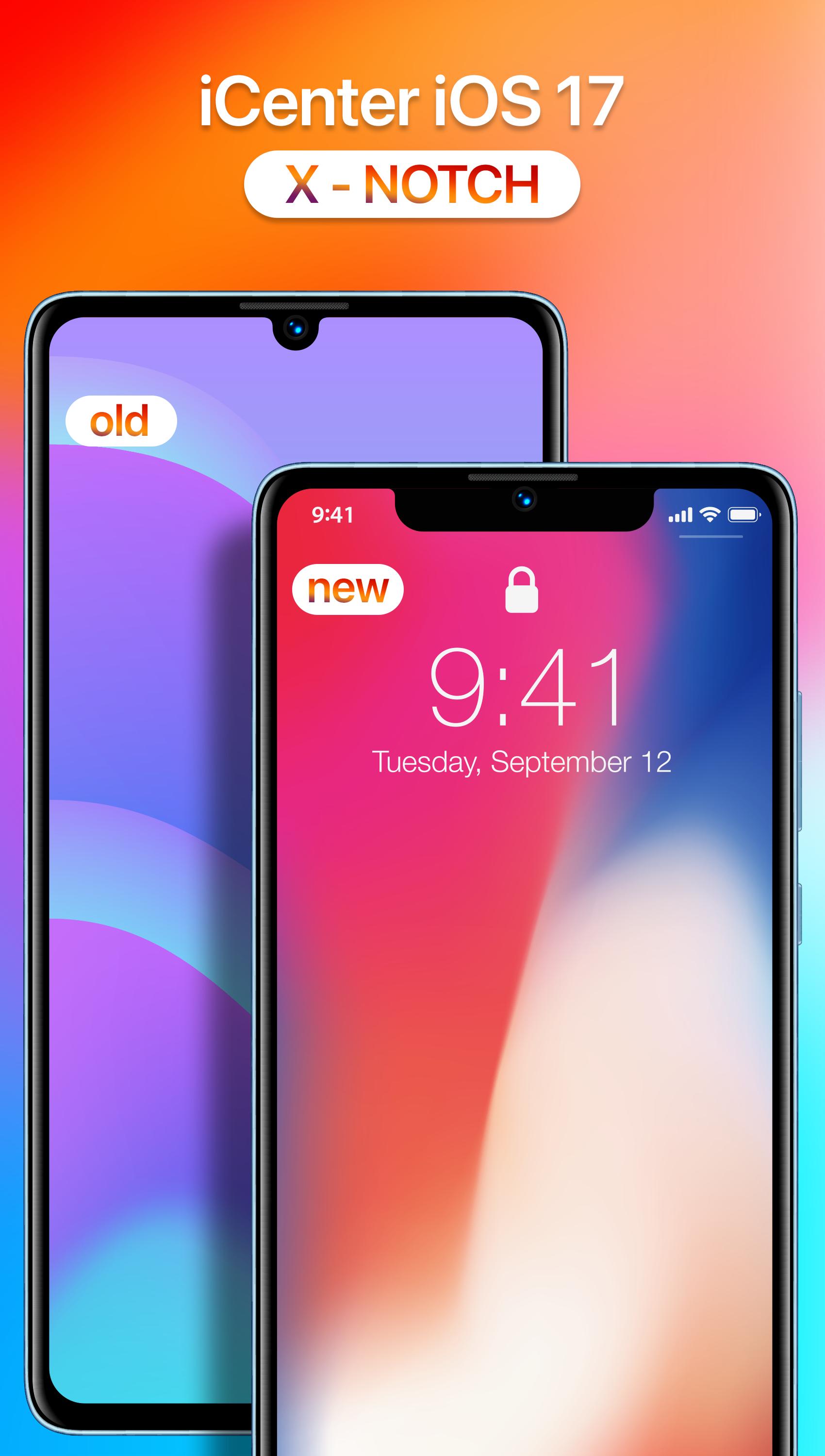
iCenter OS 17: X - Notch, a simulation of phone X notch for any Android device. Change your phone notch view of your Android phone same to the phone 16 notch, make your phone unique with just you with notch view iOS 17 style.
The application is simple app have settings which allow you add a notch easy same with phone X.
Download "iCenter OS 17: X - Notch" app and enjoy your phone in completely new screen. Download the application to experience a new innovation, a new style in your mobiles.
X Notch features:
• Very beautiful notch.
• Ability to change Notch Style, Notch Size.
• Support landscape mode, portrait mode.
• Very easy to setup and customize.
Touch The Notch feature: It free Touch The Notch. Full action, no limit actions no limit times. This feature turns the Notch view into a shortcut action button to perform many actions and make phone use easier. You can set independent action for each touch, long touch, and swiping both sides.
Interactive X - Notch functions:
- Flashlight: Turn on extra light when you need it.
- Camera: Open the Camera app to capture a moment.
- Screenshot: Take a picture of what appears on your screen.
- Power Menu: Open the long-press menu for power.
- Back Action, Home Action.
- Recents Screen: Lists recently accessed activities and tasks.
- Lock Screen: Turn Screen off.
PERMISSION REQUIREMENT
- ACCESSIBILITY PERMISSION: This app requires the accessibility service permission for:
• Show the custom Notch view (X - Notch) above the System's one.
• To start Accessibility service actions: By enabling the service, the application will support command for press, long press and swipe actions on Notch view (X - Notch view) with following features:
- Back, Home, Recent actions.
- Popup notification, Quick settings.
- Popup Power dialogs.
- Take a Screenshot.
If you disable the Accessibility service, the features cannot work properly.
We do not collect or share any sensitive or personal information. Please open application and grant permission to enable iCenter OS 17: X - Notch.
Thanks.
Latest Version
1.7Uploaded by
Guilherme Freefire
Requires Android
Android 7.0+
Category
Free Personalization AppContent Rating
Everyone
Report
Flag as inappropriateLast updated on Nov 19, 2024
Minor bug fixes and improvements. Install or update to the newest version to check it out!



APKPure - A multi-platform app store primarily focused on Android, providing extensive app-related content. Discover the app you want easier, faster, and safer, with quick and efficient downloads and installations.