

Package Name:de.kba.ikfz
SHA-256:ed853347687109abfbb0074d3d42cc702e3e83a4f0e872ce1560f5d1418dd837
Show More
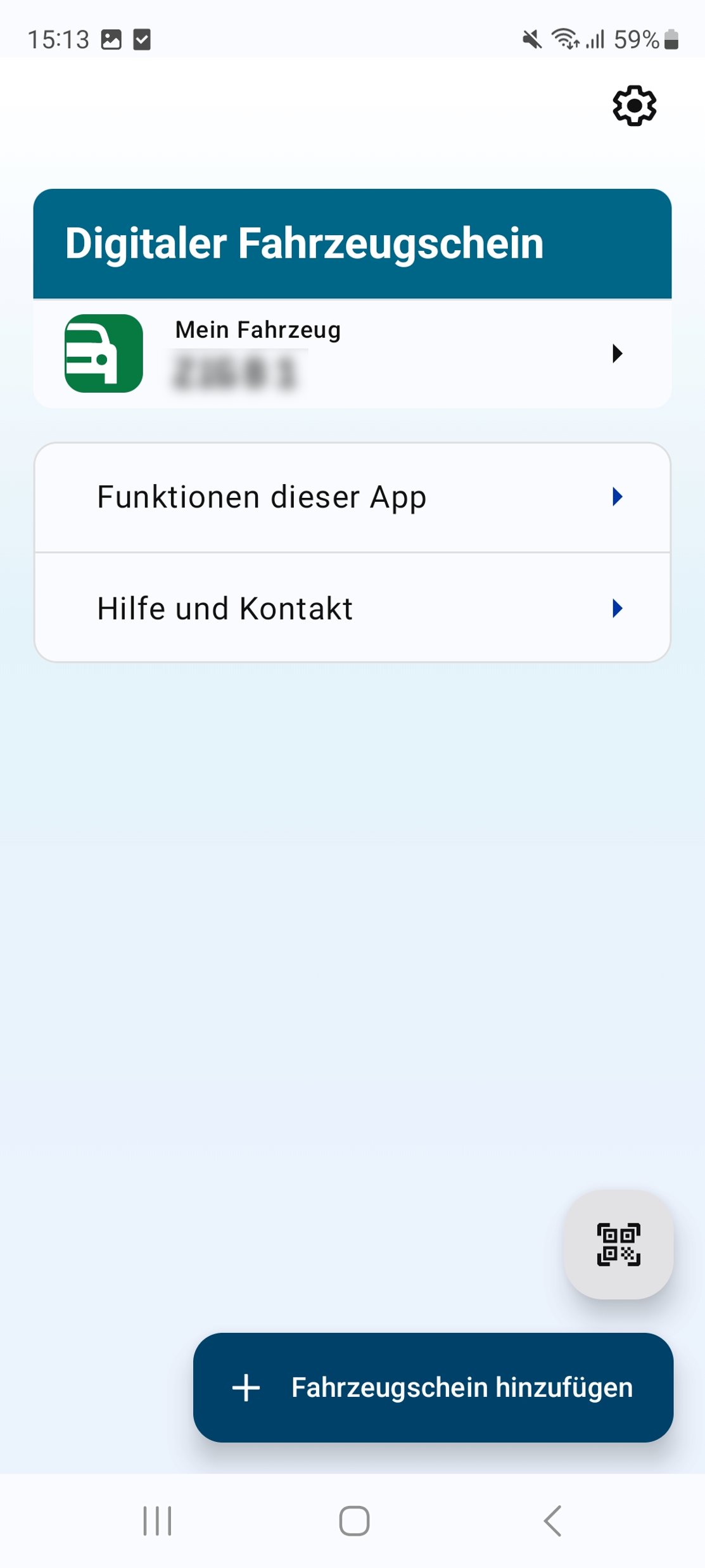
The digital vehicle registration document (DFZ) is a digital version of the vehicle registration certificate that can be used in the i-Kfz app on your device. With the i-Kfz app, vehicle owners can view, update and, if necessary, share their vehicle registration document (Zulassungsbescheinigung Teil I (ZB I)) anytime, anywhere. This facilitates access to important vehicle data and reduces the amount of paperwork required. The app also offers a secure and user-friendly way to manage vehicle registration certificates digitally.
App functions:
ADD:
Vehicle owners can have a DFZ issued either using the eID function or by scanning a QR code in the app. There are several options for obtaining a QR code: QR codes are provided both on site, during the registration process or on request, as well as when registering online.
UPDATE:
The validity and current status of the digital vehicle registration document are automatically checked when the app is opened. The i-Kfz app also offers automatic updates, such as reminders of upcoming periodic technical inspections.
SHARE:
With just a few clicks, the vehicle owner can generate any number of shared versions of a DFZ and share them with third parties via link or QR code for permanent or temporary use.
VIEW:
With the help of a user-friendly display, you can view your vehicle and owner data at any time, even without an internet connection, and present it during a traffic check or periodic technical inspections, for example.
DELETE:
You can delete the DFZ and its shared versions in the app yourself.
The i-Kfz app is constantly being developed. We welcome feedback in the store or in the app.
If you have any questions or suggestions, our support team will be happy to assist you: i-Kfz@support.bdr.de
Privacy policy:
http://www.kba.de/app-dse_en
Accessibility statement:
http://www.kba.de/app-bfe-android_en
End User Licence Agreement (EULA):
http://www.kba.de/app-eula_en
Latest Version
1.3.1Uploaded by
Karthick
Requires Android
Android 12.0+
Category
Free Auto & Vehicles AppContent Rating
Everyone
Security Report
Check Now
Report
Flag as inappropriateLast updated on May 6, 2026
1. Other notes (Code 21) is displayed in the DFZ under the category “Remarks and Exceptions”
2. Remarks and exceptions (Code 22) can display the content of the first supplementary sheet





APKPure - A multi-platform app store primarily focused on Android, providing extensive app-related content. Discover the app you want easier, faster, and safer, with quick and efficient downloads and installations.