Package Name:com.hidephoto.privatephotovault
SHA-256:271d33787508ddee8a9dfb269e3de8177a40f2807cb4440d6608b37c5709d210
Show More

- Hide Photos & Videos is the #1 private photo vault app can secretly hide videos, hide document and other files. Your files will be stored in vault and can only be open locking them down with PIN protection. (password). With vault app, you can protect your privacy, secure your videos, images, and save phone space.
- To hide gallery you need to import photos or videos, files into your gallery photo vault application.
Top features:
• Private hide photos use to move photos to storage in your phone. Other application can not find or access to this folder.
• Hide pictures, hide audio, and hide any other types of files
• Hide video with new technology. All files be hide inside secretly that other user do not know its.
• Password protected video and photos Albums
• Keeps videos, photos safe and secure, away from prying eyes.
• Password recovery
• The hidden files are all encrypted
• Hide pictures videos fastly
• Detect intruders automatically
• Subfolder supported.
• Create new folder supported.
• Support all files in device such as: hide document; hide videos or any things you like secret protection.
• photo locker with screen locker, other user can not access if them do not know password
• Easy to unhide photos and videos quickly
- Fake Password, logo: private photo vault can supports fake password to show fake content in extreme cases when you need to open secret application in front of other peoples.
How use do to private hide Photos & Videos with photo vault application?
1. Create new pin -> set up password pin.
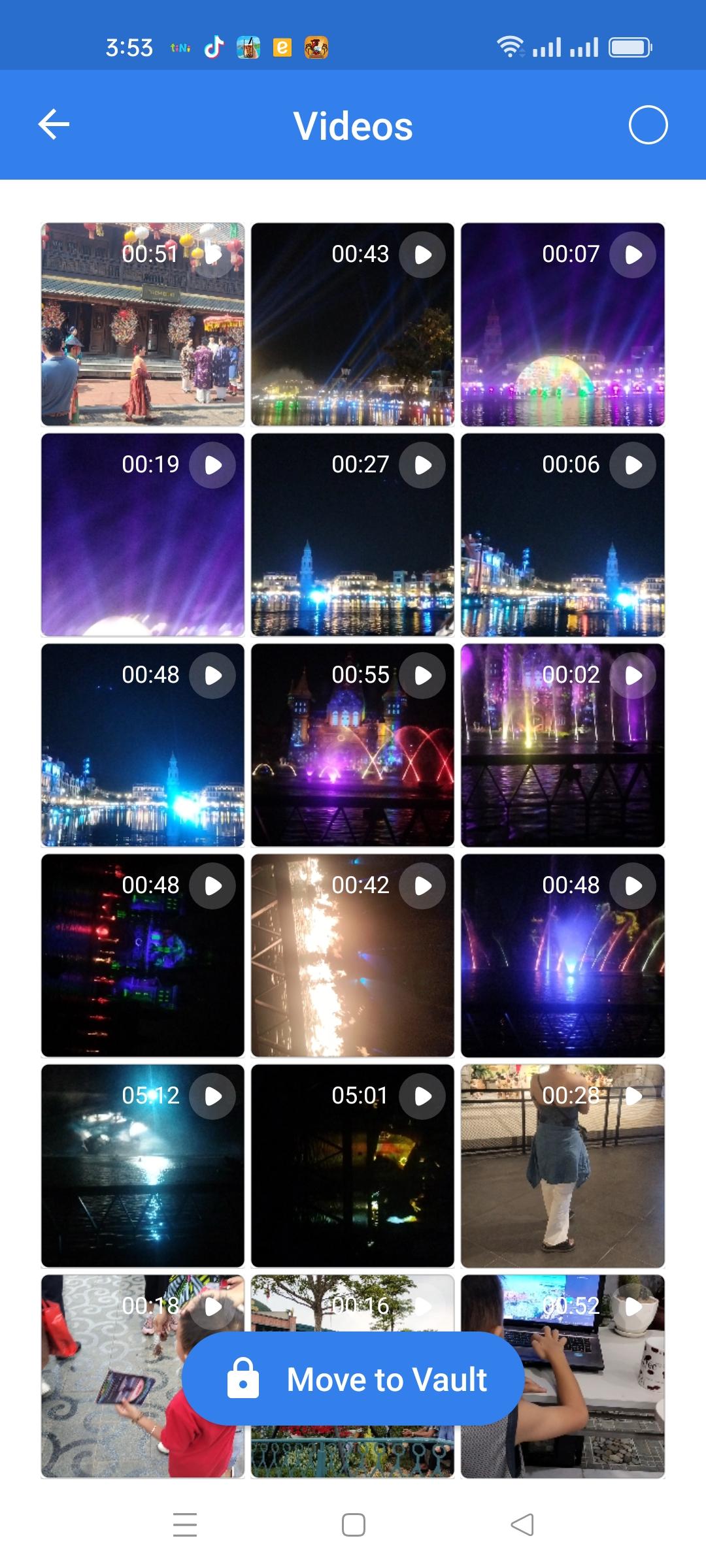
2. Add photos or video when you choose its from storage/ external storage
3. Press "move to vault" button. These photos, videos will be removed/move from your gallery and vault into Hide Pictures Videos application.
4. Private vault photo gallery has been hide, you can check or review pictures/videos when you enter your password that you put.
FAQ
What can I do if I forgot my password?
If you forget your password, simply enter a number '11223344' into locker screen and press 'OK' button, then retrieve your password by entering answer of your security question.
*Contact
If you have any feedback hide photos & videos application, we'd love it if you'd send us feedback at appdevzteam@gmail.com
Thanks,
Latest Version
1.1.3Uploaded by
Yaqoob Mistari
Requires Android
Android 5.0+
Category
Free Photography AppContent Rating
Everyone
Security Report
Check Now
Report
Flag as inappropriateLast updated on Oct 16, 2025
Minor bug fixes and improvements. Install or update to the newest version to check it out!





APKPure - A multi-platform app store primarily focused on Android, providing extensive app-related content. Discover the app you want easier, faster, and safer, with quick and efficient downloads and installations.