
Guigo TV suits users who want television without cables or installation and prefer flexible viewing on the internet. It delivers licensed live channels and on demand programming across different screens in a straightforward way. This approach works well for families and anyone who wants to watch at home or on the go. Moreover, the service is fully legalized in Brazil, which helps users trust the content. For Android users looking for a simple setup, Guigo TV APK provides easy access to everyday TV.
Licensed channels and diverse programming
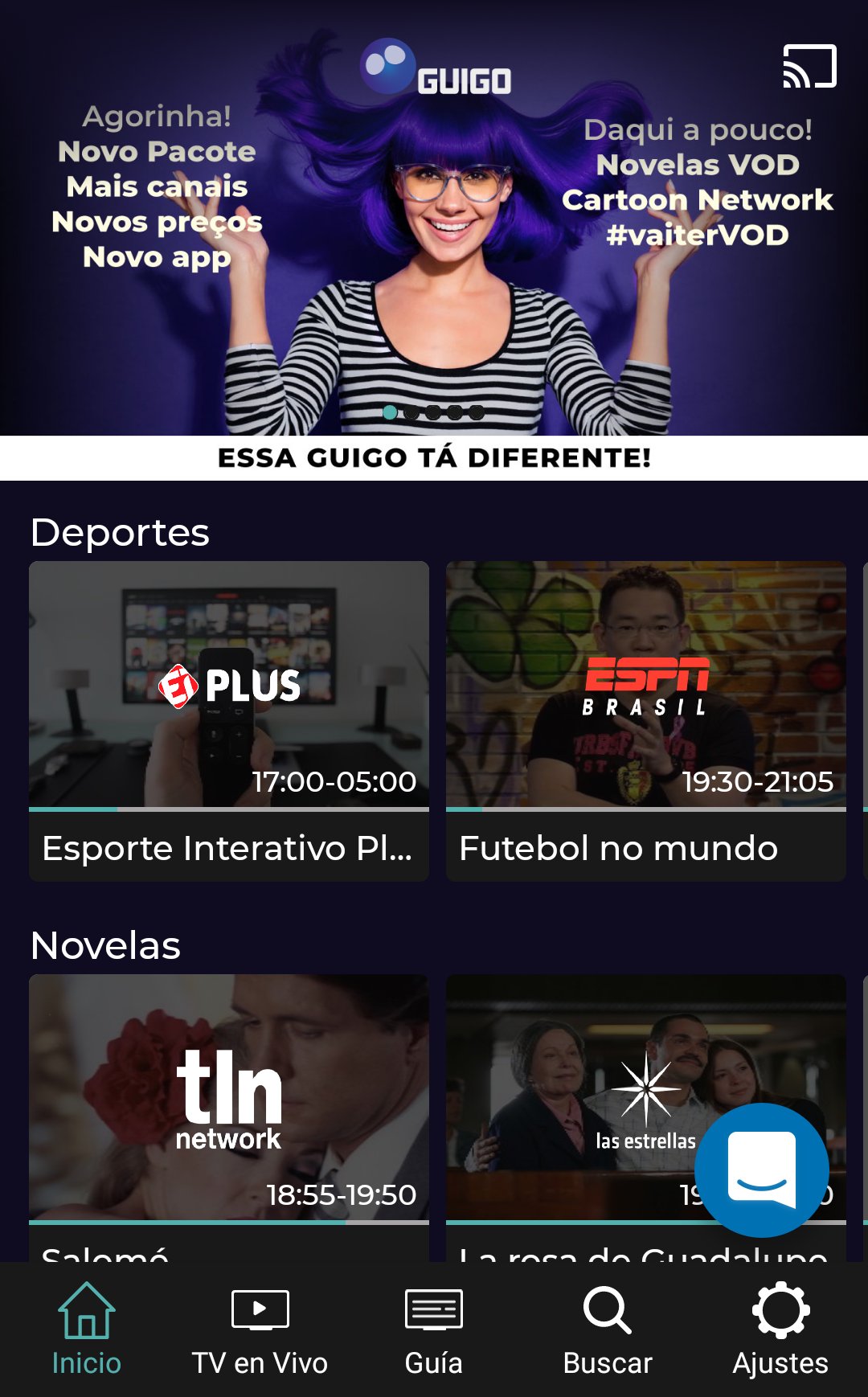
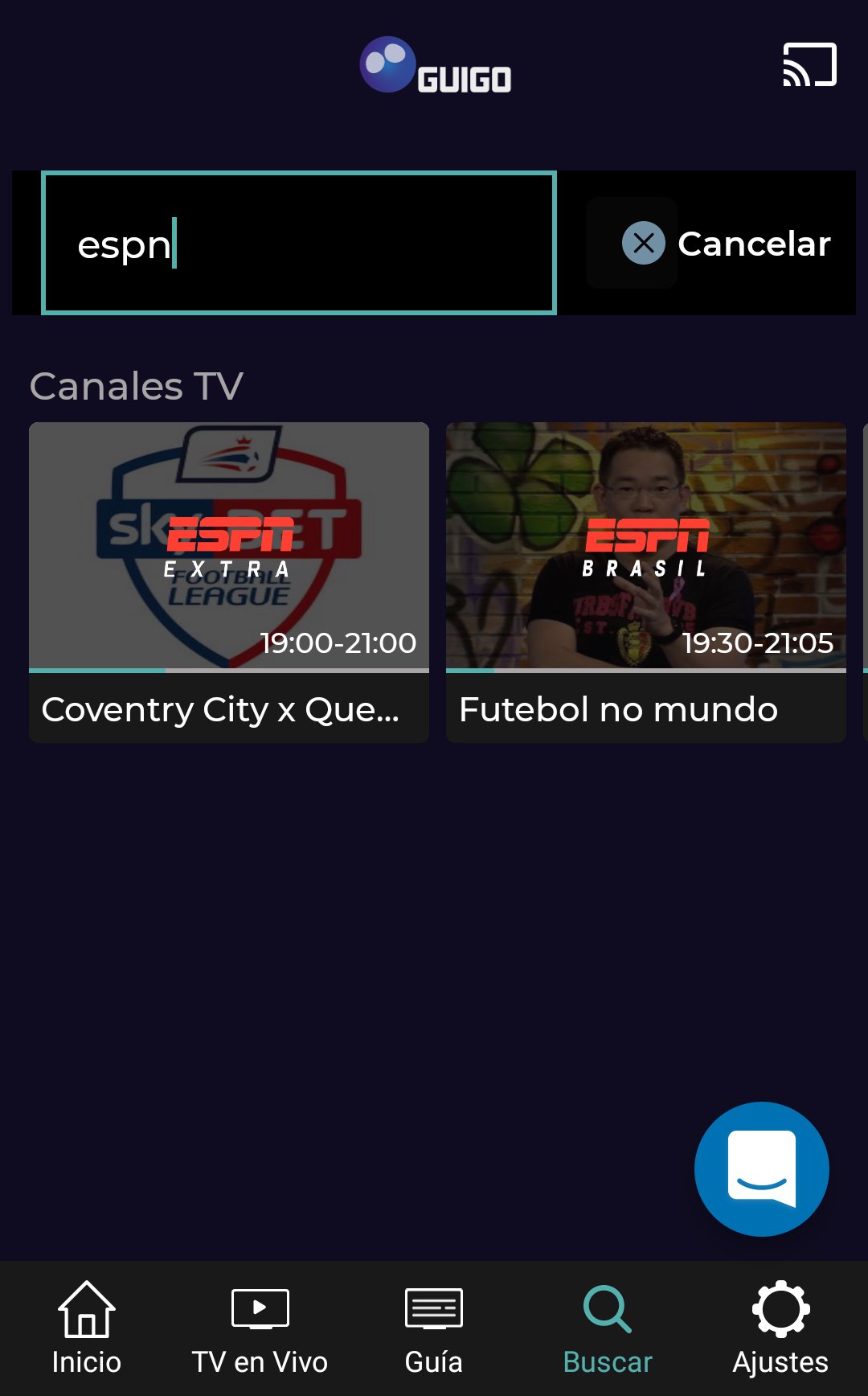
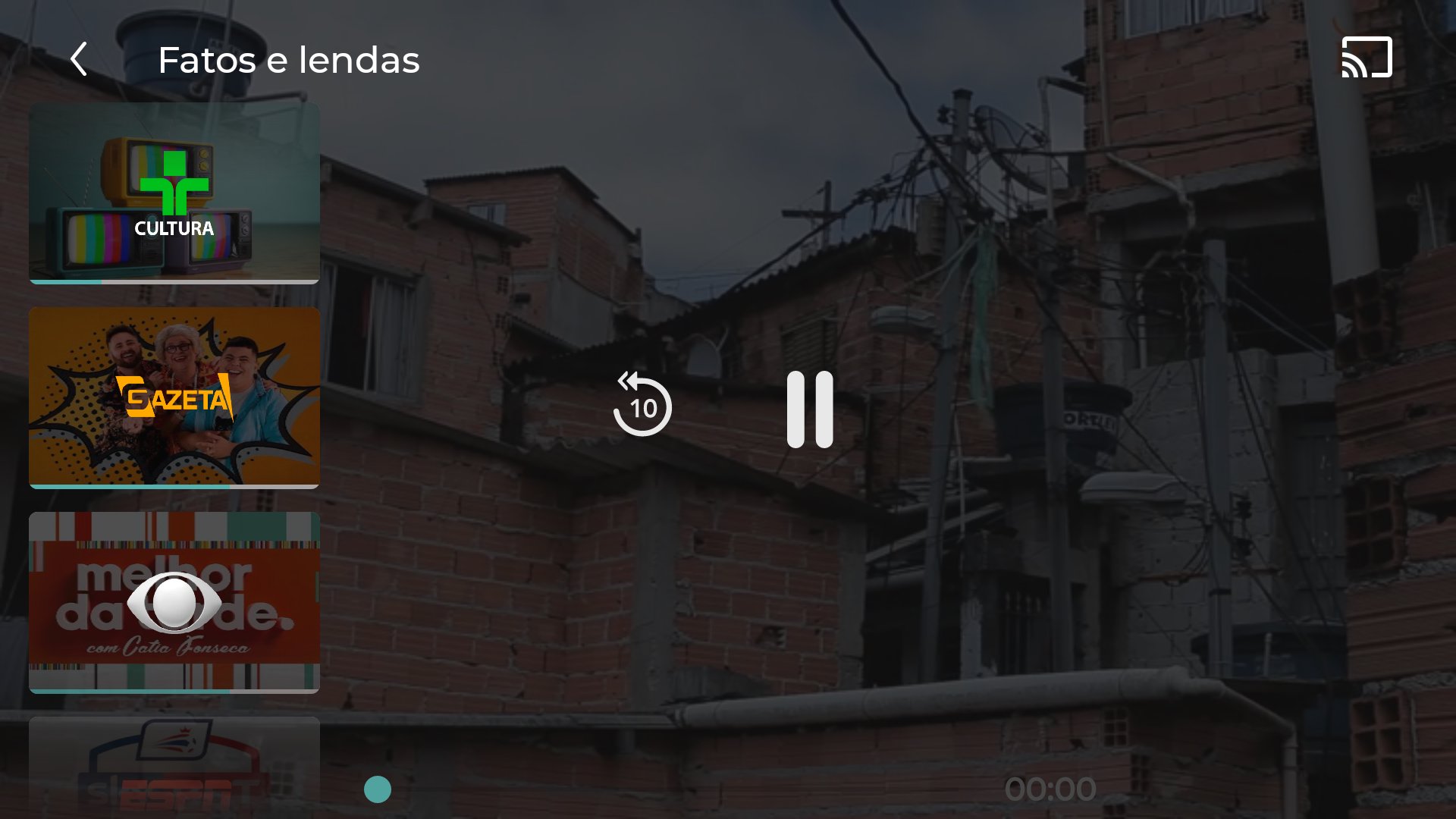
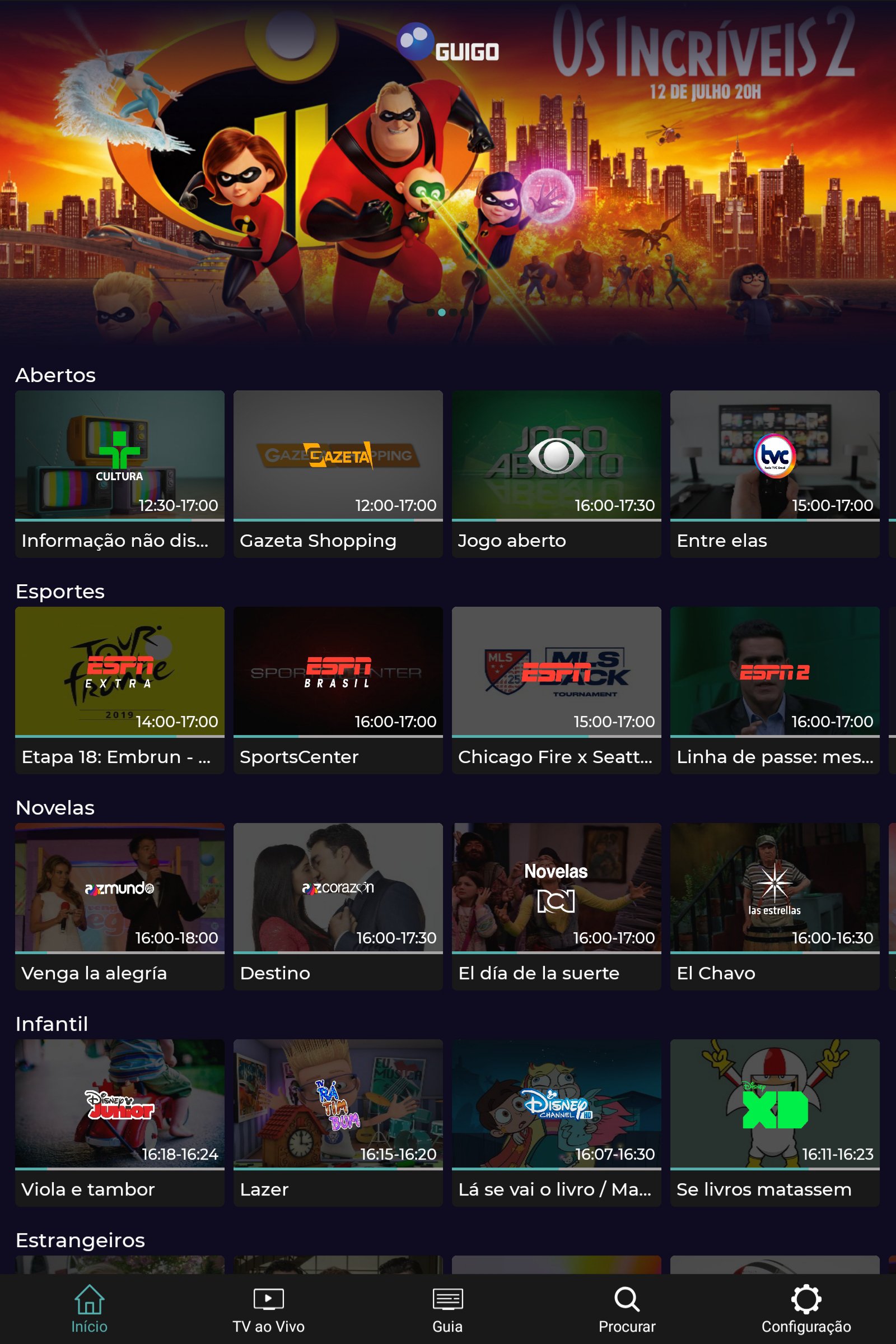
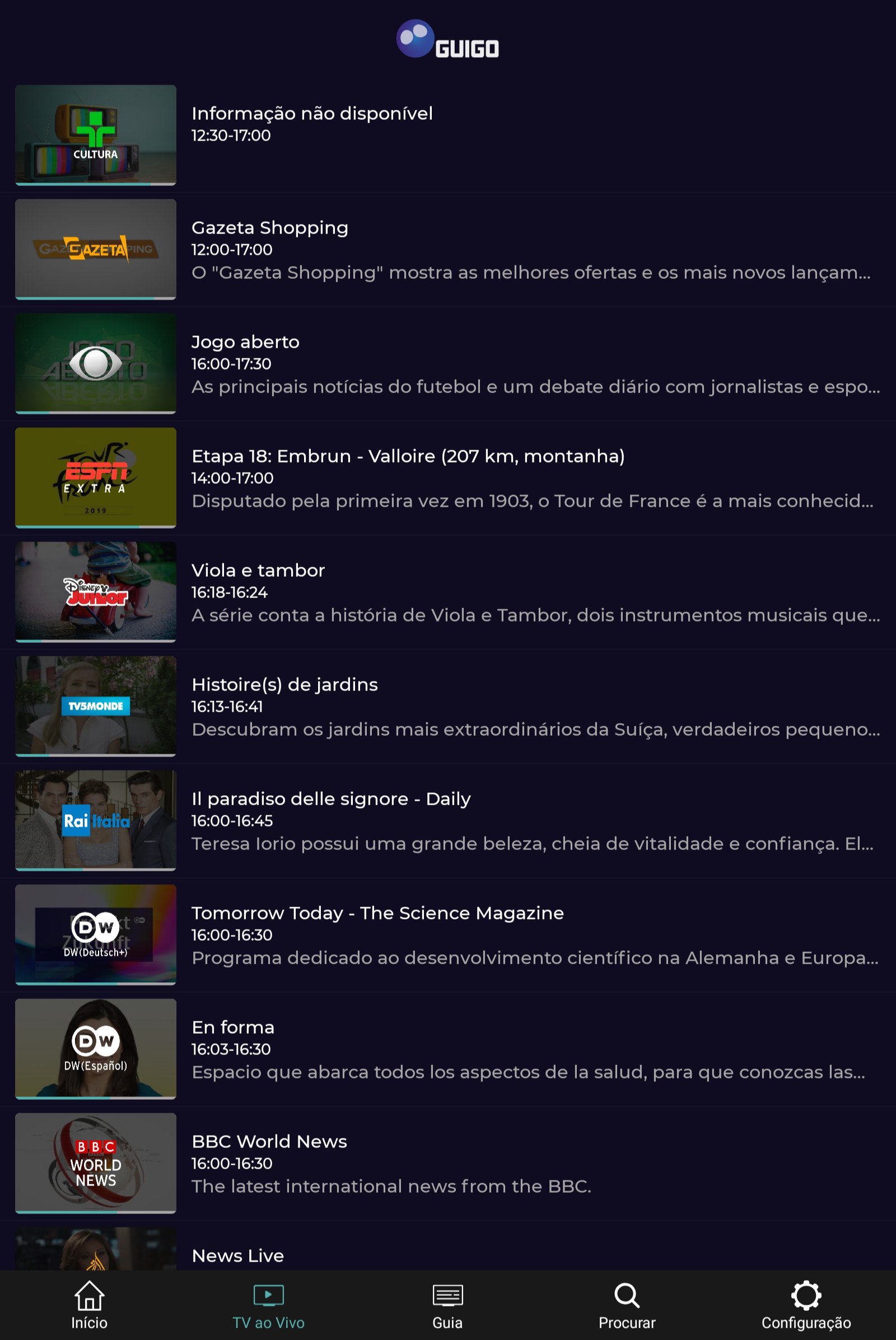
Guigo TV operates as fully legalized IPTV with a lineup that spans news, sports, movies, series, telenovelas, and kids shows. The catalog includes recognized channels such as CNN Brasil, BandNews, Disney Channel, TV Cultura, ESPN Extra, ESPN 2, ESPN 3, BandSports, TV5Monde, Film&Arts, AMC, and Eurochannel. You can follow live news, watch major sports coverage, and find new episodes or films whenever you want. This breadth of content helps different household members find something suitable at the same time.
Instant access without installation
Guigo TV works over the internet, so there are no cables, technicians, or hardware setup. You start by creating an account and then get immediate access to the channels and on demand catalog. There are no contracts or cancellation penalties, which means you can cancel anytime without extra fees. This structure makes it simple to begin, pause, or stop the subscription based on your viewing needs.
Watch on multiple devices
Guigo TV supports mobile phones, tablets, computers, Smart TVs, Android TV, Amazon Fire TV, Xbox One, Chromecast, and TV Box. You can connect up to five devices to one account and watch on two screens at the same time. This setup is practical for families and shared households, since different people can watch different content without conflict. Switching between devices is straightforward, so you can start on a phone and continue on a TV whenever it suits you.
HD streaming with low data use
Guigo TV is designed for efficient data usage and delivers HD quality without needing a very fast connection. This helps users who have limited internet speeds or mobile data caps keep playback stable during busy hours. As a result, you can watch live channels and on demand titles with fewer interruptions on common home or mobile connections.
Affordable plans and a 7 day trial
Guigo TV offers plans at accessible prices, including an essential package that is considered one of the cheapest in Brazil. New users can start with a 7 day free trial and register on guigo.tv without a card. After the trial, you choose the plan that matches your viewing habits and budget. This clear pricing and trial structure lets you evaluate the service before committing long term, and you can download Guigo TV at any time to start your test period.
Using Guigo TV on Android is straightforward for everyday viewing. To begin, download Guigo TV and sign in to access live channels and on demand shows. After that, you can connect other devices and watch at home or on the go.
Guigo TV provides licensed live channels and on demand content across phones, tablets, and TVs. To get started, install the Guigo TV latest version and sign in to watch on your preferred devices.
Official information
Latest Version
10.2.7Uploaded by
Zaina Tiffany Vicente
Requires Android
Android 5.0+
Category
Free Entertainment AppContent Rating
Everyone
Report
Flag as inappropriateLast updated on Jul 4, 2022
Minor bug fixes and improvements. Install or update to the newest version to check it out!



APKPure - A multi-platform app store primarily focused on Android, providing extensive app-related content. Discover the app you want easier, faster, and safer, with quick and efficient downloads and installations.