

GT Recovery focuses on situations where you accidentally delete important content, reformat a memory card, or perform a factory reset. It searches your phone’s storage for traces of removed items and guides you through a step by step recovery process. Installing the GT Recovery APK requires root access, because the app needs deeper permissions to read raw storage areas. If the device is not rooted, the core scan and restore functions are not available.
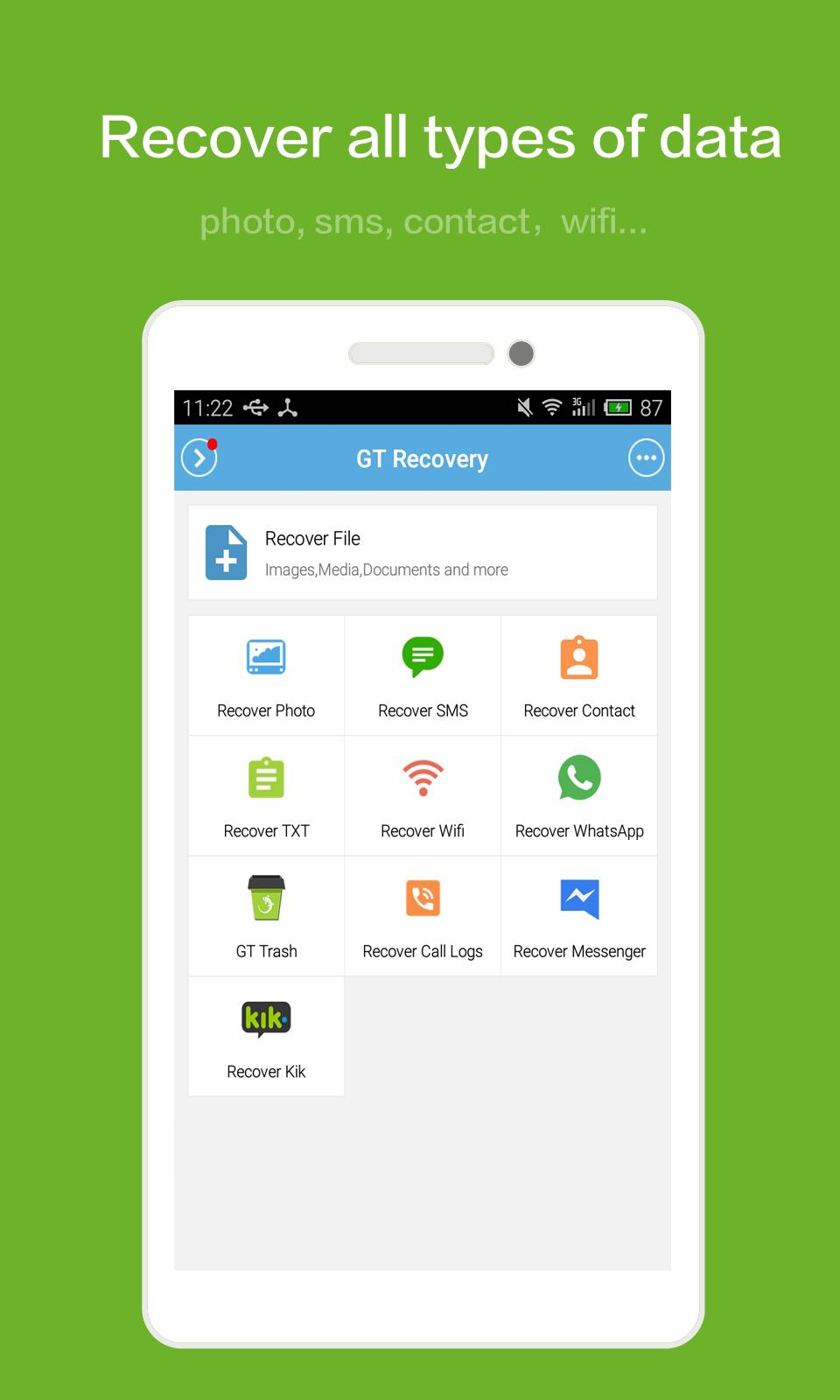
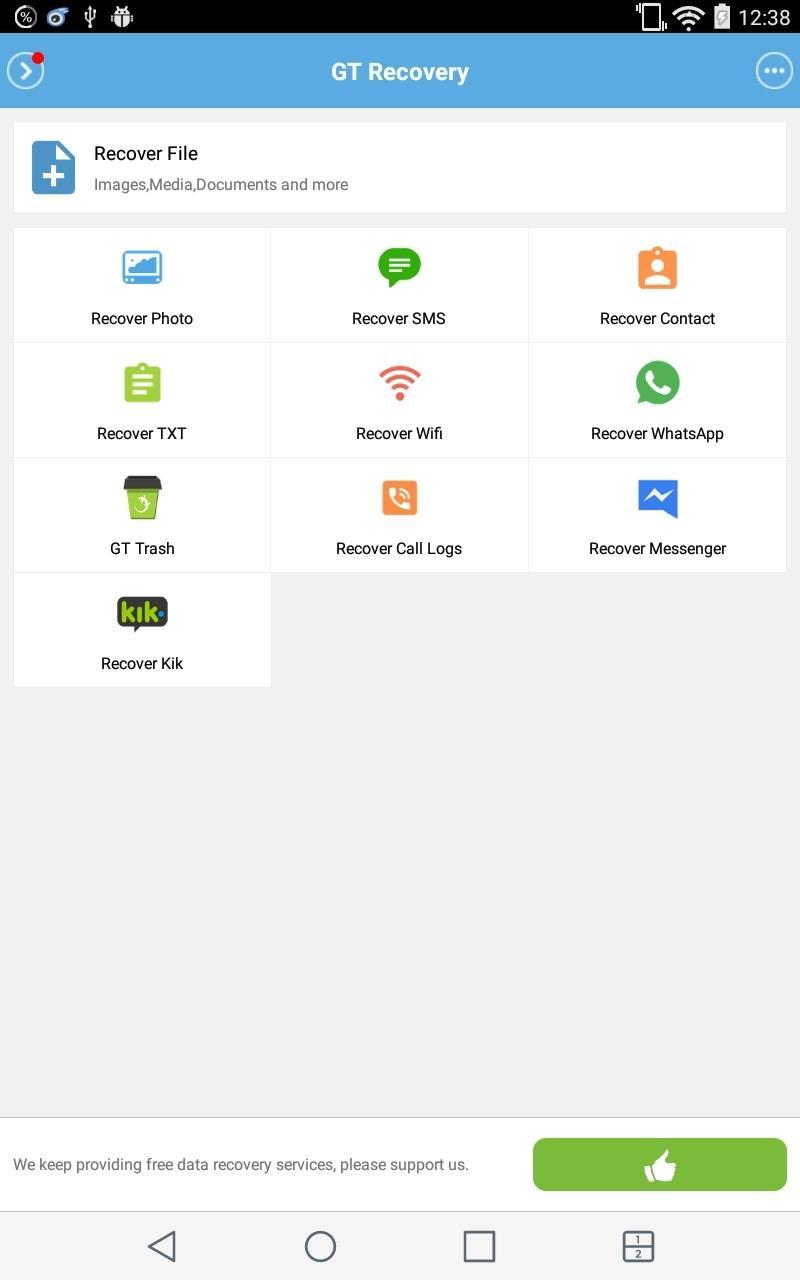
Recover multiple data types
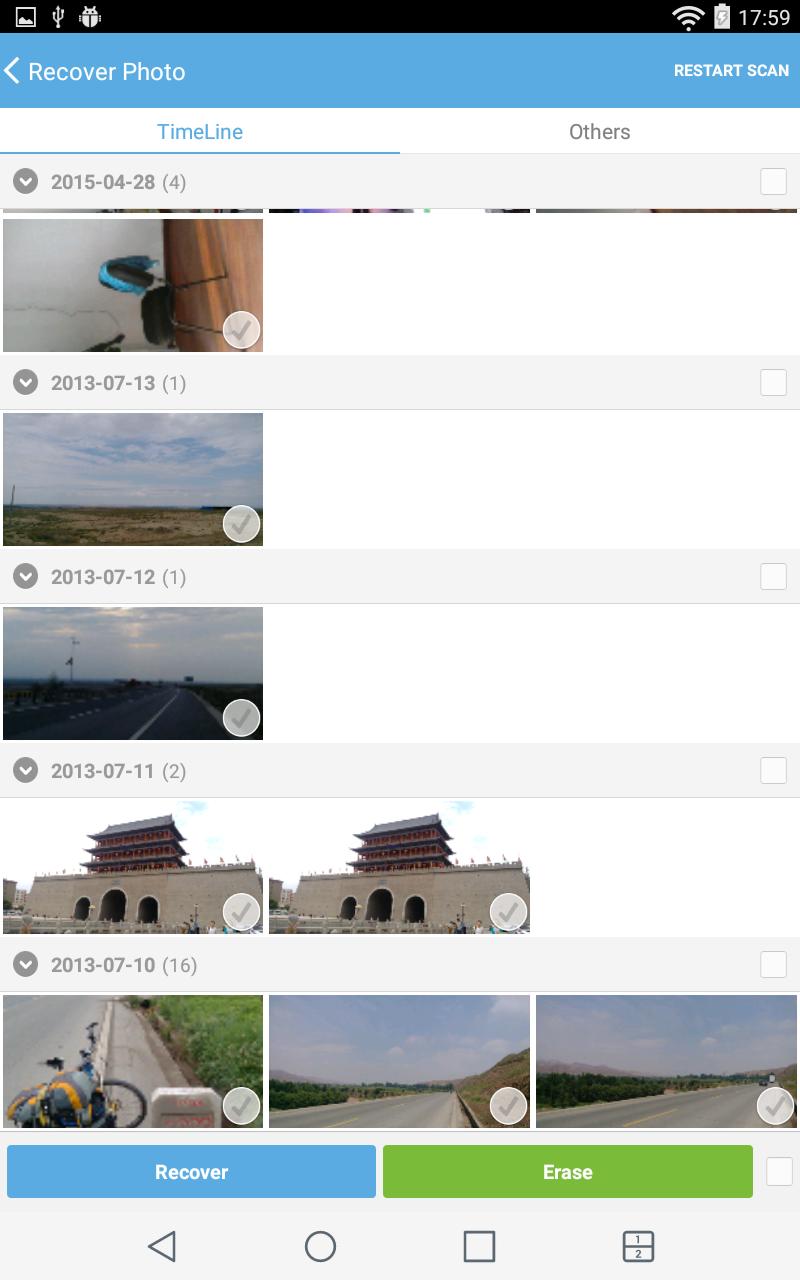
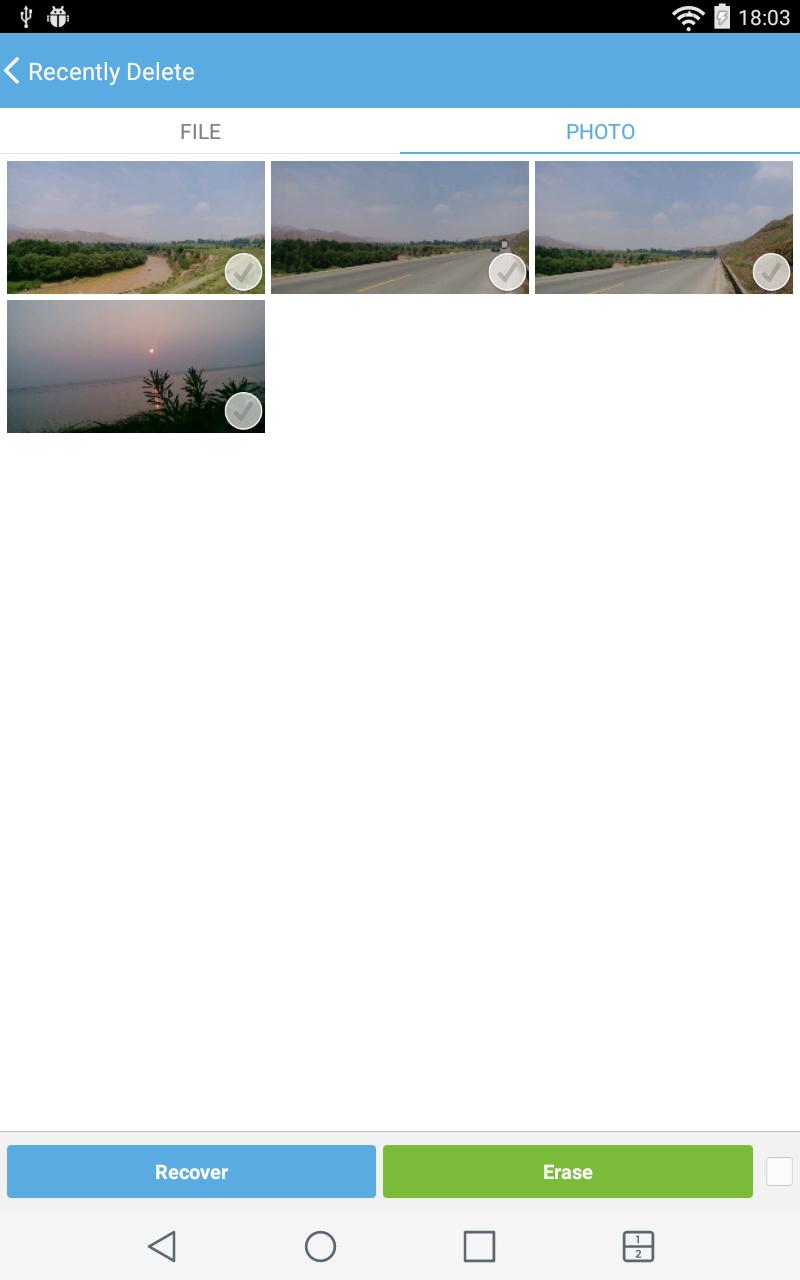
GT Recovery can attempt to restore images and photos, audio files such as music and voice recordings, and videos. It also includes options for contacts and messages, as well as documents, installation files, and packages. Recovery results vary by device and how much new data has been written since the loss.
Root required deep scanning
The app works on rooted devices only. With root permission, GT Recovery scans low level storage areas to detect deleted entries that normal apps cannot access. This deeper access helps the app find more recoverable items when available, especially after accidental deletion.
Support for common Android file systems
GT Recovery reads mainstream volume formats including FAT, EXT3, and EXT4 during scanning. This compatibility helps the app analyze different storage setups found on many phones and memory cards, increasing the chance of listing items that can be brought back.
Preview audio and video results
You can preview detected audio and video items before deciding to restore them. This quick check helps confirm you picked the correct file and avoids bringing back the wrong content. Clear result lists are designed to help you find what you need more easily.
This app is intended for rooted devices and works by scanning storage for recoverable items. Before you download GT Recovery, confirm that root access is available and avoid saving new files to the affected storage. For best results, start scanning as soon as possible after the data loss.
Latest Version
2.8.7Uploaded by
Lucas Heleno
Requires Android
Android 2.2+
Category
Free Tools AppContent Rating
Everyone
Report
Flag as inappropriateLast updated on Feb 2, 2018
1.Fix some android 6.0 cellphone cannot scan photos with 0% problem





APKPure - A multi-platform app store primarily focused on Android, providing extensive app-related content. Discover the app you want easier, faster, and safer, with quick and efficient downloads and installations.





![[PRO] One-Click Root - FASTER APK](https://image.winudf.com/v2/image/aW8uaGxvbC5kZGRvbmUucHJvX2ljb25fdHYwOWlkaHI/icon.png?w=102&fakeurl=1)