Package Name:uk.csparker.csgogamestateintegrationbombtimer
SHA-256:06e384b944e14110fe1378b6c50577fc26ec8bfab460316a6be0645c3751f563
Show More
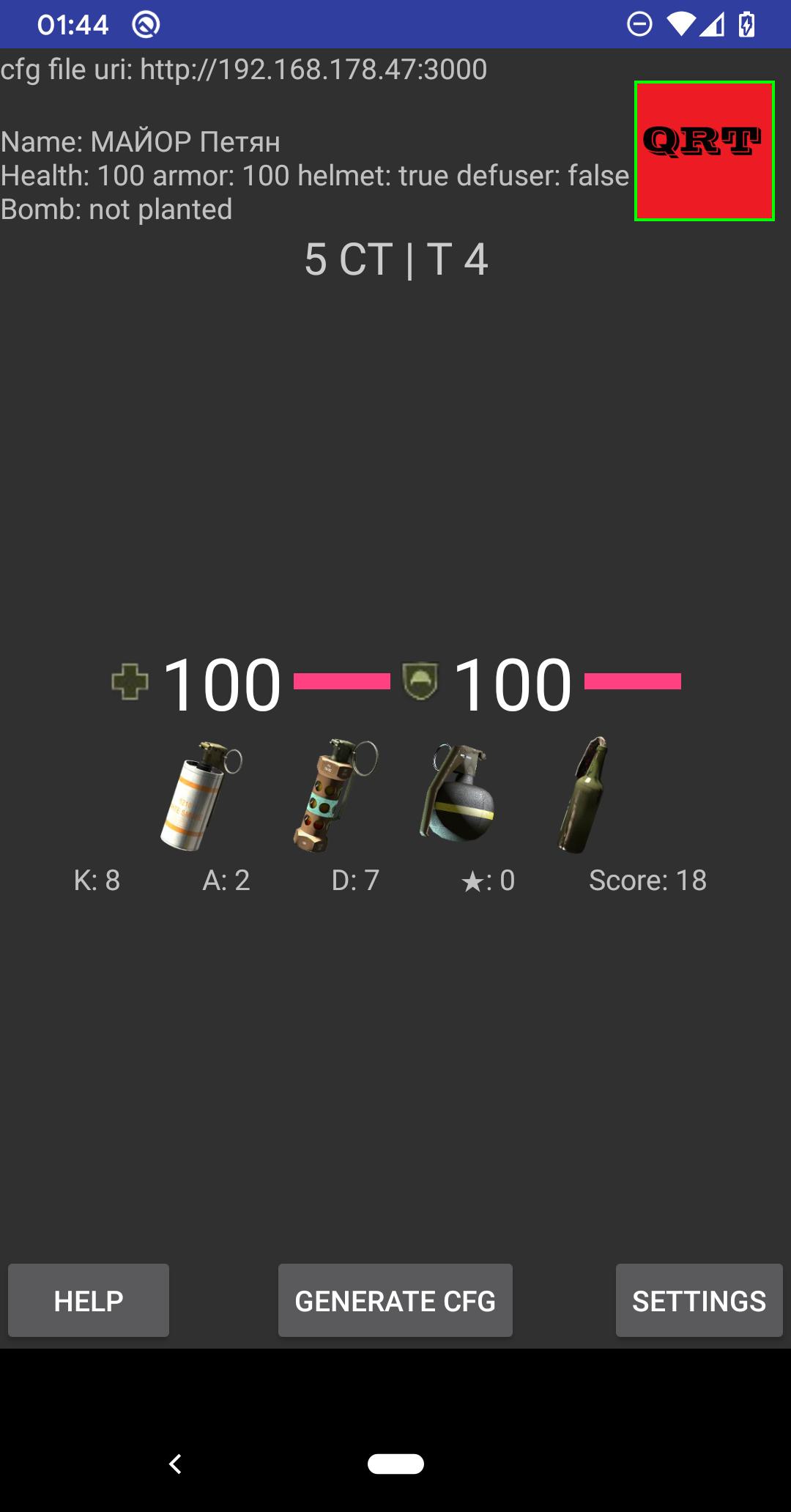
This app uses Counter-Strike Game State Integration to automatically start a countdown when the bomb is planted in your current CS2 or CS:GO game. If your screen is off when the bomb is planted then it will be turned on until the round ends. It also shows some extra game statistics about the currently viewed player such as if they are holding a defuse kit, their kills and deaths, and if they have any VAC or game bans on their account. Tapping the player avatar will take you to their Steam profile page. There is also a link to the csstats page for the player.
While you are playing and alive it will show your own statistics. When you are dead or spectating then you will see the statistics of whoever you are watching at the time.
For this to work you first need to create a configuration file in the Counter Strike cfg folder which tells the game the IP address of your Android device. Your Android device needs to be on the same network as your PC for them to communicate with each other. When you start the app it should show your Android device IP address which you use for the URI in the configuration file.
An example configuration file can be downloaded from here:
https://csparker.uk/csgogsibomb/gamestate_integration_CSGOgsiapp.cfg
Or you can use the app to generate a configuration file for you and send it to your PC, instructions for that are here:
https://csparker.uk/csgogsibomb/csgogsihowto/
If using the example cfg file the only line you need to change is the "uri", but if you have problems with data not being received you can try changing the throttle and buffer values too. A red box will be shown in the top right of the screen if data read errors occur. If your Android is charging this seems to improve the WiFi performance with some devices.
Common locations for the CS2 cfg folder are:
Windows: C:\Program Files (x86)\Steam\steamapps\common\Counter-Strike Global Offensive\game\csgo\cfg
Mac: ~/Library/Application Support/Steam/steamapps/common/Counter-Strike Global Offensive/game/csgo/cfg
Linux: ~/.local/share/Steam/SteamApps/common/Counter-Strike Global Offensive/game/csgo/cfg
More information about the Game State Integration configuration file can be found here: https://developer.valvesoftware.com/wiki/Counter-Strike:_Global_Offensive_Game_State_Integration
Latest Version
1.74Uploaded by
Zay Zay
Requires Android
Android 8.1+
Category
Free Entertainment AppContent Rating
Everyone
Security Report
Check Now
Report
Flag as inappropriateLast updated on Jul 11, 2025
Fix startup crash on older devices






APKPure - A multi-platform app store primarily focused on Android, providing extensive app-related content. Discover the app you want easier, faster, and safer, with quick and efficient downloads and installations.