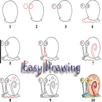
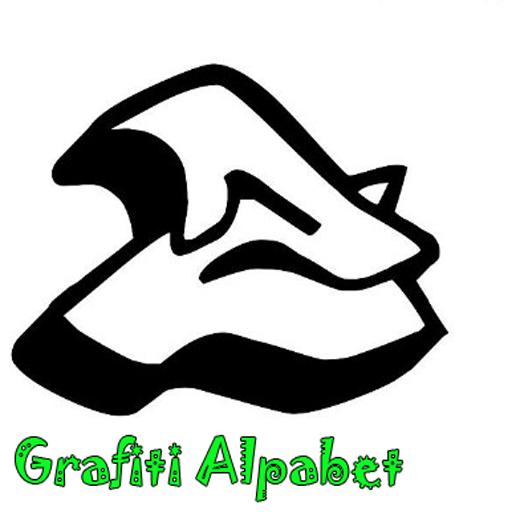
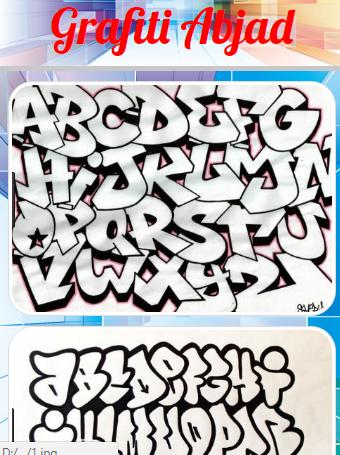
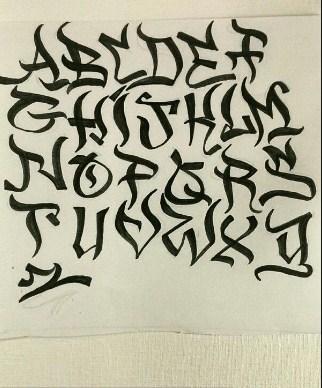
The style you want for graffiti letters is up to you, there are some standards that are used for all types of graffiti. The first way shows a very simple line, and it is very easy to make the letters graffiti very clear and clear; While the second way creates the same results with more advanced and complex steps. Prepare your pencil!
Drawing Simple Graffiti
Draw an outline sketch for the letters, with a pencil.
Add a line for the graffiti design on the letter. Old graffiti designs have interconnected parts, intersecting or overwriting on top of each other.
Add a darker color to the color graffiti.
Add shadows to obsolete graffiti look.
Method
Add a line for the graffiti design on the letter. Draw the pointed lines that intersect with each other.
Latest Version
1.5Uploaded by
ခ်စ္သူမရွိတဲ႔ ဘဝလမ္းေႀကာင္း
Requires Android
Android 2.3.2+
Category
Free Art & Design AppContent Rating
Everyone
Report
Flag as inappropriateLast updated on Dec 2, 2019
Minor bug fixes and improvements. Install or update to the newest version to check it out!





APKPure - A multi-platform app store primarily focused on Android, providing extensive app-related content. Discover the app you want easier, faster, and safer, with quick and efficient downloads and installations.