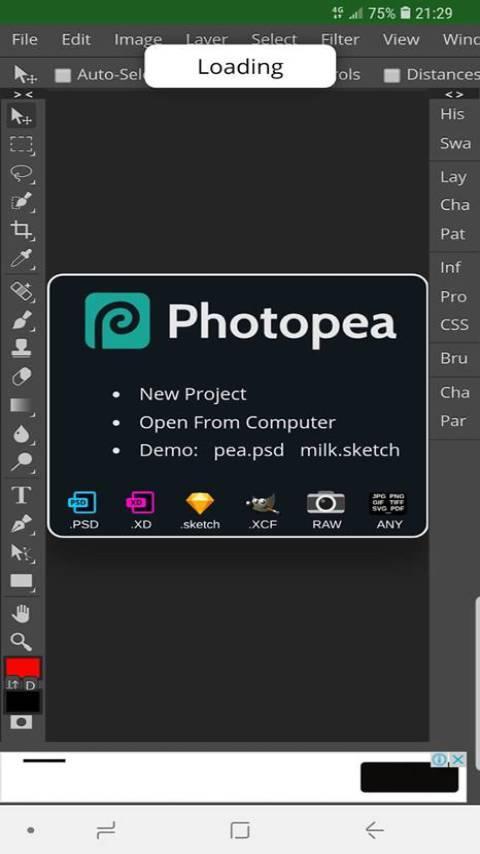
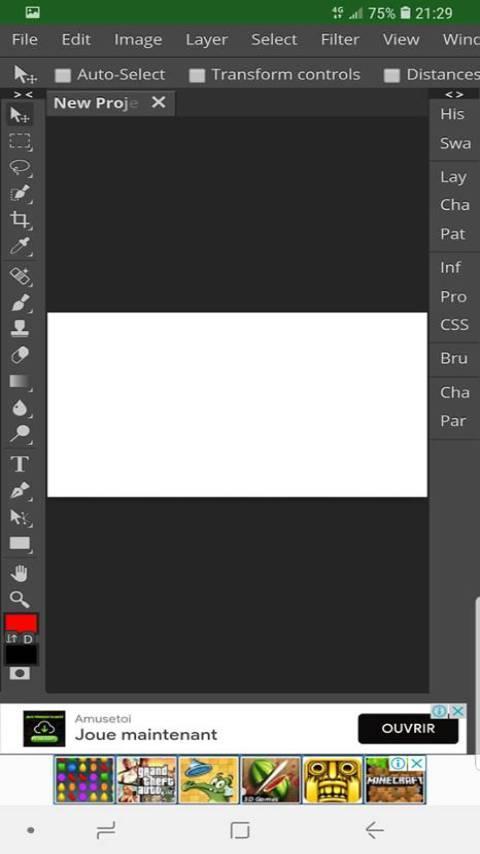
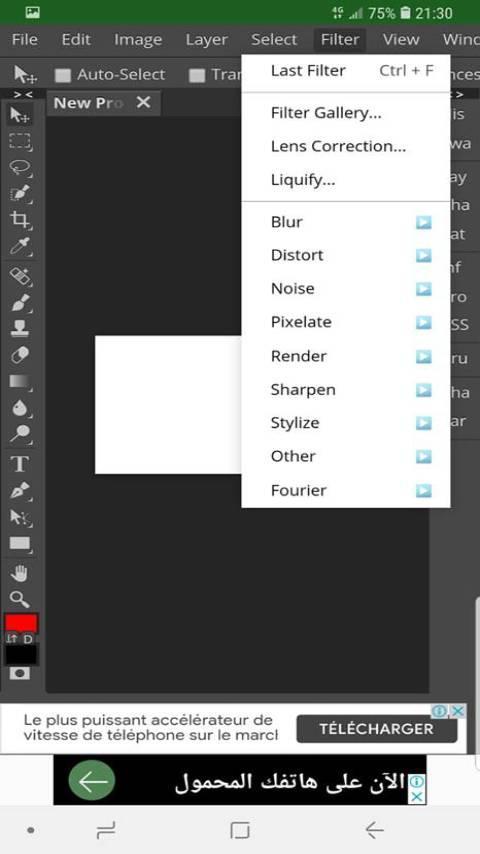
photopea helps when you need to adjust graphics or photos on your phone. It is a free online editor available inside this app, so you can open projects and continue editing wherever you are. Also, the interface uses clear menus that feel familiar if you have used other editors. For a simple setup, download photopea and keep your image tasks ready for posts or work messages.
Open and create images
You can create a new image or open existing files from your device. This works for starting a fresh design or continuing work on a file shared by a teammate. This keeps your workflow consistent on mobile.
Wide format support
photopea recognizes these formats:
You can open these files to review or continue edits without conversion. This makes moving between different tools more straightforward.
Save and export options
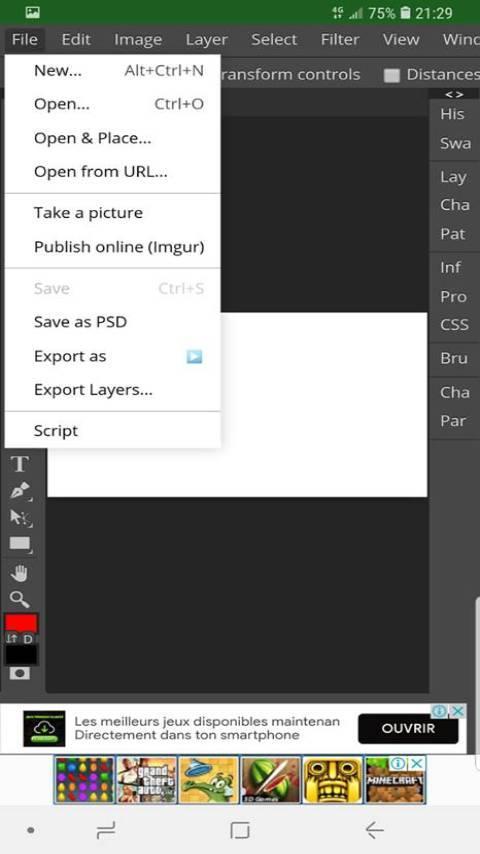
Save your work as PSD to keep layers intact. Choose File, then Save as PSD. When you need a shareable image, choose File, then Export as JPG, PNG, or SVG. After opening your file, saving and exporting follow the same clear steps.
Quick access through photopea APK
Installing the photopea APK lets you open the editor directly from your home screen. It serves as a simple launcher for the online editor without altering your files. It complements desktop use when you need quick changes on the go.
photopea offers a practical way to edit images and handle common formats on Android. Install the photopea latest version to access the online editor quickly. Before installing, review the privacy policy.
Latest Version
1.0Uploaded by
Renan Dias
Requires Android
Android 4.1+
Category
Free Art & Design AppContent Rating
Everyone
Report
Flag as inappropriateLast updated on Sep 17, 2019
Minor bug fixes and improvements. Install or update to the newest version to check it out!



APKPure - A multi-platform app store primarily focused on Android, providing extensive app-related content. Discover the app you want easier, faster, and safer, with quick and efficient downloads and installations.