Scan Date:Nov 23, 2024
Show More

GPS Speedometer helps drivers, cyclists, and runners check speed and distance during daily trips or workouts. It focuses on quick setup and a clear screen, so you can glance at your numbers and keep moving. Because it relies on satellite reception, it works in places with solid GPS signal, even without mobile data. You can use it for commuting across town, weekend rides, or long road travel. To get started quickly, install the GPS Speedometer APK and allow location access.
GPS Speedometer reads your device location to display your current speed as you move. It also computes average speed during the trip, updating as your journey continues. This gives you two clear numbers to compare while you travel.
Trip distance for each journeyYou can follow how far you travel from start to finish on a single trip. The odometer-style trip distance helps you keep a simple log for commutes, bike rides, or runs without extra setup. It resets when you begin a new session so each journey is separate.
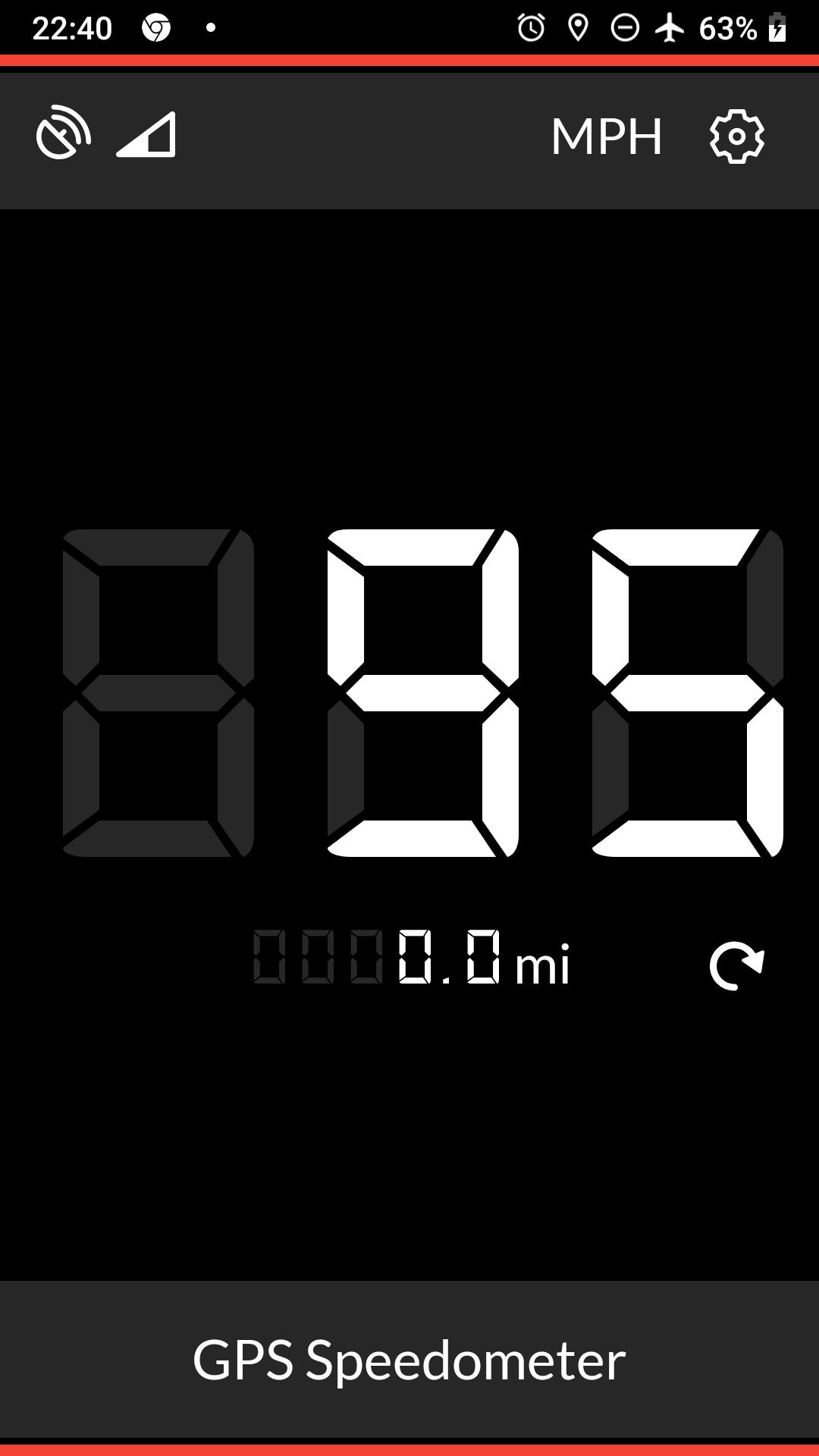
Easy unit switchingThe app supports mph and km/h, so you can use the unit that matches local roads or personal preference. Switching units updates the display immediately and keeps future readings in the same format for consistency.
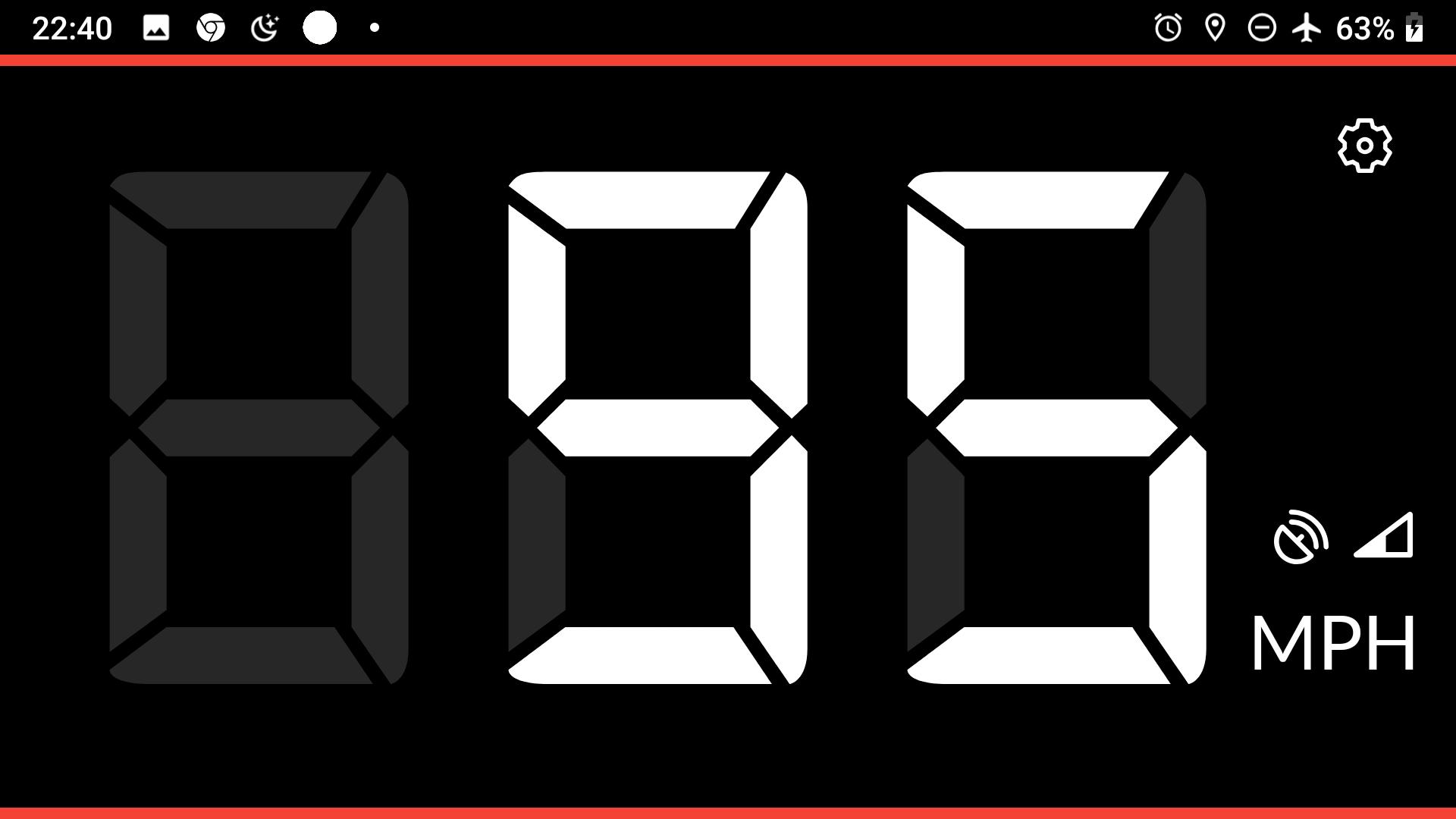
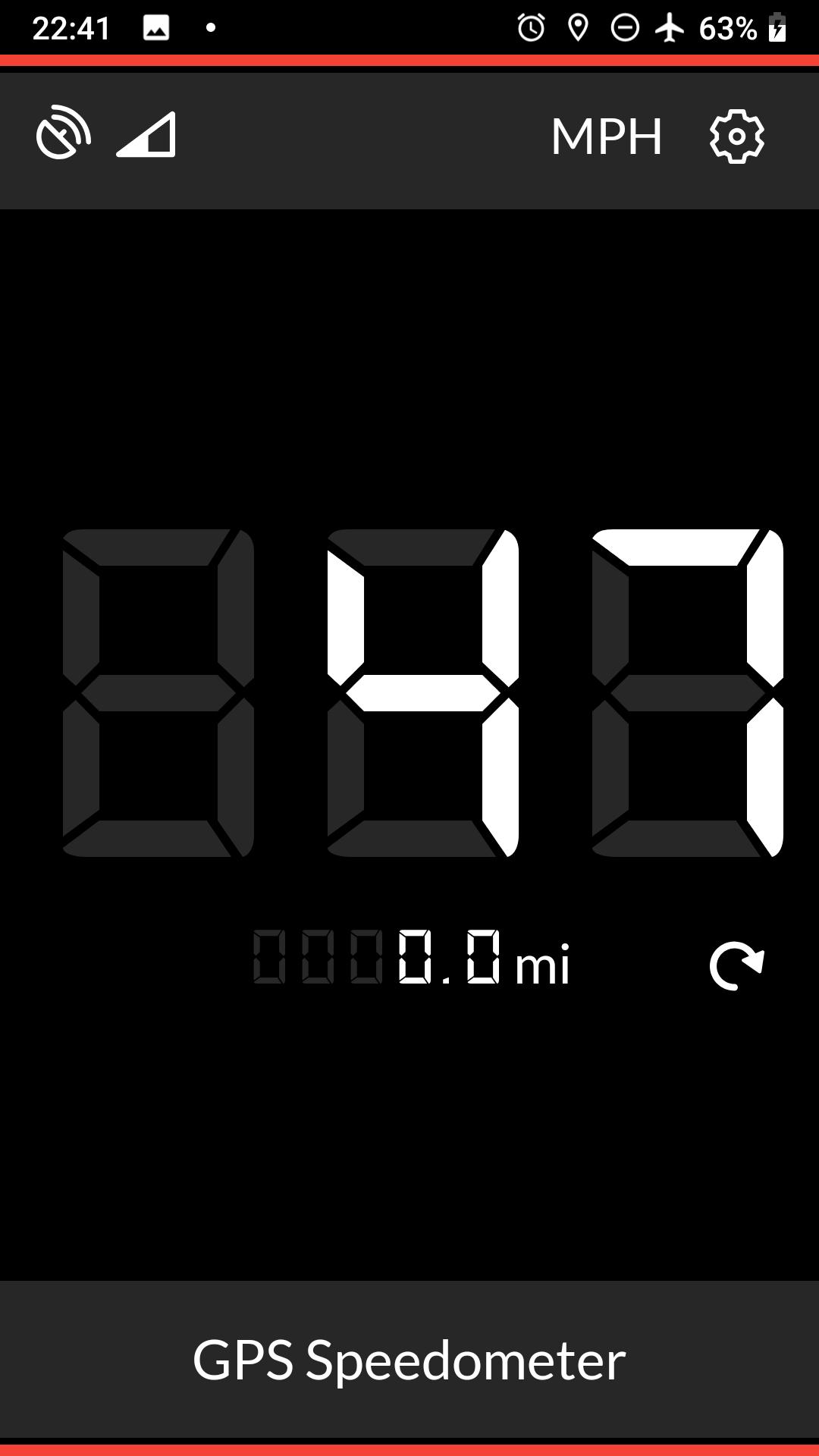
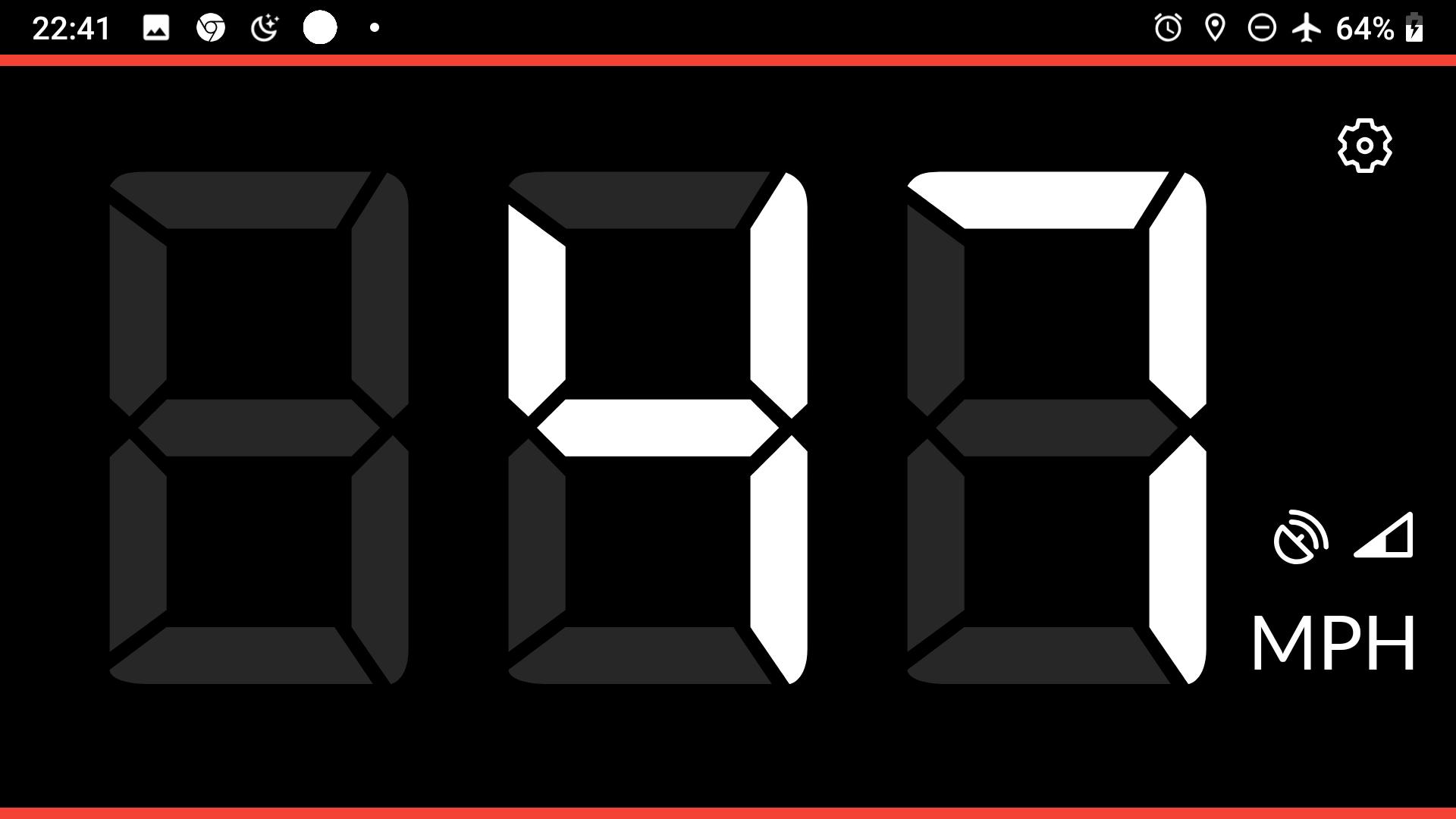
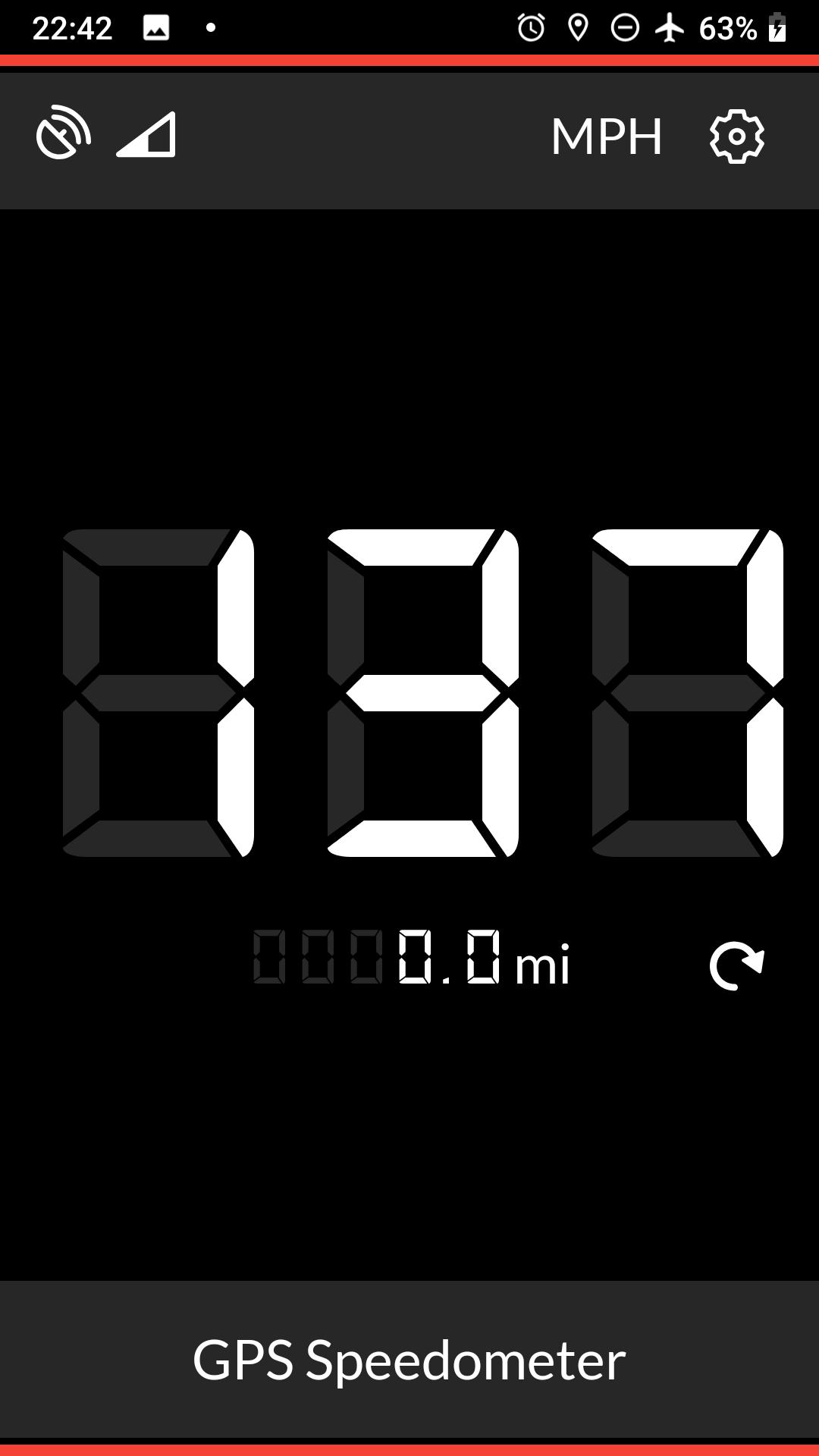
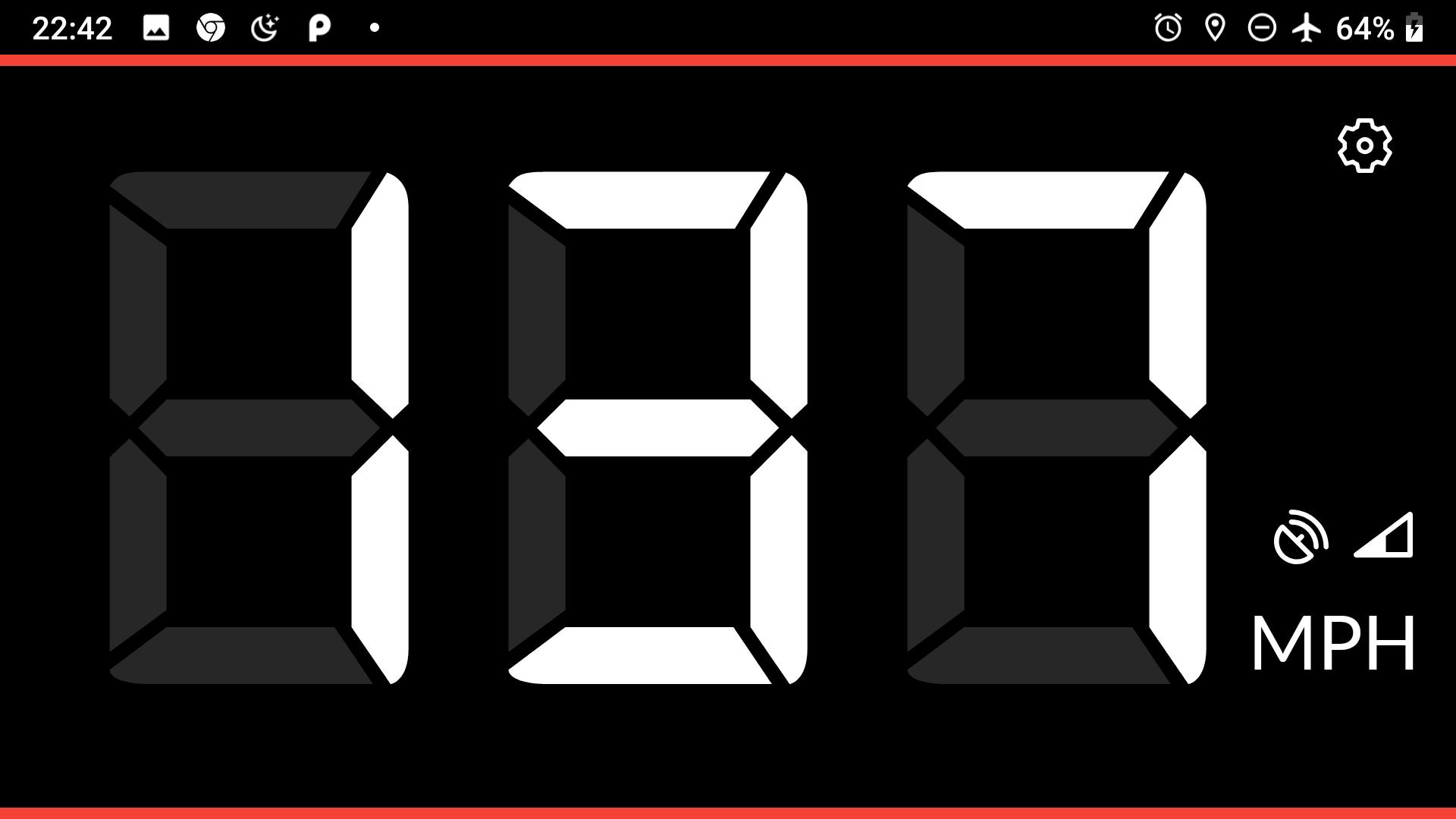
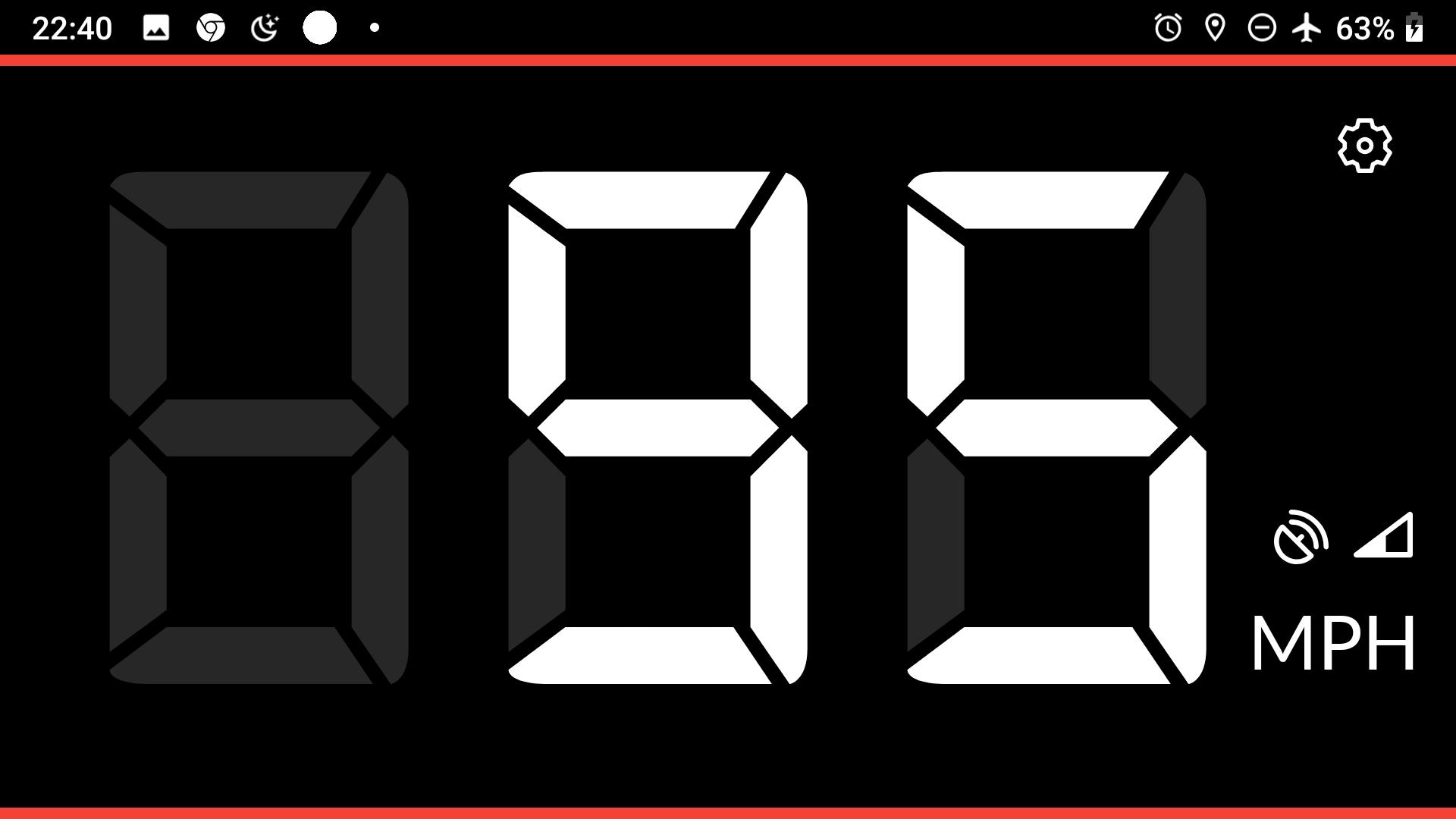
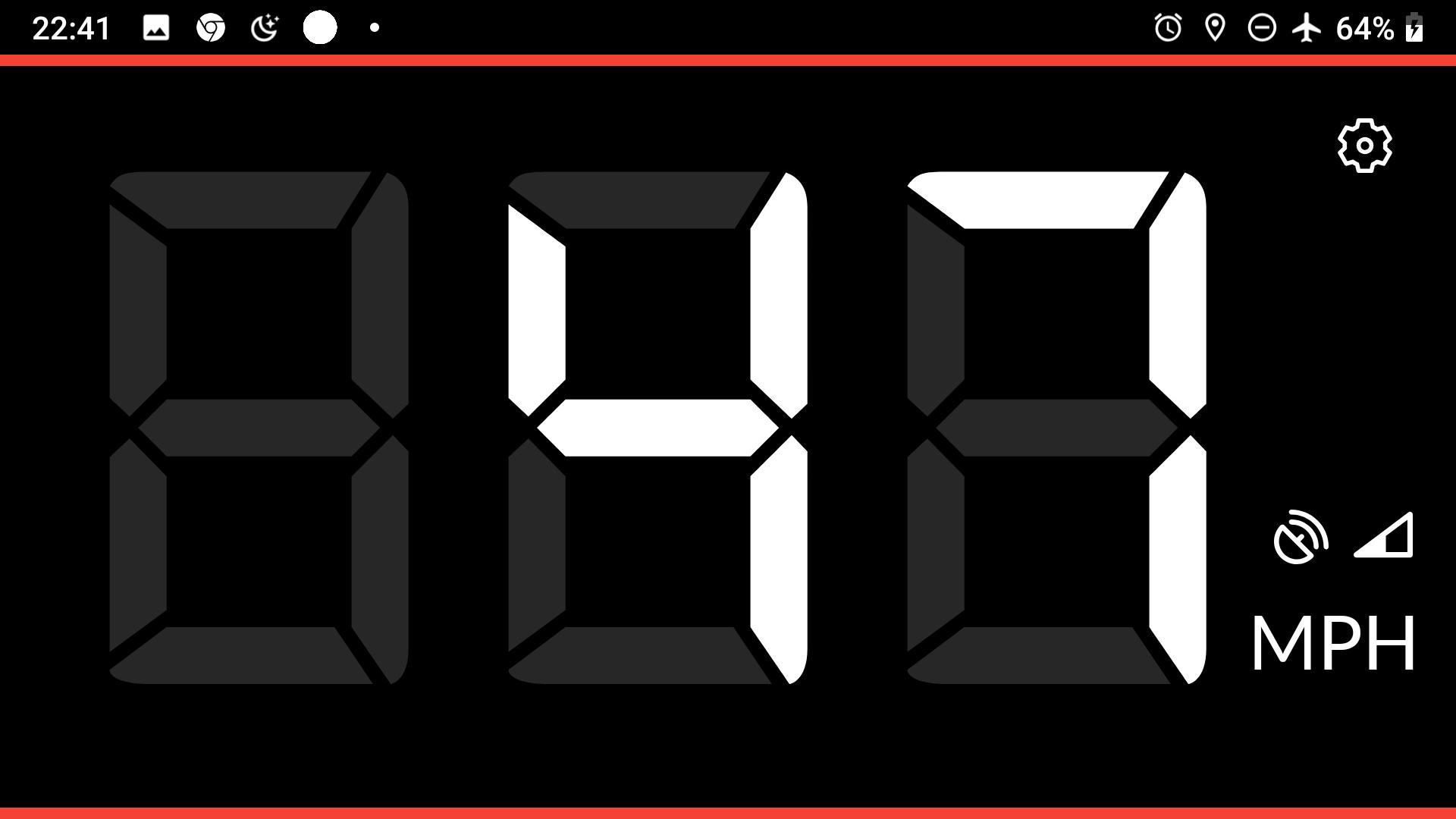
Large, clear displayGPS Speedometer shows big numbers and a clean layout designed for quick reading. You can glance at the screen when the phone is mounted in a car or on a bike, which helps you stay focused on the road.
Quick start across many modesAfter you enable location, the app begins tracking speed and distance right away. It works in a car, on a bike, on a bus, on a train, or on foot in any area with GPS reception. This keeps setup simple when you change how you travel.
Accuracy depends on GPS signal quality. Tall buildings, tunnels, trees, or poor skies can reduce signal and cause delays or small jumps in readings. The speed display may take a moment to stabilize when you start or stop. A phone mount with a clear view of the sky can help. A data connection is not required once GPS has a lock. Before you begin a GPS Speedometer download, make sure your typical routes allow a usable outdoor signal.
GPS Speedometer needs location permission to calculate speed and distance. If permission is blocked, the app cannot show speed and will not track your trip. You can enable this by going to your phone’s Settings, opening the app details, and allowing Location access. Also check that Location services are switched on for the device. The app uses your phone’s GPS position to compute numbers shown on the screen.
After you download GPS Speedometer and install it on your phone, setup is straightforward. The app uses your device GPS to measure speed and track distance during each trip. A short first run prepares permissions and helps secure a clear GPS signal.
GPS Speedometer provides real-time speed and trip distance in a simple display that suits commuting, cycling, and running. For the most reliable experience, use the GPS Speedometer latest version and allow location access before you begin a journey.
Latest Version
update 20Uploaded by
أم هيثم الاغا
Requires Android
Android 7.0+
Category
Free Auto & Vehicles AppContent Rating
Everyone
Security Report
Report
Flag as inappropriateLast updated on Aug 31, 2024
Minor bug fixes and improvements. Install or update to the newest version to check it out!


APKPure - A multi-platform app store primarily focused on Android, providing extensive app-related content. Discover the app you want easier, faster, and safer, with quick and efficient downloads and installations.