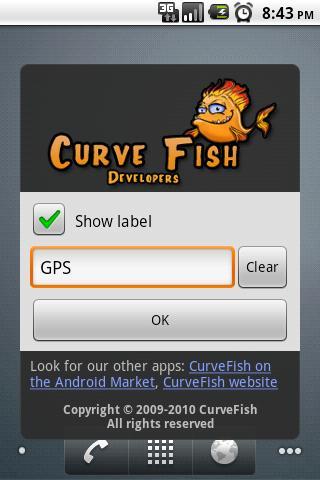
Simple GPS toggle widget(1x1).
IMPORTANT: widget may not work on some android versions, since GPS api is closed. If you use your device for navigation, make sure you can see gps icon in notifications while you use your navigation app. You can doable check if GPS is ON by clicking on widget label, it will bring android gps settings screen.
Allows you On/Off your GPS state with only 1 click instead of 4.
To add widget press: Home->Menu->Add->Widgets->GPS OnOff
HINT: tap on widget label will take you to system settings.
Look for our AppControl application manager and ProcessManager.
Latest Version
2.1.0Uploaded by
House
Requires Android
Android 1.6+
Category
Free Tools AppContent Rating
Unrated · Warning – content has not yet been rated. Unrated apps may potentially contain content appropriate for mature audiences only.
Report
Flag as inappropriateLast updated on Jul 27, 2015
- 1click fix



APKPure - A multi-platform app store primarily focused on Android, providing extensive app-related content. Discover the app you want easier, faster, and safer, with quick and efficient downloads and installations.