Scan Date:Feb 10, 2026
Show More


GoShare helps you handle commutes, quick errands, and weekend plans without owning a scooter. It connects you to nearby vehicles so you can get moving when schedules change or traffic is heavy, and it supports short or longer rides as needed. The app focuses on clear guidance and fast setup, which lowers the barrier to your first ride. If you want to check availability in your area before heading out, you can download GoShare and view nearby options directly on the map.
Fast AI based onboarding
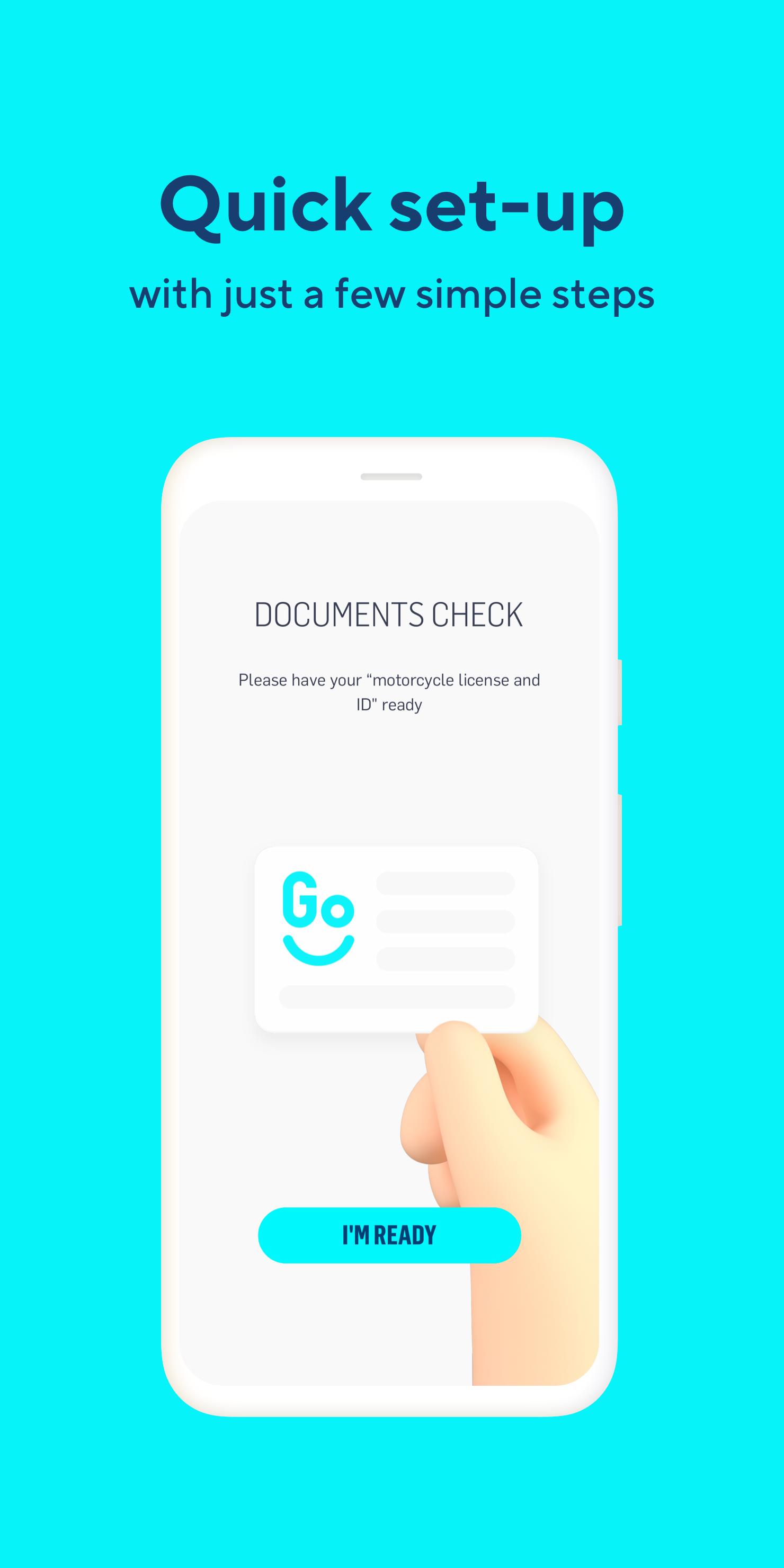
GoShare guides you through account creation in a few steps. You upload your driver’s license and payment details, then complete instant verification with facial recognition. The process is designed to confirm your identity quickly so you can move from sign up to riding without long waits.
Simple reservation and guidance
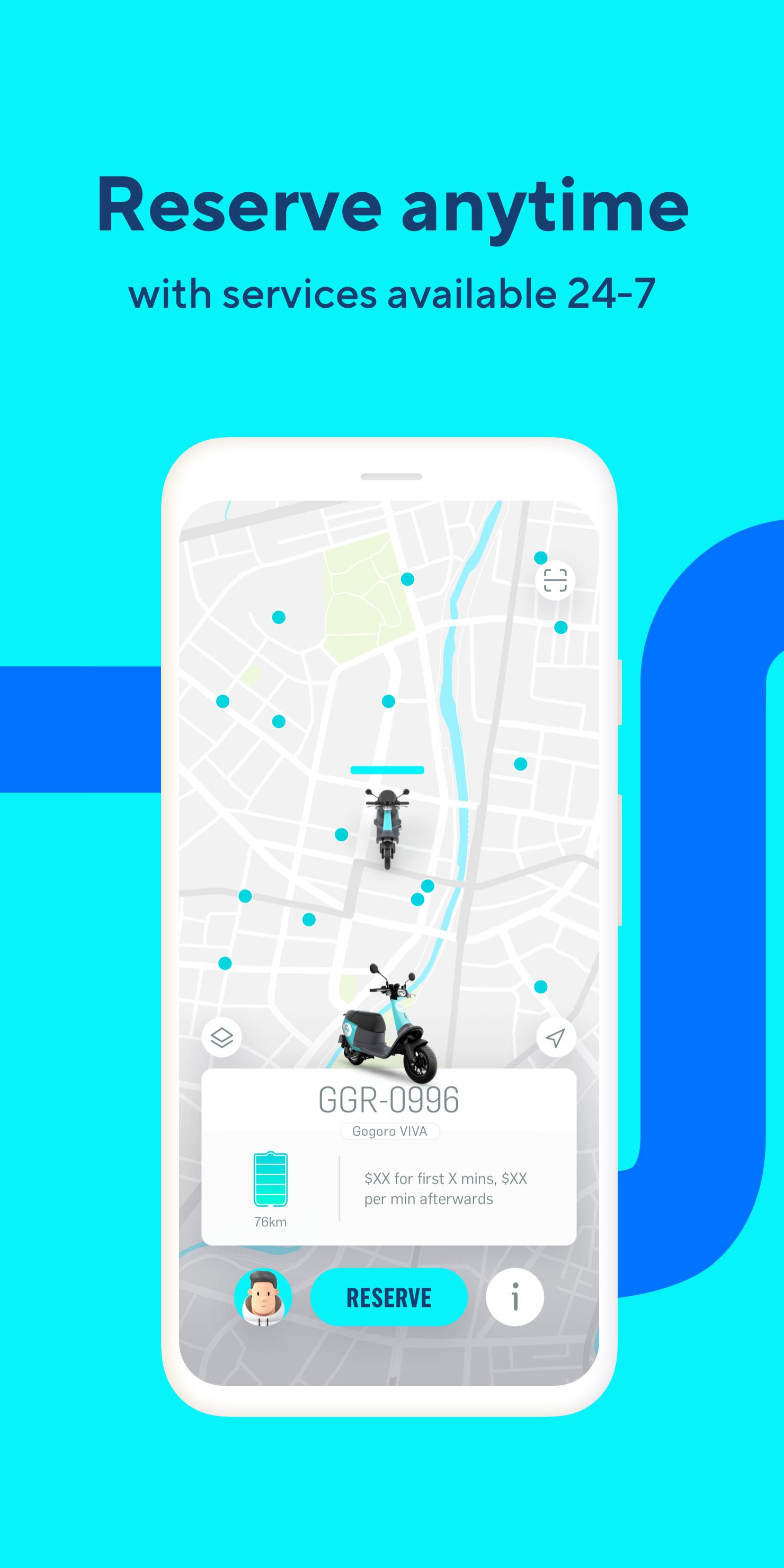
You can see nearby scooters in the app and choose the one that fits your plan. With one tap, GoShare holds the scooter and shows clear directions to the exact location. This helps you reach the vehicle without confusion in busy areas.
Ride anytime with flexible trips
GoShare operates around the clock, so you can start a ride early in the morning or late at night. Whether it is a commute, a meetup, or a quick errand, you can pick a trip length that suits your schedule. This flexibility makes it easier to fit a ride into changing plans.
Battery swapping at GoStations
GoShare works with the Gogoro Network so you can locate a nearby GoStation during a ride. If you need more range, you can swap batteries and continue without waiting for charging. The app helps you find a station and return to your route with minimal detours.
GoShare DOTS support where available
In areas that support GoShare DOTS, you can access compatible service options within the same app. GoShare keeps the experience consistent, so you can search, reserve, and ride with a similar flow when DOTS coverage is offered in your region.
This app is the official Gogoro scooter-sharing service for accessing Gogoro Smartscooters. It does not provide earning tasks or cash rewards, which are sometimes seen in unrelated search results. To complete onboarding, you need a valid driver’s license and a payment method that can be verified. Facial recognition is part of the identity check, and the process must succeed before your first ride.
Service areas vary by city and region, and access to GoShare DOTS depends on local coverage. You can open the map in the app to see nearby scooters and GoStations before starting a trip. For regional details and service updates, visit the official site at www.ridegoshare.com. If you are searching for the GoShare app download, verify that the app logo and developer name match the official Gogoro brand.
The steps below outline a basic flow for new users on Android. After installing the GoShare APK, you can verify your account, reserve a scooter, and ride with in-app guidance. Exact screens may vary by location, but the core process remains consistent.
GoShare focuses on quick access to Gogoro Smartscooters, clear guidance for reservations, and convenient battery swapping at GoStations. If you prefer reliable onboarding and flexible rides at any hour, consider the GoShare latest version for your next city trip.
For official information and support, use the resources below.
Latest Version
2.14.9.436Uploaded by
Tuan Nguyen
Requires Android
Android 6.0+
Category
Free Travel & Local AppContent Rating
Everyone
Security Report
Report
Flag as inappropriateLast updated on Jan 20, 2026
We made some great improvements so GoShare is even better for you! Get the latest version to enjoy the upgraded experience!





APKPure - A multi-platform app store primarily focused on Android, providing extensive app-related content. Discover the app you want easier, faster, and safer, with quick and efficient downloads and installations.