Scan Date:May 27, 2026
Show More


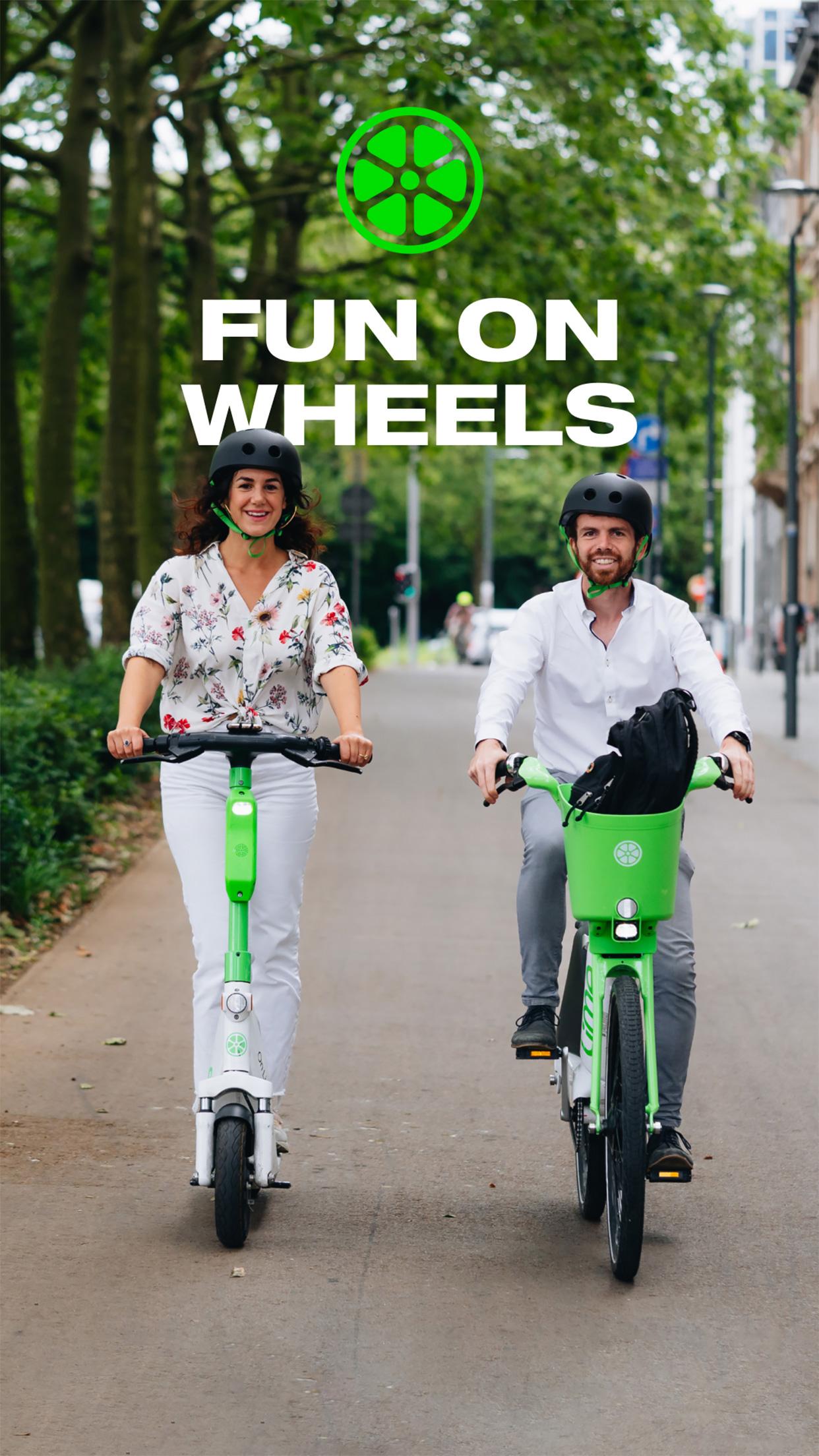
Lime helps users handle short city trips without sitting in traffic or waiting for a ride. Whether you are commuting, running errands, or connecting to transit, Lime provides shared vehicles you can pick up nearby and pay for per ride. The app displays availability and local guidance so you understand how to ride and park responsibly. As a result, travel feels straightforward and low-impact for everyday needs. To begin, simply download Lime and create an account to see what is offered in your area.
Fast start in three steps
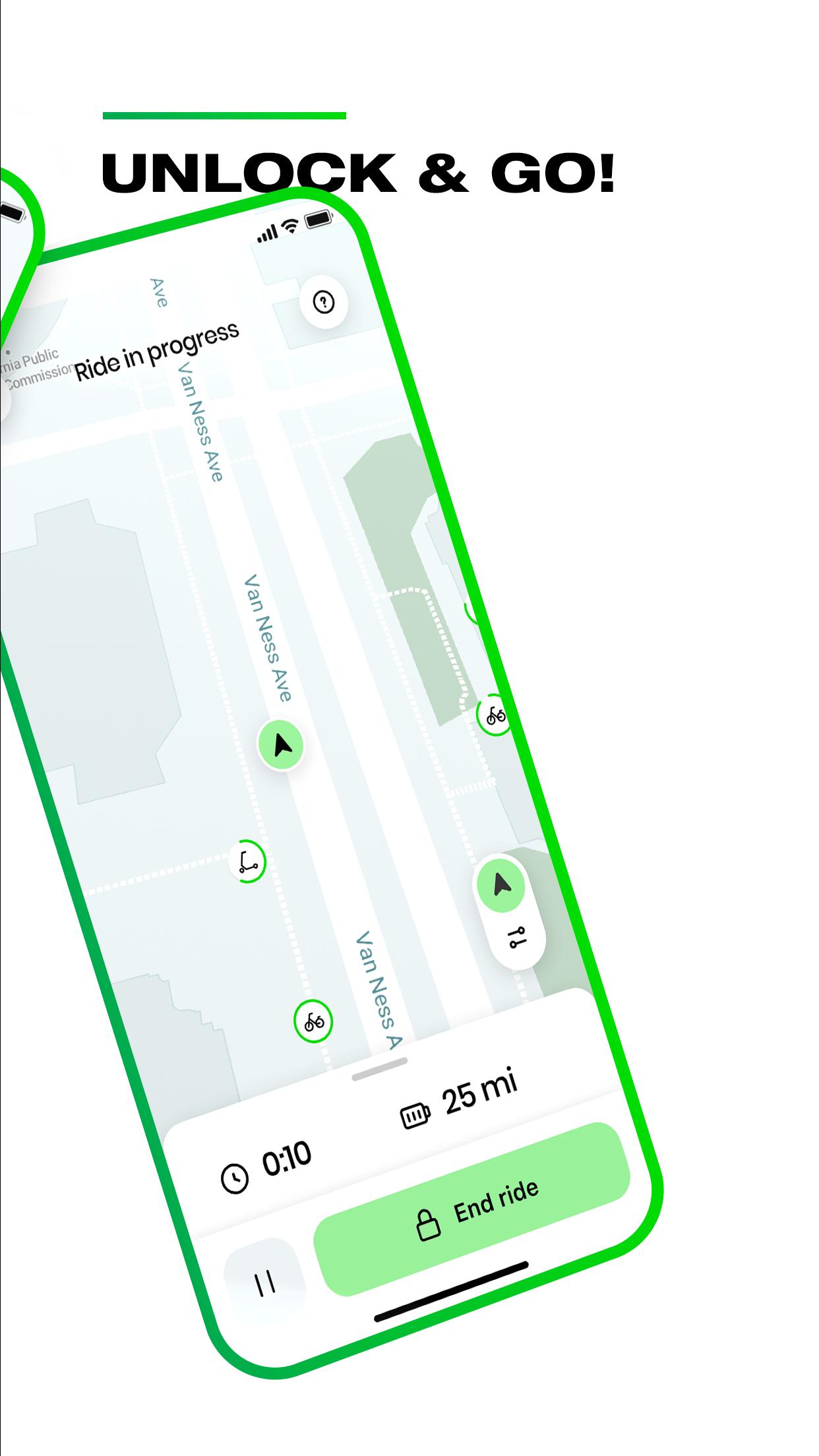
After you download Lime, getting started is quick. Open the map, choose a nearby e-bike or e-scooter, then scan to unlock and go. Clear prompts on each screen keep the process simple from the first tap to the end of your ride.
Live map with local info
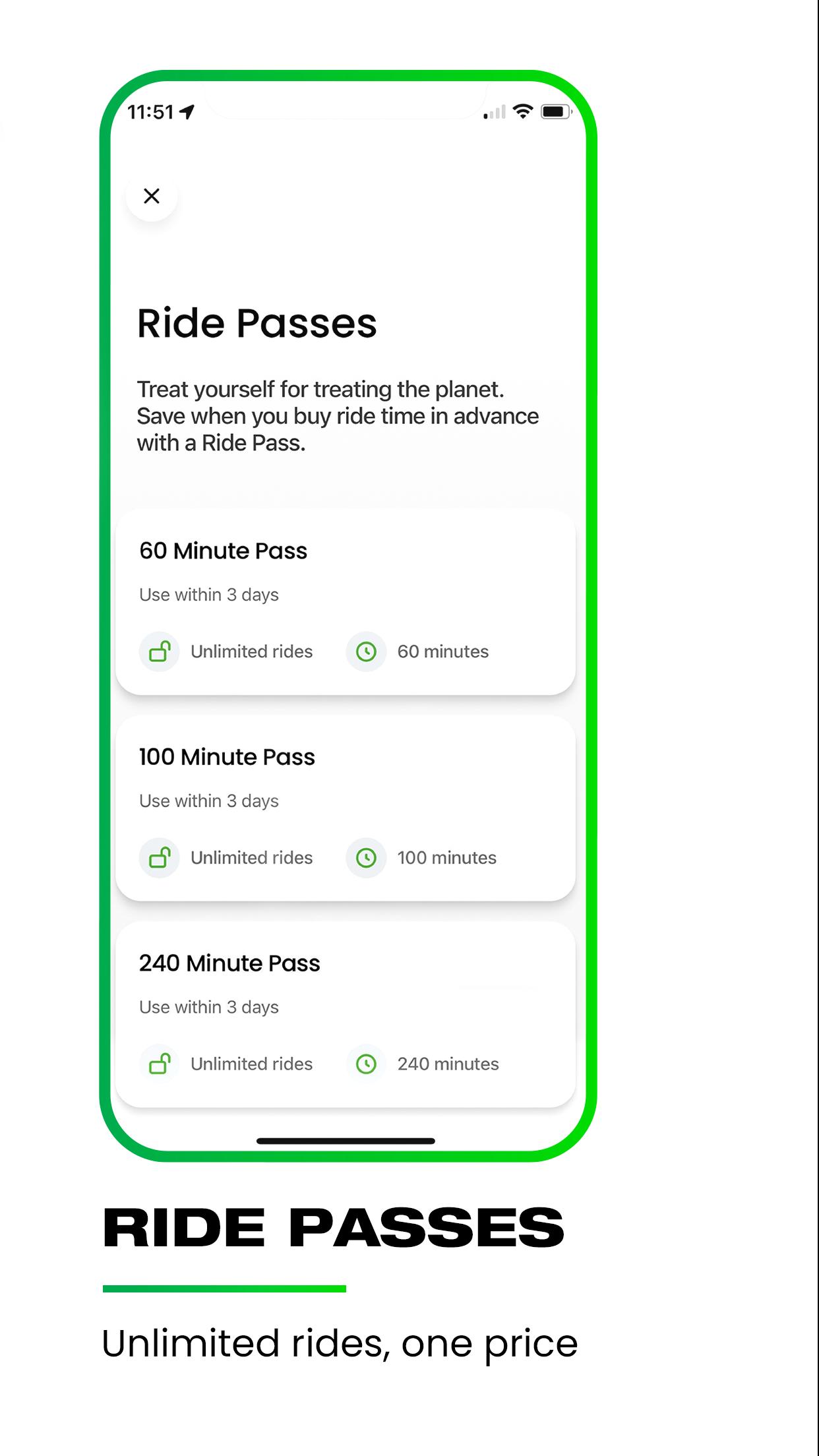
Lime shows nearby vehicles in real time and highlights local pricing and riding guidelines inside the app. You can review the details before you begin so there are no surprises during your trip. This helps you select the right option for your distance and time.
Flexible unlock and automatic payments
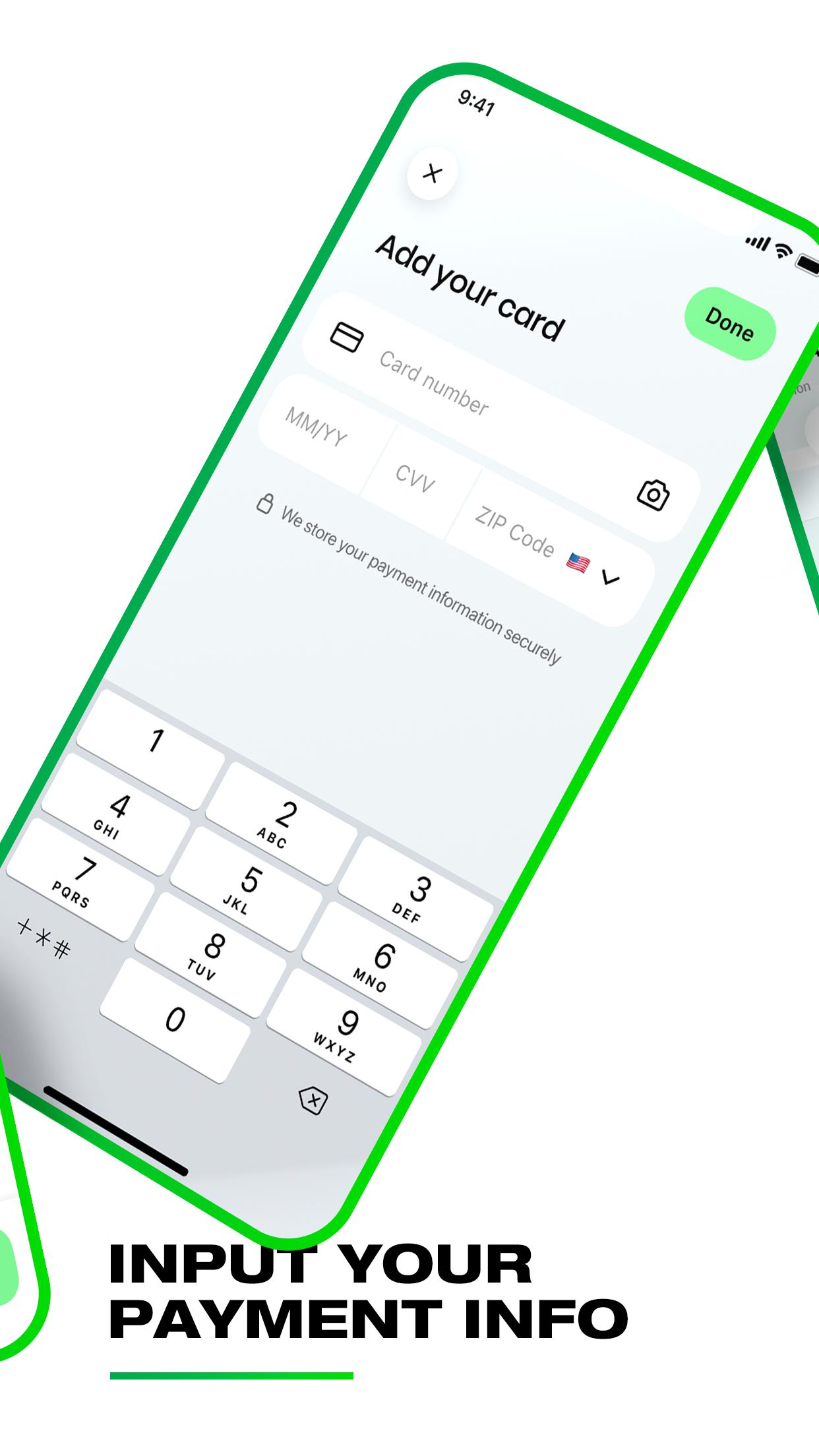
You can unlock a Lime e-scooter or e-bike by scanning the QR code, entering the plate number, or using the in-app button where supported. Your saved payment method is charged automatically when you end the ride. This flow removes extra steps and keeps the finish process consistent every time.
Safety and proper parking guidance
Lime includes in-app safety tips that remind you to ride in bike lanes when available, wear a helmet, and follow local traffic rules. Parking guidance helps you end rides correctly and avoid blocking sidewalks or doorways. Ending in the right spot also ensures the timer stops and your trip closes properly.
City coverage, modern vehicles, and partner access
Lime operates across many cities and continues to expand coverage, so you can check availability directly on the map before you ride. The latest Gen4 scooters and e-bikes are designed for a smoother, more reliable experience on typical city streets. In select locations, Lime vehicles may also appear through partner platforms for added convenience, subject to local availability and program participation.
Community-focused programs
Lime offers options that broaden access and support local communities. Lime Access provides discounted rides for eligible riders, Lime Hero lets you round up trip costs to donate to community causes, and Lime Able backs inclusive mobility initiatives. Insurance information is shown in the app where available, so you can review coverage details before you travel.
Coverage, vehicle types, and pricing vary by city. Check the map in the Lime app to see service areas and the local riding guidelines for your location. In some regions, partner availability may differ from what you see in the main app. If you prefer to sideload, you can also download Lime APK from a trusted source and then sign in to view local options.
Lime requires location services to find vehicles around you and camera access to scan QR codes. A valid payment method is needed to start rides, and some cities may display additional rules or parking requirements inside the app. Always follow the parking instructions on the end screen to avoid community disruption and potential fees for incorrect parking.
Starting your first ride only takes a few minutes, and the app guides you at each step. For users installing via APK, open the Lime APK after installation and follow the on-screen setup.
Open Lime, enable location, and allow camera permissions so the app can show nearby vehicles and scan QR codes.
Create your account, verify your phone number if prompted, and add a payment method to be ready to ride.
Next, view the map, pick a nearby scooter or bike, and review the local pricing and riding rules shown on the screen.
Then unlock the vehicle by scanning the QR code or entering the plate number, and follow the in-app safety tips while you ride.
Finally, park in the suggested area, follow the parking instructions in the app, and end the ride to confirm that billing stops.
Lime provides shared e-bikes and e-scooters for quick, sustainable urban trips with clear in-app guidance from start to finish. To keep current features and city information, consider installing the Lime latest version when available.
For official service details and support resources, visit the Lime website below.
Website: https://www.li.me
Latest Version
3.266.0Uploaded by
Qais Qais
Requires Android
Android 9.0+
Category
Free Travel & Local AppContent Rating
Everyone
Security Report
Report
Flag as inappropriateLast updated on May 27, 2026
We regularly update the app to make your rider experience even better.
Love the app? Rate us! Your feedback keeps us running :-)
Question or suggestions? Tap Help in the Lime app!


APKPure - A multi-platform app store primarily focused on Android, providing extensive app-related content. Discover the app you want easier, faster, and safer, with quick and efficient downloads and installations.