Scan Date:Oct 29, 2026
Show More


Google Chrome suits people who need one browser for everyday searches, reading, travel planning, overseas shopping, and online tasks. It gives you a familiar way to open websites and move between pages on an Android phone. You can use it without signing in, which is useful when you only want to browse. However, signing in can connect selected browsing information across your devices. Check the Google Chrome latest version page details before choosing a Chrome download.
Search by text, voice, or image
Google Chrome lets you search from the address bar by typing a question or website address. You can also use voice search when speaking is more convenient. For visual searches, Google Lens can use your camera or webpage images to identify items, find related results, translate text, or look up products.
Translate pages while browsing
Google Chrome can translate full webpages in more than 130 languages. This can help when you read international news, compare products from overseas sellers, or research travel information. You can translate visible text with Google Lens as well, including text seen through the phone camera.
Ask follow up questions about content
Google Chrome includes AI Mode for more detailed questions and follow ups during a search. Where available, Gemini in Chrome can help explain webpage content by using the context of open tabs. This is intended for questions that need more than a short search result.
Organize open pages with Tab Groups
You can create Tab Groups to keep related pages together instead of leaving many separate tabs open. Google Chrome allows groups to have names and colors, so you can separate shopping comparisons, research pages, and articles you plan to read later. This also makes it easier to return to a task after switching to another app.
Save details for supported forms
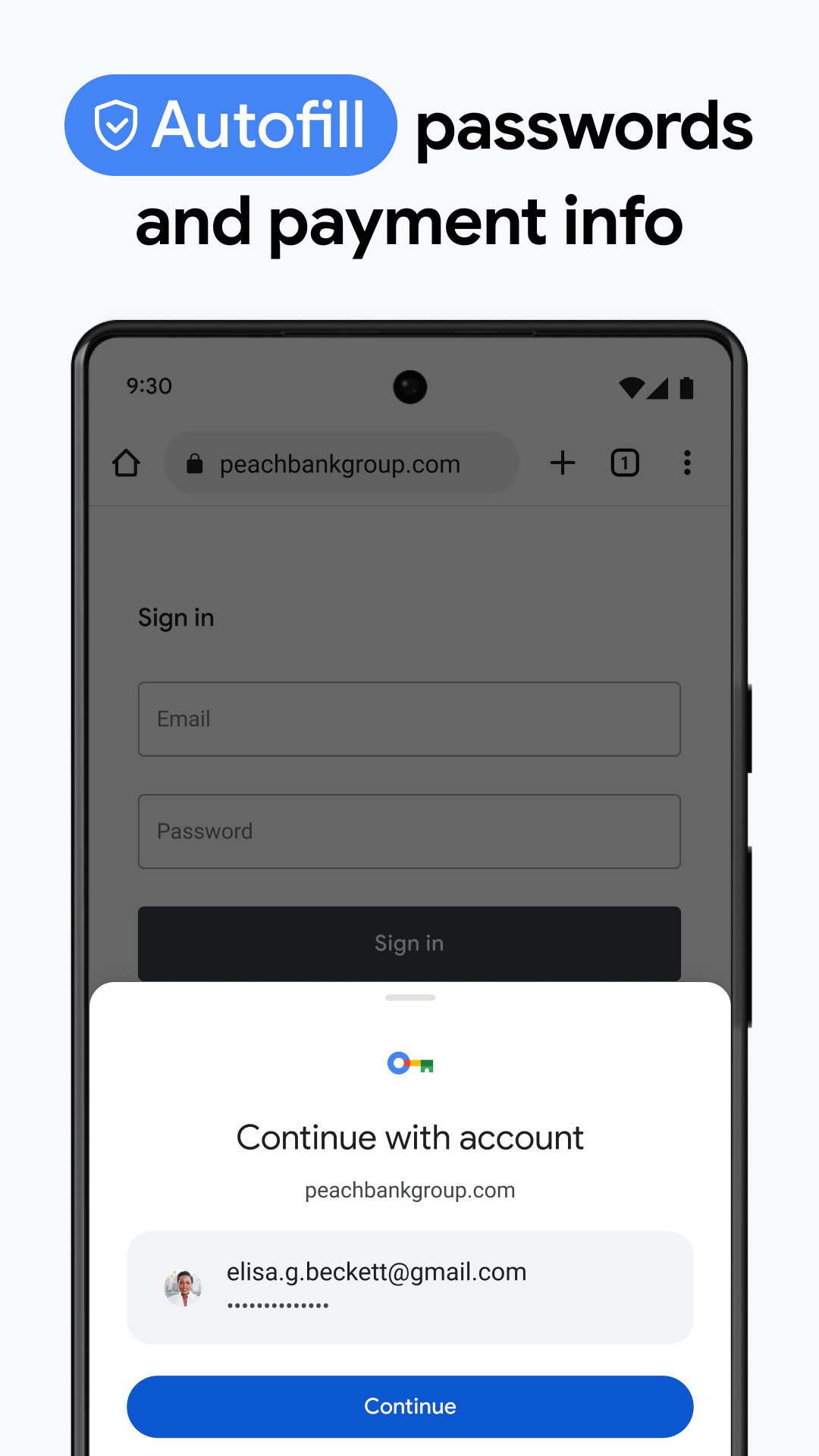
Google Password Manager can create, save, and monitor passwords used in Google Chrome. Autofill can enter saved passwords, addresses, and payment details on supported forms. Before using these options, you can review saved information and remove details that are no longer needed.
A Google account is optional for normal browsing. If you choose to sign in, you can select categories such as bookmarks, tabs, history, and passwords to sync across devices. Review these choices in Chrome settings if you only want certain information connected to your account.
Google Chrome also provides controls for managing browsing data and saved form details. You can clear browsing history and other stored data from the privacy settings. Safety Check reviews saved passwords, extensions, and security settings that may need your attention.
Enhanced Safe Browsing can warn you about suspected phishing and malware while you browse. Safety Check gives you a place to review password issues, available browser security settings, and installed extensions. These tools help you decide what to update, remove, or change within the browser.
After installing Google Chrome APK, open the browser and choose whether to sign in or continue without an account. The main screen gives you access to the address bar, open tabs, settings, and browsing controls. Use the following steps to begin a typical browsing session.
Open Google Chrome, then tap the address bar at the top of the screen.
Type a website address or search phrase, or select the microphone icon to search with your voice.
When viewing a page in another language, use the translation option to read the full page in your chosen language.
To search with an image, open Google Lens and point the camera at text or an object, or select an image from a webpage.
Tap the tab button to view open pages, then create a Tab Group when you want to keep related tabs together.
Google Chrome combines web search, page translation, image search, tab organization, and saved form details in one Android browser. To get started, download Google Chrome and adjust sign in, privacy, and safety settings based on how you browse.
Official website:
Latest Version
156.0.8078.79Uploaded by
А' К'
Requires Android
Category
Free Communication AppContent Rating
Everyone
Security Report
Report
Flag as inappropriateLast updated on Oct 29, 2026
Thanks for choosing Chrome! This release includes stability and performance improvements.






APKPure - A multi-platform app store primarily focused on Android, providing extensive app-related content. Discover the app you want easier, faster, and safer, with quick and efficient downloads and installations.